


Compare this with other toolsSave it to your board and evaluate your options side by side.
Save to board

Scribe Reviews & Product Details

Pricing

Pricing provided by Scribe.

Basic

Free

Scribe Media

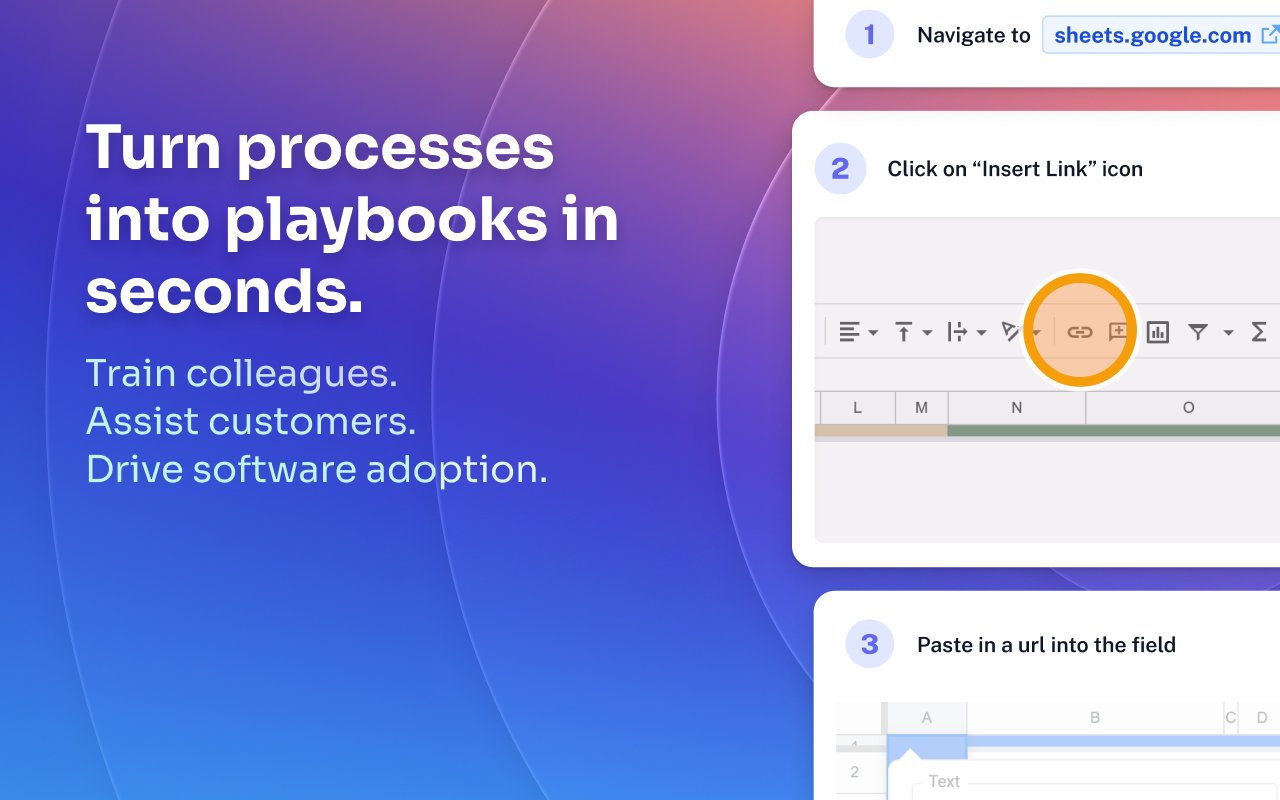
Scribe Demo - Turn processes into playbooks in seconds.
Train colleagues. Assist customers. Drive software adoption.
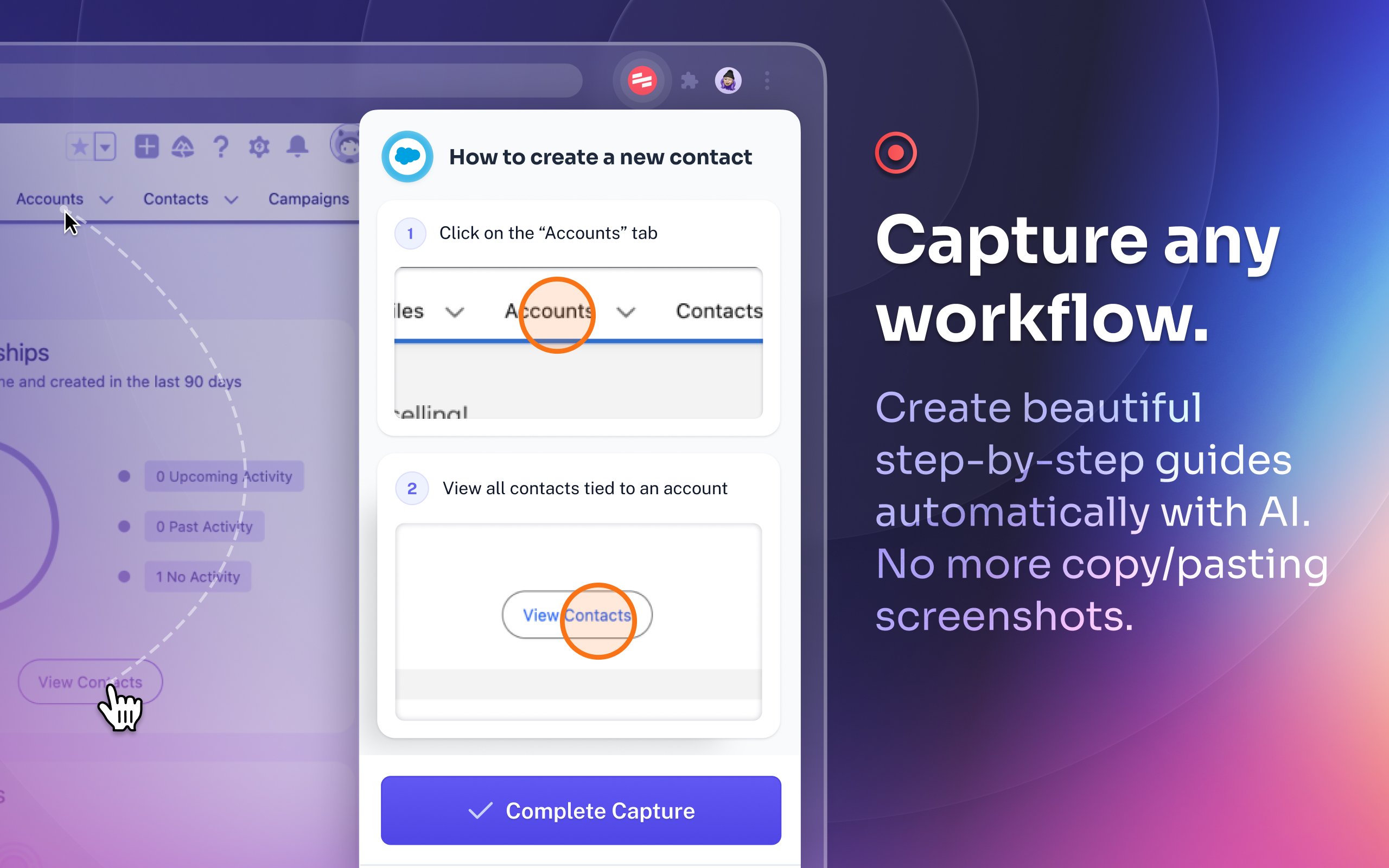
Scribe Demo - Capture any workflow.
Create beautiful step-by-step guides automatically with AI. No more copy/pasting screenshots.
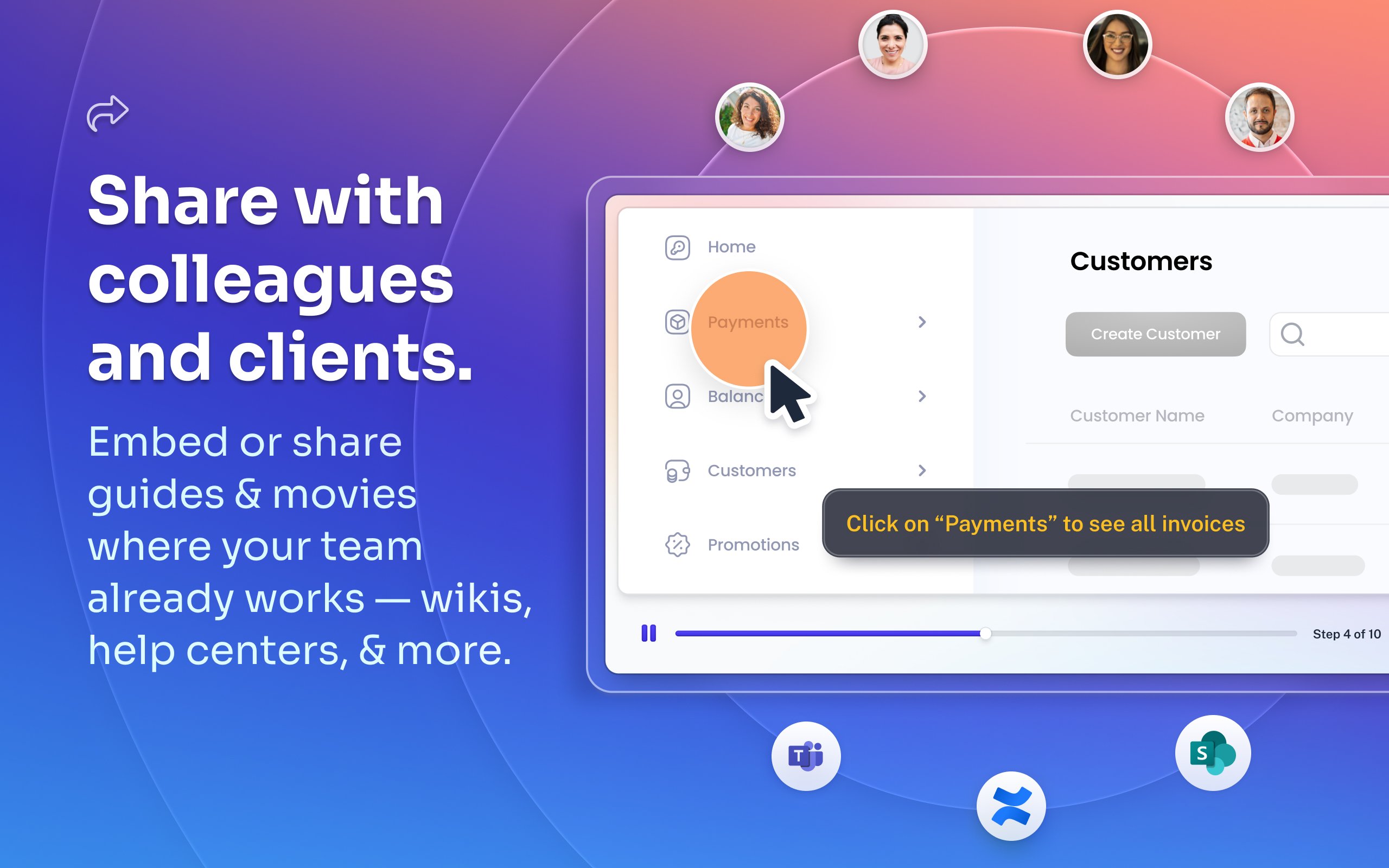
Scribe Demo - Share with colleagues and clients.
Embed or share guides & movies where your team already works — wikis, help centers, and more.
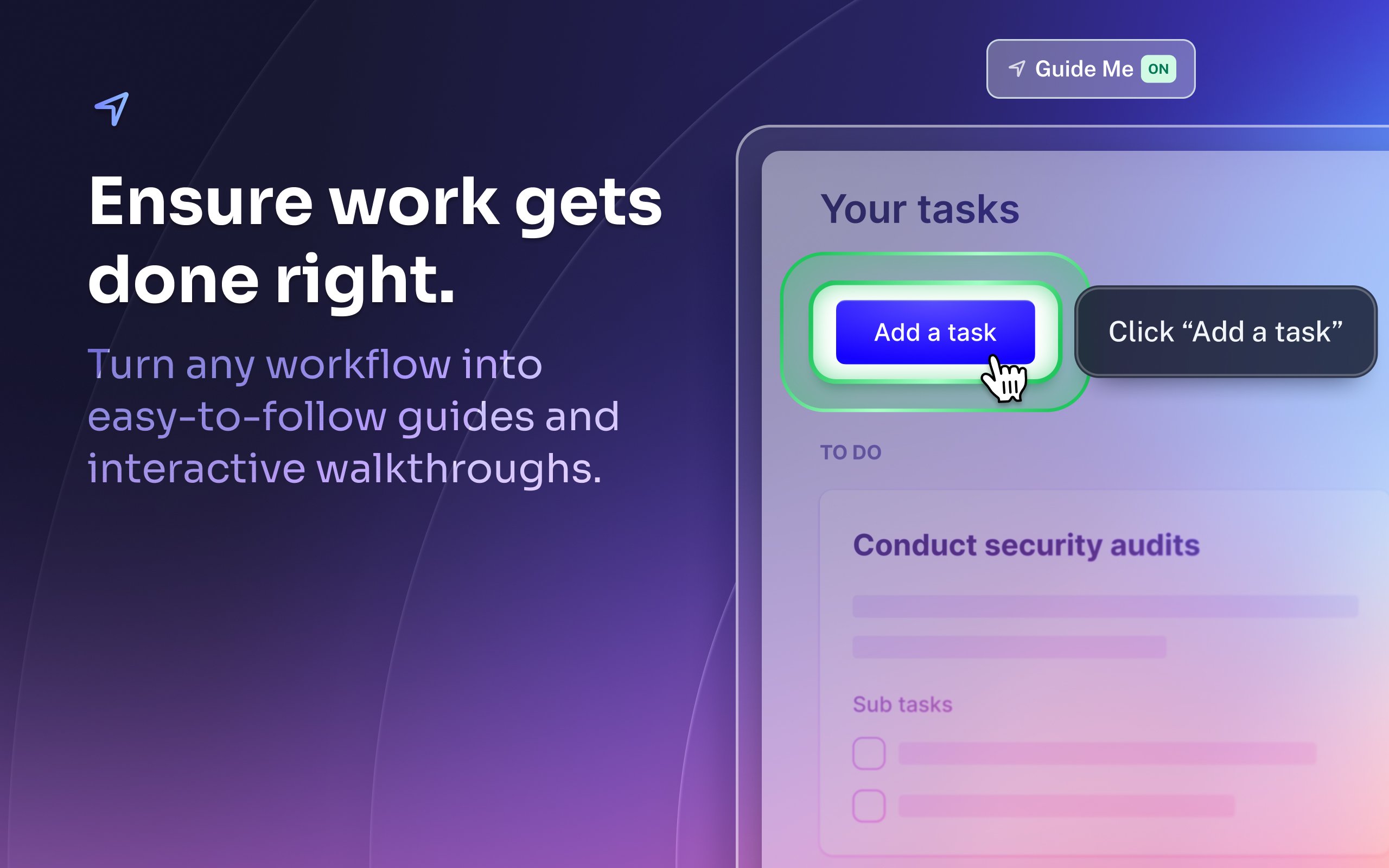
Scribe Demo - Ensure work gets done right.
Turn any workflow into easy-to-follow guides and interactive walkthroughs.
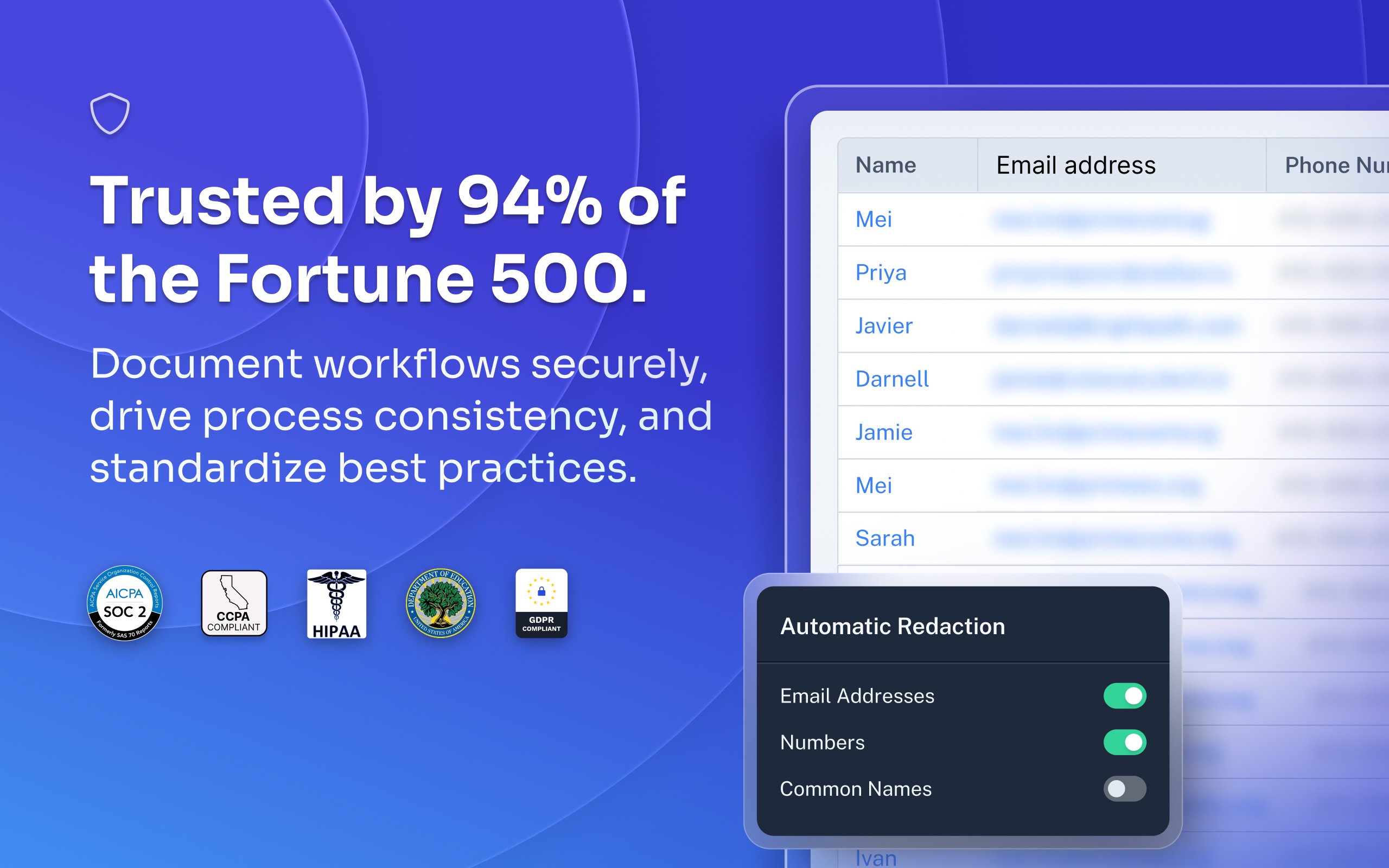
Scribe Demo - Trusted by 94% of the Fortune 500.
Document workflows securely, drive process consistency, and standardize best practices.
Most organizations rely on institutional knowledge, which leads to inconsistency, errors, and wasted time. Jennifer Smith, CEO & Cofounder of Scribe, introduces Scribe Capture and shows how it transforms the way teams work!
Play Scribe Video
Most organizations rely on institutional knowledge, which leads to inconsistency, errors, and wasted time. Jennifer Smith, CEO & Cofounder of Scribe, introduces Scribe Capture and shows how it transforms the way teams work!
See how Scribe Optimize helps companies understand and improve how work really happens. In this demo, Scribe CTO and cofounder Aaron Podolny shows how Optimize turns invisible workflows into data-backed insights.
Play Scribe Video
See how Scribe Optimize helps companies understand and improve how work really happens. In this demo, Scribe CTO and cofounder Aaron Podolny shows how Optimize turns invisible workflows into data-backed insights.
Product Avatar Image

Have you used Scribe before?

Answer a few questions to help the Scribe community

Scribe Reviews (798)

Reviews

Scribe Reviews (798)

4.8
799 reviews

Review Summary

Generated using AI from real user reviews
Users consistently praise Scribe for its ease of use and ability to streamline documentation, making it a valuable tool for creating clear, step-by-step guides quickly. The automatic screenshot feature and intuitive editing capabilities significantly reduce the time spent on manual documentation tasks. However, some users note that the software can capture unnecessary steps, requiring additional editing for clarity.

Pros & Cons

Generated from real user reviews
View All Pros and Cons
Search reviews
Filter Reviews
Clear Results
G2 reviews are authentic and verified.
Verified User in Construction
UC
Small-Business (50 or fewer emp.)
"Give Scribe a Try - Definitely Worth It"
What do you like best about Scribe?

It is easy to get started. Once you've created your account, you simply start capturing your information. No detailed instruction manual required. Review collected by and hosted on G2.com.

What do you dislike about Scribe?

I really haven't come across any down sides to using Scribe, the only thing that can be more of a nuisance is being interrupted while in the middle of a rather long capture. Coworkers needing information on the screen you're capturing. Review collected by and hosted on G2.com.

Sebastián T.
ST
Senior Accountant
Small-Business (50 or fewer emp.)
Business partner of the seller or seller's competitor, not included in G2 scores.
"Effortless SOP Creation with Screenshots and Full-Screen Recording"
What do you like best about Scribe?

I like how easily I can make SOPs for different processes, the fact that I can do it taking screenshots and even download an app for me to record mi entire computer is awesome! Review collected by and hosted on G2.com.

What do you dislike about Scribe?

It would be better if I can add more than 1 click target so I can include more simple steps in the same image Review collected by and hosted on G2.com.

Dana Z.
DZ
Small-Business (50 or fewer emp.)
"Streamlines Documentation with Customizable Ease"
What do you like best about Scribe?

I love that Scribe helps me easily capture the step-by-step workflow when I'm creating knowledge center documents. The experience is great because I can create documents while testing the app, so I save time by doing two things together. I like that it's fully customizable and that I can add more steps after the first capture if I miss anything. If there's an update or I need to make changes, I can update the document without having to recreate it. Also, the initial setup was easy. Review collected by and hosted on G2.com.

What do you dislike about Scribe?

I think the auto-generated instructions for the steps can be improved. They could be more descriptive. Review collected by and hosted on G2.com.

"Effortless Manual Creation, Seamless Integration"
What do you like best about Scribe?

I like the seamless integration in the browser and the ability to record desktop applications. Scribe makes it easy to create manuals for the software we use at our company. I really appreciate how you can activate the extension with just two clicks, and you're immediately ready to record. Plus, it shows me which actions were captured, which gives me more control. It's also very easy to edit afterwards, which is a big time saver. Review collected by and hosted on G2.com.

What do you dislike about Scribe?

Putting a few steps together into a GIF with AI doesn't give me any control to emphasize certain things. I want to be able to slow down transitions and highlight something before proceeding. Review collected by and hosted on G2.com.

CK
Service Support Dispatcher
Mid-Market (51-1000 emp.)
"Saves Hours on Process Documentation—A Must-Have Tool"
What do you like best about Scribe?

The best part about Scribe is how much time is saves you. Saves time instead of taking screenshots. We are able to document processes and share them quicker than setting up a meeting. And you can be as thorough as you need to with its editability. I find I am using it more and more often. Review collected by and hosted on G2.com.

What do you dislike about Scribe?

There was only one instance instead of sharing the link, I accidentally granted a license to another user who did not have one. But that was my first time using the platform with no training. Review collected by and hosted on G2.com.

"Intuitive and Time-Saving Tutorial Creator"
What do you like best about Scribe?

I love that Scribe is very intuitive and easy to use. I love the editing feature and the ability to pause my Scribe if I get distracted during my workday. The step-by-step tutorials pick up steps I wouldn't have thought were helpful for sharing, making it a game changer for saving time and releasing training material more quickly. Setting up Scribe was also super easy. Review collected by and hosted on G2.com.

What do you dislike about Scribe?

I think it would be great if there was an 'undo' option in case you accidentally delete a slide. It would also be useful to have an option to not include text entries as steps, like all the spacing required during entering text fields. Review collected by and hosted on G2.com.

Nathanial L.
NL
Teacher of IT & Computer Science
Mid-Market (51-1000 emp.)
"Effortless SOP Creation with Automatic Guides"
What do you like best about Scribe?

I love how easy Scribe is to use. I just hit start and perform the necessary function or SOP, and then the information is automatically recorded and a guide is generated. The ability to make clear, easy-to-follow guides with automatic screenshots and AI-generated instructions saves me time compared to creating guides manually. It's especially beneficial for sharing detailed guides and processes remotely, which is crucial for working with an internationally displaced team. Review collected by and hosted on G2.com.

What do you dislike about Scribe?

I would prefer a Firefox extension as I routinely use this browser over Chrome. Review collected by and hosted on G2.com.

Pieter V.
PV
"Quick Setup and Efficient Document Sharing"
What do you like best about Scribe?

I use Scribe to document steps that clients are supposed to follow. It reduces the amount of calls I get and the time I spend trying to explain something to a user. I do something once on Scribe and can send it to everybody. I like that it's quick and easy to use, and it screenshots every time I click. It's very customizable, which helps me add detailed explanations, tips, and warnings in the scribes. It gives me time to do other important tasks. The initial setup was very easy and quick, not difficult to set up or learn. Review collected by and hosted on G2.com.

What do you dislike about Scribe?

I wish it was more customizable, like having arrows or more color options for boxes. Review collected by and hosted on G2.com.

"Effortless Tutorial Creation, but Requires Keystroke Precision"
What do you like best about Scribe?

I like that I can just go through the process for myself and then go back and edit for clarity. I appreciate that I don't need to think about creating explanations upfront. It helps because I can do whatever the process is that I'm trying to teach quickly and easily. When I have that template from Scribe, I can add my own touches and details as needed without starting from scratch. The initial setup was really easy. Review collected by and hosted on G2.com.

What do you dislike about Scribe?

When I'm creating tutorials with Scribe, sometimes the things I click on don't register properly. It captures every keystroke, and some of them end up being confusing or irrelevant. Also, some screens don't have a picture taken when they should. It would be helpful if Scribe could zoom out a bit and focus more on the goals of the process rather than just the exact keystrokes. Review collected by and hosted on G2.com.

Keileigh B.
KB
"Streamlines Documentation, Saves Time"
What do you like best about Scribe?

I really appreciate that Scribe is a huge time saver, cutting back my time spent making training materials by approximately 70%, which gives me time to do other things. The screen capture feature is fantastic and makes life so much easier. I also like that I can censor sensitive information, which is really handy. Setting up Scribe was super easy; I just signed up and got started right away. Review collected by and hosted on G2.com.

What do you dislike about Scribe?

There are times it doesn't capture buttons on the screen. Like when you're doing a drop down and have to click a check mark to close the drop down, it doesn't tend to pick up on the check being clicked. Review collected by and hosted on G2.com.

People Icons

Start a Discussion about Scribe

Have a software question? Get answers from real users and experts.

Start a Discussion

Pricing Options

Pricing provided by Scribe.

Basic

Free

Pro

Pay As You Go

Enterprise

Contact Us
Scribe Comparisons
Product Avatar Image
Tango
Compare Now
Product Avatar Image
Trainual
Compare Now
Product Avatar Image
Whale
Compare Now
Scribe Features
Rich Text Editor
Drag and Drop Editor
Page Templates
Prerequisites
Workflows
Training Modules
Mobile Device Support
Single Sign-On (SSO)
Screen Capture
Image Editor
Product Avatar Image
Scribe