


Compare this with other toolsSave it to your board and evaluate your options side by side.
Save to board

Scribe Reviews & Product Details

Pricing

Pricing provided by Scribe.

Basic

Free

Scribe Media

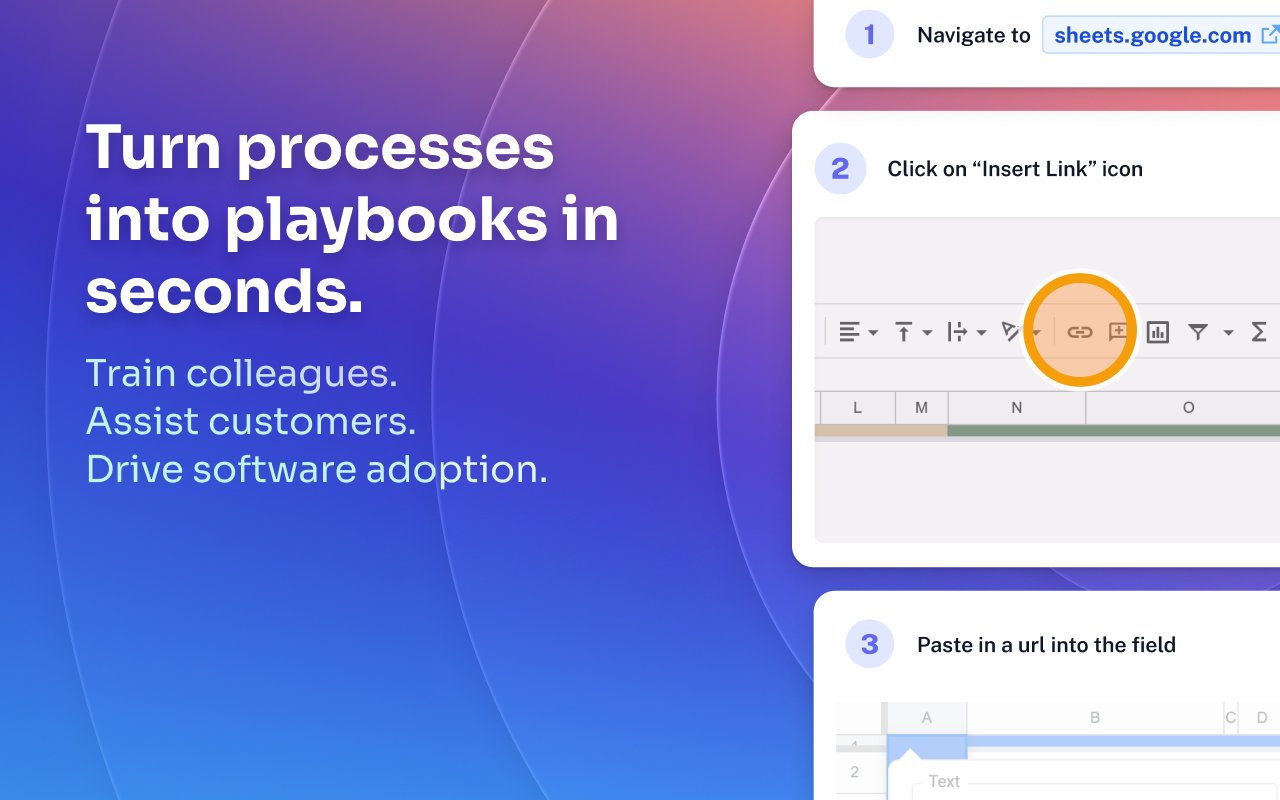
Scribe Demo - Turn processes into playbooks in seconds.
Train colleagues. Assist customers. Drive software adoption.
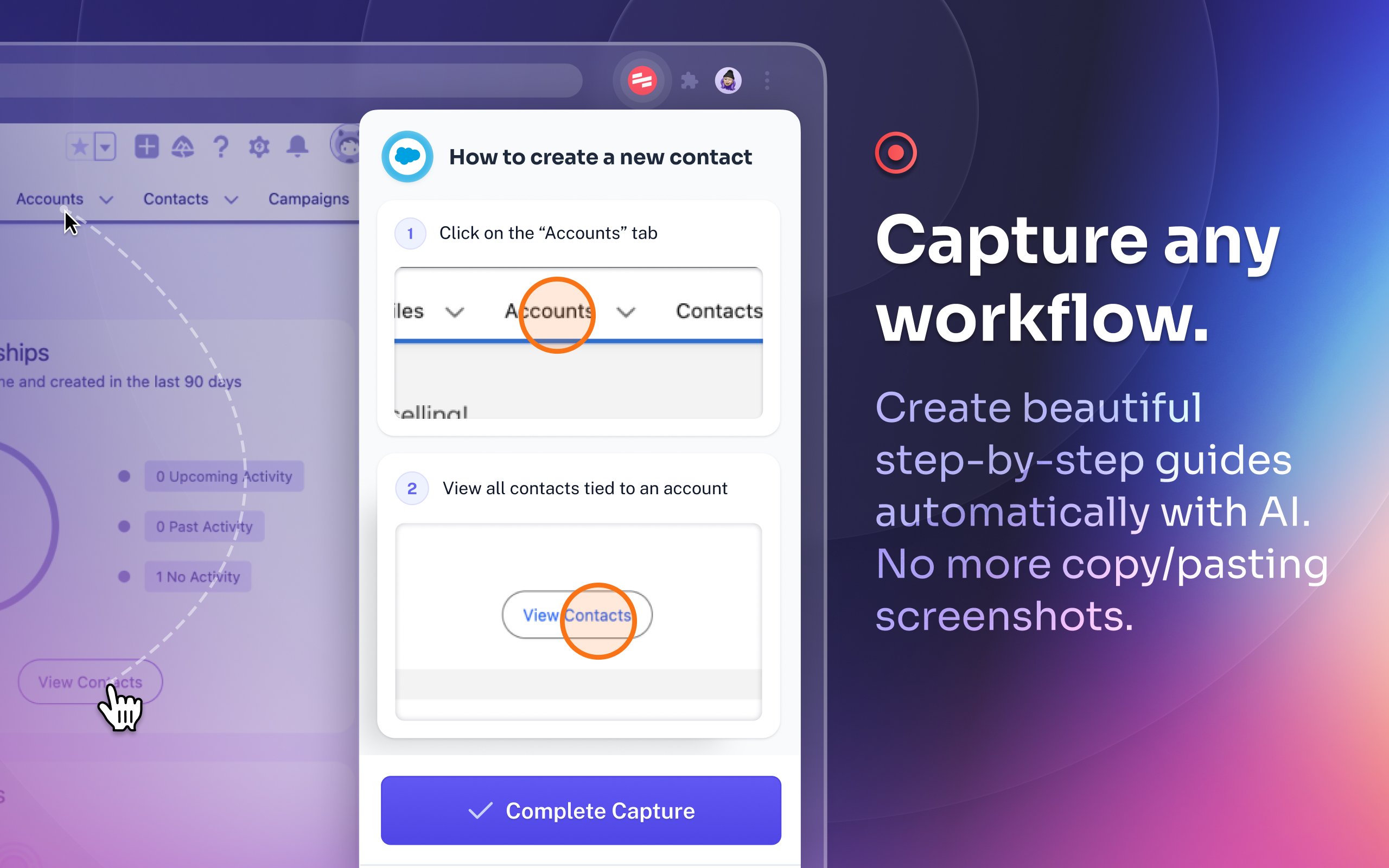
Scribe Demo - Capture any workflow.
Create beautiful step-by-step guides automatically with AI. No more copy/pasting screenshots.
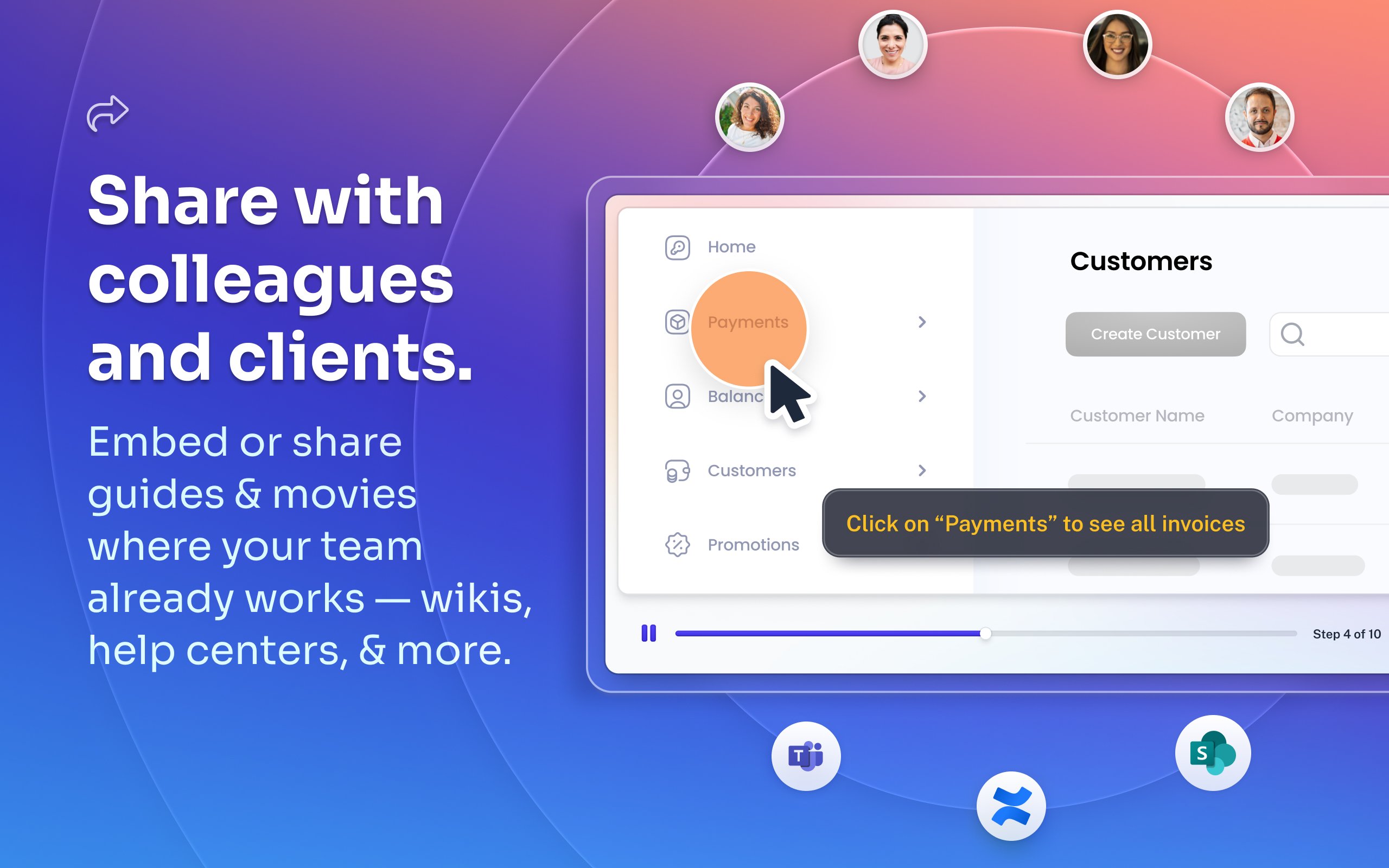
Scribe Demo - Share with colleagues and clients.
Embed or share guides & movies where your team already works — wikis, help centers, and more.
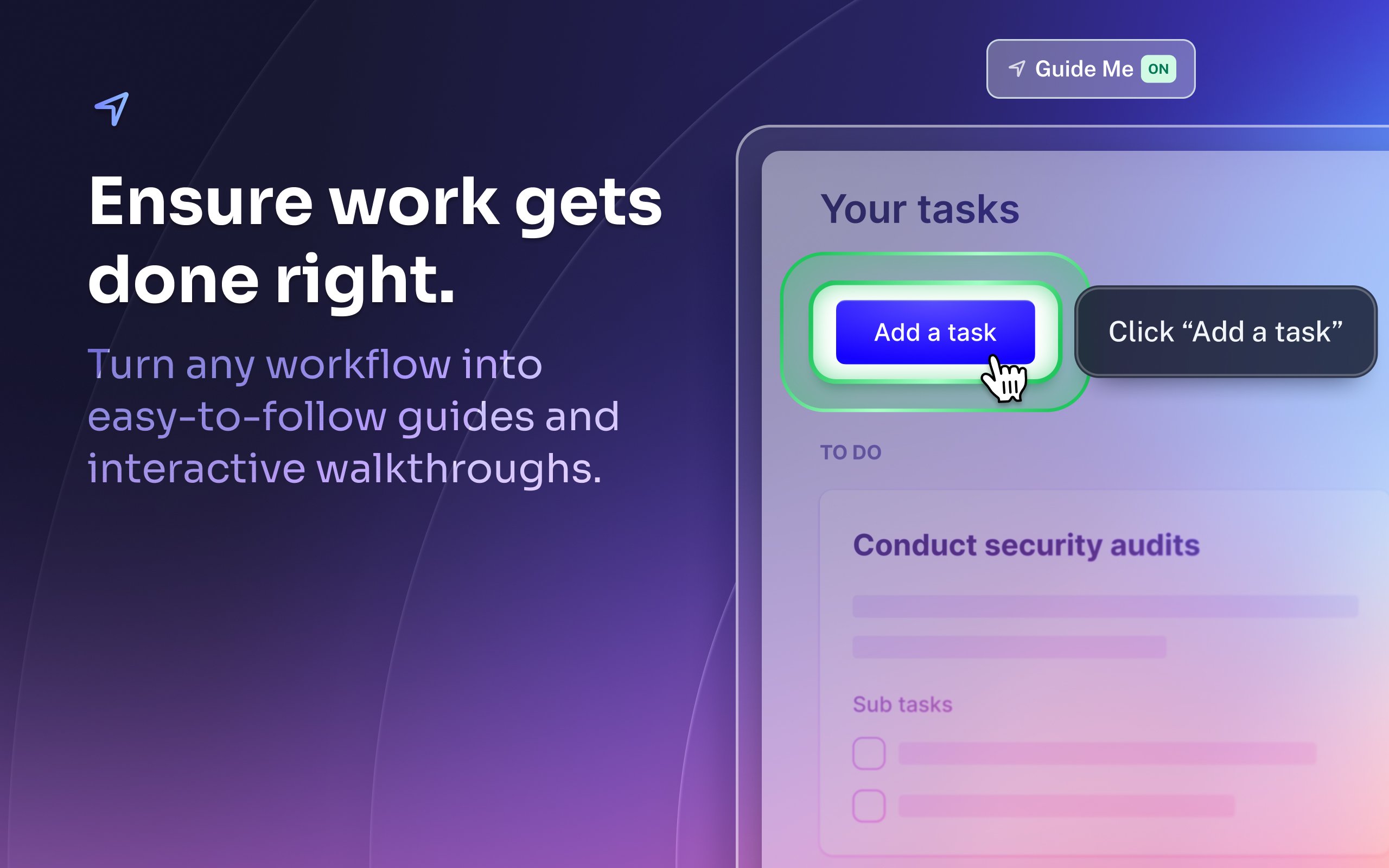
Scribe Demo - Ensure work gets done right.
Turn any workflow into easy-to-follow guides and interactive walkthroughs.
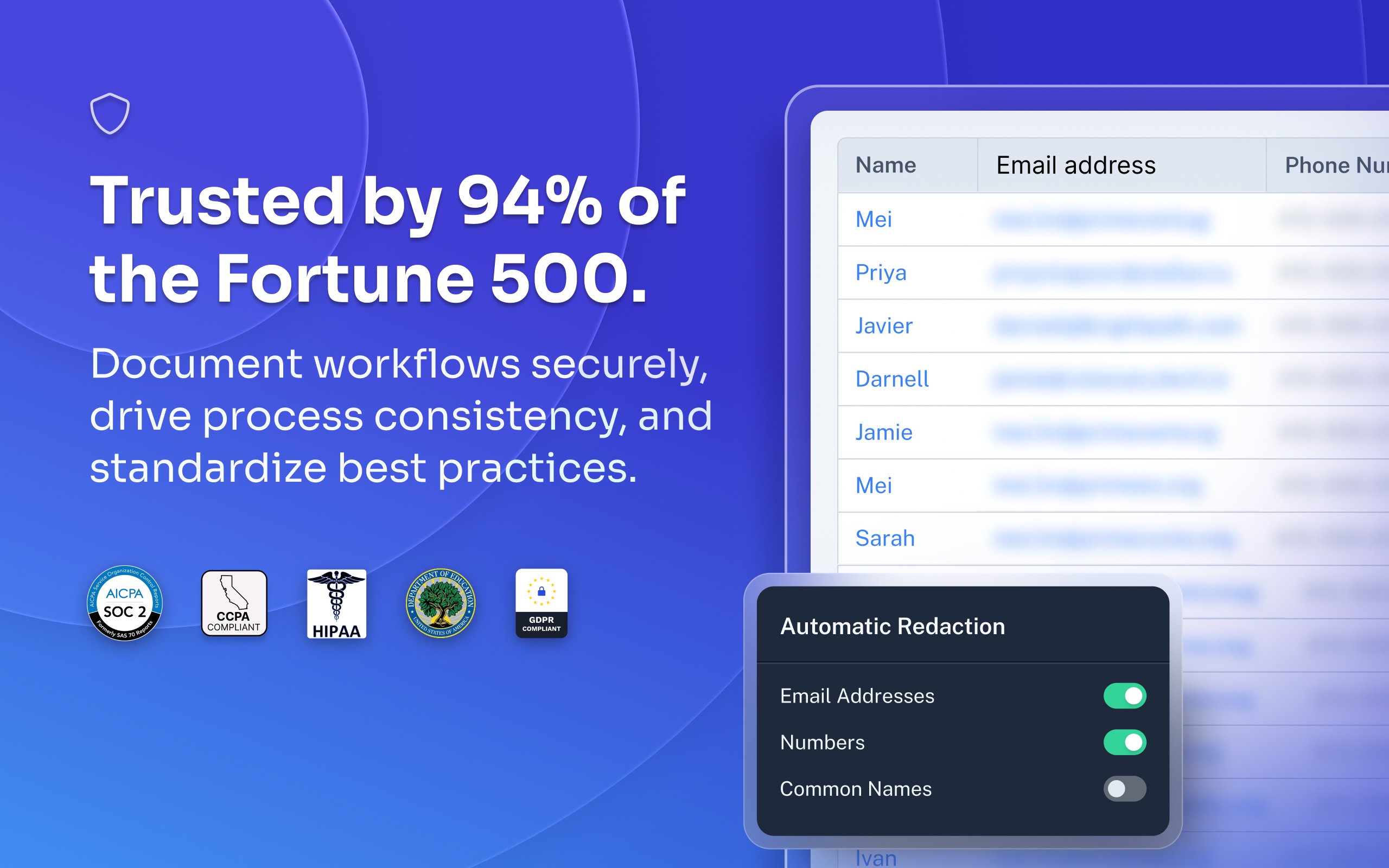
Scribe Demo - Trusted by 94% of the Fortune 500.
Document workflows securely, drive process consistency, and standardize best practices.
Most organizations rely on institutional knowledge, which leads to inconsistency, errors, and wasted time. Jennifer Smith, CEO & Cofounder of Scribe, introduces Scribe Capture and shows how it transforms the way teams work!
Play Scribe Video
Most organizations rely on institutional knowledge, which leads to inconsistency, errors, and wasted time. Jennifer Smith, CEO & Cofounder of Scribe, introduces Scribe Capture and shows how it transforms the way teams work!
See how Scribe Optimize helps companies understand and improve how work really happens. In this demo, Scribe CTO and cofounder Aaron Podolny shows how Optimize turns invisible workflows into data-backed insights.
Play Scribe Video
See how Scribe Optimize helps companies understand and improve how work really happens. In this demo, Scribe CTO and cofounder Aaron Podolny shows how Optimize turns invisible workflows into data-backed insights.
Product Avatar Image

Have you used Scribe before?

Answer a few questions to help the Scribe community

Scribe Reviews (803)

Reviews

Scribe Reviews (803)

4.8
803 reviews

Review Summary

Generated using AI from real user reviews
Users consistently praise Scribe for its ease of use and ability to create step-by-step documentation quickly, making it a valuable tool for training and onboarding. The intuitive interface allows for seamless editing and sharing, significantly reducing the time spent on manual documentation. However, some users note that it can capture unnecessary steps, requiring additional cleanup.

Pros & Cons

Generated from real user reviews
View All Pros and Cons
Search reviews
Filter Reviews
Clear Results
G2 reviews are authentic and verified.
JL
IT Systems Specialist III
Mid-Market (51-1000 emp.)
"Effortlessly Creates Documentation with Ease"
What do you like best about Scribe?

I appreciate how intuitive and easy to use Scribe is. The ease of making changes enhances my workflow, and the availability of both a website extension and a desktop application broadens its usability. Scribe excels in capturing instructions or creating "How To" documentation, eliminating the cumbersome process of manual screenshots and formatting. It efficiently automates these tasks, streamlining the procedure documentation process. Additionally, modifying and correcting mistakes is straightforward, which makes the tool very user-friendly. The initial setup process was remarkably simple and quick, taking only a few minutes. Transitioning from the built-in tools of macOS and Windows, Scribe offers a much more efficient documentation experience. Review collected by and hosted on G2.com.

What do you dislike about Scribe?

I don't like the limitations regarding the customization of documentation in Scribe. Specifically, the inability to upload a company template and have the software automatically follow that formatting, including logos, font type, size, and so forth, is a challenge. This missing feature means additional manual work must be done to ensure documents meet company standards. Review collected by and hosted on G2.com.

Verified User in Manufacturing
AM
Mid-Market (51-1000 emp.)
"Create SOPs in Minutes with a Simple, User-Friendly Experience"
What do you like best about Scribe?

How simple it is to use and create a SOP in minutes! Review collected by and hosted on G2.com.

What do you dislike about Scribe?

Editing sometimes can take some time because the captions are so basic like "click here". Review collected by and hosted on G2.com.

Charle K.
CK
Business & Team Lead (Accounts Manager)
Small-Business (50 or fewer emp.)
"Saves Hours and Simplifies Website/Platform Launches Effortlessly"
What do you like best about Scribe?

I truly appreciate how much time this software saves for both my team and our entire company. As a creative agency, we launch several platforms each year for our clients, and this tool has eliminated the need for extensive training, documentation, and post-launch support from our usual processes. Scribe is genuinely saving our team hours! Review collected by and hosted on G2.com.

What do you dislike about Scribe?

The software can get a little bit slow when the procedures or steps get lengthy. Review collected by and hosted on G2.com.

Diana N.
DN
Human Resources Specialist/Administrative Coordinator
Small-Business (50 or fewer emp.)
"Streamlined SOP Creation, Saves Time"
What do you like best about Scribe?

I like that Scribe is simple to use and the tools for editing are excellent. Having the ability to hide confidential information provides accurate SOPs for clients. I also appreciate that the initial setup was easy. Scribe saves me time from using snip and even scheduling client calls for training. Review collected by and hosted on G2.com.

What do you dislike about Scribe?

I would like an update on using the tools. If I make a selection on color, size, and style I would for it to save it for the entire process. Now I have to remember all the selections I previously made and select. I do use Snip tool. Because Scribe at times can't capture a dropdown list. Review collected by and hosted on G2.com.

Drew M.
DM
Chief of Operations
Small-Business (50 or fewer emp.)
"Incredible time saver, guarantees we actually build SOP's for our organization."
What do you like best about Scribe?

Scribe is as essential to our company as Loom is - the ability to turn on a capture, go through our process, and end the capture and know that at the very least we have an amazing SOP already built out where in a pinch someone else could recreate our steps is amazing. We tend to go back in and add lots of additional tips, warnings, etc., but even if not the value is there with nearly zero friction to our operations. Scribe pages has been game changer for building out our SOP's for different roles. We use Scribe multiple times per week. Review collected by and hosted on G2.com.

What do you dislike about Scribe?

The downsides used to be that they didn't have a convenient way to group scribes together in an easy to use page, but that has been solved now! It's genuinely perfect for us. Review collected by and hosted on G2.com.

Jacque L.
JL
Registrar
Small-Business (50 or fewer emp.)
"Scribe turned my to-dos into ta-das before maternity leave—smooth sailing for everyone!"
What do you like best about Scribe?

Scribe has been an absolute lifesaver while I’ve been preparing for and going out on maternity leave. I was able to quickly create clear, step-by-step guides for my team so they could easily follow processes without needing to track me down.

The automatic documentation feature made it so simple—what would have taken hours to write up manually only took a few clicks. My team now has everything they need in one place, and I have peace of mind knowing things will run smoothly while I’m away.

Scribe saved me time, reduced stress, and ensured my knowledge was shared. I can’t recommend it enough for anyone planning a leave or wanting to make their team more self-sufficient.

Scribe was my maternity leave lifesaver—easy guides, a happy team, and total peace of mind. Review collected by and hosted on G2.com.

What do you dislike about Scribe?

Scribe wasn’t perfect (I had to polish some captures), but it still saved me hours and gave my team clear guides while I was out. Review collected by and hosted on G2.com.

Shannon E.
SE
"Streamlined SOP Creation with Zero Hassle"
What do you like best about Scribe?

I love how Scribe significantly reduces the time it takes for me to create educational SOPs for staff and agents. My workload is minimized because I don't spend as much time compiling and revising my own screenshots and drafts. The 'Guide Me' feature is incredibly valuable, allowing agents to follow along step by step without needing my constant oversight. This feature makes it much easier for them to understand processes independently. Furthermore, the ease of use and adoption of Scribe have been remarkable. I figured out how to use it right away, and I absolutely love the browser extension. The initial setup was incredibly simple, enhancing my overall experience with the software. Review collected by and hosted on G2.com.

What do you dislike about Scribe?

I find it challenging to track which areas have been redacted in screengrabs. It would be convenient if Scribe could recognize patterns and automatically redact the same information when it's consistently located in the same place. This would eliminate the need for me to manually edit each screengrab to ensure the information is properly redacted. Review collected by and hosted on G2.com.

David B.
DB
Process and Continuous Improvement
Construction
Mid-Market (51-1000 emp.)
"Effortless Work Instruction Creation and Seamless Integration Capabilities"
What do you like best about Scribe?

The ability to automatically capture screenshots and map clicks. The simplicity of editing captured scribes. The ability to integrate Scribes into SharePoint sites via embed function or export to printable formats (PDF). Review collected by and hosted on G2.com.

What do you dislike about Scribe?

Sometimes the icon recognition is lacking. Review collected by and hosted on G2.com.

Jackie P.
JP
"Intuitive Platform, Exceptional Image Editing"
What do you like best about Scribe?

I find Scribe to be a huge time saver for creating instruction guides, as it minimizes the need for extensive edits to screenshots and images. I love the platform's features that allow me to blur out sensitive information in images, which is crucial for maintaining confidentiality. The capability to easily edit images, especially the zoom in and zoom out functionality, helps me focus on specific elements and exclude unnecessary items, enhancing the clarity and quality of my guides. Additionally, I appreciate how user-friendly and easy to navigate Scribe is, making my workflow seamless right from the initial setup, which was straightforward and hassle-free. My positive experience with Scribe is strongly reflected in my willingness to recommend it to others, as evidenced by my high likelihood to recommend it to friends or colleagues. Review collected by and hosted on G2.com.

What do you dislike about Scribe?

I haven't encountered anything that would make me dislike Scribe as of yet Review collected by and hosted on G2.com.

Verified User in Financial Services
UF
Small-Business (50 or fewer emp.)
"Effortless Process Documentation That Saves Time"
What do you like best about Scribe?

What I appreciate most is the ease of use. All I have to do is turn the tool on and follow the steps of my process, and it automatically records everything I do. This has saved me a significant amount of time during my workday. I no longer need to use the snipping tool or take screenshots to paste into a document, since everything is captured for me. Review collected by and hosted on G2.com.

What do you dislike about Scribe?

I really wish there were an option to choose exactly where in Confluence a Scribe export would appear. Now that our team is regularly using Scribe, I want to update our existing SOPs, but every time I export a Scribe, it automatically creates a new page. I would much prefer to be able to add it directly into our older pages. So far, this has been the only limitation I've encountered. Review collected by and hosted on G2.com.

People Icons

Start a Discussion about Scribe

Have a software question? Get answers from real users and experts.

Start a Discussion

Pricing Options

Pricing provided by Scribe.

Basic

Free

Pro

Pay As You Go

Enterprise

Contact Us
Scribe Comparisons
Product Avatar Image
Tango
Compare Now
Product Avatar Image
Trainual
Compare Now
Product Avatar Image
Whale
Compare Now
Scribe Features
Rich Text Editor
Drag and Drop Editor
Page Templates
Prerequisites
Workflows
Training Modules
Mobile Device Support
Single Sign-On (SSO)
Screen Capture
Image Editor
Product Avatar Image
Scribe