


Compare this with other toolsSave it to your board and evaluate your options side by side.
Save to board

Scribe Reviews & Product Details

Pricing

Pricing provided by Scribe.

Basic

Free

Scribe Media

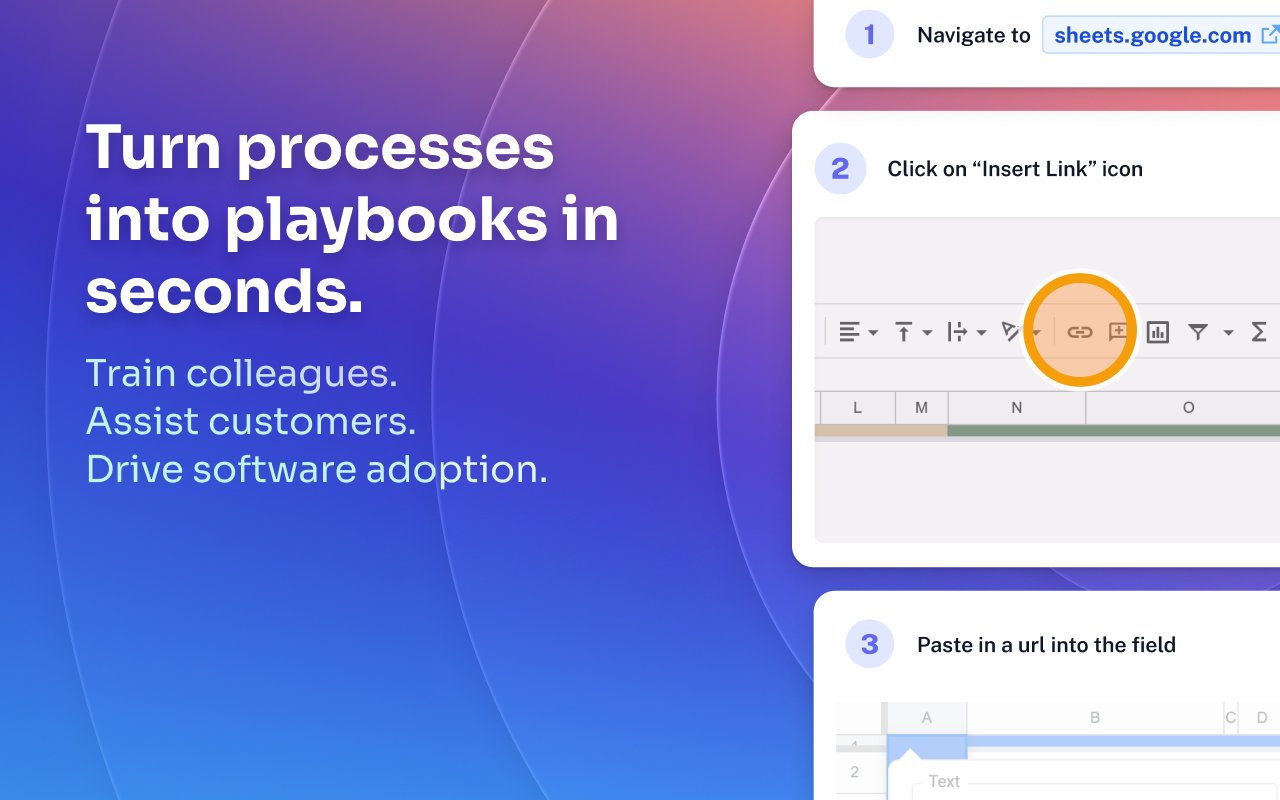
Scribe Demo - Turn processes into playbooks in seconds.
Train colleagues. Assist customers. Drive software adoption.
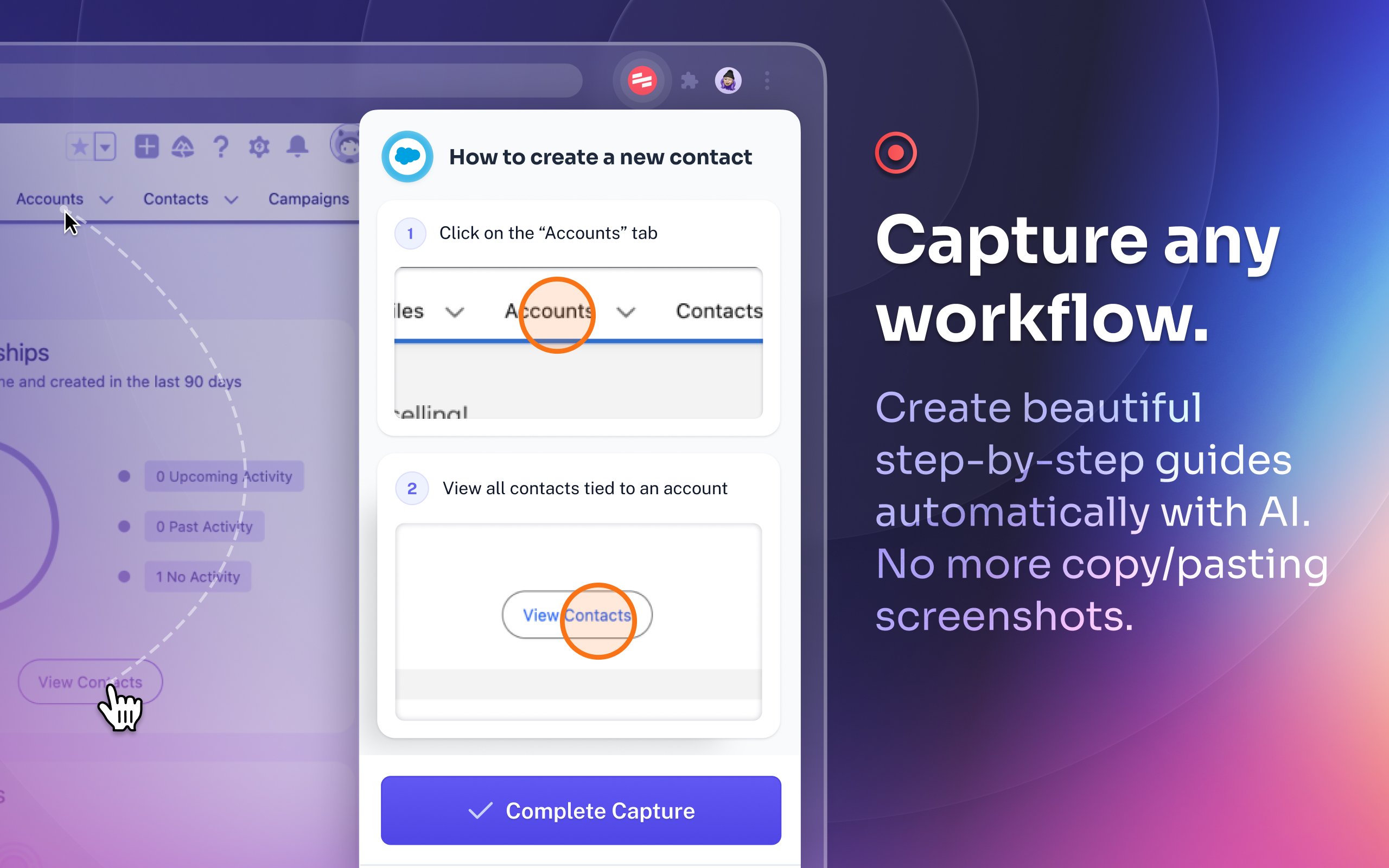
Scribe Demo - Capture any workflow.
Create beautiful step-by-step guides automatically with AI. No more copy/pasting screenshots.
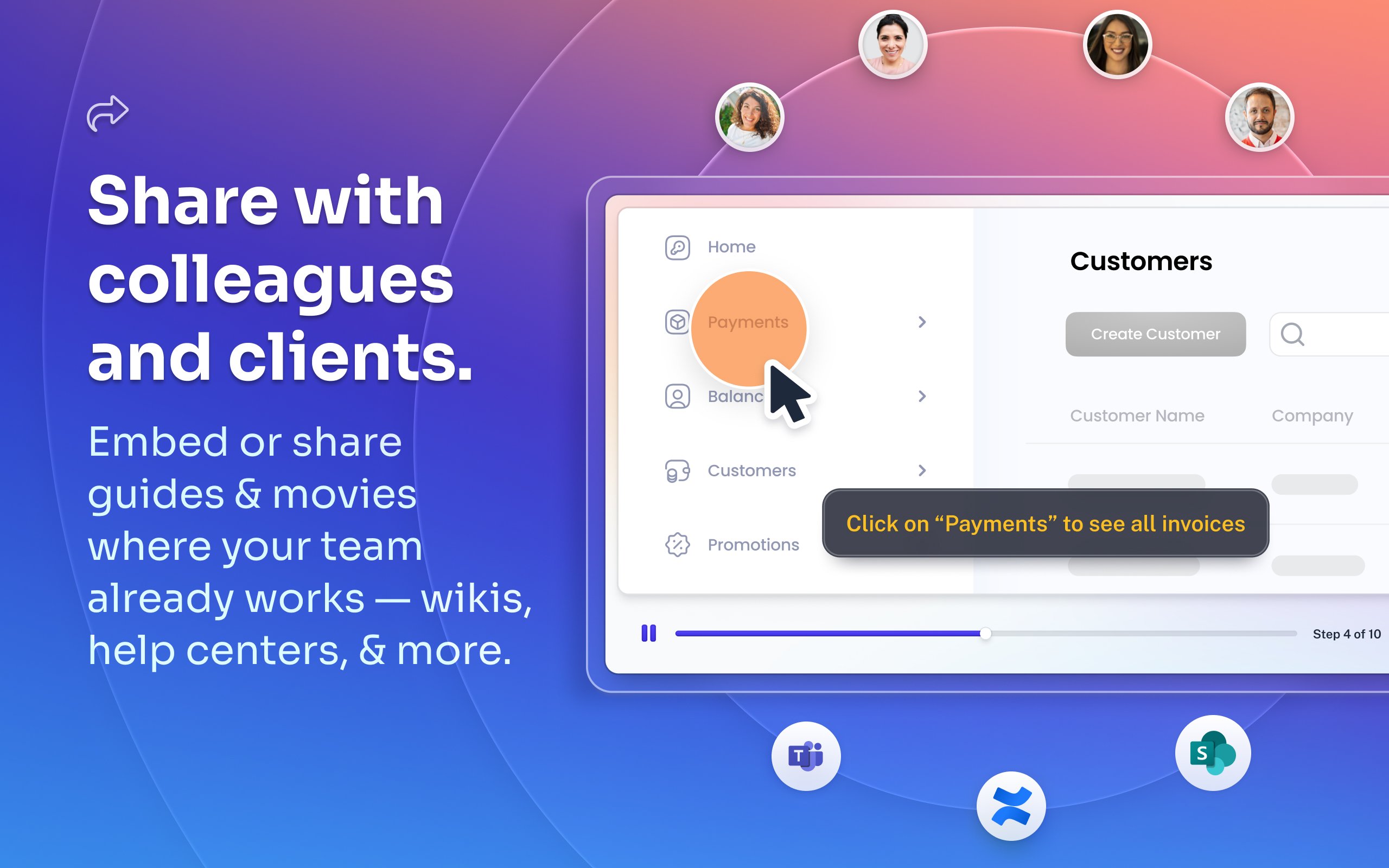
Scribe Demo - Share with colleagues and clients.
Embed or share guides & movies where your team already works — wikis, help centers, and more.
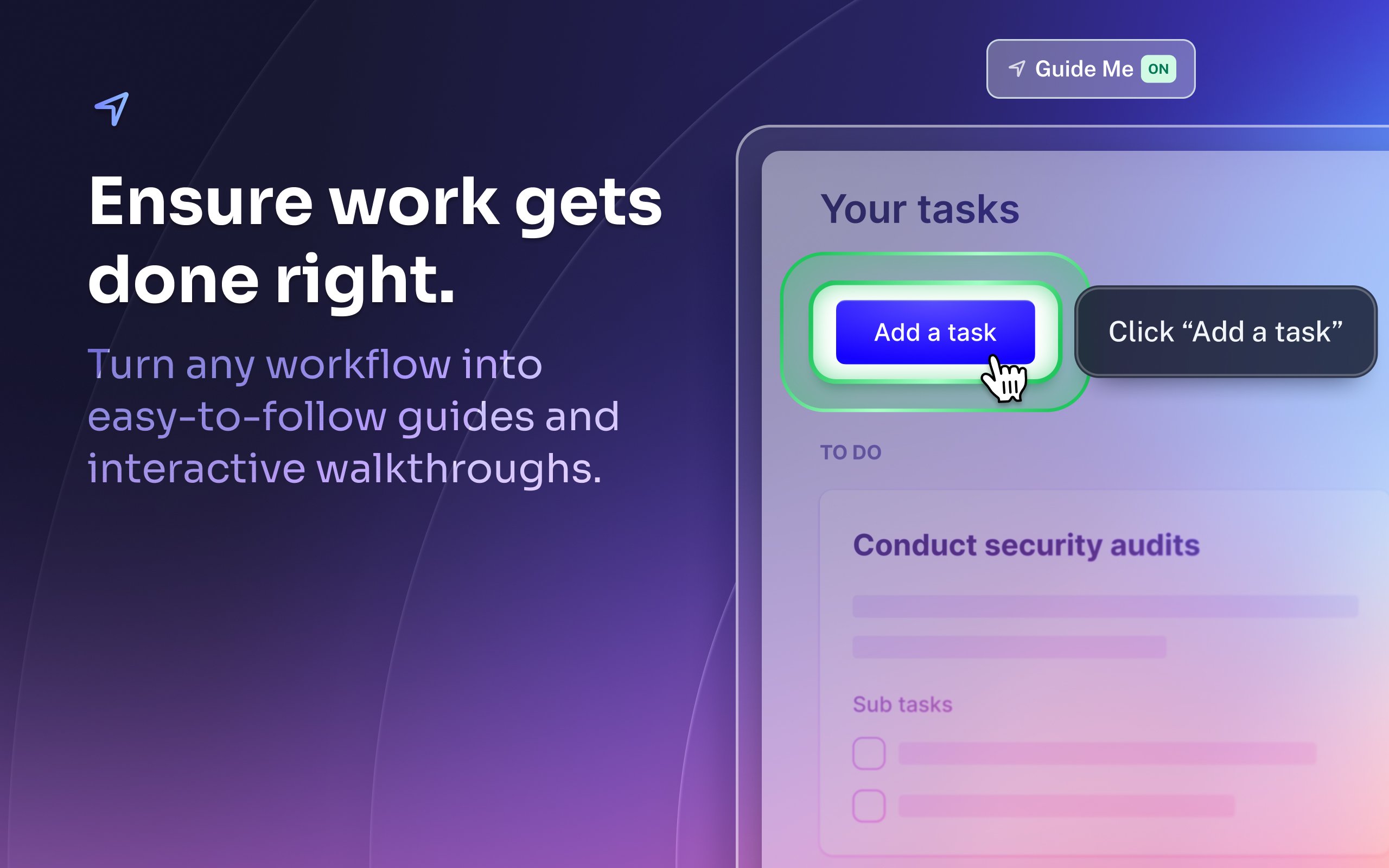
Scribe Demo - Ensure work gets done right.
Turn any workflow into easy-to-follow guides and interactive walkthroughs.
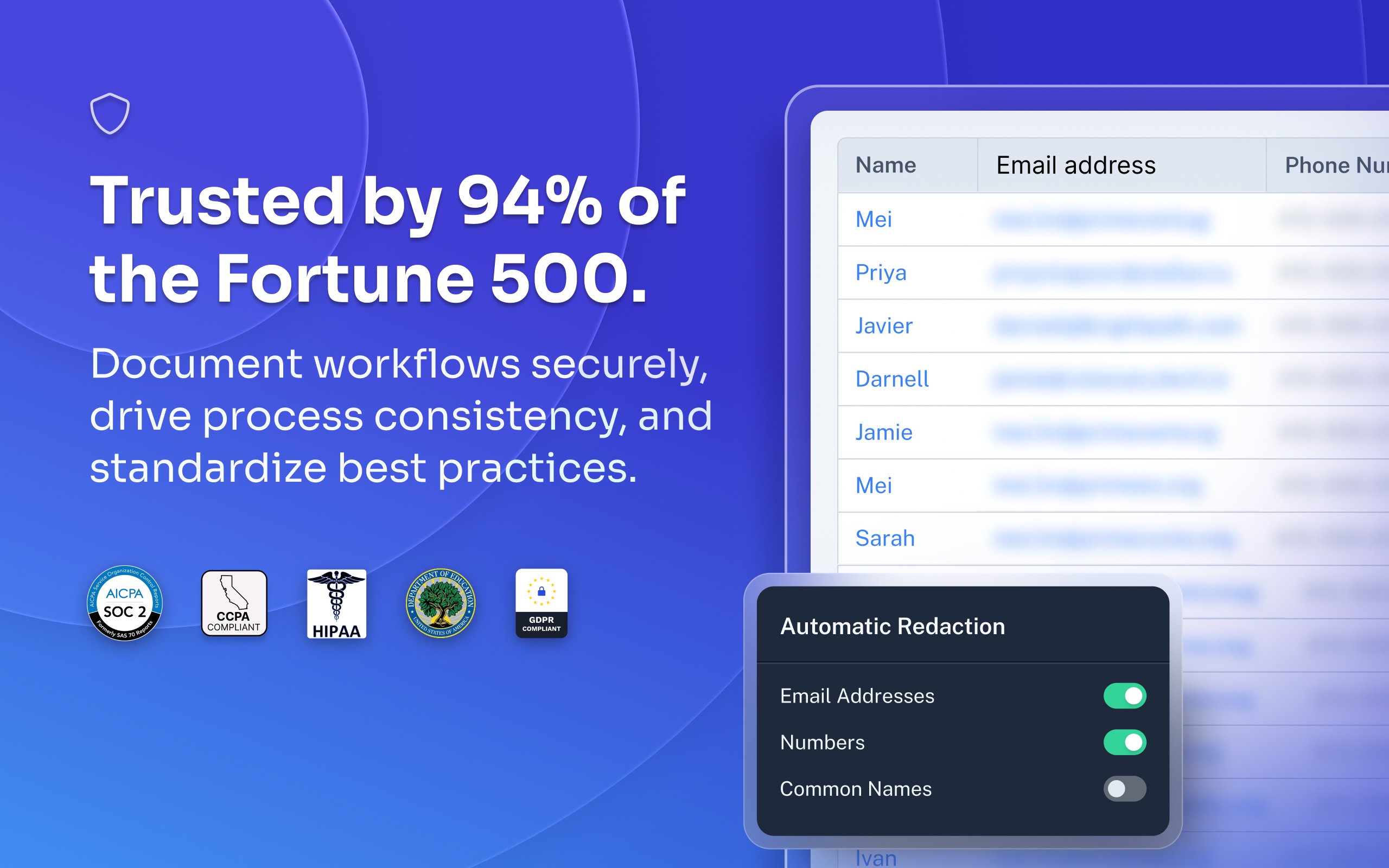
Scribe Demo - Trusted by 94% of the Fortune 500.
Document workflows securely, drive process consistency, and standardize best practices.
Most organizations rely on institutional knowledge, which leads to inconsistency, errors, and wasted time. Jennifer Smith, CEO & Cofounder of Scribe, introduces Scribe Capture and shows how it transforms the way teams work!
Play Scribe Video
Most organizations rely on institutional knowledge, which leads to inconsistency, errors, and wasted time. Jennifer Smith, CEO & Cofounder of Scribe, introduces Scribe Capture and shows how it transforms the way teams work!
See how Scribe Optimize helps companies understand and improve how work really happens. In this demo, Scribe CTO and cofounder Aaron Podolny shows how Optimize turns invisible workflows into data-backed insights.
Play Scribe Video
See how Scribe Optimize helps companies understand and improve how work really happens. In this demo, Scribe CTO and cofounder Aaron Podolny shows how Optimize turns invisible workflows into data-backed insights.
Product Avatar Image

Have you used Scribe before?

Answer a few questions to help the Scribe community

Scribe Reviews (798)

Reviews

Scribe Reviews (798)

4.8
799 reviews

Review Summary

Generated using AI from real user reviews
Users consistently praise Scribe for its ease of use and ability to streamline documentation, making it a valuable tool for creating clear, step-by-step guides quickly. The automatic screenshot feature and intuitive editing capabilities significantly reduce the time spent on manual documentation tasks. However, some users note that the software can capture unnecessary steps, requiring additional editing for clarity.

Pros & Cons

Generated from real user reviews
View All Pros and Cons
Search reviews
Filter Reviews
Clear Results
G2 reviews are authentic and verified.
Sydney L.
SL
Operations Director
Mid-Market (51-1000 emp.)
"Scribe Makes Documentation Easy with Simple, Helpful Guides"
What do you like best about Scribe?

I love how easy it is to use, and even more than that, how simple it is to follow the guides. Review collected by and hosted on G2.com.

What do you dislike about Scribe?

Honestly, I don’t have anything I dislike about Scribe or any of its functions. Review collected by and hosted on G2.com.

Holly B.
HB
Senior Solutions Consultant
Small-Business (50 or fewer emp.)
"Auto-Created Training Guides That Save Time, but Limited Branding Control"
What do you like best about Scribe?

It can automatically create training guides for customers after system demos, which saves me the time and effort of having to create them manually. Review collected by and hosted on G2.com.

What do you dislike about Scribe?

The guide has Scribe branding all over it, and it would be great if we could customize it to match our own company branding. Review collected by and hosted on G2.com.

Verified User in Financial Services
AF
Mid-Market (51-1000 emp.)
"Effortless Training Docs: Scribe Captures Every Click"
What do you like best about Scribe?

I really like the ease of being able to create training materials for my company simply by having Scribe capture the clicks I do on my browser. The ability for me to work while having Scribe capture every step that I'm doing and then me being able to put it all together on a training document, and editing as I see fit, makes everything so much more efficient for me. Review collected by and hosted on G2.com.

What do you dislike about Scribe?

Absolutely nothing! It's been so wonderful for me so far! Review collected by and hosted on G2.com.

HW
COO
Small-Business (50 or fewer emp.)
"User-Friendly and Time-Saving Documentation Tool"
What do you like best about Scribe?

I love how Scribe is very user-friendly, making it easy to navigate and utilize for creating effective training materials. Its highly editable nature is fantastic, allowing me to customize content easily, and the ability to redact sensitive information ensures privacy and security, which is a crucial feature for sharing instructional content. I greatly appreciate how Scribe follows every click, automatically recording screenshots and information, saving a significant amount of time since I don't need to manually capture screens or indicate where to click. This automation is a huge time saver for me. The initial setup was also impressively easy; I was able to create my first scribe without any issues or additional training required, which speaks volumes about its intuitive design. Overall, these features make Scribe a highly effective tool that I would undoubtedly recommend. Review collected by and hosted on G2.com.

What do you dislike about Scribe?

I think the click dot is a little large. So that could be editable. Review collected by and hosted on G2.com.

MJ
Controller
Small-Business (50 or fewer emp.)
"Great for creating SOP's"
What do you like best about Scribe?

I find it extremely easy to use. I have many clients with different systems, and web version is great for documenting processes across the various platforms. It has become my go to every time I start working with a new client. The ability to combine steps is nice. I would recommend to anyone that needs to document processes. So much cleaner than using word or excel. You can do voice transcription as well. Review collected by and hosted on G2.com.

What do you dislike about Scribe?

i would be nice if the web version let you also take snapshots of desktop applications . ( for instance if you download a file from the web and open to use it) Review collected by and hosted on G2.com.

Jodie M.
JM
Practice Manager
Small-Business (50 or fewer emp.)
"SOPs made easy"
What do you like best about Scribe?

I love that I can perform the task and as I am doing it, and easy to follow guide is created. This saves me at least an hour for each SOP I make. I do not have to go through and make screenshots anymore. I love the editing options for the images. Making a step by step guide has never been so fun. The fact that someone can ask to be guided (almost by hand) while they follow the SOP is the cherry on the top. Review collected by and hosted on G2.com.

What do you dislike about Scribe?

The only downside is it is proactive of taking snippets of everything you do, so there can be a lot of deleting unnecessary steps when you are completing the SOP. Review collected by and hosted on G2.com.

JL
IT Systems Specialist III
Mid-Market (51-1000 emp.)
"Effortlessly Creates Documentation with Ease"
What do you like best about Scribe?

I appreciate how intuitive and easy to use Scribe is. The ease of making changes enhances my workflow, and the availability of both a website extension and a desktop application broadens its usability. Scribe excels in capturing instructions or creating "How To" documentation, eliminating the cumbersome process of manual screenshots and formatting. It efficiently automates these tasks, streamlining the procedure documentation process. Additionally, modifying and correcting mistakes is straightforward, which makes the tool very user-friendly. The initial setup process was remarkably simple and quick, taking only a few minutes. Transitioning from the built-in tools of macOS and Windows, Scribe offers a much more efficient documentation experience. Review collected by and hosted on G2.com.

What do you dislike about Scribe?

I don't like the limitations regarding the customization of documentation in Scribe. Specifically, the inability to upload a company template and have the software automatically follow that formatting, including logos, font type, size, and so forth, is a challenge. This missing feature means additional manual work must be done to ensure documents meet company standards. Review collected by and hosted on G2.com.

Verified User in Manufacturing
AM
Mid-Market (51-1000 emp.)
"Create SOPs in Minutes with a Simple, User-Friendly Experience"
What do you like best about Scribe?

How simple it is to use and create a SOP in minutes! Review collected by and hosted on G2.com.

What do you dislike about Scribe?

Editing sometimes can take some time because the captions are so basic like "click here". Review collected by and hosted on G2.com.

Charle K.
CK
Business & Team Lead (Accounts Manager)
Small-Business (50 or fewer emp.)
"Saves Hours and Simplifies Website/Platform Launches Effortlessly"
What do you like best about Scribe?

I truly appreciate how much time this software saves for both my team and our entire company. As a creative agency, we launch several platforms each year for our clients, and this tool has eliminated the need for extensive training, documentation, and post-launch support from our usual processes. Scribe is genuinely saving our team hours! Review collected by and hosted on G2.com.

What do you dislike about Scribe?

The software can get a little bit slow when the procedures or steps get lengthy. Review collected by and hosted on G2.com.

Diana N.
DN
Human Resources Specialist/Administrative Coordinator
Small-Business (50 or fewer emp.)
"Streamlined SOP Creation, Saves Time"
What do you like best about Scribe?

I like that Scribe is simple to use and the tools for editing are excellent. Having the ability to hide confidential information provides accurate SOPs for clients. I also appreciate that the initial setup was easy. Scribe saves me time from using snip and even scheduling client calls for training. Review collected by and hosted on G2.com.

What do you dislike about Scribe?

I would like an update on using the tools. If I make a selection on color, size, and style I would for it to save it for the entire process. Now I have to remember all the selections I previously made and select. I do use Snip tool. Because Scribe at times can't capture a dropdown list. Review collected by and hosted on G2.com.

People Icons

Start a Discussion about Scribe

Have a software question? Get answers from real users and experts.

Start a Discussion

Pricing Options

Pricing provided by Scribe.

Basic

Free

Pro

Pay As You Go

Enterprise

Contact Us
Scribe Comparisons
Product Avatar Image
Tango
Compare Now
Product Avatar Image
Trainual
Compare Now
Product Avatar Image
Whale
Compare Now
Scribe Features
Rich Text Editor
Drag and Drop Editor
Page Templates
Prerequisites
Workflows
Training Modules
Mobile Device Support
Single Sign-On (SSO)
Screen Capture
Image Editor
Product Avatar Image
Scribe