


Compare this with other toolsSave it to your board and evaluate your options side by side.
Save to board

Scribe Reviews & Product Details

Pricing

Pricing provided by Scribe.

Basic

Free

Scribe Media

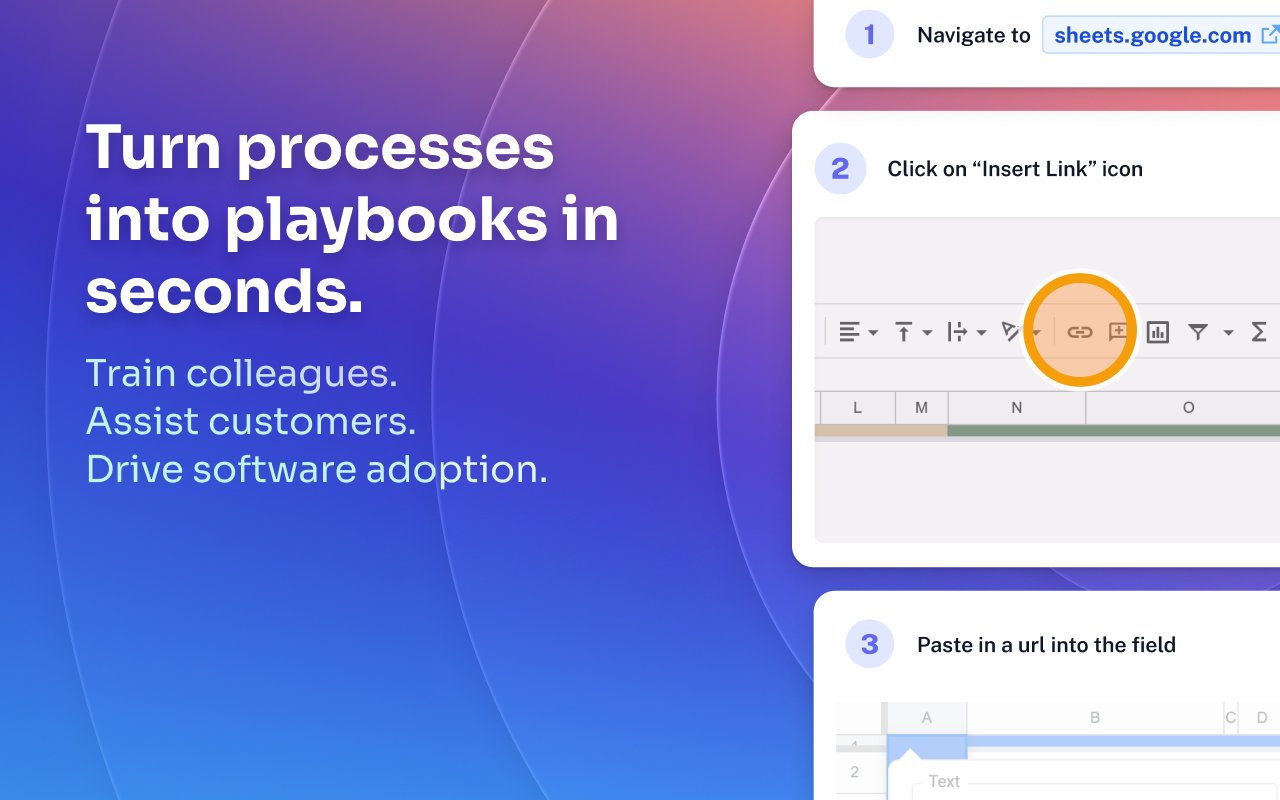
Scribe Demo - Turn processes into playbooks in seconds.
Train colleagues. Assist customers. Drive software adoption.
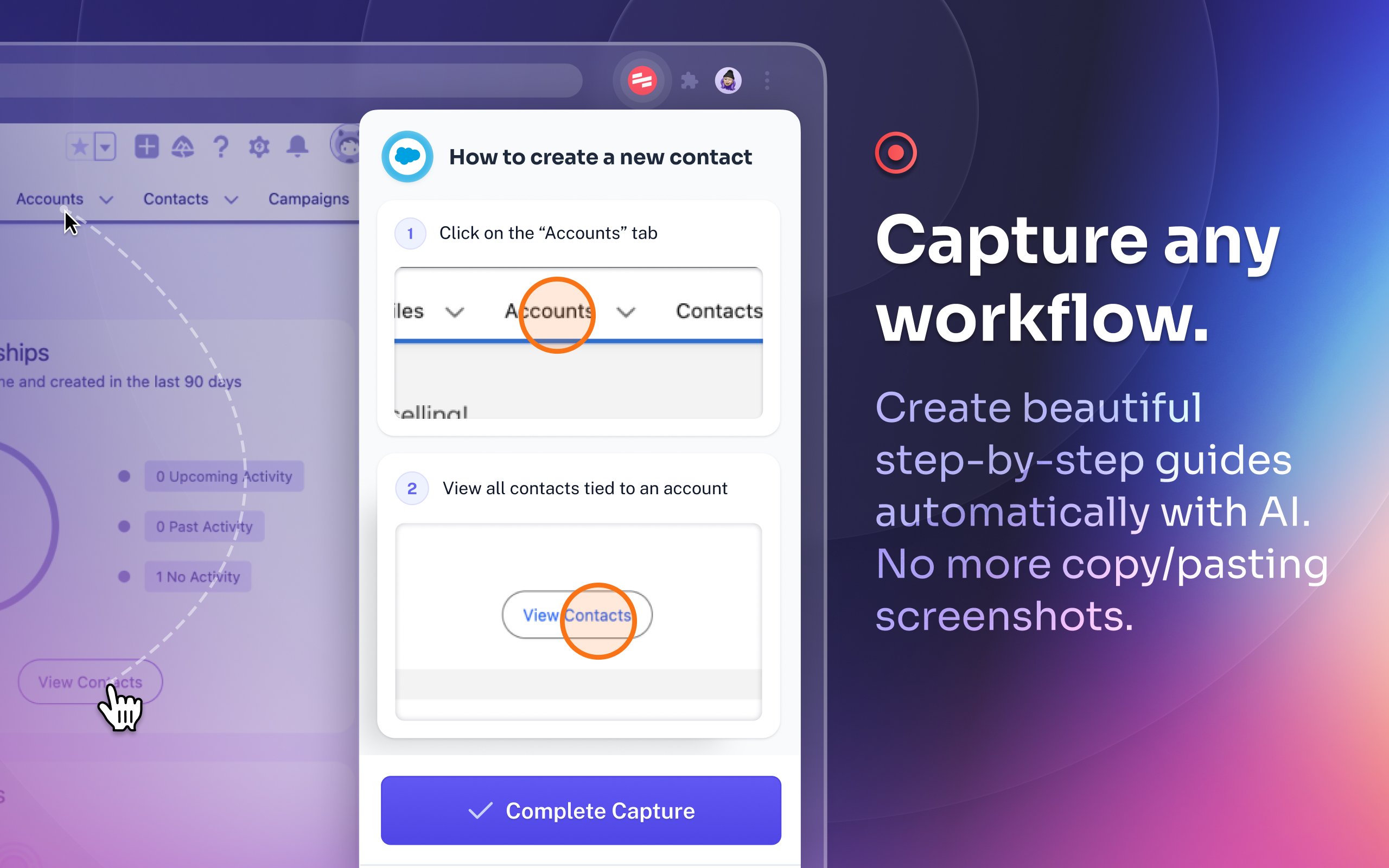
Scribe Demo - Capture any workflow.
Create beautiful step-by-step guides automatically with AI. No more copy/pasting screenshots.
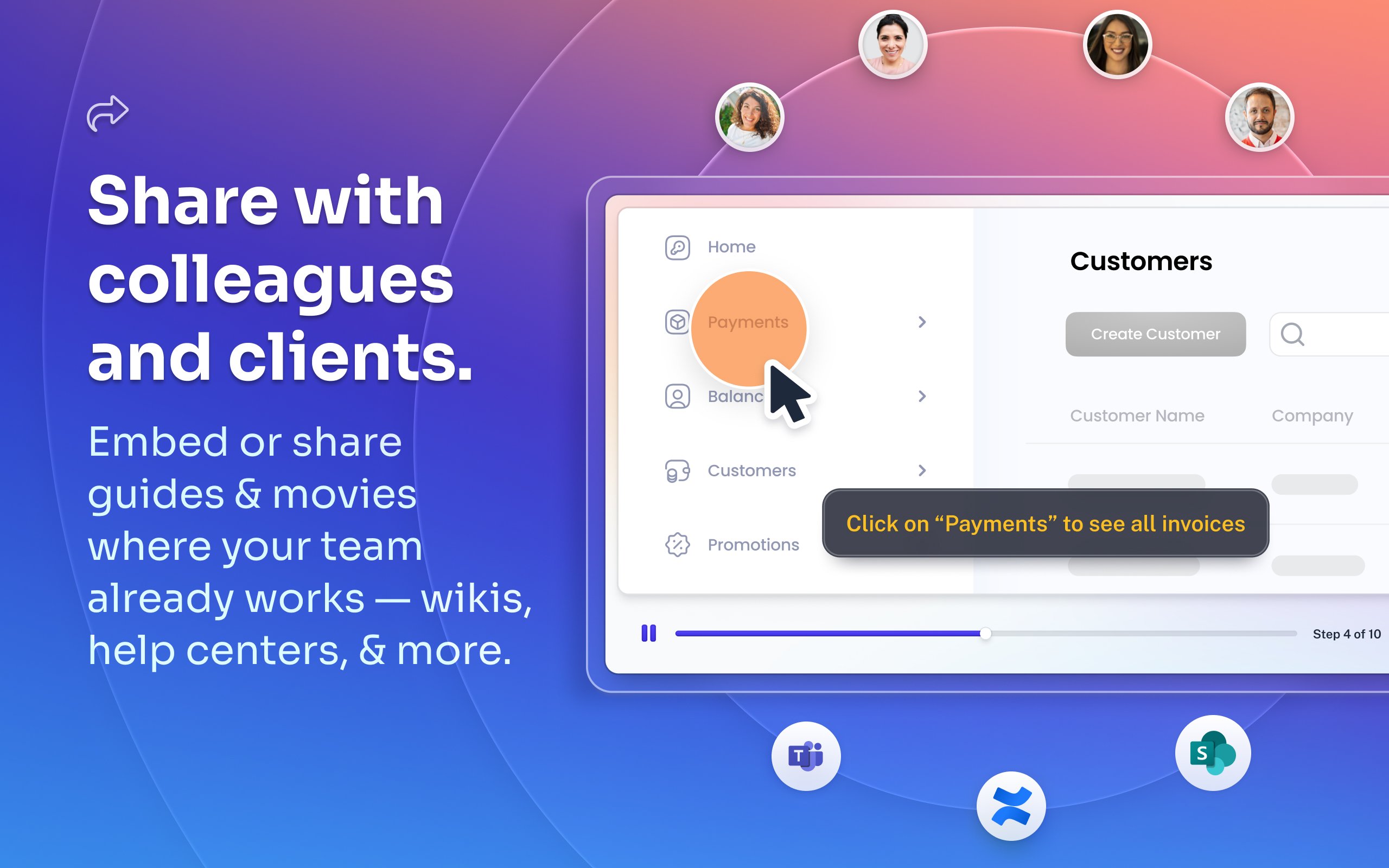
Scribe Demo - Share with colleagues and clients.
Embed or share guides & movies where your team already works — wikis, help centers, and more.
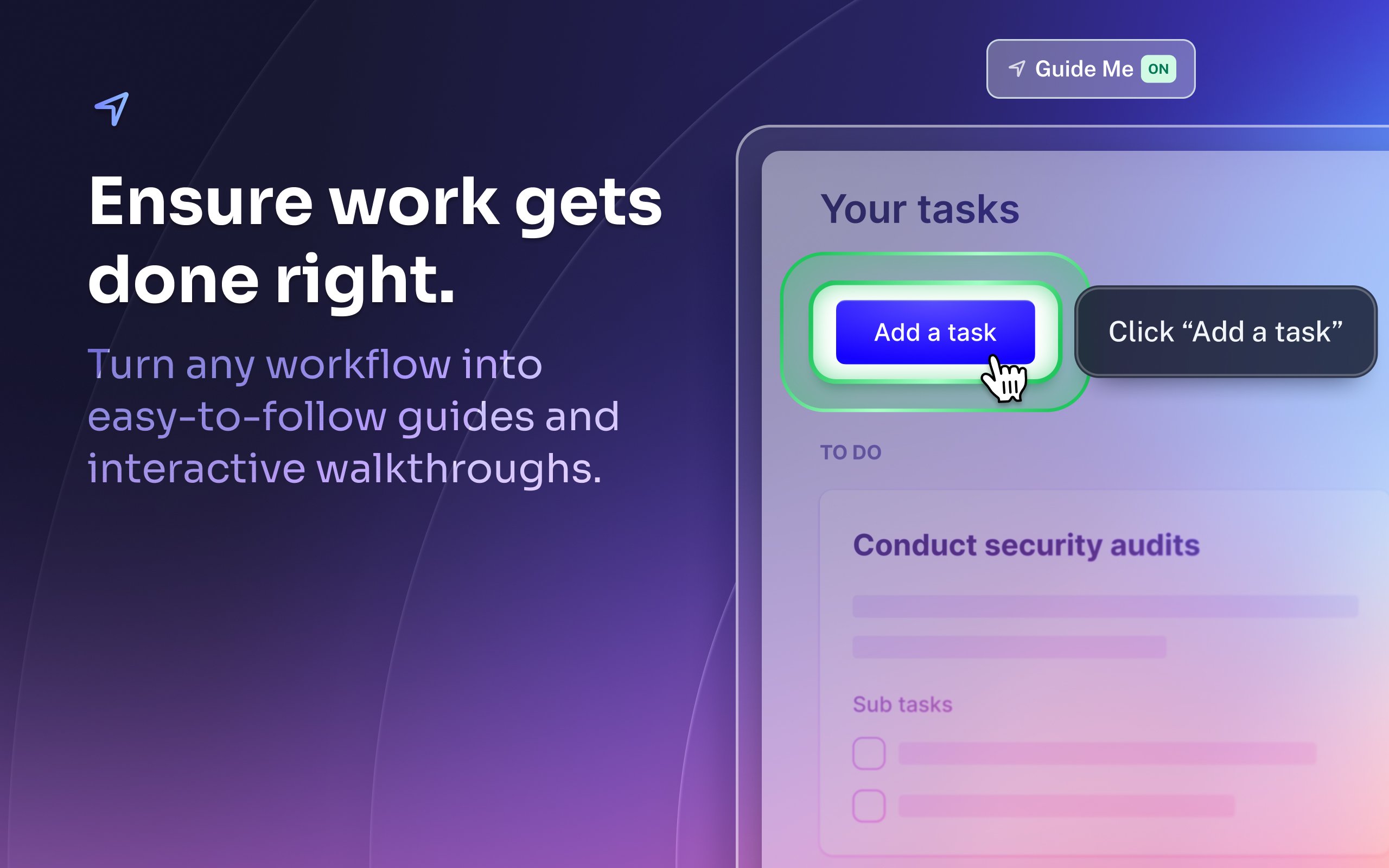
Scribe Demo - Ensure work gets done right.
Turn any workflow into easy-to-follow guides and interactive walkthroughs.
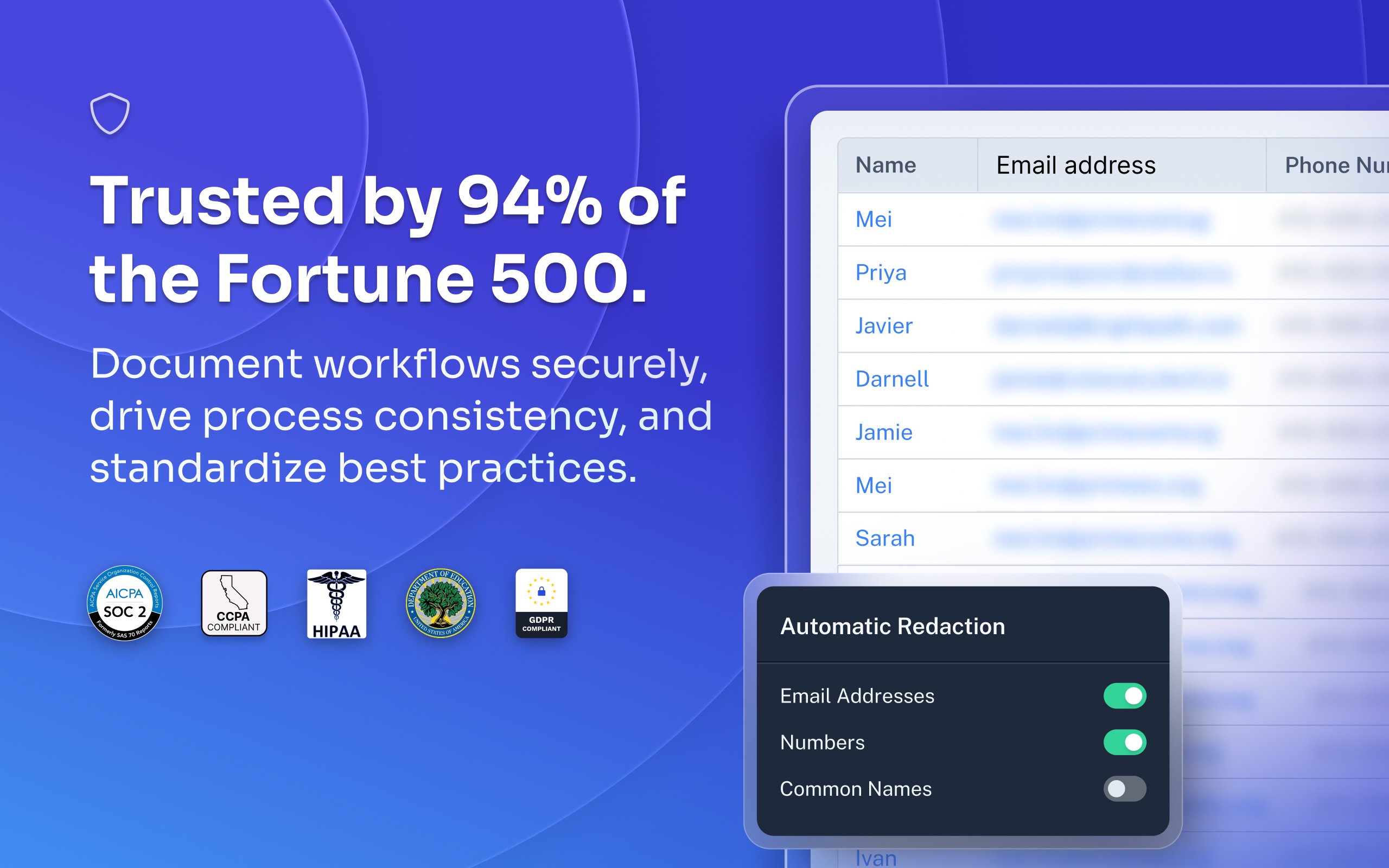
Scribe Demo - Trusted by 94% of the Fortune 500.
Document workflows securely, drive process consistency, and standardize best practices.
Most organizations rely on institutional knowledge, which leads to inconsistency, errors, and wasted time. Jennifer Smith, CEO & Cofounder of Scribe, introduces Scribe Capture and shows how it transforms the way teams work!
Play Scribe Video
Most organizations rely on institutional knowledge, which leads to inconsistency, errors, and wasted time. Jennifer Smith, CEO & Cofounder of Scribe, introduces Scribe Capture and shows how it transforms the way teams work!
See how Scribe Optimize helps companies understand and improve how work really happens. In this demo, Scribe CTO and cofounder Aaron Podolny shows how Optimize turns invisible workflows into data-backed insights.
Play Scribe Video
See how Scribe Optimize helps companies understand and improve how work really happens. In this demo, Scribe CTO and cofounder Aaron Podolny shows how Optimize turns invisible workflows into data-backed insights.
Product Avatar Image

Have you used Scribe before?

Answer a few questions to help the Scribe community

Scribe Reviews (770)

Reviews

Scribe Reviews (770)

4.8
770 reviews

Review Summary

Generated using AI from real user reviews
Users consistently praise Scribe for its ease of use and ability to streamline documentation, making it a valuable tool for creating clear, step-by-step guides quickly. The automatic screenshot feature and intuitive editing capabilities significantly reduce the time spent on manual documentation tasks. However, some users note that the software can capture unnecessary steps, requiring additional editing for clarity.

Pros & Cons

Generated from real user reviews
View All Pros and Cons
Search reviews
Filter Reviews
Clear Results
G2 reviews are authentic and verified.
Desiree M.
DM
IT Manager
Mid-Market (51-1000 emp.)
"Effortless Documentation with Scribe’s Desktop App and Responsive Support"
What do you like best about Scribe?

Scribe has been incredibly helpful in creating my documentation. It’s much easier compared to the usual process of taking screenshots step by step and manually marking where to click. The desktop app is also very convenient, as it allows me to create Scribes outside of the browser. Additionally, their customer support is easy to reach and very responsive. Their quick and helpful replies make the overall experience of using Scribe even better. Review collected by and hosted on G2.com.

What do you dislike about Scribe?

The only downside I’ve encountered with Scribe is the inability to set folder-level permissions within the organization. I’m currently using Scribe Pro, and I was hoping to separate access for our smaller teams. Unfortunately, this level of permission control isn’t supported in the current plan, which makes it a bit challenging to manage team-specific content. Review collected by and hosted on G2.com.

Sharon L.
SL
Controller
Mid-Market (51-1000 emp.)
"Effortless Documentation with Scribe"
What do you like best about Scribe?

I really like how easy Scribe is to use and how it allows me to create step-by-step processes quickly. It's really great that even if the program isn't on the Internet or a Chrome tab, you can still capture steps and processes. I love the movie version of the outputs, which narrates by itself, making it not just a big long PDF or a scroll website. The feature where you can change the playback speed of the video is really cool, so I don't have to sit through a long video if I can absorb the material faster. I'm grateful for these features and find the software very intuitive, especially as someone who's more into spreadsheets than creating visual content. Review collected by and hosted on G2.com.

What do you dislike about Scribe?

It's probably user error on my part, but I sometimes have trouble figuring out how do I just go ahead and download a Scribe for myself as opposed to doing it through the share functionality? Like, when I hit the share button when I'm done editing, it's easy to do it as a slideshow or a scroll or a movie. But for some reason, I found it a little bit tricky to find out how to do that just for myself. Review collected by and hosted on G2.com.

Sam G.
SG
Executive Operations Specialist
Mid-Market (51-1000 emp.)
"Turns Real Workflows into Clear, Shareable Step-by-Step Guides Fast"
What do you like best about Scribe?

What I like best about Scribe is how quickly it turns real workflows into clear, step-by-step documentation without interrupting the work itself. It makes it much easier to capture processes as they happen, which has been especially helpful for my role documenting operational and administrative workflows The interface is straightforward and sharing guides with others is simple. Review collected by and hosted on G2.com.

What do you dislike about Scribe?

One limitation is that Scribes often require manual cleanup after recording, especially when sensitive information needs to be removed or when the captured steps include unnecessary clicks. The editing tools are functional but can feel somewhat limited when trying to make more precise adjustments. Review collected by and hosted on G2.com.

AREM T.
AT
Operations Manager
Small-Business (50 or fewer emp.)
"Scribe Makes Creating Reports and Training Guides Fast and Easy"
What do you like best about Scribe?

I really like how easy Scribe has made it for me to create reports and training guides. I really appreciate the time it saves me. Review collected by and hosted on G2.com.

What do you dislike about Scribe?

I think the only thing that would be a great revision would be if I had to revise less of the report when finalizing it. I do realize this isn't a simple task, because a lot of the revisions are things that are auto named, and there isn't a way that Scribe would be able to read my mind. I really don't have any issues. Review collected by and hosted on G2.com.

PF
Small-Business (50 or fewer emp.)
"Efficient Workflow Recording with Minor Hiccups"
What do you like best about Scribe?

I like Scribe for its time efficiency; it saves me a lot of time. I also appreciate that it allows the team to share things more easily, which is helpful. I was able to find out that some of my colleagues were already using Scribe, which made teamwork more effective. Review collected by and hosted on G2.com.

What do you dislike about Scribe?

It's not perfect yet because sometimes when I click a button, and there are multiple letters or words on it, Scribe only captures a part, like just one letter or word. Like, if I click a button called 'email verification', it might record just 'verification'. So I have to manually correct it to 'email verification'. It would be better if it could capture everything fully. Review collected by and hosted on G2.com.

KS
Mid-Market (51-1000 emp.)
"Effortlessly Simplified Our Process Documentation"
What do you like best about Scribe?

I use Scribe for process documentation and sharing with my team members. It greatly accelerates the time it takes to make my process documents and makes formatting really easy. I like the desktop embedded tool as I can use it with any program, and it is pretty accurate in describing what I am doing and is really easy to edit and share. It makes it really easy to create process documents that use multiple apps like Google, Word, and PowerPoint. The initial setup of Scribe was super easy. Review collected by and hosted on G2.com.

What do you dislike about Scribe?

It tracks every space and backspace when I am typing somewhere, and I would prefer it didn't do that and just kept it more general like I typed in this area. Review collected by and hosted on G2.com.

EH
Controller
Small-Business (50 or fewer emp.)
"Time-Saving SOP Creation, Optimal for Varied Learners"
What do you like best about Scribe?

I love that Scribe can be used on both desktop and web-based systems. It makes documenting processes and explaining them in a way all types of learners will understand incredibly easy. I also like that team members can go into Scribe and access a folder with anything they need, which has significantly reduced the number of questions I get. Additionally, the initial setup of Scribe was extremely easy and straightforward. Review collected by and hosted on G2.com.

What do you dislike about Scribe?

Using it with Excel isn't the most user friendly. I would love to use it to document my month-end close process, but it's just not there yet. With Excel, the processes are often non-linear. I have to spend a ton of time cleaning up the scribes because it does track everything. Review collected by and hosted on G2.com.

Billy R.
BR
Small-Business (50 or fewer emp.)
"Effortless SOP Creation with Scribe"
What do you like best about Scribe?

I use Scribe for building SOPs for my business and creating quick 'how to' articles for family and friends. It very quickly and efficiently solved our SOP generation process, transforming what used to be work documents into a full visual, presentable format in about 10 minutes. We can never go back. Scribe simply works. For how complex the issue it resolves is, it does it perfectly every time with very little effort. I've also started using their pages feature, which can compile multiple Scribess into one document. It's really helpful when integrating other systems, as I capture my clicks during demonstrations when other documentation falls short, so Scribe picks up the slack for my future reference. The pages feature is to Scribe what a cookbook is to a recipe. The initial setup was the simplest I've experienced for any software. Review collected by and hosted on G2.com.

What do you dislike about Scribe?

I would like to see more search functions for an interactive experience when looking through my Scribes/Pages. Review collected by and hosted on G2.com.

Leanne D.
LD
Logistics Manager
Small-Business (50 or fewer emp.)
"Makes Process Updates Easy with Clear, Visual Guidance"
What do you like best about Scribe?

I like how it makes my life much easier, especially since I’m the one creating and updating our team’s processes. Review collected by and hosted on G2.com.

What do you dislike about Scribe?

None so far. Everything about it is so easy to use! Review collected by and hosted on G2.com.

Verified User in Food & Beverages
TF
Small-Business (50 or fewer emp.)
"Huge Time Saver"
What do you like best about Scribe?

One of the best things about Scribe is its ability to automatically capture workflows and turn them into clear, step-by-step guides without manual effort. It’s a huge time-saver for documenting processes, especially for training and onboarding. The auto-generated screenshots and annotations make instructions easy to follow, and the ability to edit and customize the guides ensures they stay relevant. Plus, its sharing options make collaboration seamless. Review collected by and hosted on G2.com.

What do you dislike about Scribe?

On occasion the scribe does not create when I go to export. Review collected by and hosted on G2.com.

People Icons

Start a Discussion about Scribe

Have a software question? Get answers from real users and experts.

Start a Discussion

Pricing Options

Pricing provided by Scribe.

Basic

Free

Pro

Pay As You Go

Enterprise

Contact Us
Scribe Comparisons
Product Avatar Image
Tango
Compare Now
Product Avatar Image
Trainual
Compare Now
Product Avatar Image
Whale
Compare Now
Scribe Features
Rich Text Editor
Drag and Drop Editor
Page Templates
Prerequisites
Workflows
Training Modules
Mobile Device Support
Single Sign-On (SSO)
Screen Capture
Image Editor
Product Avatar Image
Scribe