


Compare this with other toolsSave it to your board and evaluate your options side by side.
Save to board

Scribe Reviews & Product Details

Pricing

Pricing provided by Scribe.

Basic

Free

Scribe Media

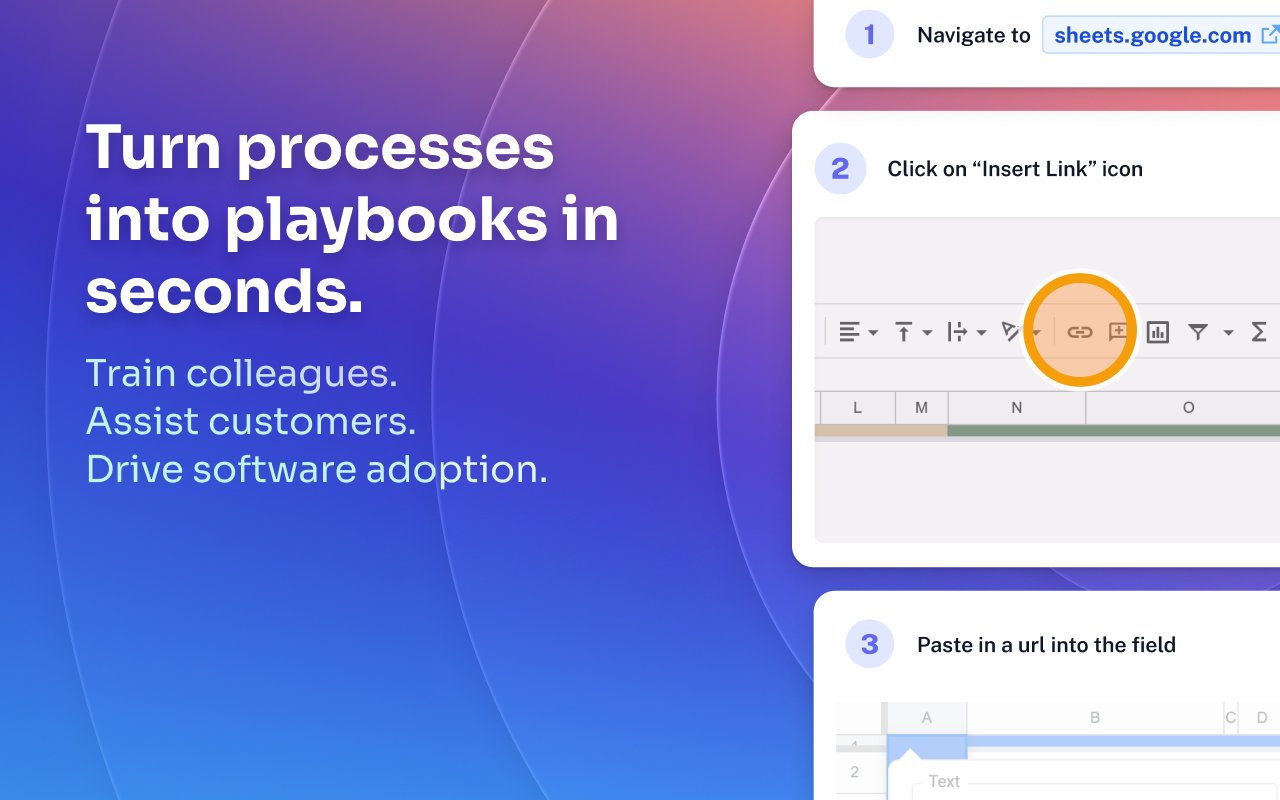
Scribe Demo - Turn processes into playbooks in seconds.
Train colleagues. Assist customers. Drive software adoption.
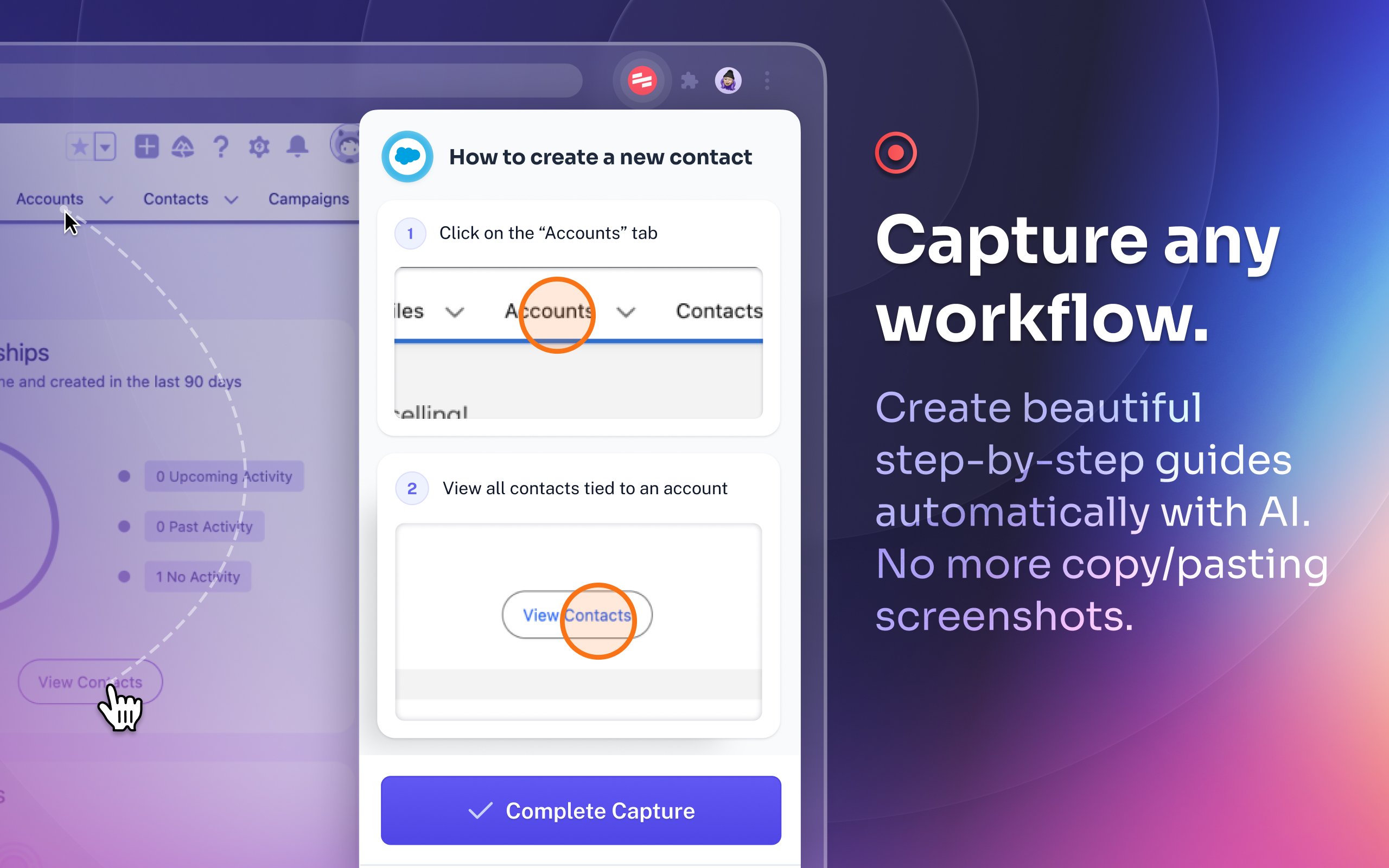
Scribe Demo - Capture any workflow.
Create beautiful step-by-step guides automatically with AI. No more copy/pasting screenshots.
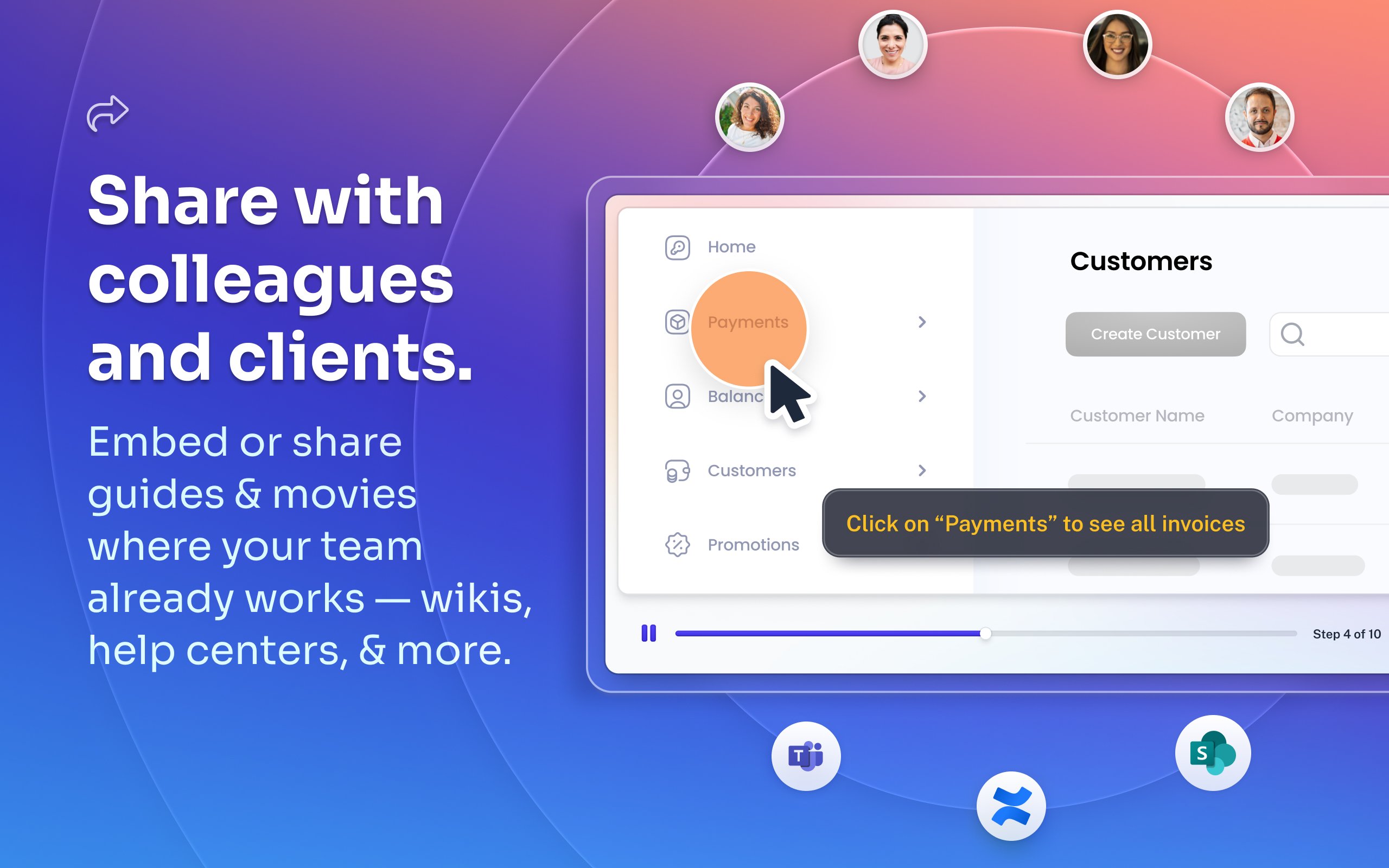
Scribe Demo - Share with colleagues and clients.
Embed or share guides & movies where your team already works — wikis, help centers, and more.
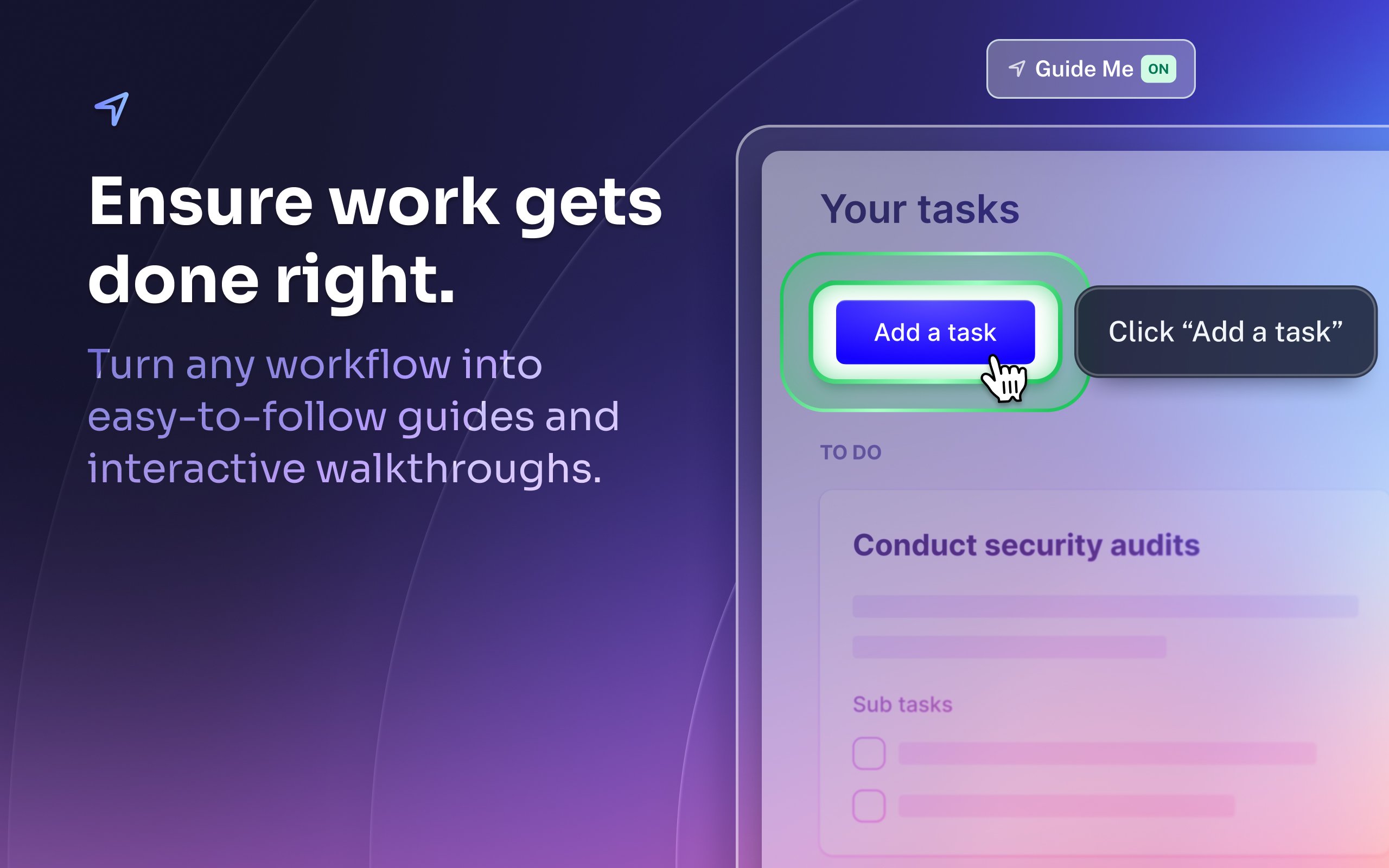
Scribe Demo - Ensure work gets done right.
Turn any workflow into easy-to-follow guides and interactive walkthroughs.
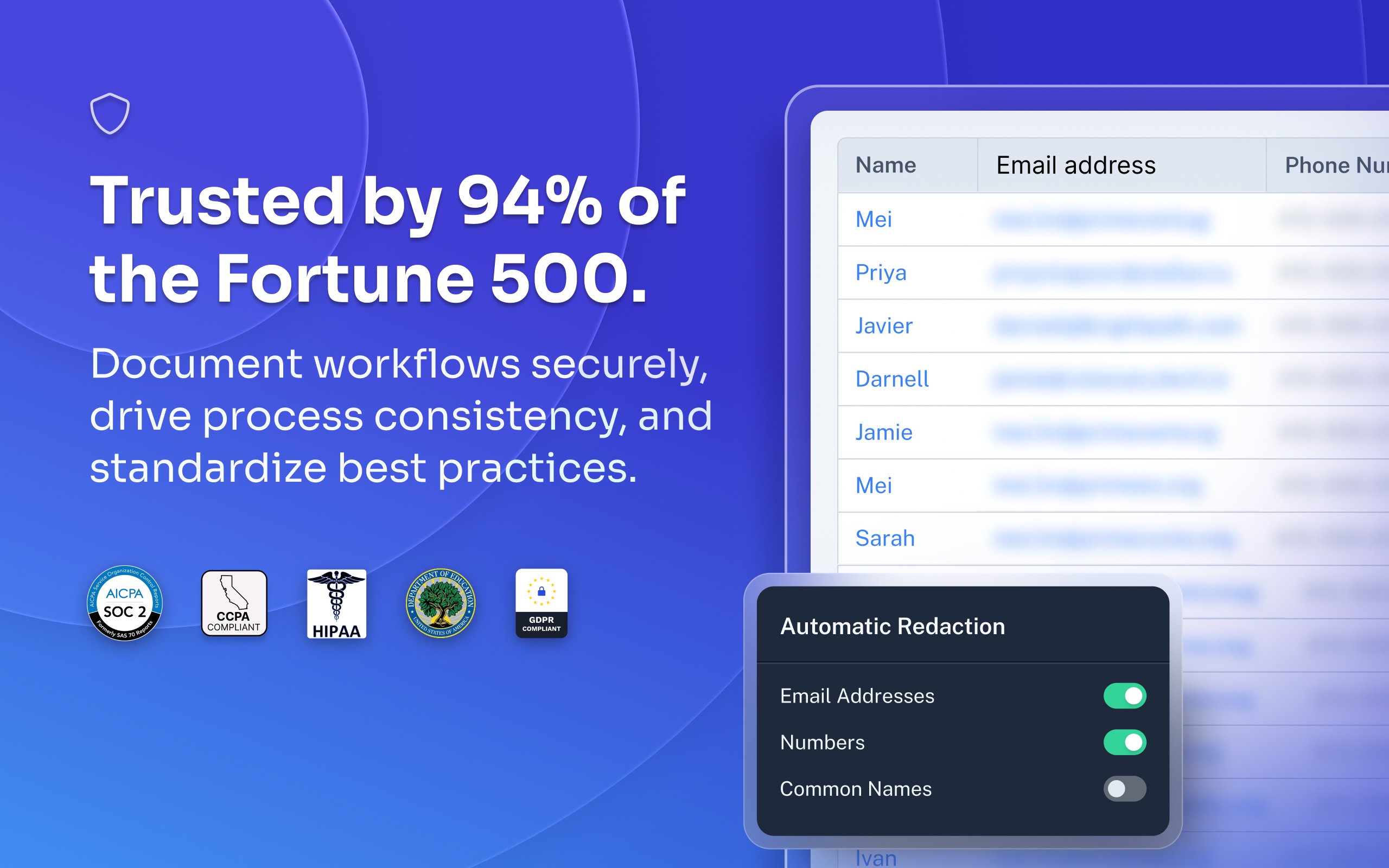
Scribe Demo - Trusted by 94% of the Fortune 500.
Document workflows securely, drive process consistency, and standardize best practices.
Most organizations rely on institutional knowledge, which leads to inconsistency, errors, and wasted time. Jennifer Smith, CEO & Cofounder of Scribe, introduces Scribe Capture and shows how it transforms the way teams work!
Play Scribe Video
Most organizations rely on institutional knowledge, which leads to inconsistency, errors, and wasted time. Jennifer Smith, CEO & Cofounder of Scribe, introduces Scribe Capture and shows how it transforms the way teams work!
See how Scribe Optimize helps companies understand and improve how work really happens. In this demo, Scribe CTO and cofounder Aaron Podolny shows how Optimize turns invisible workflows into data-backed insights.
Play Scribe Video
See how Scribe Optimize helps companies understand and improve how work really happens. In this demo, Scribe CTO and cofounder Aaron Podolny shows how Optimize turns invisible workflows into data-backed insights.
Product Avatar Image

Have you used Scribe before?

Answer a few questions to help the Scribe community

Scribe Reviews (798)

Reviews

Scribe Reviews (798)

4.8
799 reviews

Review Summary

Generated using AI from real user reviews
Users consistently praise Scribe for its ease of use and ability to streamline documentation, making it a valuable tool for creating clear, step-by-step guides quickly. The automatic screenshot feature and intuitive editing capabilities significantly reduce the time spent on manual documentation tasks. However, some users note that the software can capture unnecessary steps, requiring additional editing for clarity.

Pros & Cons

Generated from real user reviews
View All Pros and Cons
Search reviews
Filter Reviews
Clear Results
G2 reviews are authentic and verified.
"User-Friendly and Efficient with a Small Glitch"
What do you like best about Scribe?

I appreciate how easy Scribe is to use, with a very smooth and efficient process. The interface is very clear and user-friendly, making it accessible even for someone who's not very technical. It's really good for taking screenshots, pasting them into documents, and properly formatting descriptions for each step. I value how understandable the final output is for users, as the combination of visuals and written steps makes it accessible for different learning styles. Everything is clearly shown, which is incredibly helpful. The initial setup was pretty simple, and I got the hang of it immediately. Review collected by and hosted on G2.com.

What do you dislike about Scribe?

When capturing screenshots, it doesn't work well because it creates a step even when I click outside the box. There are multiple duplicate steps created just from clicking the mouse button. That's something that can be improved. Review collected by and hosted on G2.com.

Sammi O.
SO
Mid-Market (51-1000 emp.)
"Incredibly Efficient for SOPs and Onboarding"
What do you like best about Scribe?

I find Scribe incredibly beneficial for writing SOPs and playbooks, as it helps keep our systems clear and consistent. I really like using Scribe for onboarding and sharing processes with our contractors, ensuring they understand everything. It's also great for holding my internal executive team accountable to consistency in our systems. I also love how it saves me a ton of time compared to taking a lot of screenshots and making guides manually. The Pro version's ability to blur parts of the screen is really great when making processes, especially when I need to redact client data quickly. I appreciate how easy it is to use and how fast it is, as it just saves me time overall. Review collected by and hosted on G2.com.

What do you dislike about Scribe?

I like the interface for sharing within the Scribe account, but sometimes I want to integrate it with software we already use, like Trainual or import it into a Google Doc, since teachers use that a lot. Review collected by and hosted on G2.com.

Meg A. W.
MW
Technical Support Administrator
Small-Business (50 or fewer emp.)
"Effortless Guide Creation, Stellar Image Capturing"
What do you like best about Scribe?

I like the feature in Scribe that lets me capture images and steps while performing a task. This really saves me time and reduces the effort needed because I don't have to go to various places to capture screenshots, save them, and then upload them to craft the article. It captures the images automatically, and I can just delete what I don't need. It was also super easy to get Scribe set up initially. Review collected by and hosted on G2.com.

What do you dislike about Scribe?

I wish I could view my library of content in a side tab. So that I could easily grab what I need when I need it. Review collected by and hosted on G2.com.

Mat S.
MS
Director / Service Delivery Manager
Small-Business (50 or fewer emp.)
"Scribe Saves Time and Simplifies Guide Creation"
What do you like best about Scribe?

The time saving benefits of using Scribe are undeniable. I was previously using what I thought were excellent tools for screen capture - and they are - but using Scribe has cut the time it takes me to make a guide down to a fraction of what it used to be. Hit capture, do the thing, make a few edits - bam, done! Importantly for someone who already has a million tools, it took almost no setup and virtually no time to learn. Once signed up I was creating & sharing Scribes in minutes. Review collected by and hosted on G2.com.

What do you dislike about Scribe?

I would love to see a built-in feature to use your own custom domain for Scribe sharing links. Some more robust options for organising your Scribes, such as folders, would also be nice. Finally, the integration with Confluence has some issues, but, to be fair, I'm not sure if those are on Scribe's side or Confluence's. Review collected by and hosted on G2.com.

Sara A.
SA
Training Coordinator
Enterprise (> 1000 emp.)
"Easy, Flexible, and Truly Customer-Focused—Scribe Listens and Improves"
What do you like best about Scribe?

I love the ease of use and how flexible it is. I also love the strong customer-focus aspect of it. I had used Scribe in a previous role, and was reached out to by their team for a customer-insight session since I was a Power User. They had taken my feedback seriously and even implemented a few features. In my new role now, I'm so happy we get to use Scribe! I've requested for it to be added as a tool to be used since my first week. Great tool for both internal teams and external teams. Review collected by and hosted on G2.com.

What do you dislike about Scribe?

There are a few small gripes where I wish the 'default color' used for annotations (like the touch-point or arrow) could be pre-set as a preference. And I wish there was a way to add your own image for the icon photo next to the Scribe Name. Review collected by and hosted on G2.com.

Verified User in Consulting
AC
Small-Business (50 or fewer emp.)
"Seamless Step Recording That Excels at Capturing Complex User Interfaces"
What do you like best about Scribe?

Scribe makes recording steps very seamless, it does a good job of capturing forms where there is both text and clicking. It does an especially good job with user interfaces where there are a lot of items to click through that pop up on screen. Review collected by and hosted on G2.com.

What do you dislike about Scribe?

The ability to export scribe to other formats for consumption could be better (like taking it to PDF or Slides and other formats where you might want to do additionally editing or delivery). Review collected by and hosted on G2.com.

"Effortless SOP Creation, Powerful Editing"
What do you like best about Scribe?

I really love how easy Scribe is to use. The capturing is accurate and fast, and editing Scribes is easy, even if it's a bit tedious at times. I like that we don't have to worry about formatting when creating the final procedure, as it's all automatically in the Scribe format. The features for editing images are robust, including redacting and editing the click targets. It takes out a lot of the building of SOPs by automatically recording screen grabs, clicks, and typed words, and it provides a clear, repeatable, and uniform procedure. The initial setup was super easy, kind of a plug-and-play experience, with the Chrome extension and desktop capturing both being very easy to use. Review collected by and hosted on G2.com.

What do you dislike about Scribe?

It would be nice to be able to take existing procedures that we already have and have them be converted into Scribes using AI or something like that. It also would be nice to be able to export Pages. Additionally, there is a step limit where Scribe will automatically stop capturing, it would be nice if you had more steps/longer for more detailed procedures. Review collected by and hosted on G2.com.

GR
Help Desk Technician
Small-Business (50 or fewer emp.)
"Makes Documentation Easy with Crisp, Well-Cropped Screenshots"
What do you like best about Scribe?

Easily makes documentation with properly zoomed in and cropped screenshots. Also allows users to easily manipulate steps to add, remove, or reorganize steps and modify descriptions Review collected by and hosted on G2.com.

What do you dislike about Scribe?

Sometimes you have to really cut out a bunch of extra steps it captures if you have not practiced the steps before the recording because it truly captures every click and typing act you do. Review collected by and hosted on G2.com.

Verified User in Non-Profit Organization Management
AN
Small-Business (50 or fewer emp.)
"Effortless Real-Time Documentation with Clear Steps and Transcription"
What do you like best about Scribe?

Scribe takes a task I usually procrastinate on, documentation, and makes it much less painful. Instead of having to run through a “sample case,” I can create a Scribe while I’m doing the real process in real time. I like that it captures steps as I work and turns them into something clear and usable without interrupting my flow. The transcription piece has been especially helpful since I tend to narrate my processes anyway, so talking through what I’m doing and having that turn into documentation feels very natural. The screenshots and step-by-step format also make it easier to share instructions with people who have different levels of technical comfort. Review collected by and hosted on G2.com.

What do you dislike about Scribe?

Because it captures everything, it can sometimes capture too much. If I move quickly, correct myself, or jump around, I usually need to go back and clean things up. I’ve also had moments where I forgot to stop a capture or accidentally deleted an active process mid-task. I wish there were a way to recover or access an accidentally deleted capture in the moment before it’s saved as a Scribe, even briefly. Editing is straightforward overall, but longer workflows still take some time to polish. I’d also like more flexibility in formatting for situations where the documentation needs to be more formal or externally facing. Review collected by and hosted on G2.com.

Verified User in Higher Education
AH
Enterprise (> 1000 emp.)
"Comprehensive and nice user guide which can be made instantly!"
What do you like best about Scribe?

User friendly interface, easy to use without the need to read through manual or whatever to learn. And can share the link to other readers but I still can amend and update the content as needed. Review collected by and hosted on G2.com.

What do you dislike about Scribe?

there is version history that you can load back your previous save, while sometimes I wish to load back just the previous step that I made it wrong but seems that I cannot do this. Review collected by and hosted on G2.com.

People Icons

Start a Discussion about Scribe

Have a software question? Get answers from real users and experts.

Start a Discussion

Pricing Options

Pricing provided by Scribe.

Basic

Free

Pro

Pay As You Go

Enterprise

Contact Us
Scribe Comparisons
Product Avatar Image
Tango
Compare Now
Product Avatar Image
Trainual
Compare Now
Product Avatar Image
Whale
Compare Now
Scribe Features
Rich Text Editor
Drag and Drop Editor
Page Templates
Prerequisites
Workflows
Training Modules
Mobile Device Support
Single Sign-On (SSO)
Screen Capture
Image Editor
Product Avatar Image
Scribe