
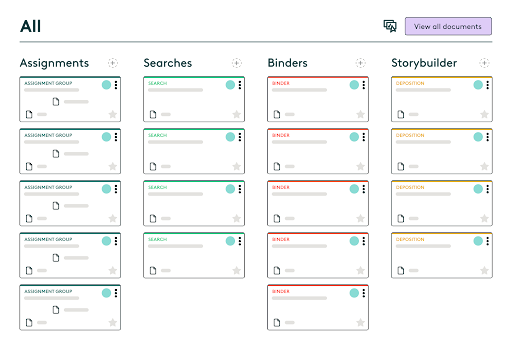
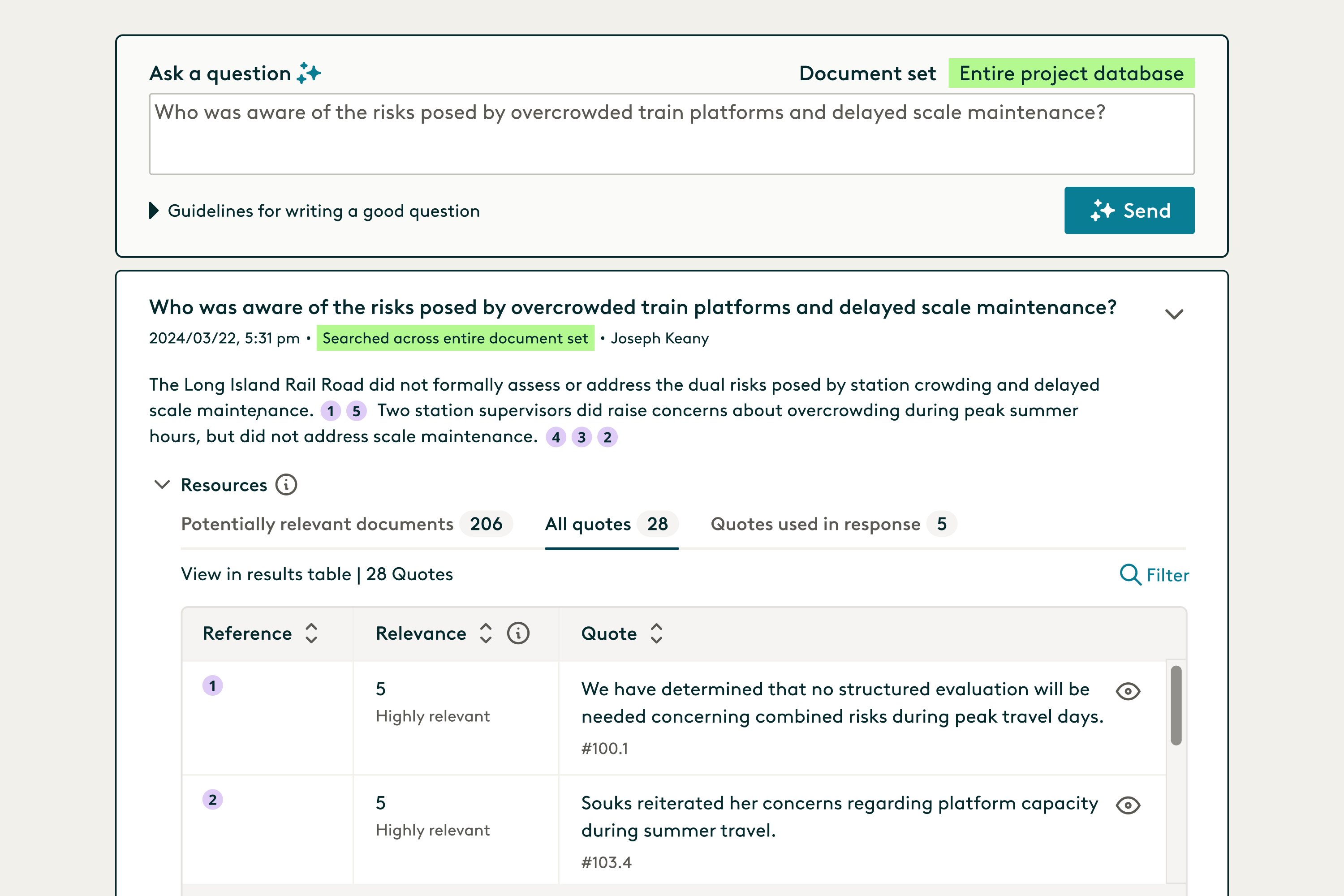
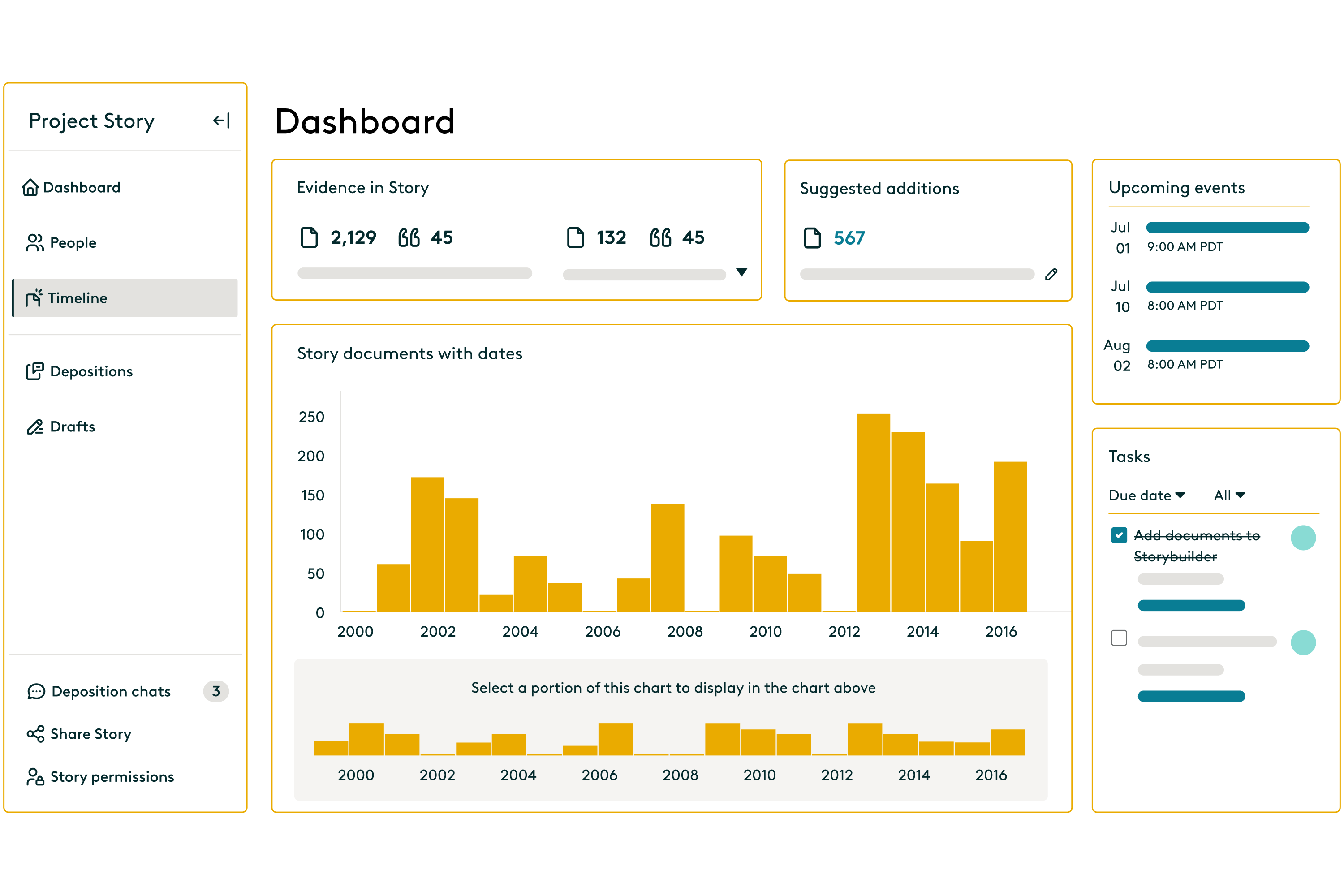



Since Everlaw updates their software monthly and assists users with allowing them to provide user input into new modifications or new additions to everlaw. This is very helpful and useful as it takes knowledge mananagment (tacit or explicit knowledge) and allows Everlaw to use that to improve their product to help the end user in what ever portion of the eDiscovery platform they are using in Everlaw, be it storybuilder, or productions, or even legal hold. In addition the new AI improvements have been great, from their new product Deep Dive, Deep Dive transcripts, suggestive coding and Everlaw Assistant, the accuracy of these results has greatly improved and assisted with identifying important documents or relevant documents. Review collected by and hosted on G2.com.
in the outline there is no ability to transfer all the documents over at once. Also visualizer needs to have better hit results for over 1000. I would suggest a feature that would allow a user to see all the hits and possibly check them off. The depth still needs to be revisited.
I would also have search features for the "produce to" field since at the moment your not able to filter that column. Review collected by and hosted on G2.com.
Hello,
Thank you for leaving us a review! You may find the ability to batch add documents to a Draft or Deposition in Storybuilder as a useful tool. After finding the documents you need, selecting the Batch icon will display a panel of actions you may take; at the bottom is a Storybuilder-specific section that allows you to transfer many documents into one Draft or Deposition together. If you have any questions or would like us to walk you through this, please contact support@everlaw.com.
Kind Regards,
Emma Johnson
Manager of Customer Success Operations