


Tableau

By Salesforce

4.4 out of 5 stars

How would you rate your experience with Tableau?

Compare this with other toolsSave it to your board and evaluate your options side by side.
Save to board

Tableau Reviews & Product Details

Pricing

Pricing provided by Tableau.

Tableau Standard

$75.00
1 User Per Month

Tableau Media

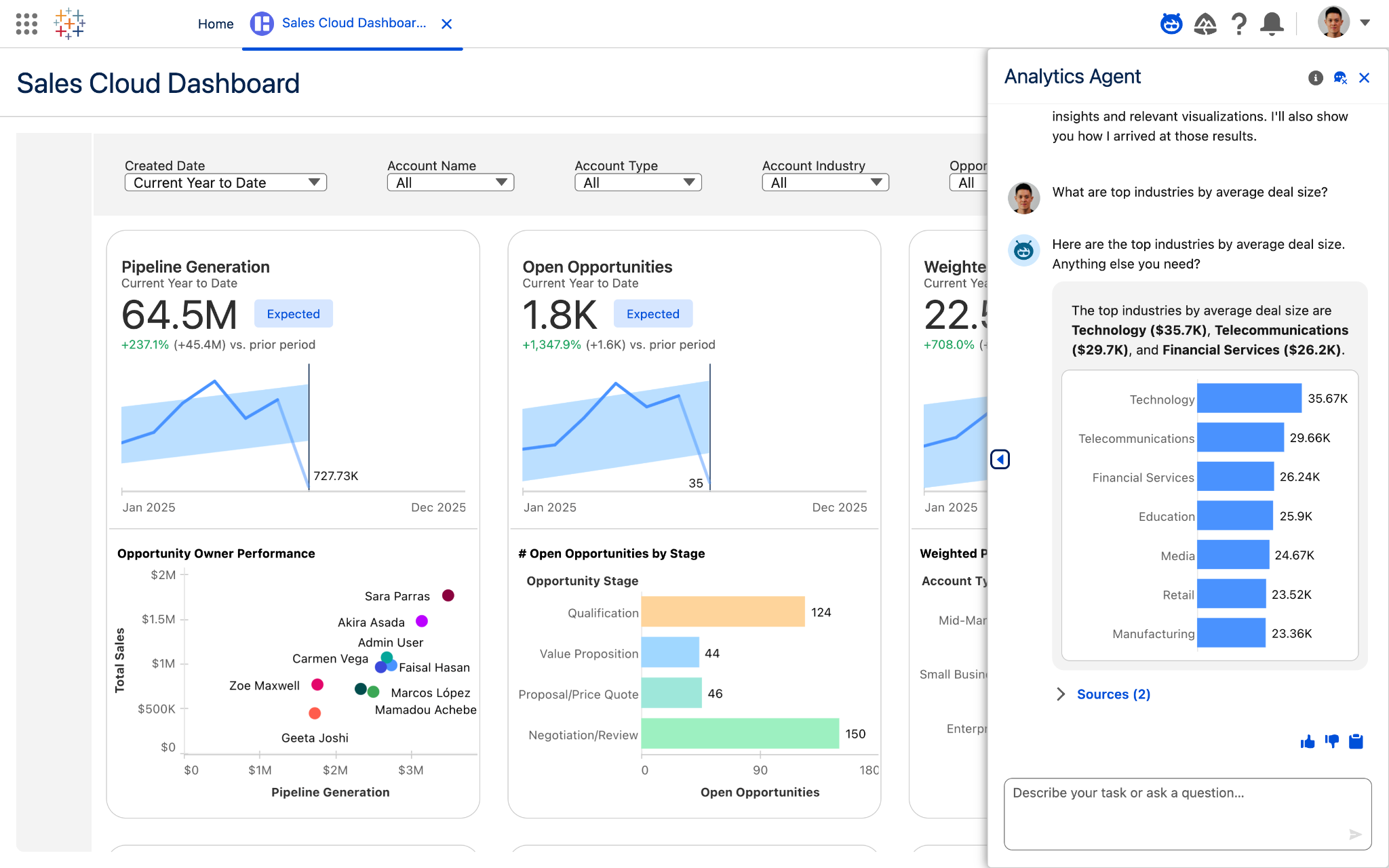
Tableau Demo - Tableau Next
Tableau Next
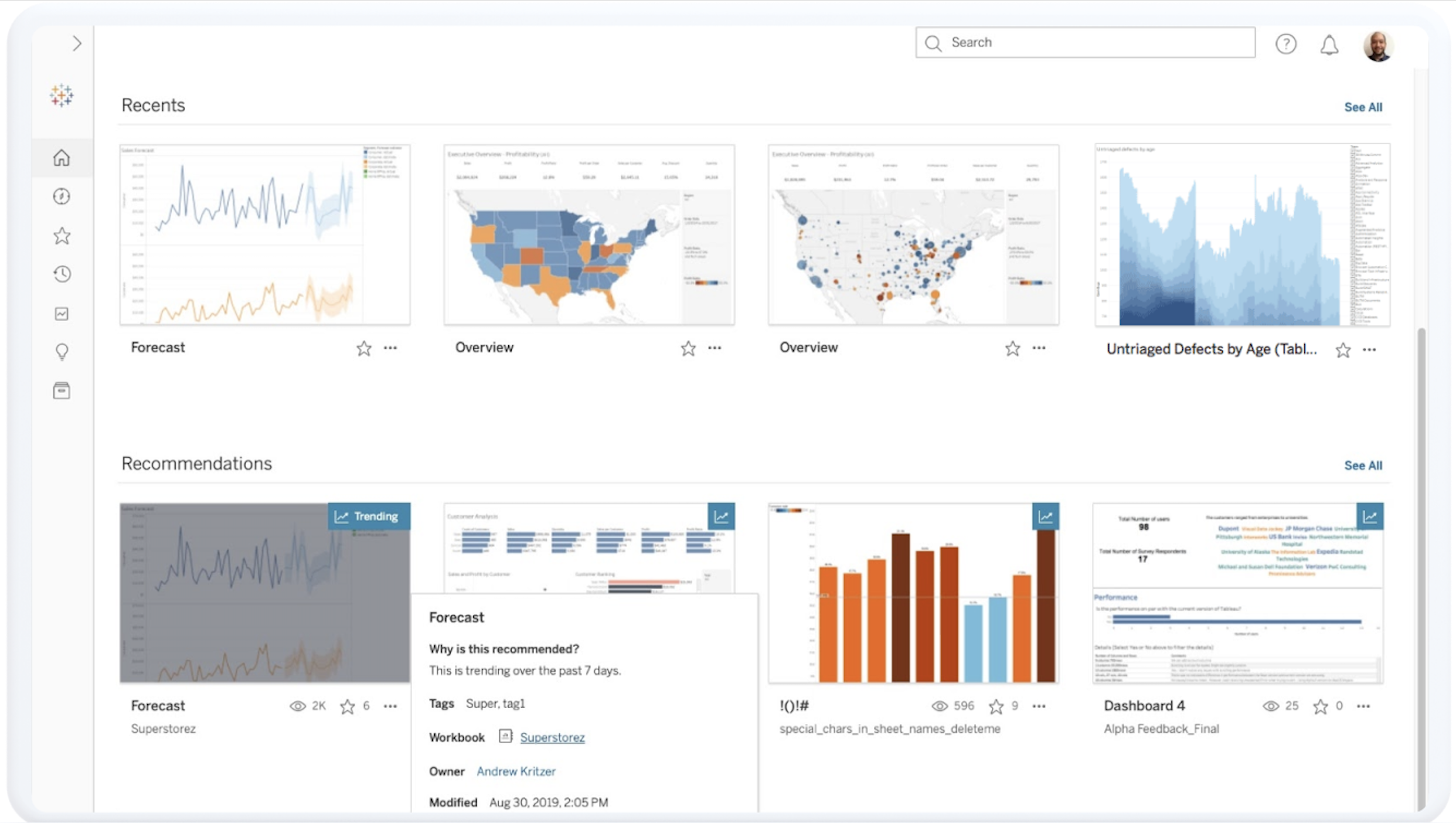
Tableau Demo - Tableau Cloud
Tableau Cloud
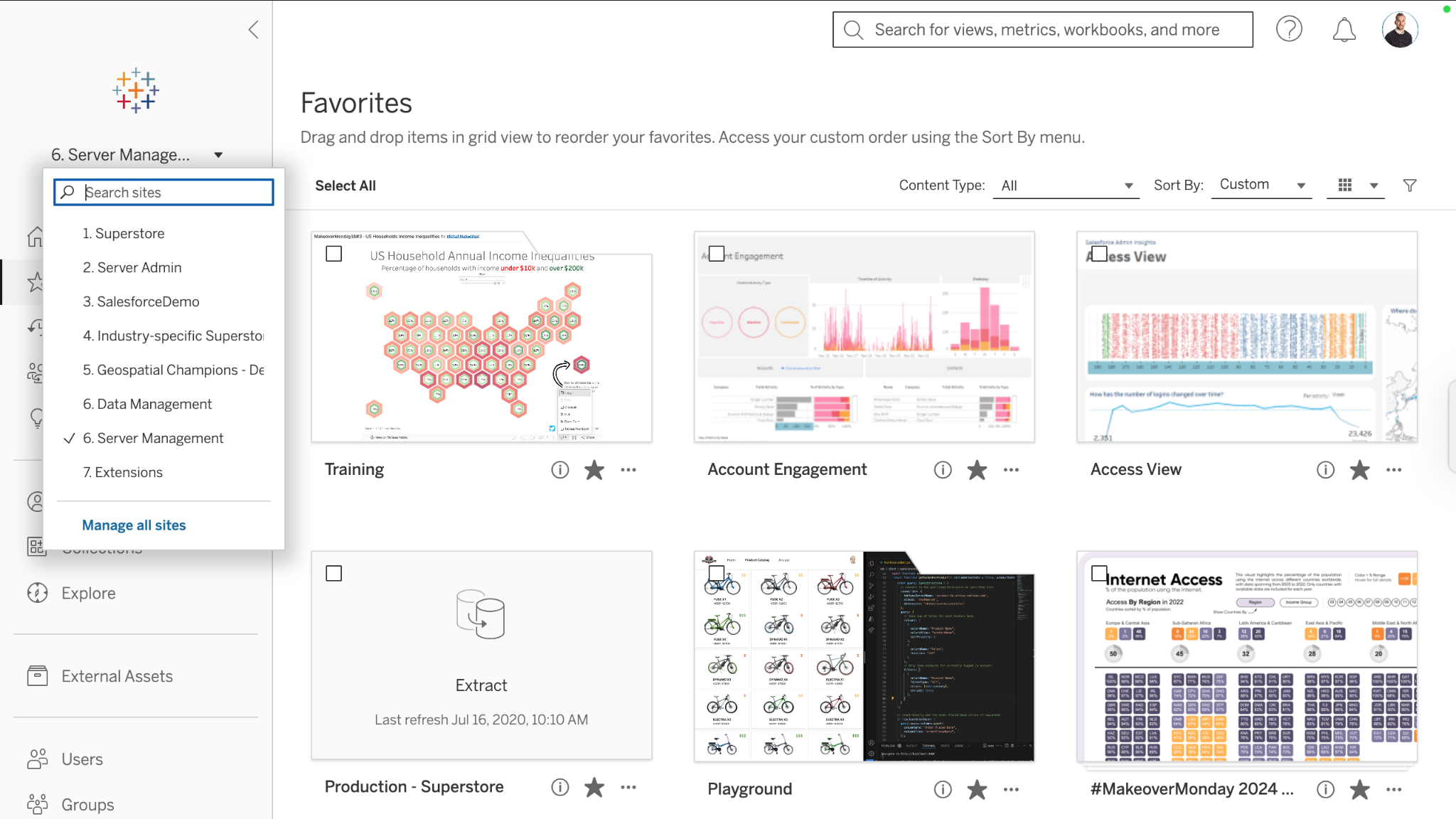
Tableau Demo - Tableau Server
Tableau Server
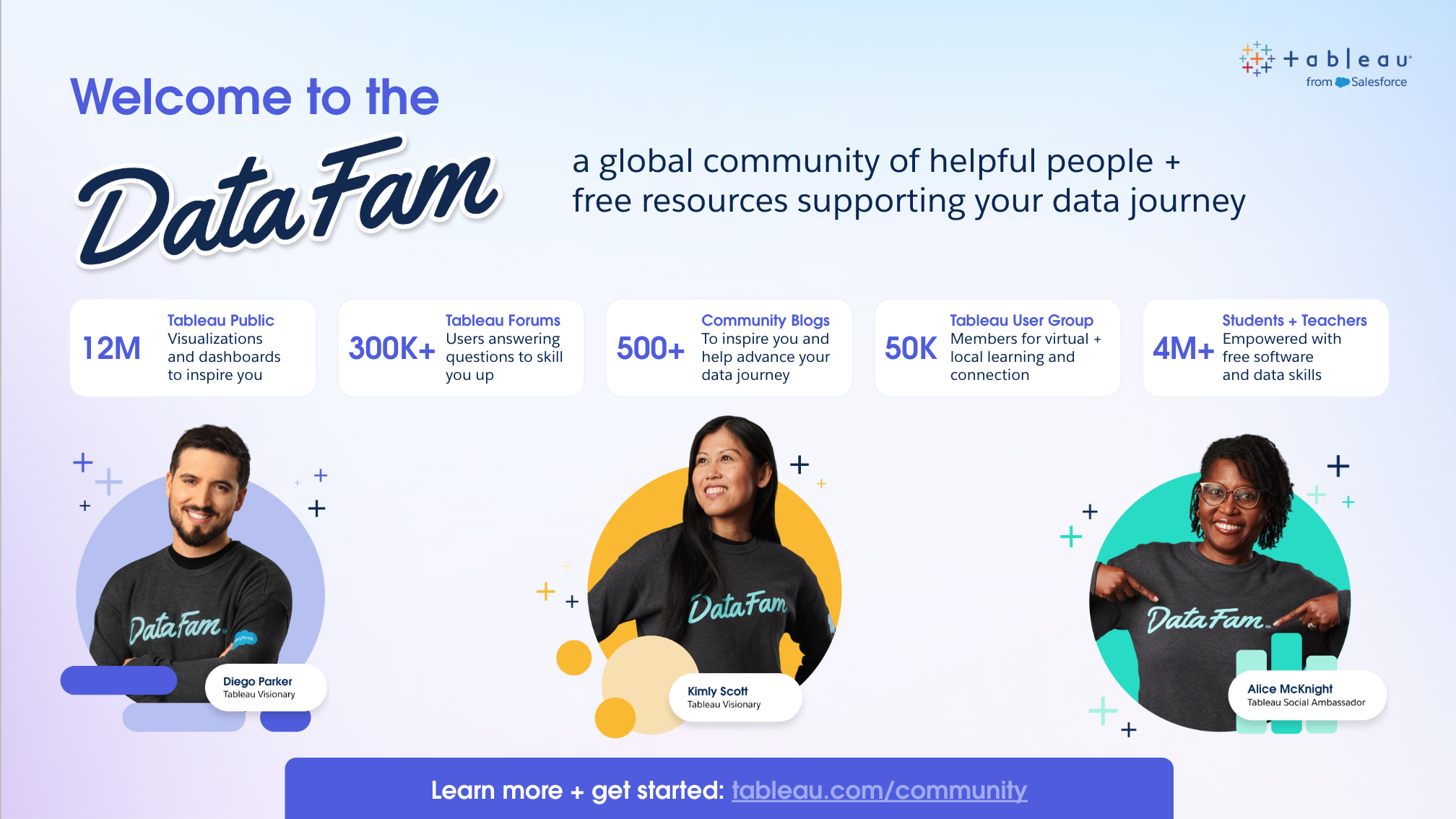
Tableau Demo - DataFam
DataFam
Tableau Next Demo
Play Tableau Video
Tableau Next Demo
Box Scales Productivity with Tableau
Play Tableau Video
Box Scales Productivity with Tableau
Product Avatar Image

Have you used Tableau before?

Answer a few questions to help the Tableau community

Tableau Reviews (3,569)

View 12 Video Reviews
Reviews

Tableau Reviews (3,569)

View 12 Video Reviews
4.4
3,569 reviews

Review Summary

Generated using AI from real user reviews
Users consistently praise Tableau for its intuitive drag-and-drop interface that simplifies the creation of interactive dashboards, making data visualization accessible even for non-technical users. The ability to connect to multiple data sources and generate clear, actionable insights quickly is highly valued. However, some users note that performance can lag with large datasets, which may hinder the overall experience.

Pros & Cons

Generated from real user reviews
View All Pros and Cons
Search reviews
Filter Reviews
Clear Results
G2 reviews are authentic and verified.
Anil K.
AK
Web Developer
Small-Business (50 or fewer emp.)
"Powerful & User-Friendly BI Tool with High Interactivity"
What do you like best about Tableau?

I have been using Tableau for data analysis and dashboard creation, and it's a very powerful and user-friendly BI tool. It helps convert complex data into clear, interactive, and visually appealing dashboards that are easy to understand for both technical and non-technical users. The drag and drop interface makes data visualization very simple and fast, saving me a lot of time. I like how easily it connects to multiple data sources such as Excel, CSV, and SQL databases. What I like most about Tableau is how quickly I can turn raw data into meaningful visuals with the drag and drop interface, allowing me to build charts, tables, and dashboards without writing complex code. Tableau dashboards are highly interactive, and I can easily add filters, parameters, drill-downs, and actions so users can explore data on their own. Tableau is easy to start with, even for beginners, and has a very active community with forums and examples available online. One of the most valuable features for me is Calculated fields, especially Level of Detail (LOD) expressions, as they allow me to create custom metrics and perform advanced analysis. The initial setup was easy for Tableau Desktop and data connections, and overall the onboarding experience was smooth. I am very likely to recommend Tableau to a friend because it is powerful, reliable, and excellent for building interactive, high-quality dashboards. Review collected by and hosted on G2.com.

What do you dislike about Tableau?

One of the biggest challenges with Tableau is the pricing model. The licensing cost can be expensive, especially for small teams or individual users. Viewer, Explorer, and Creator licenses can add up quickly as teams scale, and this sometimes limits wider adoption across the organization. Beyond the overall cost, I think Tableau could improve by offering more flexible pricing tiers, especially for individual users and learners and small teams or startups. A lighter, lower cost plan with core dashboarding features would make Tableau more accessible and encourage wider adoption. Also, one important gap is the lack of robust version control. Review collected by and hosted on G2.com.

BAALAJI M.
BM
Business Development Manager
Information Technology and Services
Mid-Market (51-1000 emp.)
"Easy-to-Use Tableau That Saves Time with Fast Data Integration and Support"
What do you like best about Tableau?

One of the best tools for business analysis tasks. It’s easy to use and easy to implement without any hassle. In my daily work, I manage a lot of data, and Tableau helps me save time by bringing all my data onto my screen within minutes. I integrated it with multiple tools that I already use, which also saves time on data management. I also love Tableau’s customer support for their instant responses. Review collected by and hosted on G2.com.

What do you dislike about Tableau?

Nothing so far, based on my usage over the last 3 years. Review collected by and hosted on G2.com.

Vishwjeet  S.
VS
Manager II (Outbound Sales)
Mid-Market (51-1000 emp.)
"Transforms Complex Data into Clarity Effortlessly"
What do you like best about Tableau?

I use Tableau for our sales attainment and incentive dashboards, and it gives me clear visibility into my earnings and quota attainment. What I like most about Tableau is how easy it makes complex data to understand. I can quickly see my performance, earnings, and quota without digging through multiple reports. Tableau converts raw data into clear, visual dashboards, enabling me to instantly see my quota attainment, pipeline contribution, and earnings in one place. The initial setup was quite easy, and I'm very likely to recommend it. Review collected by and hosted on G2.com.

What do you dislike about Tableau?

I believe it's quite technical which can be further optimized. Review collected by and hosted on G2.com.

Danish N.
DN
Data Analyst
Mid-Market (51-1000 emp.)
"User-Friendly UI, but Needs Faster Performance"
What do you like best about Tableau?

I really like Tableau's user-friendly GUI, which makes navigating raw data and building charts much simpler. The drag-and-drop functionality is particularly helpful, allowing me to slice and dice the data very easily. I also find it valuable that Tableau can connect to almost all data servers, making it easy to access various data points without needing to import entire datasets. The initial setup was smooth, and it seamlessly connects with my existing datasets like SAS and GCP. Review collected by and hosted on G2.com.

What do you dislike about Tableau?

The browser version of Tableau is a bit slow and takes some lag while dragging columns and rows. The performance and speed of the drag-and-drop functionality should be improved further. Review collected by and hosted on G2.com.

rahul l.
RL
Data Analyst
Enterprise (> 1000 emp.)
"Intuitive Drag-and-Drop for Seamless Visualizations"
What do you like best about Tableau?

I like Tableau's drag-and-drop feature, which is very convenient for creating visualizations. It helps me directly create visualizations by allowing me to choose any dimension and measure from the given data input panel and directly place it into the visualization panel, creating a perfect dashboard for management. Review collected by and hosted on G2.com.

What do you dislike about Tableau?

Tableau should include more inbuilt custom data charts instead of relying on some custom charts. Review collected by and hosted on G2.com.

Ravi B.
RB
Business Intelligence Developer - Tableau Power BI
Enterprise (> 1000 emp.)
"Great Visualizations, Needs Better ETL"
What do you like best about Tableau?

I love that Tableau is the best visualization tool in the market. Its interactive visuals are very appealing and it's very easy to use without requiring much technical knowledge. The different charts like maps, pie, bar chart, and dual axis charts, combined with functionalities like filters, parameters, and action filters, make it easier to understand organization-wide data, trends, and metrics. Downloading Tableau desktop software and setting it up by buying a license is simple, making it easy to configure for every developer. Review collected by and hosted on G2.com.

What do you dislike about Tableau?

While I compare it with other BI tools like Power BI, Tableau does not have powerful ETL and data modeling features, which should be improved. Review collected by and hosted on G2.com.

Uchenna D.
UD
Grill Cook
Small-Business (50 or fewer emp.)
"Simple Dashboard That Makes Graph Building Easy"
What do you like best about Tableau?

What I like most is the dashboard, especially how simple it is to build graphs. Review collected by and hosted on G2.com.

What do you dislike about Tableau?

The prep tools feel clunky and limited, and collaboration and versioning are messy. Live data connections often lag, which slows things down. Integrations can also be inconsistent, so the overall workflow doesn’t always feel reliable. Review collected by and hosted on G2.com.

Laxman C.
LC
Senior Engineering Lead
Enterprise (> 1000 emp.)
"User-Friendly Tableau with Robust Features, High Cost"
What do you like best about Tableau?

I find Tableau to be an advanced data visualization tool that I've been relying on for business analytics over the past seven years. I really appreciate its ease of use and user interface, which I find intuitive. The ability to connect with various data sources effortlessly and the option for data blending are standout features for me. These capabilities have allowed me to join different data sources, bringing up additional columns that help drill through more insightful reports. The setup was very fast, and the support team was helpful, making the initial experience smooth and efficient. Review collected by and hosted on G2.com.

What do you dislike about Tableau?

Due to high cost of the license, many users are shifting to Power BI nowadays. Review collected by and hosted on G2.com.

Md Mudassir A.
MA
Product Designer
Information Technology and Services
Small-Business (50 or fewer emp.)
"Effortless Data Visualization with Smooth Performance"
What do you like best about Tableau?

I like how easy it is to turn raw data into clear visual dashboards using the drag-and-drop feature. I also enjoy the interactive filters and flexible charts options. Tableau connects quickly to different data sources and updates dashboards smoothly, which is great even with large datasets. These features help me analyze data faster and turn it into actionable insights, allowing me to quickly explore trends and make better decisions based on clear visual dashboards. Review collected by and hosted on G2.com.

What do you dislike about Tableau?

Sometimes the interface can feel overwhelming for new users because there are many options and settings. A more guided onboarding experience with step-by-step tips would help new users understand where to start. Review collected by and hosted on G2.com.

Himanshi M.
HM
Team lead software engineer
Mid-Market (51-1000 emp.)
"Intuitive, Beautiful Visualizations with Powerful Drag-and-Drop Analytics"
What do you like best about Tableau?

Tableau is highly regarded for its ability to create, intuitive, and aesthetically pleasing data visualizations (often called "vizzes"). It provides an extensive library of chart types, including maps and complex, interactive dashboards.The platform is known for its "no-code" or "low-code" approach, allowing users to build complex visualizations by simply dragging and dropping columns. This makes it accessible to non-technical users while still offering deep functionality for analysts.Tableau allows for quick, iterative data exploration, enabling users to ask multiple questions of their data in a short amount of time, essentially functioning like "pivot tables on steroids".Users appreciate the flexibility of calculated fields, which allow for advanced, custom calculations to be made on top of raw data.Tableau has a massive and supportive community, often cited as a key reason users choose and stick with the platform.It can effectively handle millions of rows of data without sacrificing performance.

Extensive chart library: Over 20+ visualization types from basic to advanced.

Drag-and-drop interface: Intuitive design for building visualizations.

Customization options: Granular control over every visual element.

Interactive dashboards: Click-through functionality and filtering. Review collected by and hosted on G2.com.

What do you dislike about Tableau?

Commonly cited drawbacks of Tableau include a steep learning curve for complex analytics, high licensing costs, and slow performance with very large datasets. Users frequently find its formatting unintuitive, struggle with limited collaboration features, and dislike the lack of native, advanced chart types, which often require complex workarounds.While easy for simple visualizations, mastering Tableau for advanced, complex analyses is challenging. It requires understanding, at times, non-intuitive logic and, for advanced functionality, specialized knowledge (e.g., Level of Detail calculations).Tableau is widely regarded as expensive, especially compared to competitors like Power BI, making it a significant investment.Complex calculations and, especially, massive, unoptimized datasets can lead to slow performance and frustration.Users often report that formatting dashboards is tedious and non-intuitive, with difficulty copying formatting across different sheets and containers.

Steep Learning Curve: While initial setup is easy, mastering advanced features, calculations, and data modeling takes significant time.

High Cost of Ownership: Expensive licensing, particularly for many users, makes it less accessible for smaller teams.

Performance Issues: Complex dashboards, intricate calculations, and large datasets can cause slow load times. Review collected by and hosted on G2.com.

Questions about Tableau? Ask real users or explore answers from the community

Get practical answers, real workflows, and honest pros and cons from the G2 community or share your insights.

GU
Guest User

What is Salesforce CRM Analytics (formerly Tableau CRM) used for?

Verified User in Accounting
G2
Verified User in Accounting
Last activity 2 months ago

have you used Tableau Cloud ? for which industry you used and how was your experience?

Pricing Options

Pricing provided by Tableau.

Tableau Standard

$75.00
1 User Per Month

Tableau Enterprise

$115.00
1 User Per Month

Tableau+ Bundle

Contact Us
1 User Per Month
Tableau Comparisons
Product Avatar Image
Amazon QuickSight
Compare Now
Product Avatar Image
Dash
Compare Now
Product Avatar Image
Microsoft Power BI
Compare Now
Tableau Features
Reports Interface
Steps to Answer
Graphs and Charts
Calculated Fields
Data Column Filtering
Data Discovery
Predictive Analytics
Data Visualization
Big Data Services
Data Transformation
Product Avatar Image
Tableau