Screencastify

By Castify

4.6 out of 5 stars

How would you rate your experience with Screencastify?

Compare this with other toolsSave it to your board and evaluate your options side by side.
Save to board

Screencastify Reviews & Product Details

Pricing

Pricing provided by Screencastify.

Free

$0.00
1 Users Per Month

Screencastify Media

Screencastify Demo - Browser Extension
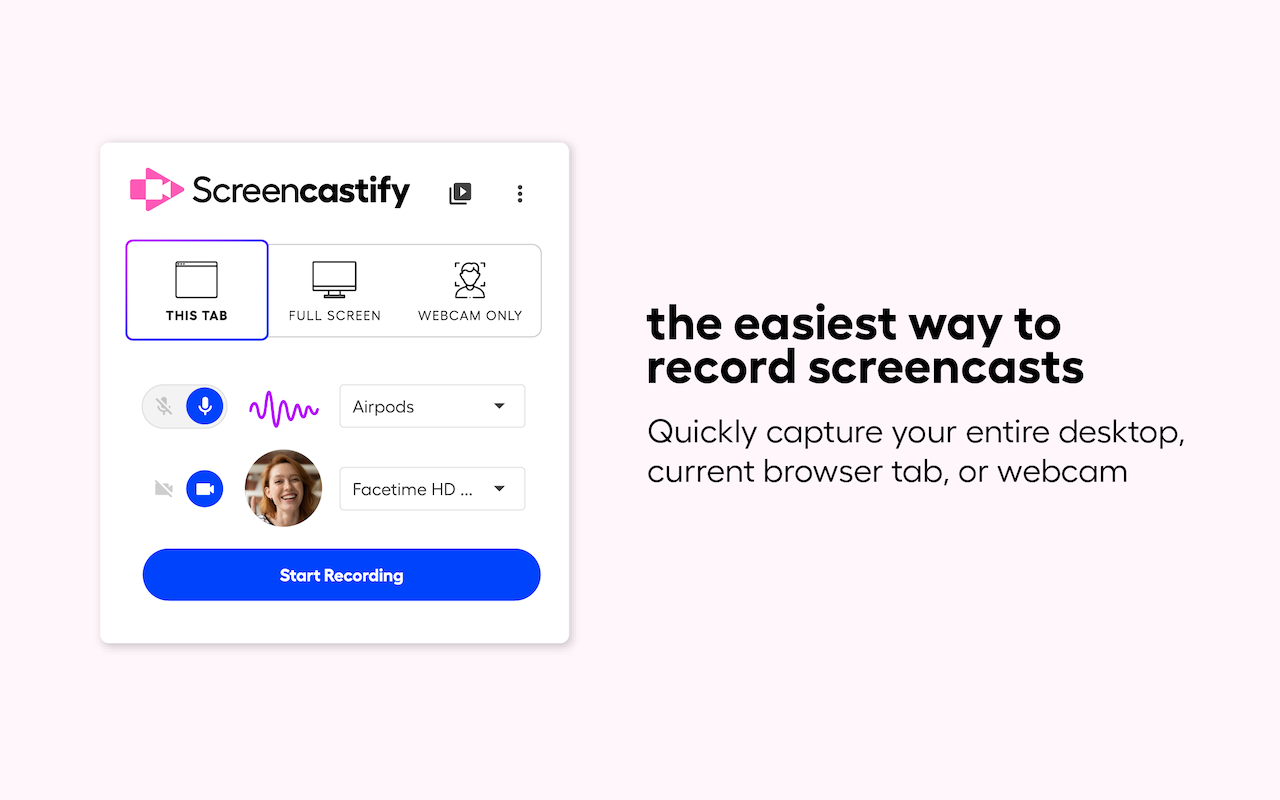
Quickly capture your entire desktop, current browser tab, or webcam.
Screencastify Demo - Extension Available on Chrome and Edge
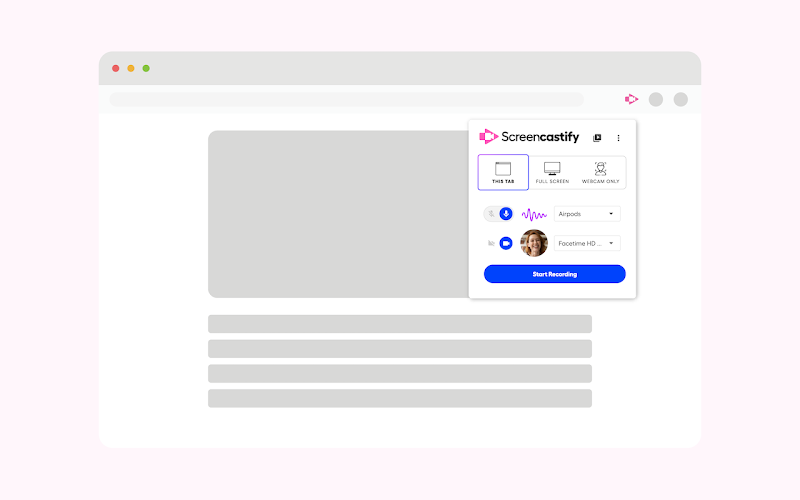
Download the extension on Google Chrome or Microsoft Edge.
Screencastify Demo - Record Vides in a Few Clicks
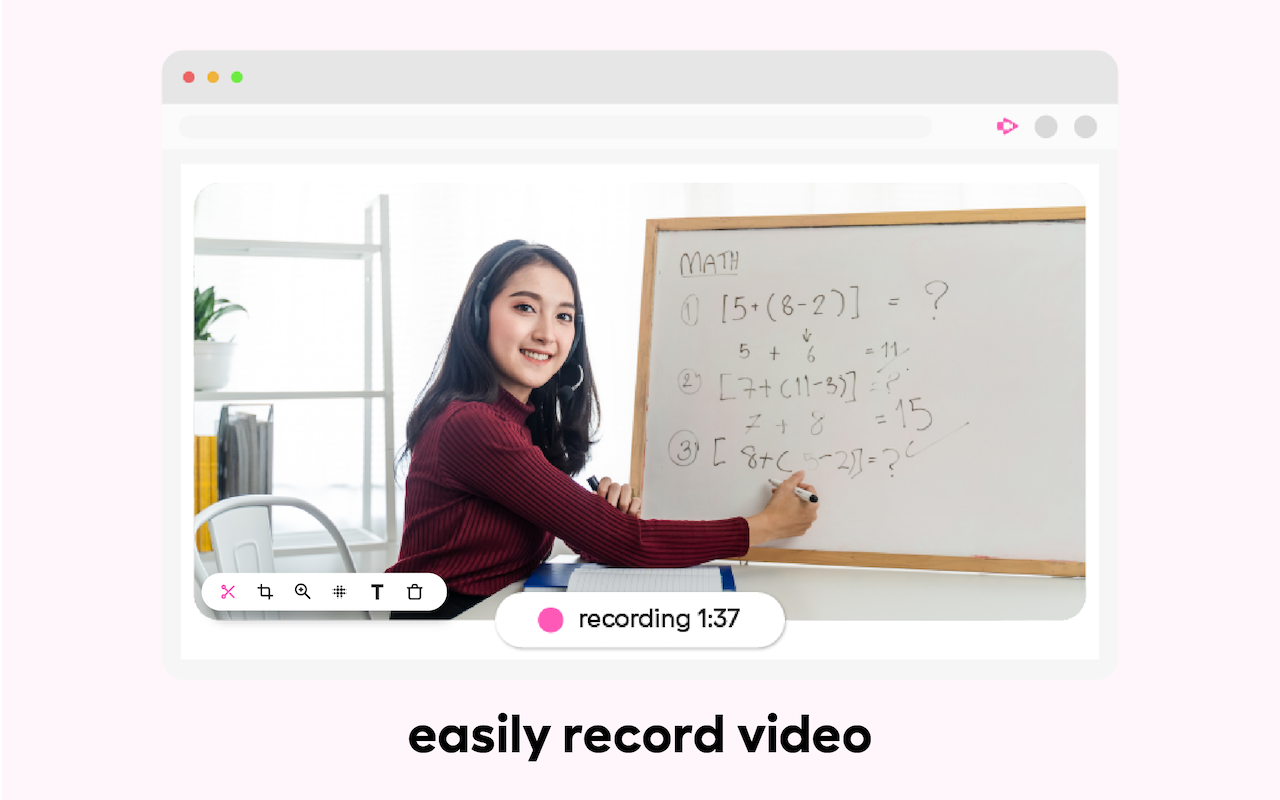
Easily record videos in just a few clicks.
Screencastify Demo - Add Questions to Your Videos
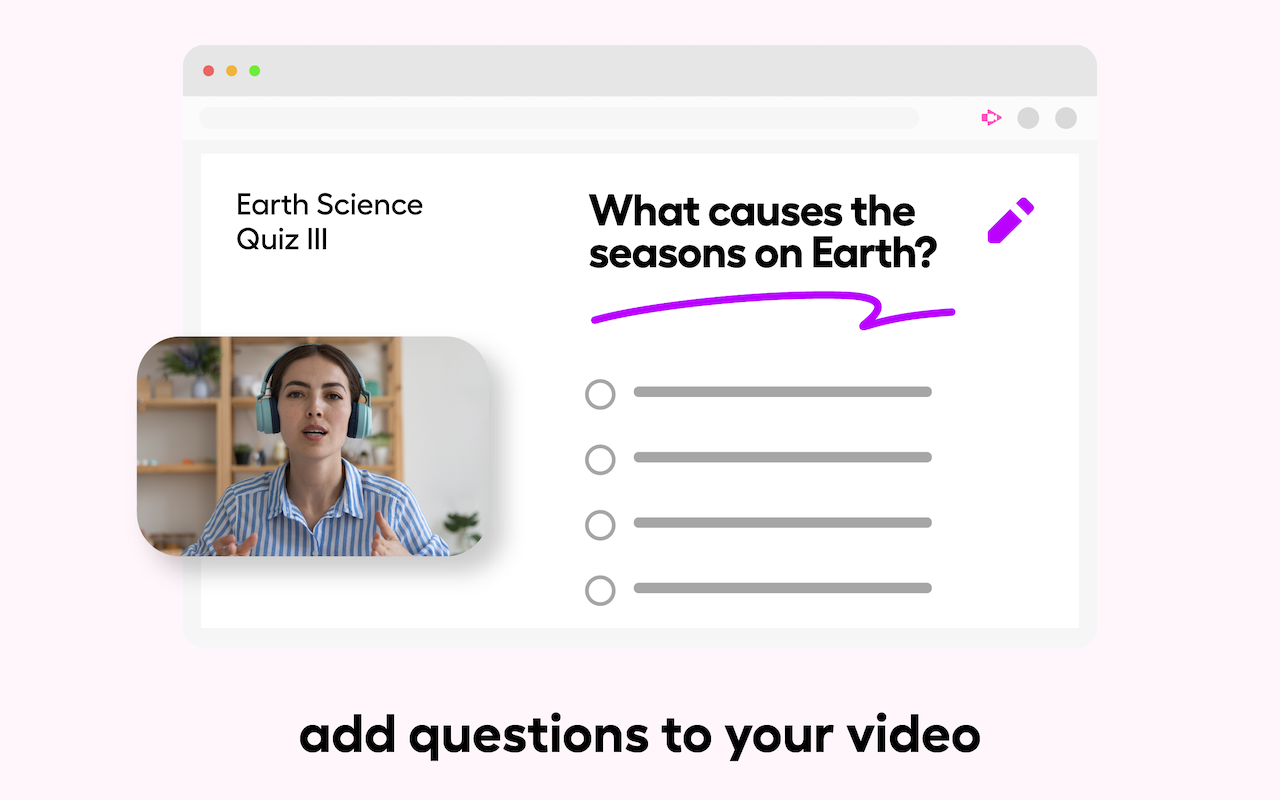
Make your videos interactive for your audience with questions that can be added manually or with AI.
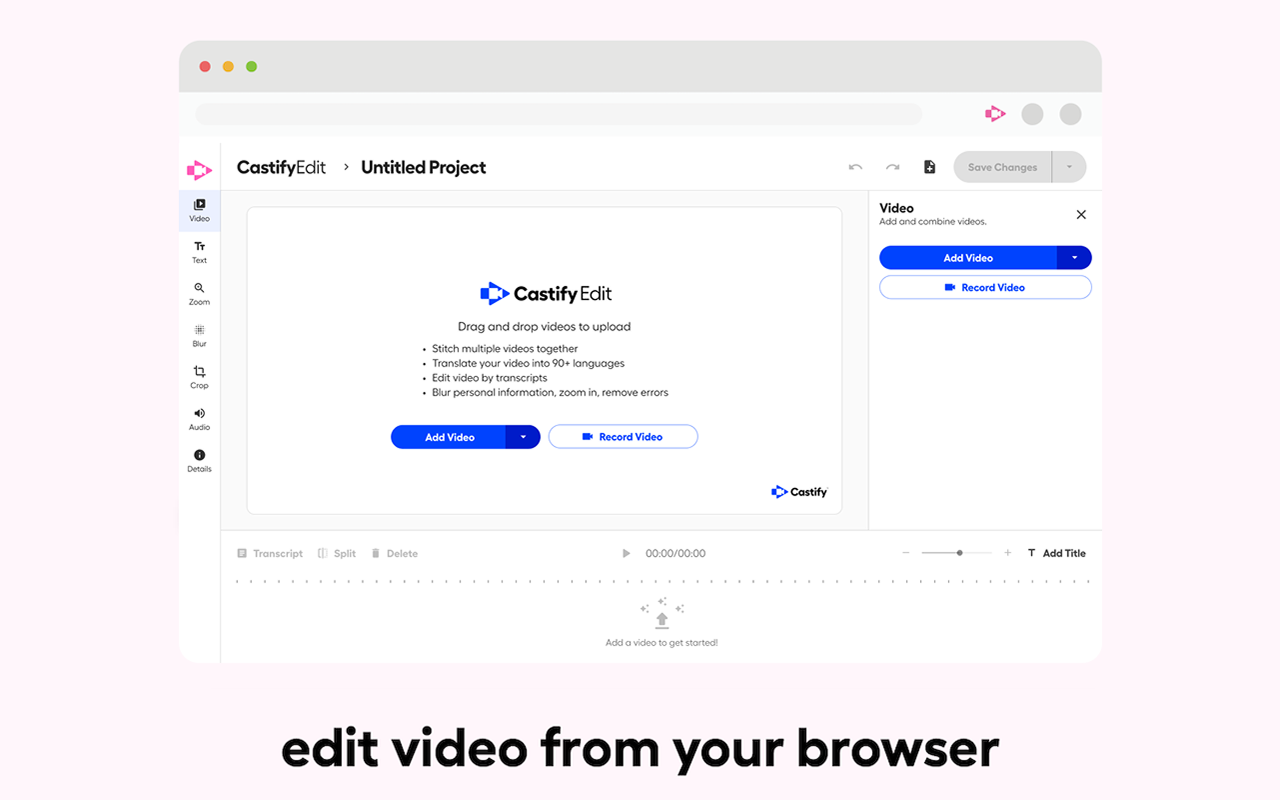
Screencastify Demo - AI-Powered Video Editor
Easily pull a Screencastify video or your own video into our powerful editor.
Discover our platform in this quick intro. You’ll see how teams, creators, and educators use Screencastify. Whether you’re teaching, learning, or collaborating, we make communication simple and engaging.
Play Screencastify Video
Discover our platform in this quick intro. You’ll see how teams, creators, and educators use Screencastify. Whether you’re teaching, learning, or collaborating, we make communication simple and engaging.
Screencastify makes it simple to record your screen, webcam, or both, all from your browser. In this quick product overview, see how easy it is to capture lessons, demos, or presentations and share them instantly.
Play Screencastify Video
Screencastify makes it simple to record your screen, webcam, or both, all from your browser. In this quick product overview, see how easy it is to capture lessons, demos, or presentations and share them instantly.
Castify Submit makes it simple for you to collect and organize video responses, all without complicated tech or extra logins. In this video, you’ll learn how to educators use Castify Submit to give each student a voice.
Play Screencastify Video
Castify Submit makes it simple for you to collect and organize video responses, all without complicated tech or extra logins. In this video, you’ll learn how to educators use Castify Submit to give each student a voice.
Collaboration just leveled up! Our new role permissions for Shared Folders make it easier than ever to work together on video content. Try it today and discover how easy collaboration can be.
Play Screencastify Video
Collaboration just leveled up! Our new role permissions for Shared Folders make it easier than ever to work together on video content. Try it today and discover how easy collaboration can be.
Product Avatar Image

Have you used Screencastify before?

Answer a few questions to help the Screencastify community

Screencastify Reviews (82)

View 1 Video Reviews
Reviews

Screencastify Reviews (82)

View 1 Video Reviews
4.6
82 reviews

Review Summary

Generated using AI from real user reviews
Users consistently praise the ease of use and quick recording capabilities of Screencastify, making it a preferred tool for creating instructional videos and tutorials. The seamless integration with Google Drive for storage and sharing enhances its appeal, allowing users to efficiently manage their recordings. However, some users note limitations with the free version, particularly the time restrictions on recordings.

Pros & Cons

Generated from real user reviews
View All Pros and Cons
Search reviews
Filter Reviews
Clear Results
G2 reviews are authentic and verified.
Verified User in Information Technology and Services
UI
Enterprise (> 1000 emp.)
"Screencastify for screen recording and demos to client through screencastify recordings"
What do you like best about Screencastify?

Screencastify is great tool to capture screen recording, this is very much useful in unit testing where in we can have a proof of recorded screen videos, quickly the recorded clips can be uploaded to google drive for sharing a link Review collected by and hosted on G2.com.

What do you dislike about Screencastify?

It hangs too much and even crashes, the start time is too much if used frequently, it slows other applications under use when opened Review collected by and hosted on G2.com.

MS
Emids
Mid-Market (51-1000 emp.)
"Screencastify is an extremist screen recoder"
What do you like best about Screencastify?

All recorded videos are saved in the Google Drive because it is integrated with Google Chrome extension and you can share the video. Review collected by and hosted on G2.com.

What do you dislike about Screencastify?

Sometimes it stops the recording while capturing the screen recording for long time. Review collected by and hosted on G2.com.

PP
Test Engineer
Mid-Market (51-1000 emp.)
"Easy to Use and Versatile"
What do you like best about Screencastify?

A simple browser extension which is easy to use. The ability to quickly and easily capture recordings at one go. Review collected by and hosted on G2.com.

What do you dislike about Screencastify?

Only works with Chrome browser. Converting from .webm to mp4 is a tedious task when file is saved in .webm format. Review collected by and hosted on G2.com.

Verified User in Information Technology and Services
UI
Mid-Market (51-1000 emp.)
"Screencastify- For recording demo sessions"
What do you like best about Screencastify?

It helps to maintain the demo sessions recordings, as soon as the screen recording completes we can upload the clip to Google drive, and same can be shared to client as a copy of demo Review collected by and hosted on G2.com.

What do you dislike about Screencastify?

Screencastify has all the features that a screenreader needs Review collected by and hosted on G2.com.

PM
Small-Business (50 or fewer emp.)
"Great live recording tool"
What do you like best about Screencastify?

It is used with Chrome and you don't need to install heavy programs on your computer, which is wonderful for computers without many resources or for those who don't want to install too many programs. In this case, you will receive an online product that directly hosts recordings on drive, where you can annotate things live, highlight areas, write, erase, etc. It is undoubtedly a great tool for live recordings, offering a free plan (which is sufficient for the vast majority of situations) and a paid plan, which is moderately cheap, meaning it's not expensive at all. However, it does offer many more features and removes the watermark (which appeared a few days ago after an update). Review collected by and hosted on G2.com.

What do you dislike about Screencastify?

What I don't like are the brush, pencil, or marker tools, because they are very pixelated and create a very bad impression when passing something recorded with annotations to someone else. Review collected by and hosted on G2.com.

EG
Small-Business (50 or fewer emp.)
"good tool"
What do you like best about Screencastify?

What I liked the most is that it is a free but very powerful tool, it allows you to easily record what you do in the browser while speaking through the microphone, ideal for making video tutorials or news reviews. Additionally, you can automatically save all the videos in Google Drive. Review collected by and hosted on G2.com.

What do you dislike about Screencastify?

What I liked the least is that it's a hassle to have to register with a Google account; I would prefer that part not to be mandatory. Other than that, there's little to criticize about this extension; it's free and offers everything one could ask for. Review collected by and hosted on G2.com.

JR
Small-Business (50 or fewer emp.)
"Good tool for making small recordings"
What do you like best about Screencastify?

As I say in the title, it is a good tool for making small recordings, that is, of short duration, because it allows you not only to record easily and host it directly in your cloud (for example Google Drive), but it also allows you to annotate, draw, and write during the video while recording, which is very useful for highlighting or pointing out areas, texts, or whatever you need to emphasize over the rest. It is really a very good application that you don't need to install on your computer, as it installs as an extension in your Google Chrome browser. Review collected by and hosted on G2.com.

What do you dislike about Screencastify?

The worst part is undoubtedly the precision of the brush when you are going to point, note, or draw something while recording. It is precise but irregular, meaning when you move the brush it becomes very, very pixelated. This is something they should fix, as it looks really ugly to point or draw something with that tool. Review collected by and hosted on G2.com.

CG
Small-Business (50 or fewer emp.)
"Very interactive"
What do you like best about Screencastify?

Despite its limitations, Screencastify records your screen, although I use it only for Chrome, that is, for its tabs, with quite simplicity, it is very efficient, it hardly consumes any resources so the computer doesn't notice it's recording, plus you can annotate things while doing so, which can be very useful when the video is explanatory, for example, teaching something to someone. Review collected by and hosted on G2.com.

What do you dislike about Screencastify?

Although the tools are correctly chosen, I believe their quality is not adequate; the brushes look very pixelated, which worsens the quality of the service. Review collected by and hosted on G2.com.

Jasmine A.
JA
Technical Support & Marketing Administrator
Mid-Market (51-1000 emp.)
"Effective tool for screen recording "
What do you like best about Screencastify?

It offers various options to record desktop and browser tabs. Review collected by and hosted on G2.com.

What do you dislike about Screencastify?

While using on browser tabs if we stitch tab then recording option has to be manually switched between tabs. Review collected by and hosted on G2.com.

OS
Oscar Santos
Mid-Market (51-1000 emp.)
"A quality short film"
What do you like best about Screencastify?

From our company in the sales department, we usually create videos to motivate our external salespeople. Of course, we don't have many resources, just a webcam and a microphone. With this, we can give directions to our salespeople abroad so they can understand more easily how the company works and the goals we want to achieve. Review collected by and hosted on G2.com.

What do you dislike about Screencastify?

The only thing I didn't like is that to access the option for videos with unlimited duration, we have to pay out of our own pocket for the premium option, which is even simpler and easy to use. Review collected by and hosted on G2.com.

Questions about Screencastify? Ask real users or explore answers from the community

Get practical answers, real workflows, and honest pros and cons from the G2 community or share your insights.

Saurabh t.
ST
Saurabh toni
Last activity almost 5 years ago

Why is sound gets muted sometimes when recording in Desktop browser?

Verified User
G2
Verified User

Does Screencastify record screen?

Pricing Options

Pricing provided by Screencastify.

Free

$0.00
1 Users Per Month

Starter

Starting at $7.00
1 Users Per Month

Pro

Starting at $10.00
1 Users Per Month
Screencastify Comparisons
Product Avatar Image
Loom
Compare Now
Product Avatar Image
ScreenPal
Compare Now
Product Avatar Image
Camtasia
Compare Now
Screencastify Features
Screen Capture
Video Capture
Image Editor
Scrolling Capture
Screen Record
File Sharing
Platform Search
Product Avatar Image
Screencastify