Screencastify

By Castify

4.6 out of 5 stars

How would you rate your experience with Screencastify?

Compare this with other toolsSave it to your board and evaluate your options side by side.
Save to board

Screencastify Reviews & Product Details

Pricing

Pricing provided by Screencastify.

Free

$0.00
1 Users Per Month

Screencastify Media

Screencastify Demo - Browser Extension
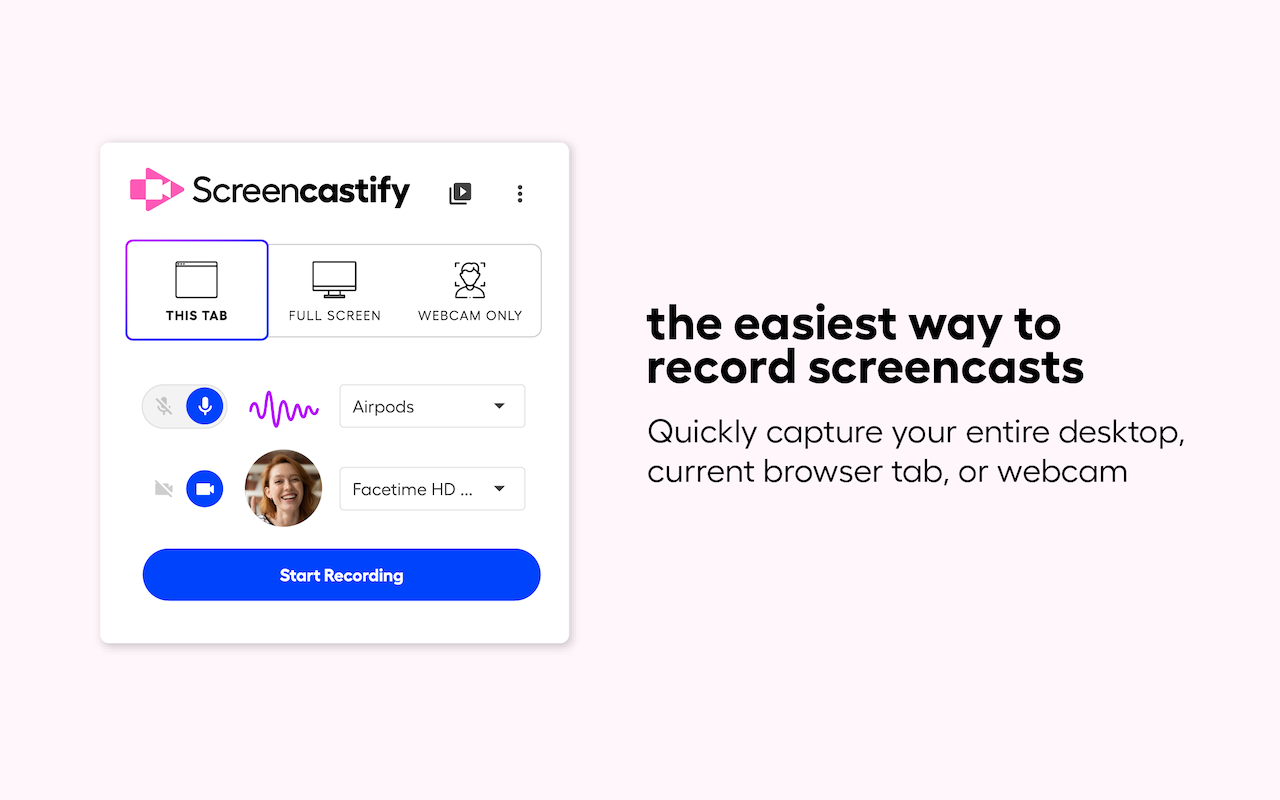
Quickly capture your entire desktop, current browser tab, or webcam.
Screencastify Demo - Extension Available on Chrome and Edge
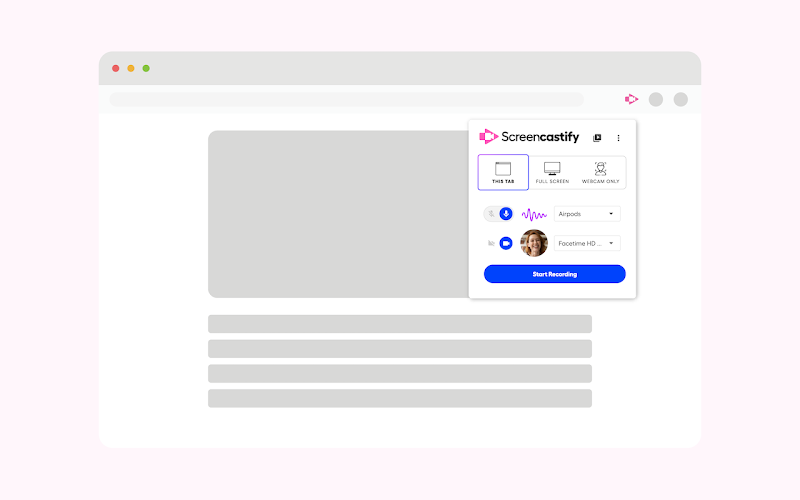
Download the extension on Google Chrome or Microsoft Edge.
Screencastify Demo - Record Vides in a Few Clicks
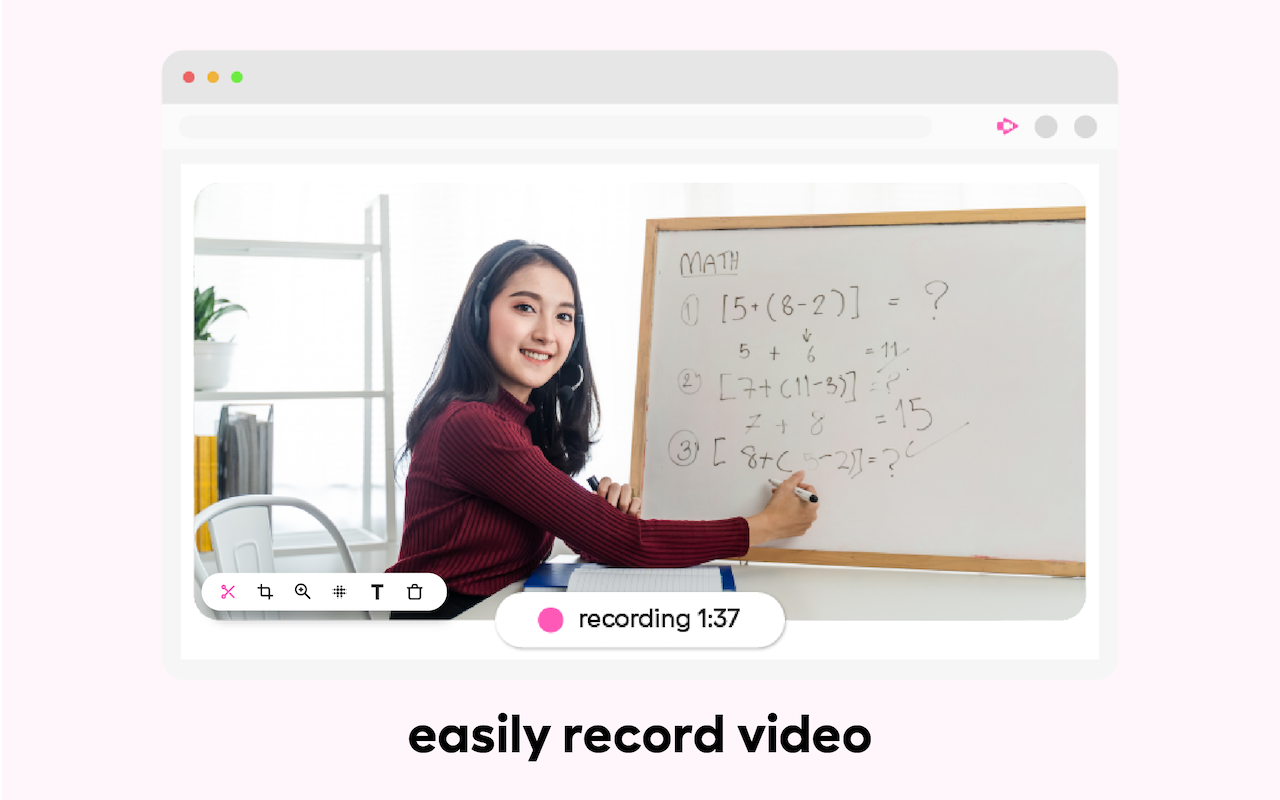
Easily record videos in just a few clicks.
Screencastify Demo - Add Questions to Your Videos
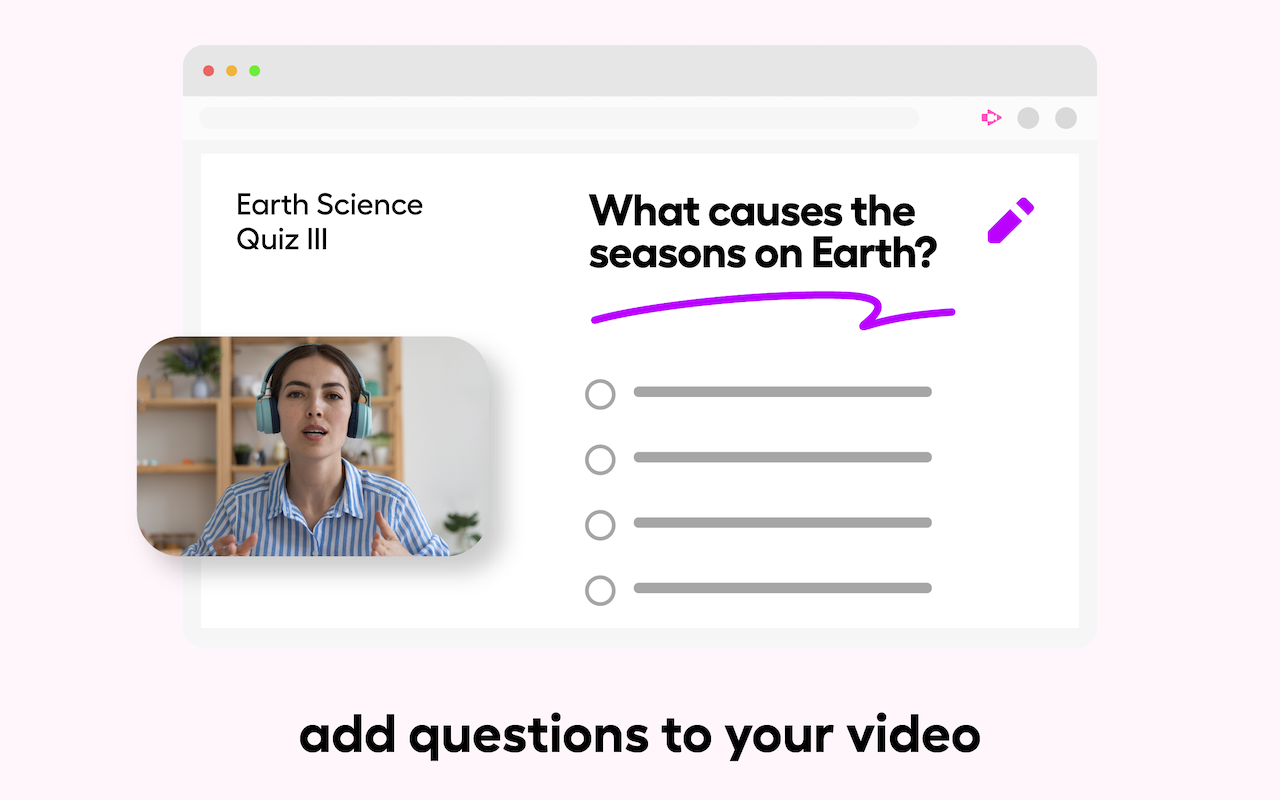
Make your videos interactive for your audience with questions that can be added manually or with AI.
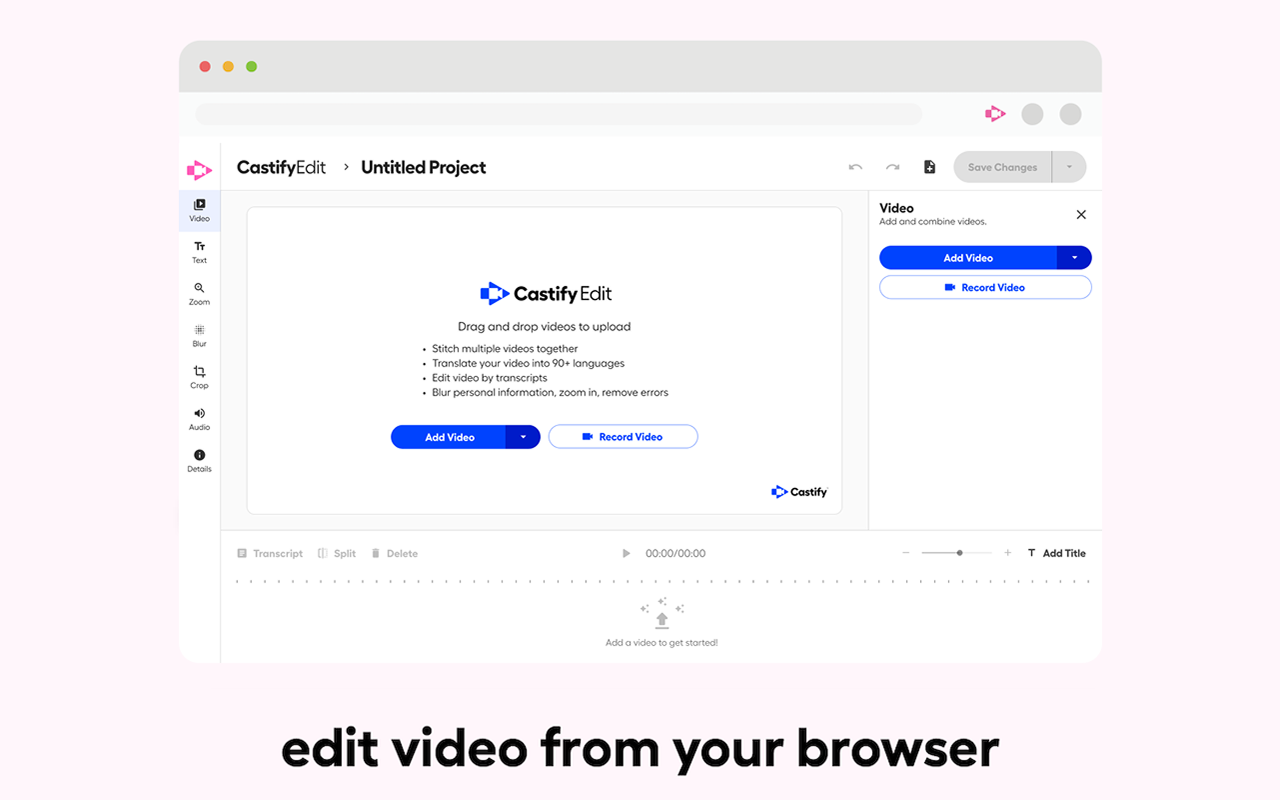
Screencastify Demo - AI-Powered Video Editor
Easily pull a Screencastify video or your own video into our powerful editor.
Discover our platform in this quick intro. You’ll see how teams, creators, and educators use Screencastify. Whether you’re teaching, learning, or collaborating, we make communication simple and engaging.
Play Screencastify Video
Discover our platform in this quick intro. You’ll see how teams, creators, and educators use Screencastify. Whether you’re teaching, learning, or collaborating, we make communication simple and engaging.
Screencastify makes it simple to record your screen, webcam, or both, all from your browser. In this quick product overview, see how easy it is to capture lessons, demos, or presentations and share them instantly.
Play Screencastify Video
Screencastify makes it simple to record your screen, webcam, or both, all from your browser. In this quick product overview, see how easy it is to capture lessons, demos, or presentations and share them instantly.
Castify Submit makes it simple for you to collect and organize video responses, all without complicated tech or extra logins. In this video, you’ll learn how to educators use Castify Submit to give each student a voice.
Play Screencastify Video
Castify Submit makes it simple for you to collect and organize video responses, all without complicated tech or extra logins. In this video, you’ll learn how to educators use Castify Submit to give each student a voice.
Collaboration just leveled up! Our new role permissions for Shared Folders make it easier than ever to work together on video content. Try it today and discover how easy collaboration can be.
Play Screencastify Video
Collaboration just leveled up! Our new role permissions for Shared Folders make it easier than ever to work together on video content. Try it today and discover how easy collaboration can be.
Product Avatar Image

Have you used Screencastify before?

Answer a few questions to help the Screencastify community

Screencastify Reviews (82)

View 1 Video Reviews
Reviews

Screencastify Reviews (82)

View 1 Video Reviews
4.6
82 reviews

Review Summary

Generated using AI from real user reviews
Users consistently praise the ease of use and quick recording capabilities of Screencastify, making it a preferred tool for creating instructional videos and tutorials. The seamless integration with Google Drive for storage and sharing enhances its appeal, allowing users to efficiently manage their recordings. However, some users note limitations with the free version, particularly the time restrictions on recordings.

Pros & Cons

Generated from real user reviews
View All Pros and Cons
Search reviews
Filter Reviews
Clear Results
G2 reviews are authentic and verified.
Ivy R W.
IW
Behavior Therapist
Mid-Market (51-1000 emp.)
"Perfect For Educators"
What do you like best about Screencastify?

You can download a chrome extension, for easy accessibility. What I like best about using Screencastify is the simplicity. Did I mention it’s free! When created instructional videos for work, I can record unlimited 5 minute tutorials to use in my classroom. There is a really cool count down feature that prepared your before the recording of your screen happens. Plus, there Options for sharing and storing your recordings. Review collected by and hosted on G2.com.

What do you dislike about Screencastify?

You only get 5 minutes to record under the free subscription. It would help the user to write a script and practice it. This way you won’t run out of time mid point. Review collected by and hosted on G2.com.

Verified User in Primary/Secondary Education
UP
Mid-Market (51-1000 emp.)
"Screen casting in the classroom"
What do you like best about Screencastify?

I love that I can pause my recording if I’m messing up and then start back again without having to start all the way over. Review collected by and hosted on G2.com.

What do you dislike about Screencastify?

I do not like the controls get lost on my desktop once I start switching between my browser and a app for my document camera. I wish the controls would unpin from the browser so I can move them independently. Maybe a app would work that I could download. Review collected by and hosted on G2.com.

Verified User in Information Technology and Services
UI
Enterprise (> 1000 emp.)
"Screencastify is best tool for Screen Capturing."
What do you like best about Screencastify?

The best we would like about Screencastify is Screen Capture, Video Capture, and Scrolling Capture. with the aid of the Scrolling Capture feature when scrolling through the comments a tab, helps the user to catch a complete entire screen. Review collected by and hosted on G2.com.

What do you dislike about Screencastify?

Zero Downsides about the Screencastify Tool and the main benefit of this tool is the captured video is automatically stored in Cloud such as Google Drive. Review collected by and hosted on G2.com.

RK
Enterprise (> 1000 emp.)
"Perfect tool for Screen Recoding."
What do you like best about Screencastify?

We could record the whole screen and tab in both online as well as offline and captured videos we could save in google drive. Integration makes more flexibility to capture the screen and you can add many videos and you also edit the videos. Review collected by and hosted on G2.com.

What do you dislike about Screencastify?

It works perfectly and no disadvantageous about the Screncasrify. Review collected by and hosted on G2.com.

HR
RPA Analyst
Enterprise (> 1000 emp.)
"Smart way to capture the screen recording."
What do you like best about Screencastify?

It is very convenient to capture the screen recording for web applications as well as desktop application. Simple to share the files. You could search the videos by using the search platforms feature. Simple to extract the text from capture video. Review collected by and hosted on G2.com.

What do you dislike about Screencastify?

I have no negative comments about the Screencastify. Review collected by and hosted on G2.com.

Juliana W.
JW
Co-Owner
Small-Business (50 or fewer emp.)
"Great for Communication with Off-Site Employees"
What do you like best about Screencastify?

Ease of use and pricing are great. It's simple but provides all I need. I can make videos for employees in just a few minutes and easily send them. Review collected by and hosted on G2.com.

What do you dislike about Screencastify?

Nothing so far. I have not run into any major problems. Review collected by and hosted on G2.com.

MD
Enterprise (> 1000 emp.)
"Screencastify is an easy-to-use screen capture method."
What do you like best about Screencastify?

A Screencastify add-on to Chrome Browser allows it pretty convenient to easily capture as well as share the screen into something like a shareable clip. Review collected by and hosted on G2.com.

What do you dislike about Screencastify?

We have almost no critical comment about the Screencastify. Review collected by and hosted on G2.com.

SS
ELA teacher
Primary/Secondary Education
Enterprise (> 1000 emp.)
"Transformational tool for establishing a flipped classroom"
What do you like best about Screencastify?

Screencastify has allowed me to give more one on one help during class and be more of a facilitator and assistant. this would not be possible without Screencastify, as it has really helped me get the most out of the 45 instructional minutes that I have with students every day. I like how user-friendly the extension is; you can literally download it and be ready to have your first Screencast uploaded 10 minutes later. It is also useful that videos are effortlessly downloaded to a Screencastify folder in your Google Drive. Review collected by and hosted on G2.com.

What do you dislike about Screencastify?

The free account provides 50 gratis recordings a month. Sometimes it takes a couple of tries to get the recording that you want, so it'd be nice if the ones that you immediately deleted did not count against your quota. Also, it would be nice if there was a way to quickly end the video when you wanted to cease recording. Because there is not, there's always a lag time of excess time and sound at the end of my screencasts. Review collected by and hosted on G2.com.

KS
Functional Tester
Enterprise (> 1000 emp.)
"Screencastify is an extraordinary screen recording tool"
What do you like best about Screencastify?

User can record from Google Chrome application and it is integrated with Google Chrome and simple and easy to use it for screen recording. Screen Capture is more simplified. along with screen share user can also add the image. Videos are automatically stored in the Google Drive and easy to share the video with help of sharing link which is automatically generated. With the help of Screencastify user can capture/record the screen very quickly. Review collected by and hosted on G2.com.

What do you dislike about Screencastify?

It has limited features/options for editing functionality. Irregularly stops the screen recording when user is recording for extensive time and its hard to convert the format from .webm to .mp4 format. Review collected by and hosted on G2.com.

AS
Adithya
Mid-Market (51-1000 emp.)
Business partner of the seller or seller's competitor, not included in G2 scores.
"Very Simple to Use Screen Recording Tool"
What do you like best about Screencastify?

This is great tool for providing the business workflow demonstration related to any software. Everything is pretty simple to use and very quick. So far the best available screen recording tool available in the market. Helps in increasing productivity and communication with the clients. Review collected by and hosted on G2.com.

What do you dislike about Screencastify?

Limit to the length of the videos recorded and only functions and is of use with a chrome extension. Review collected by and hosted on G2.com.

Questions about Screencastify? Ask real users or explore answers from the community

Get practical answers, real workflows, and honest pros and cons from the G2 community or share your insights.

Saurabh t.
ST
Saurabh toni
Last activity almost 5 years ago

Why is sound gets muted sometimes when recording in Desktop browser?

Verified User
G2
Verified User

Does Screencastify record screen?

Pricing Options

Pricing provided by Screencastify.

Free

$0.00
1 Users Per Month

Starter

Starting at $7.00
1 Users Per Month

Pro

Starting at $10.00
1 Users Per Month
Screencastify Comparisons
Product Avatar Image
Loom
Compare Now
Product Avatar Image
ScreenPal
Compare Now
Product Avatar Image
Camtasia
Compare Now
Screencastify Features
Screen Capture
Video Capture
Image Editor
Scrolling Capture
Screen Record
File Sharing
Platform Search
Product Avatar Image
Screencastify