Screencastify

By Castify

4.6 out of 5 stars

How would you rate your experience with Screencastify?

Compare this with other toolsSave it to your board and evaluate your options side by side.
Save to board

Screencastify Reviews & Product Details

Pricing

Pricing provided by Screencastify.

Free

$0.00
1 Users Per Month

Screencastify Media

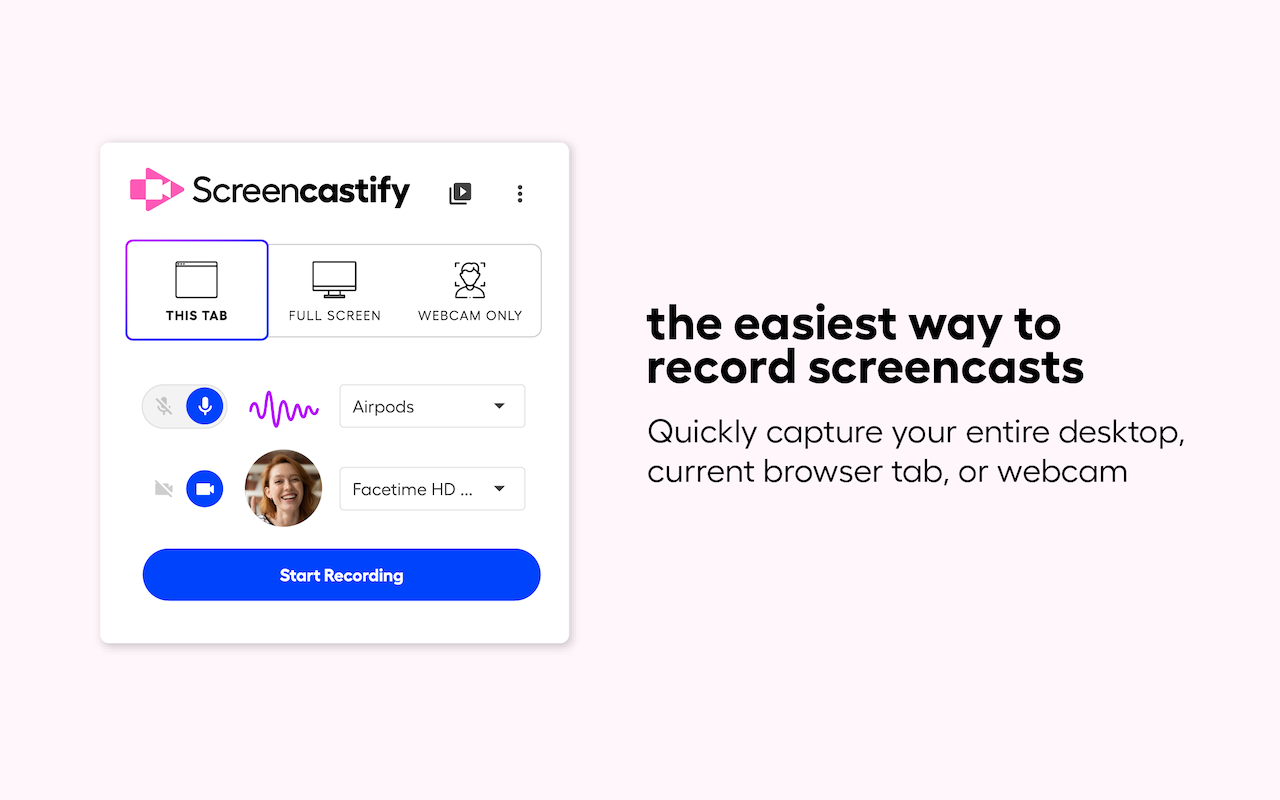
Screencastify Demo - Browser Extension
Quickly capture your entire desktop, current browser tab, or webcam.
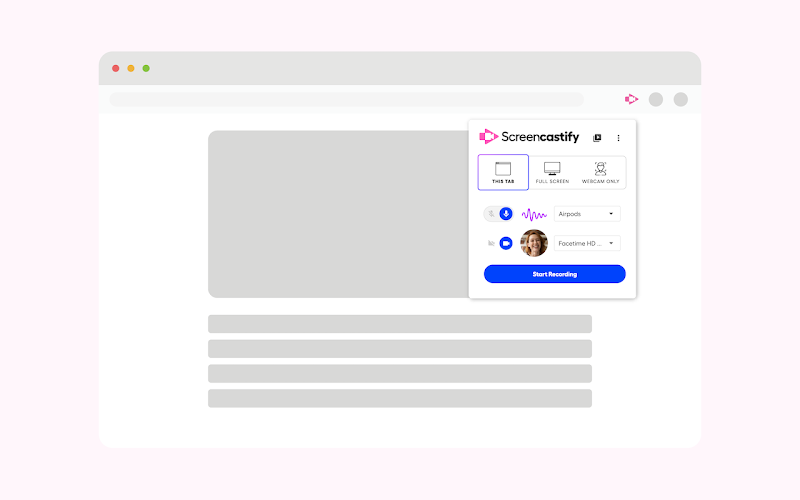
Screencastify Demo - Extension Available on Chrome and Edge
Download the extension on Google Chrome or Microsoft Edge.
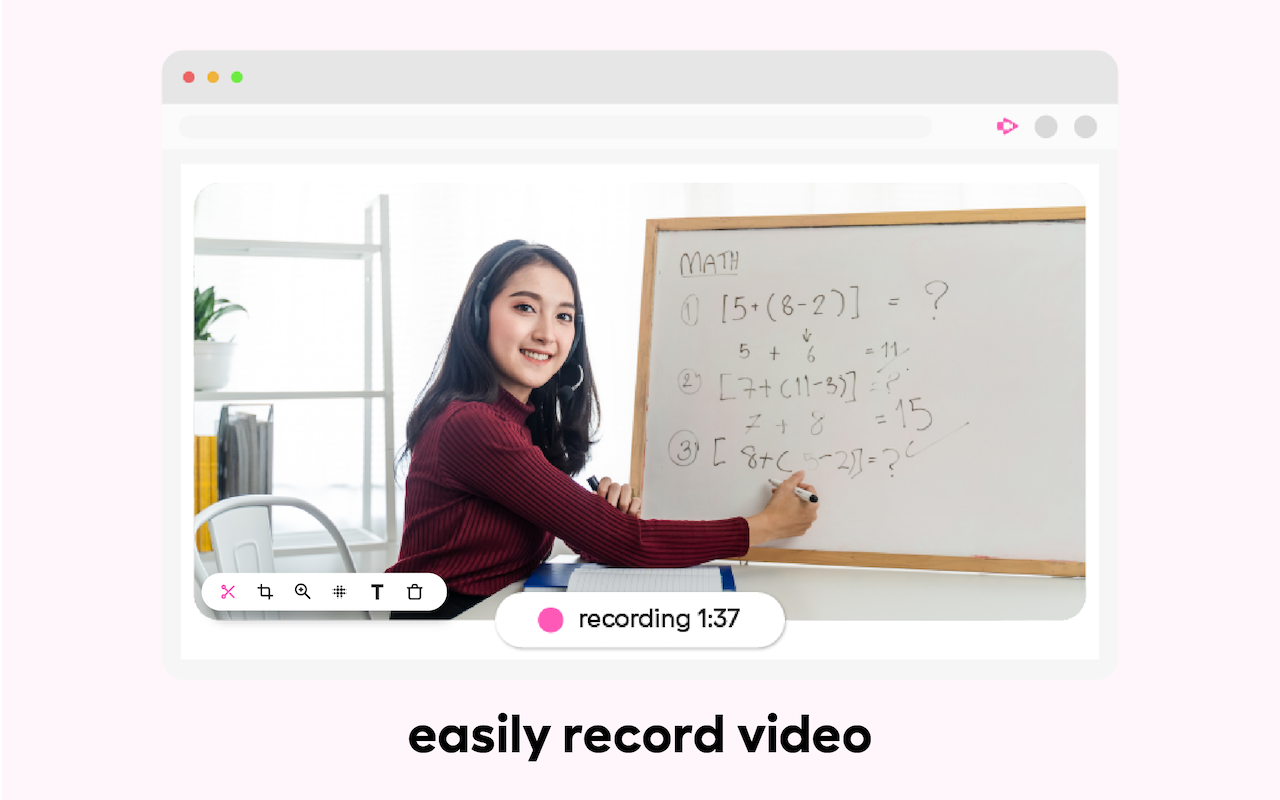
Screencastify Demo - Record Vides in a Few Clicks
Easily record videos in just a few clicks.
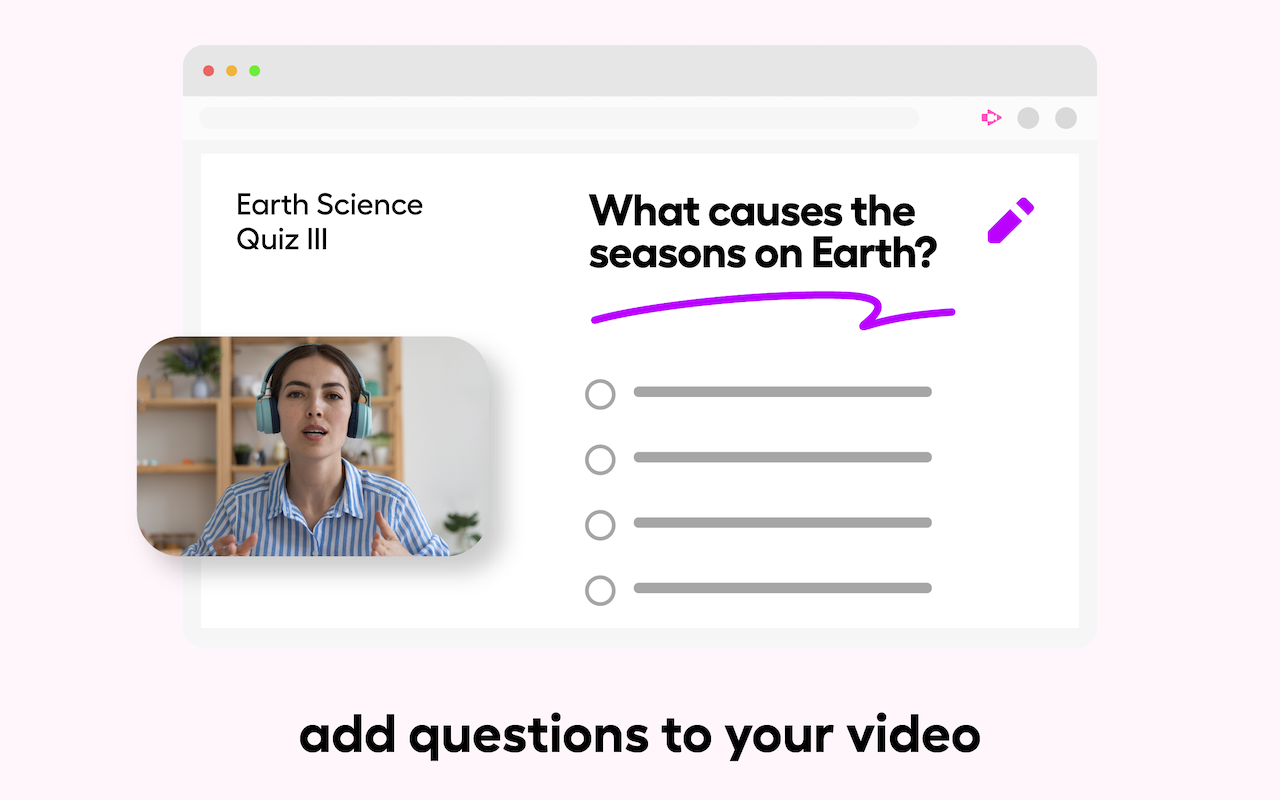
Screencastify Demo - Add Questions to Your Videos
Make your videos interactive for your audience with questions that can be added manually or with AI.
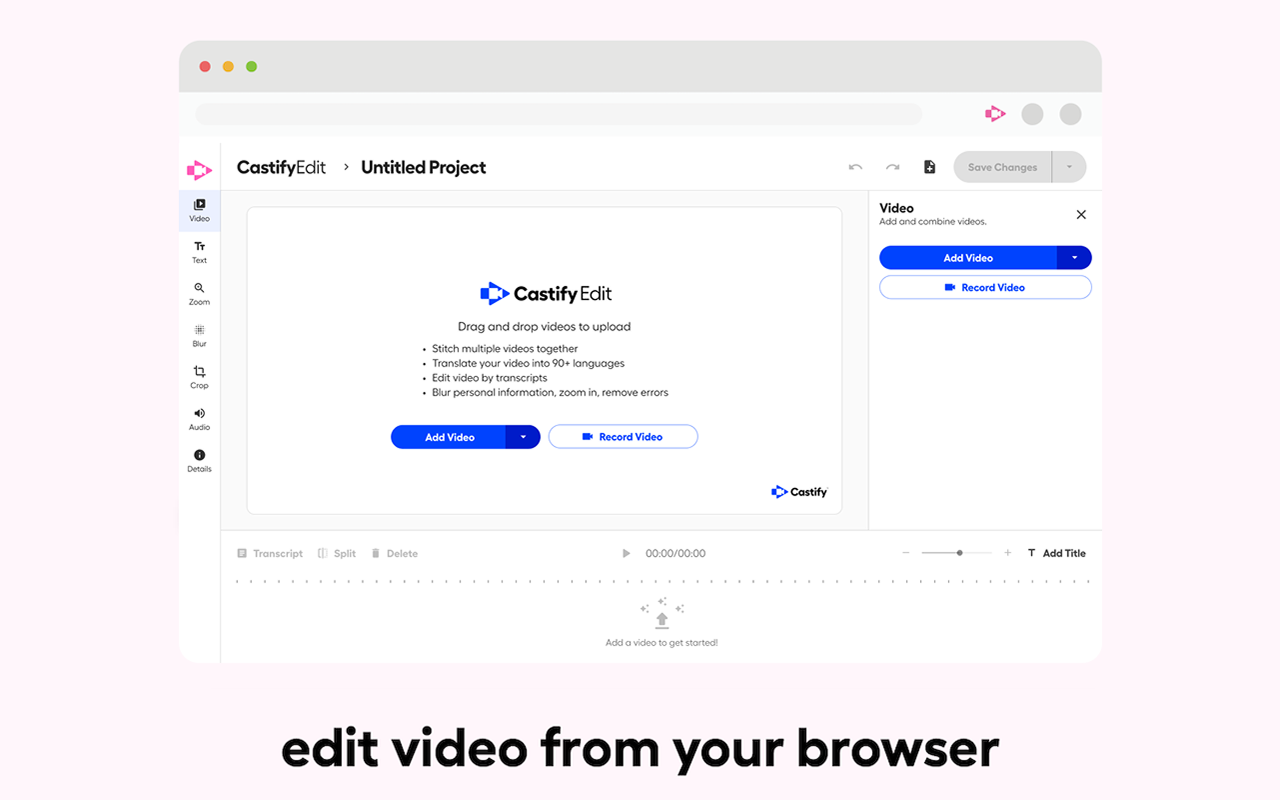
Screencastify Demo - AI-Powered Video Editor
Easily pull a Screencastify video or your own video into our powerful editor.
Discover our platform in this quick intro. You’ll see how teams, creators, and educators use Screencastify. Whether you’re teaching, learning, or collaborating, we make communication simple and engaging.
Play Screencastify Video
Discover our platform in this quick intro. You’ll see how teams, creators, and educators use Screencastify. Whether you’re teaching, learning, or collaborating, we make communication simple and engaging.
Screencastify makes it simple to record your screen, webcam, or both, all from your browser. In this quick product overview, see how easy it is to capture lessons, demos, or presentations and share them instantly.
Play Screencastify Video
Screencastify makes it simple to record your screen, webcam, or both, all from your browser. In this quick product overview, see how easy it is to capture lessons, demos, or presentations and share them instantly.
Castify Submit makes it simple for you to collect and organize video responses, all without complicated tech or extra logins. In this video, you’ll learn how to educators use Castify Submit to give each student a voice.
Play Screencastify Video
Castify Submit makes it simple for you to collect and organize video responses, all without complicated tech or extra logins. In this video, you’ll learn how to educators use Castify Submit to give each student a voice.
Collaboration just leveled up! Our new role permissions for Shared Folders make it easier than ever to work together on video content. Try it today and discover how easy collaboration can be.
Play Screencastify Video
Collaboration just leveled up! Our new role permissions for Shared Folders make it easier than ever to work together on video content. Try it today and discover how easy collaboration can be.
Product Avatar Image

Have you used Screencastify before?

Answer a few questions to help the Screencastify community

Screencastify Reviews (82)

View 1 Video Reviews
Reviews

Screencastify Reviews (82)

View 1 Video Reviews
4.6
82 reviews

Review Summary

Generated using AI from real user reviews
Users consistently praise the ease of use and quick recording capabilities of Screencastify, making it a preferred tool for creating instructional videos and tutorials. The seamless integration with Google Drive for storage and sharing enhances its appeal, allowing users to efficiently manage their recordings. However, some users note limitations with the free version, particularly the time restrictions on recordings.

Pros & Cons

Generated from real user reviews
View All Pros and Cons
Search reviews
Filter Reviews
Clear Results
G2 reviews are authentic and verified.
Lacy A.
LA
T
Mid-Market (51-1000 emp.)
"Helpful Visual!"
What do you like best about Screencastify?

I love that as I explain something to my students, I am able to show them. Visuals are so important! Review collected by and hosted on G2.com.

What do you dislike about Screencastify?

I wish that there was a way to split-screen so that they could see me and what I am showing them at the same time. Review collected by and hosted on G2.com.

Joel D.
JD
Web Developer
Small-Business (50 or fewer emp.)
"Fantastic Extension"
What do you like best about Screencastify?

Allows me to record my screen with audio & embedded webcam for tutorials etc. I can then edit/trim videos and export as desired filetype. Also I can choose between monitors/windows/tabs to record. Review collected by and hosted on G2.com.

What do you dislike about Screencastify?

The extension has a 5-minute cap for free version Review collected by and hosted on G2.com.

Verified User in Primary/Secondary Education
UP
Enterprise (> 1000 emp.)
"Screencastify allows me the opportunity to create videos for educational purposes"
What do you like best about Screencastify?

I like that I can create short videos, including GIFs, for informational purposes Review collected by and hosted on G2.com.

What do you dislike about Screencastify?

I wish that the free version allowed more minutes of recording. Review collected by and hosted on G2.com.

KF
UI/UX Designer
Mid-Market (51-1000 emp.)
"Screencastify is the most powerful screen recording application."
What do you like best about Screencastify?

This software is extremely successful because the idea of creating pre-recorded videos of what I am doing for training purposes or internal process analysis prevails. I also use it as a guide creator for support, this helps clients or employees. The support is very good and of high quality to improve the performance. Review collected by and hosted on G2.com.

What do you dislike about Screencastify?

I have no problem with this software, I have made many video creations to indicate great potential. Review collected by and hosted on G2.com.

Mikayla T.
MT
Small-Business (50 or fewer emp.)
"Best recording tool!"
What do you like best about Screencastify?

I really love how easy to use Screencastify is. It makes it super simple to navigate recording videos for remote learning. You can record from your webcam, record your screen, or even record your screen and from your webcam at the same time. You can also edit videos right within the interface and it couldn't be simpler. One feature that I love is that the video uploads right to Google Drive, and from there can easily be shared across different platforms. I personally love that I can upload my video right to Google Classroom. It takes out all of the annoying steps of other recording tools! Review collected by and hosted on G2.com.

What do you dislike about Screencastify?

One downside is that it can be tricky to figure out what your screen will look like as you're about to record. I wish the timer prior to recording was a bit longer. It takes me a few minutes to truly get my bearings and figure out the best placement for me to sit in to record. This is such a minor flaw though that it doesn't impede the success of the tool. Review collected by and hosted on G2.com.

Shanna Y.
SY
Mid-Market (51-1000 emp.)
"Screencastify Review"
What do you like best about Screencastify?

Screencastify is a wonderful tool to help create videos and share your screen. We use it all the time when we want to make a short video for one of our students. You can use it to make tutorials on how to access something or where to go if a student is confused. This helps because they can rewatch the video as many times as they need and rewind when necessary. Review collected by and hosted on G2.com.

What do you dislike about Screencastify?

The free version will only allow you to record up to a certain amount of time (I think it is 10 minutes), but that is amazing regardless since you don't have to pay for this app. Review collected by and hosted on G2.com.

Sera T.
ST
Teacher
Enterprise (> 1000 emp.)
"Screencastify is Great!"
What do you like best about Screencastify?

Screencastify has been great to show students how to complete their work while virtual learning. It allows them to see what I would write on the board if we were having face to face instruction. Review collected by and hosted on G2.com.

What do you dislike about Screencastify?

Videos have a time limit with the free account. Review collected by and hosted on G2.com.

Janet P.
JP
Reading Specialist
Mid-Market (51-1000 emp.)
"Screencastify User"
What do you like best about Screencastify?

I like that I can easily edit my videos and the process doesn't take a lot of time. Review collected by and hosted on G2.com.

What do you dislike about Screencastify?

Editing can be a little tricky to figure out when you don't use it often. Review collected by and hosted on G2.com.

MC
Mid-Market (51-1000 emp.)
"SCREENCASTIFY simple and fast, effective communication."
What do you like best about Screencastify?

Screencastify is an amazing simple tool that will enhance the way you communicate at work. Instead of writing long emails, reports or documentation, messages are sent faster and more clearly with an on-screen video. It has been used by account managers, sales teams and marketers and the truth is that it has a very attractive interface, easy to use, and optimal management can be achieved as days go by. Review collected by and hosted on G2.com.

What do you dislike about Screencastify?

There aren't really many drawbacks to this program. Any issues we've always had are due to user error, like the webcam is not installed or plugged in. The only thing we wish they improved upon is the 5 minute recording limit. Review collected by and hosted on G2.com.

Lucy B.
LB
Sales
"ScreenCastify is Almost Perfect."
What do you like best about Screencastify?

I love that I can record in a browser tab...allowing me to continue to be productive in another area. Review collected by and hosted on G2.com.

What do you dislike about Screencastify?

It has occasional surprises...like sometimes if you switch screens it stops recording. I haven't figured out what the trigger is yet. Review collected by and hosted on G2.com.

Questions about Screencastify? Ask real users or explore answers from the community

Get practical answers, real workflows, and honest pros and cons from the G2 community or share your insights.

Saurabh t.
ST
Saurabh toni
Last activity almost 5 years ago

Why is sound gets muted sometimes when recording in Desktop browser?

Verified User
G2
Verified User

Does Screencastify record screen?

Pricing Options

Pricing provided by Screencastify.

Free

$0.00
1 Users Per Month

Starter

Starting at $7.00
1 Users Per Month

Pro

Starting at $10.00
1 Users Per Month
Screencastify Comparisons
Product Avatar Image
Loom
Compare Now
Product Avatar Image
ScreenPal
Compare Now
Product Avatar Image
Camtasia
Compare Now
Screencastify Features
Screen Capture
Video Capture
Image Editor
Scrolling Capture
Screen Record
File Sharing
Platform Search
Product Avatar Image
Screencastify