Ease of Customizing contracts and making edits on the fly Review collected by and hosted on G2.com.
It is not as intuitive with court related documents as it is with contracts Review collected by and hosted on G2.com.
Ease of Customizing contracts and making edits on the fly Review collected by and hosted on G2.com.
It is not as intuitive with court related documents as it is with contracts Review collected by and hosted on G2.com.
Outlaw is very customizable and allows you to easily collaborate with teammates. Review collected by and hosted on G2.com.
Outlaw has a very small team so when issues arise the support queue can be longer than desired. Review collected by and hosted on G2.com.
I love the ease of use that outlaw provides. It is quick and simple for sending contracts Review collected by and hosted on G2.com.
It can be complicated because everyone who wants to view it needs to have their email logged in. It's great for security purposes but can be a hassle trying to coordinate emails. Review collected by and hosted on G2.com.

I like that Outlaw is pretty turn key and the UI easy to navigate. I am a current user at my company and am utilizing almost everyday to create agreements/contracts for partners. The templates are simple to create, and adding and removing sections, words, and language is simple. I like how quick the process takes for me to create an agreement. Review collected by and hosted on G2.com.
I don't like that once the a contract is signed you're unable to go in and make updates to something as simple as dates, but you instead have to create a whole new agreement in order to do so. I think that it is sometimes difficult to simply swap out contacts as the signer once it's shared with the contact. You should be able seamlessly change the signer to a different contact. Also, when a contact requests to be added to an agreement they should seamlessly be added via the button we click in the request email. It's tedious and unnecessary to make it a two step process. Review collected by and hosted on G2.com.
Hi Remi, thanks for sharing your thoughts on Outlaw! Here are a couple ideas//resources to help improve your experience:
1. If contract is not signed by BOTH parties yet, you can clear a signature in order to continue editing and filling in variables
2. If a contract has been signed by both parties and you have to create a new contract, the Duplicate contract feature makes it easy so you don't have to enter all the information again.
3. Changing the authorized signer can be done in just a few clicks. I'm dropping a link below to a Help Center article that describes this.
Hope this helps! :)
See how Outlaw improved
Centralizing our contracts into one place. Easier to communicate with legal through the system. Review collected by and hosted on G2.com.
Having to explain the process and system to clients. Many in our industry are pretty analog, and it becomes one more barrier to getting our contract signed. Some people, especially those not as tech-savvy, get uncomfortable with the concept and ask if I can send an email copy for a wet signature.
The implementation we received didn't provide enough hands-on training to give us a good feel for the platform.
I am having challenges getting notifications when any changes/adjustments are made to the contract. Furthermore, when my changes are sent for approval, I don't get notifications when those changes are finalized. This means I have to login into outlaw several times per day to check or email legal periodically throughout the day for status updates. I haven't been able to find a place to set this up this any of the settings options available on my dashboard.
It’s one additional step in getting the sale done. Review collected by and hosted on G2.com.
Thanks for this very helpful and thoughtful feedback Jason! In regard to training availability, our Customer Success team is always glad to schedule refresher sessions with individuals or full teams -- don't hesitate to reach out to book some time! (You can get at us via Intercom chat, or reach me directly here: julie@getoutlaw.com)
On the notifications front, we are always trying to improve and strike the best possible balance between too few notifications and too many. So we've made it possible for each user to check off a "Notify" box if they want to notify other users when they suggest or resolve suggested changes. To start receiving those notifications, have your teammates (and if possible counterparties) check "Notify" to send notification to your inbox when a change is suggested or resolved!
Hope this is helpful Jason, and thanks again for sharing your experience with Outlaw to let us know how we can help you close smarter and faster!
We have been using Outlaw for about a year and it has really helped streamline out contracts with partners around the world. It is easy to get up and running and as I use it more and become more comfortable there are many features that make my work day much easier and more efficient. I am most impressed by the support from the Outlaw crew. They are quick to respond and very helpful. A nice extra is how nice everyone on the team is and easy to work with. They treat us like a partner and are open to hear of any new features that you may want to see in Outlaw. A real pleasure to work with! Review collected by and hosted on G2.com.
The system is designed for true legal contracts and we are using it for that as well as employment letters and contracts so there are a few features that we have had to adapt to our type of use. That being said I find the customer support really helpful in puzzling out the best way to do so.
One feature I do not like is the inability to easily rename a contract you have to go into the "editor" more to get to the contract name. This is a lot of steps and when we do batch contracts in order to find one within the batch easily (since they all have the same name) we have to go in and name each individually.
It would also be nice to have a way to batch print contracts or batch save as PDF so we can share outside Outlaw. Review collected by and hosted on G2.com.

Customer care and quick integration between our actual needs and their services. Attention is great and they teach you how to convert your own files into self service templates.
Additionally the platform includes their own e-signing solution which allows you to quickly get your agreements executed.
Keeping track of the exact status of the agreement is great and being able to approve or reject changes in real-time is awesome. Review collected by and hosted on G2.com.
Not being able to add floating users and therefore not being able to decentralize the platform within the organization into each of our internal clients / teams.
Not being able to easily integrate with docusign or adobe sign. Review collected by and hosted on G2.com.

I love that it is easy to use and that they take into account all the user's feedback . It is really adaptable to our contract needs. It helps when managing the contract request of any company and having a more efficient and responsive legal area. It really helps to automatise a lot of the contract creation tedious and slow work and really helps any legal team to be better organised. Review collected by and hosted on G2.com.
I would like for the template creator to be more like word or pages; sometimes it can be a little difficult to make te document look the way you expect. It could be a little more user-friendly and the variable creation a little more easy. Also it could be really helpful if it could be easily integrated with other external legal solutions such as electronic signature's providers. In general it is a great software that can really be a game changer for any legal team but it would really be a major improvement if Outlaw adapts to the users rather than the users having to adapt for fully using Outlaw. Review collected by and hosted on G2.com.
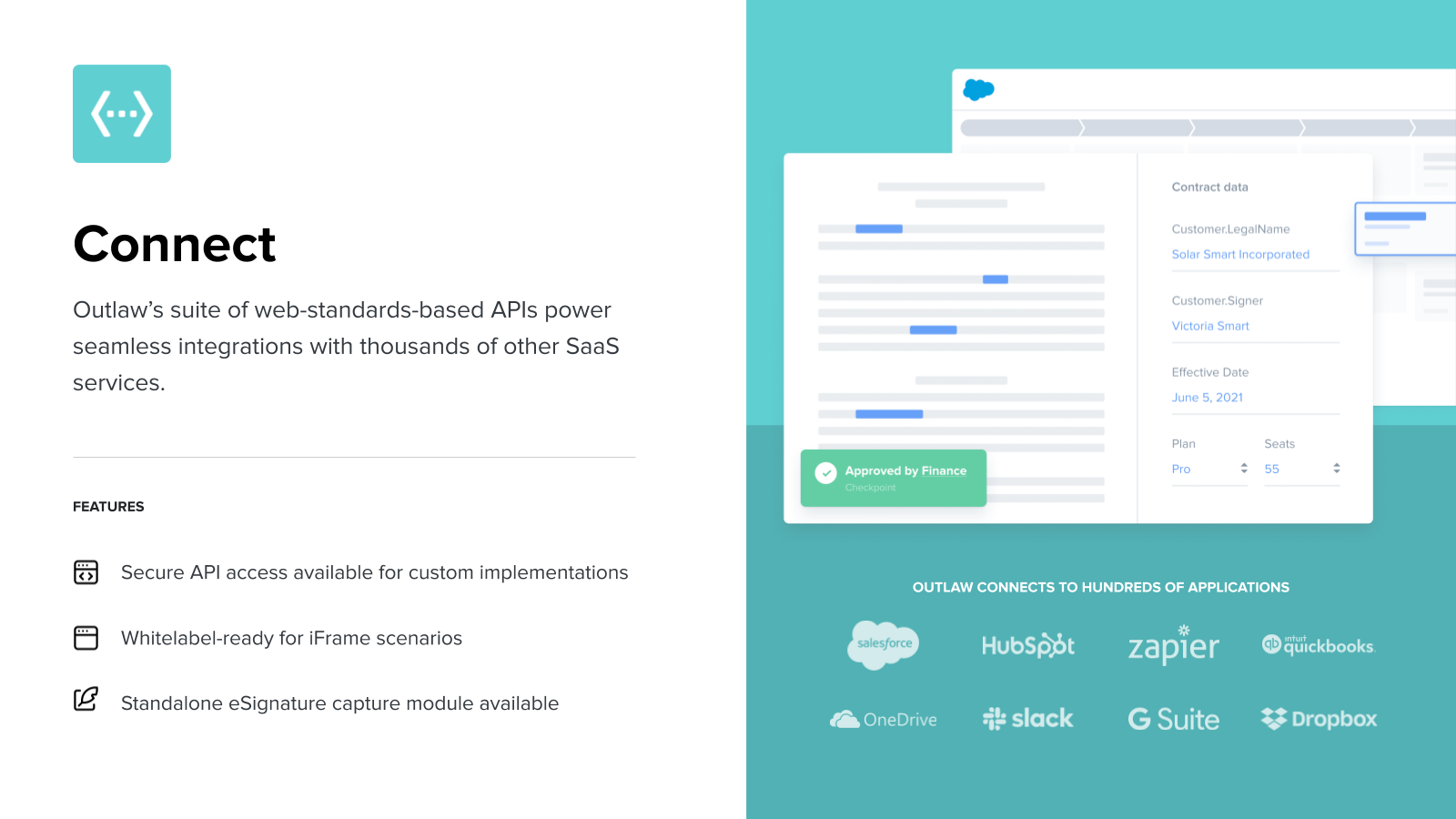
The easiness to generate new contracts from templates, as we can all use a pre-existent model to all the contracts. In our company, the Outlaw is integrated with Salesforce so the generation of certain types of contracts is automatized - which help us a lot. Review collected by and hosted on G2.com.
The part of editing contracts - deleting and creating new sections, for example. I have a hard time sometimes to copy and paste information from another contracts as I need to create sections to paste a text. Also, sometimes I'd like to be able to change the letters formats (bold, italic, underline, highlight) because I want to highlight some words in the contract, but that is not possible. I also would like to be easier to organize the sections, like only pushing them with my cursor and not selecting them to move a section before or after. Review collected by and hosted on G2.com.
Hi Jaqueline, thanks for this feedback! Wanted to let you know that you can apply formatting (underline, bold, and italics) using keyboard shortcuts. So you won't see any icons for this, but if you highlight the text you want to format and use Ctrl + u/i/b you can apply the desired formatting. Hope this helps! :)
The platform itself is intuitive and easy to use. At our level, we have a dedicated customer success manager who has been helping us build out and refine templates, ensure our Salesforce integration is seamless and even assist with team trainings. This company is doing this right! Review collected by and hosted on G2.com.
I don't dislike anything but there are some improvements coming that I'm looking forward to (like ability as the administrator on our account to see all contracts without being assigned to every single one). Review collected by and hosted on G2.com.
Get practical answers, real workflows, and honest pros and cons from the G2 community or share your insights.

How can I create a multiple check the box list.
What do you like most about Outlaw for contract management, and what features could be improved?
Averages based on real user reviews.
1 month
6 months