What problems is Eclipse solving and how is that benefiting you?
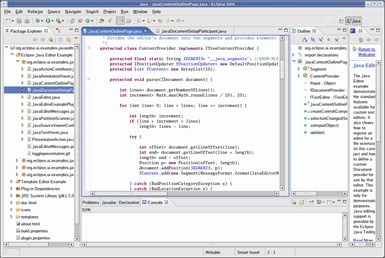
Eclipse primarily solves the challenge of managing complex development workflows in a single, integrated environment. Instead of relying on multiple tools for coding, building, debugging, and version control, Eclipse brings everything together in one place, which significantly improves productivity and reduces context switching.
One of the key problems it addresses is handling large and complex codebases. With features like powerful code navigation, refactoring tools, and real-time error detection, it makes it easier to maintain and evolve projects efficiently. This is especially beneficial when working on enterprise-level applications where structure and scalability are important.
Eclipse also solves the need for extensibility. Through its rich plugin ecosystem, it allows developers to adapt the IDE to different technologies, languages, and workflows. This flexibility means I can tailor the environment to my specific needs without having to switch tools, which improves efficiency and consistency across projects.
Another important benefit is its strong debugging and development tooling. The ability to inspect variables, step through code, and analyze execution flow in detail helps in quickly identifying and resolving issues, which reduces development time and improves code quality.
Overall, Eclipse helps streamline development by centralizing tools, improving code maintainability, and providing flexibility through extensibility, which ultimately leads to a more efficient and productive workflow. Review collected by and hosted on G2.com.