It's been two months since this profile received a new review
Leave a Review
Compare this with other toolsSave it to your board and evaluate your options side by side.
Save to board

Cloud Coach Reviews & Product Details

Pricing

Pricing provided by Cloud Coach.

Ultimate

Contact Us

Cloud Coach Media

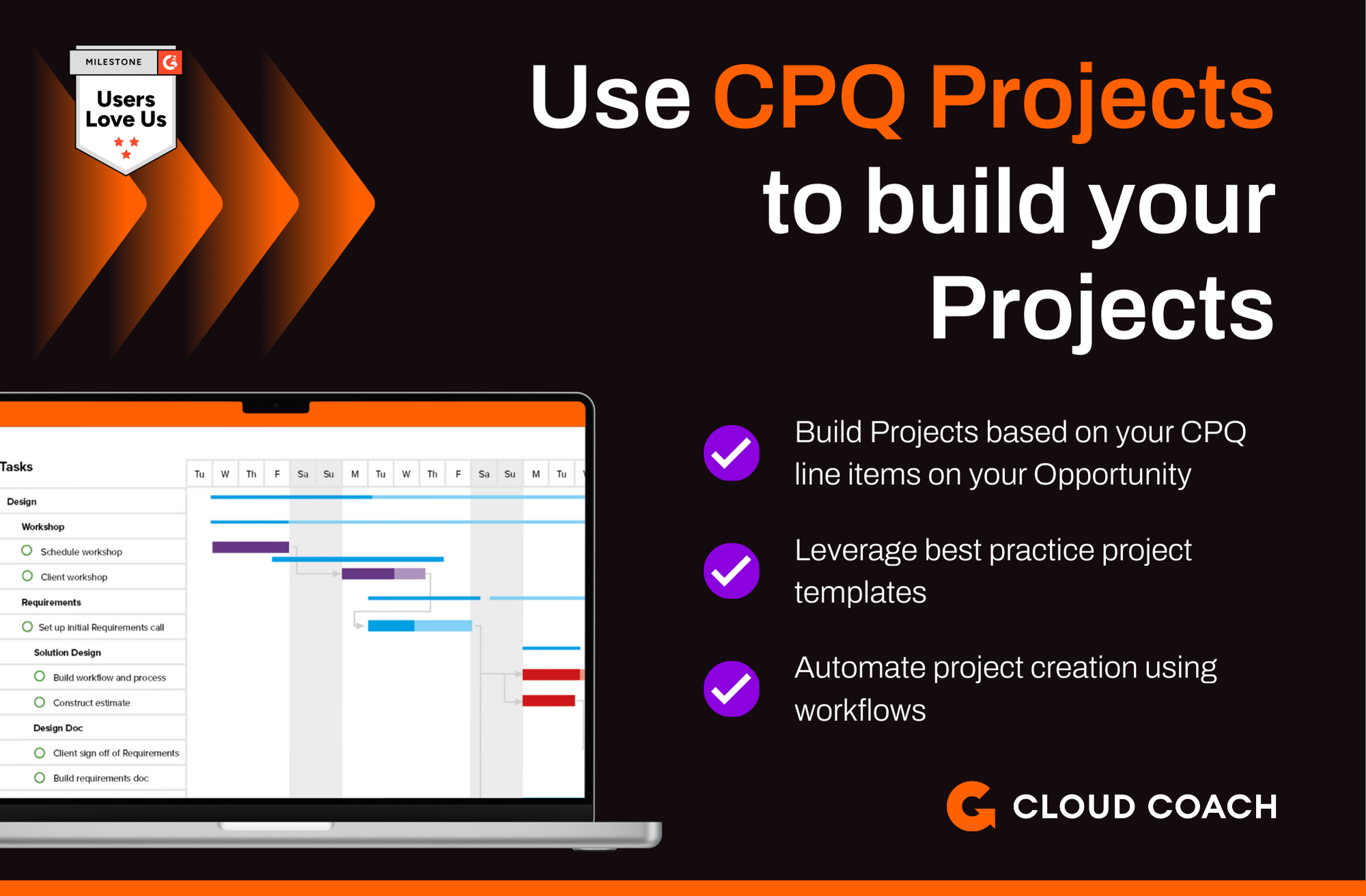
Cloud Coach Demo - Use Opportunity CPQ items to build your projects
Take your CPQ line items and create a delivery project that matches what you are selling.
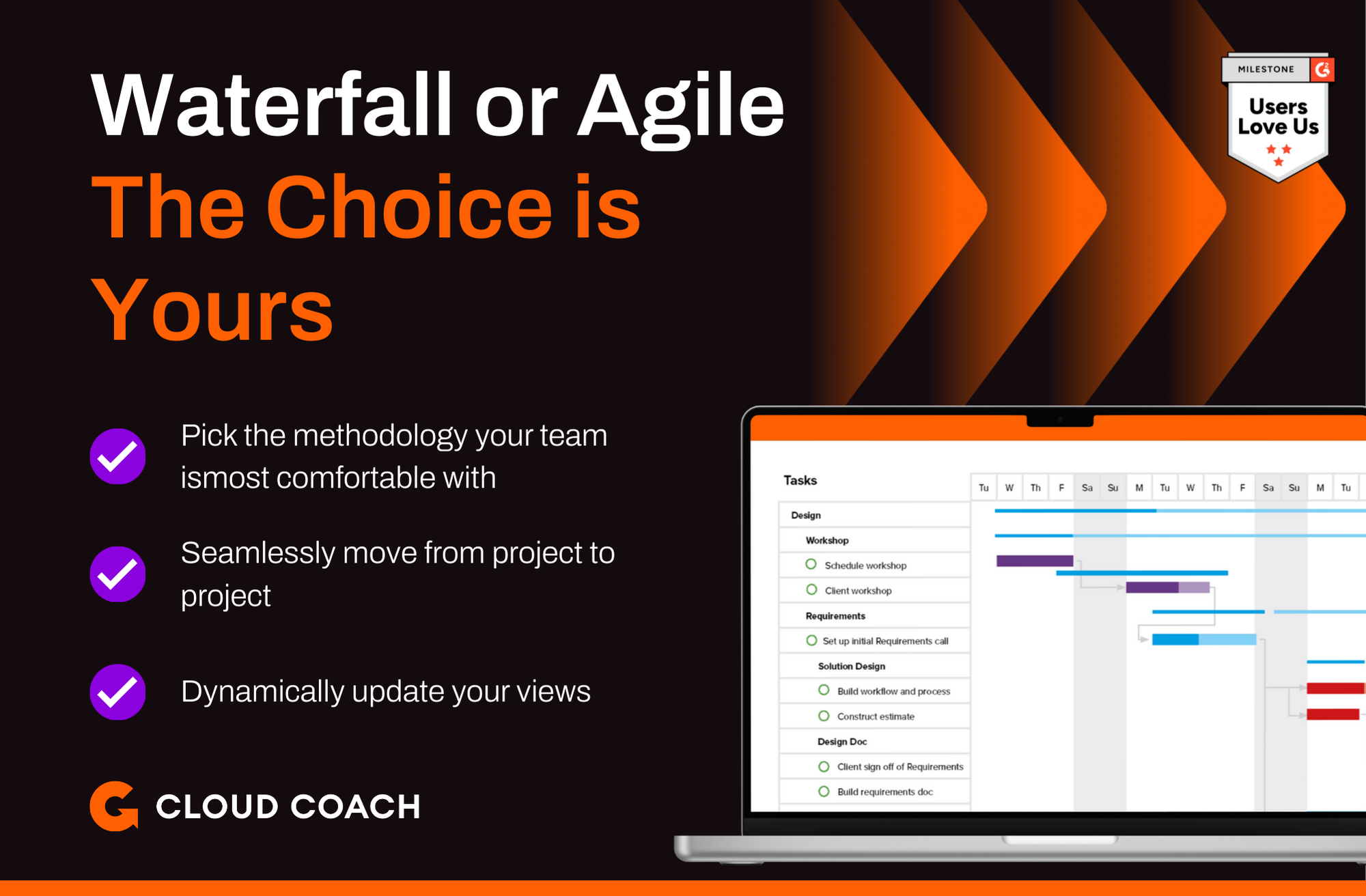
Cloud Coach Demo - Choose your Project Methodology
Whether your looking for a traditional waterfall, a modern agile, or a next generation Water-Scrum-Fall solution you can have it all with Cloud Coach
Cloud Coach Demo - Skills based Resource Management
Set up your skills matrix and track availability across your team no matter if they are assigned to projects, support or out on PTO
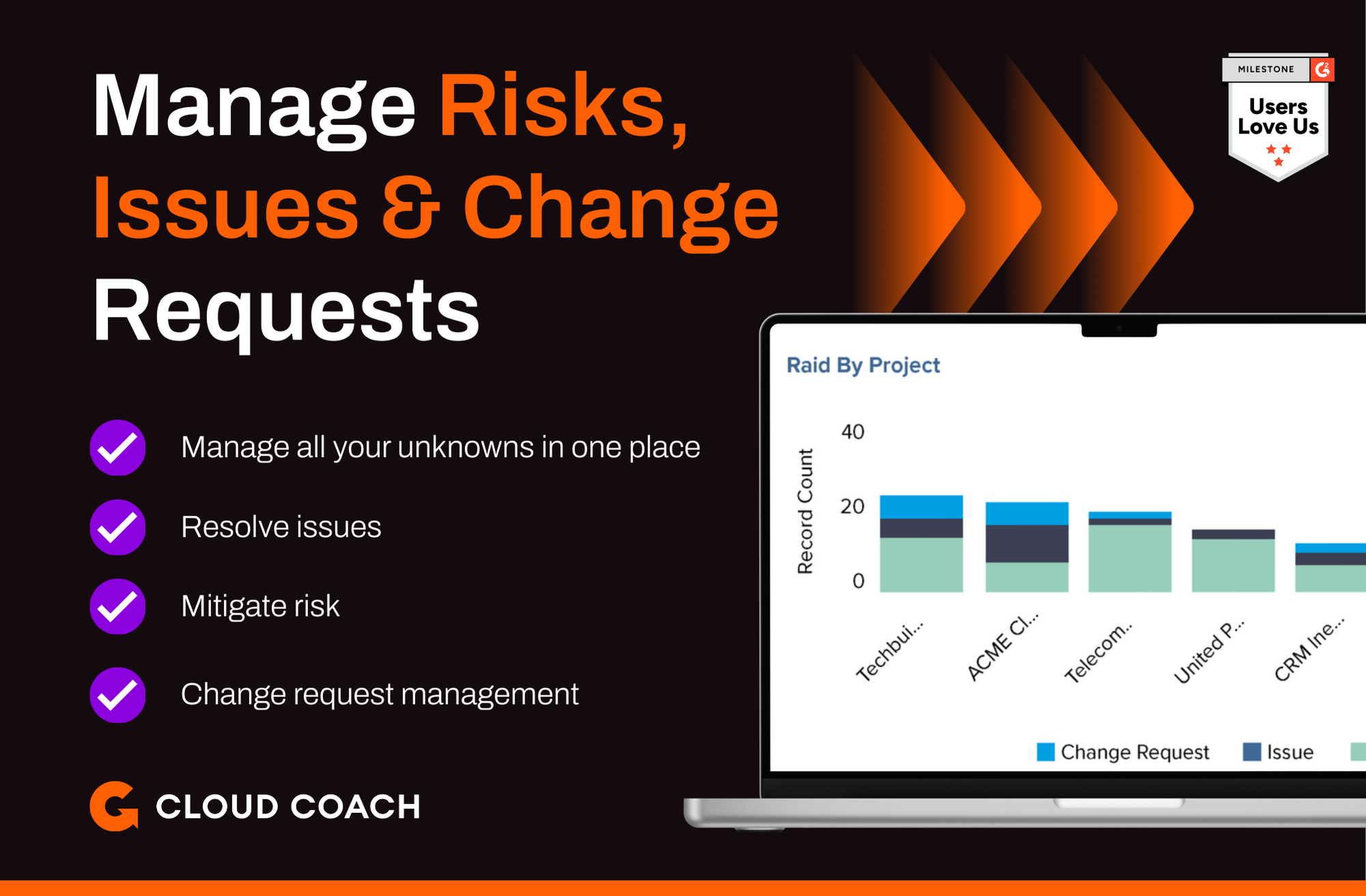
Cloud Coach Demo - Risk, Issue & Change Request Management
Projects don't always go according to plan, so use the Cloud Coach risk, issue and change management capabilities to manage the curveballs on your project.
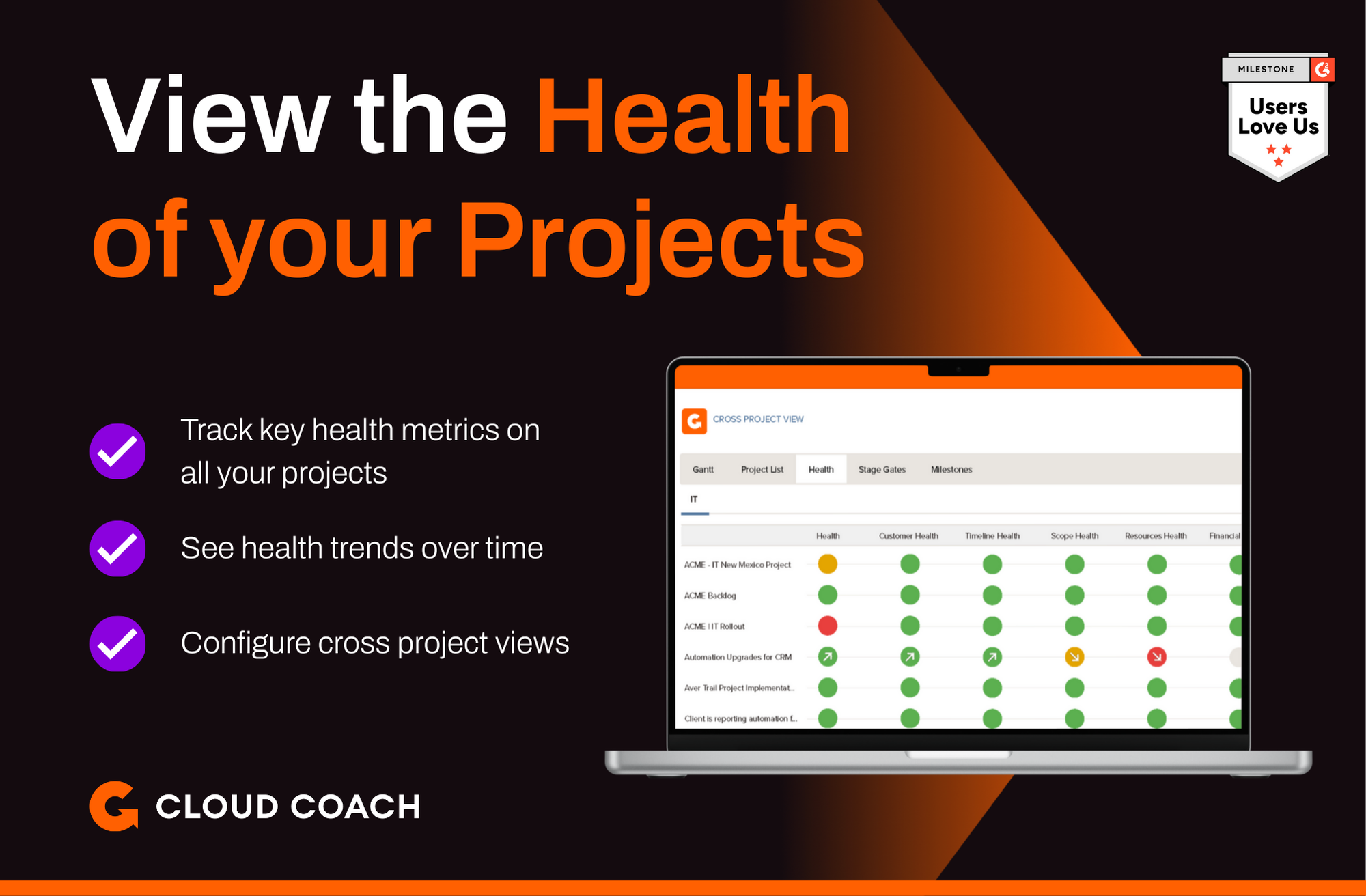
Cloud Coach Demo - Track all your key Health metrics
See how your projects are performing at a glance with key health metrics
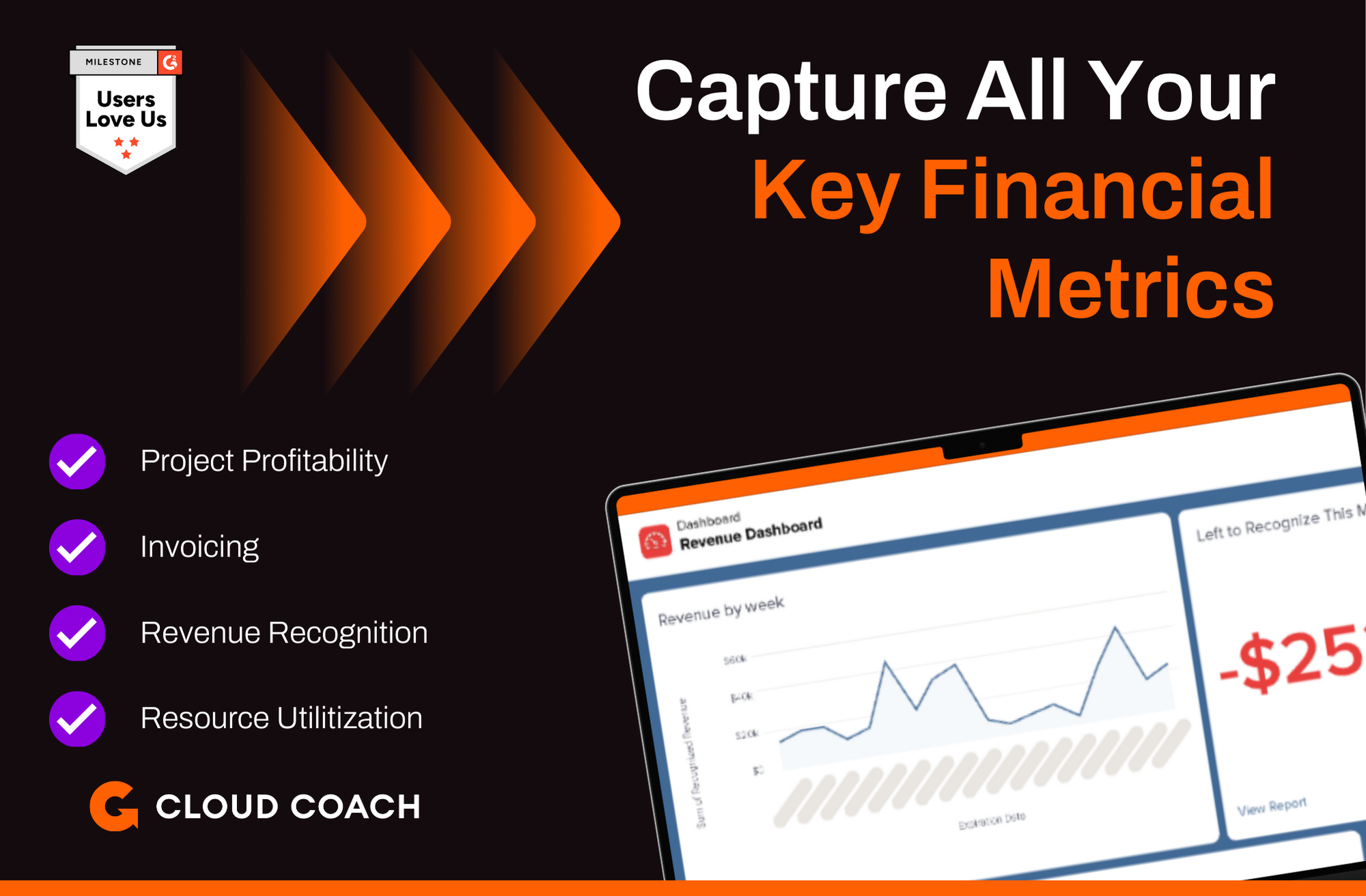
Cloud Coach Demo - Report on all your key financial metrics
Whether is project profitability & ROI, earned value or revenue recogniton that is key to your reporting you can see it all with Cloud Coach, with real time reporting available on any device any time of day
How Net Health saved over 3,000 hours annually with Cloud Coach.

“We’ve seen a reduction of 3,400 hours annually across our workforce on entering time alone, allowing us to redeploy those hours to work with our clients.”
Play Cloud Coach Video
How Net Health saved over 3,000 hours annually with Cloud Coach. “We’ve seen a reduction of 3,400 hours annually across our workforce on entering time alone, allowing us to redeploy those hours to work with our clients.”
Product Avatar Image

Have you used Cloud Coach before?

Answer a few questions to help the Cloud Coach community

Cloud Coach Reviews (177)

Reviews

Cloud Coach Reviews (177)

4.5
177 reviews

Review Summary

Generated using AI from real user reviews
Users consistently praise the seamless integration with Salesforce, which enhances project management and resource allocation without switching platforms. The software's customizable features and robust reporting capabilities allow teams to adapt it to their specific needs, improving overall productivity. However, many note a steep learning curve and a complex interface that can be overwhelming for new users.

Pros & Cons

Generated from real user reviews
View All Pros and Cons
Search reviews
Filter Reviews
Clear Results
G2 reviews are authentic and verified.
BR
IT manager
Mid-Market (51-1000 emp.)
"Unified Project, CRM & Support Platform That Streamlines Workflows and Capacity Tracking"
What do you like best about Cloud Coach?

The platform has unified system that combines project management, CRM and customer support that streamlines workflows, track progress efficiently and track progress.The software offers users with clear view of capacity and workload in Sales force, making it simple to track availability and optimize resource use in real time. Cloud coach enhances efficiency across teams by streamlining workflows and automating processes, enabling more time and focus on activities that deliver meaningful value to clients. Review collected by and hosted on G2.com.

What do you dislike about Cloud Coach?

A drawback of cloud coach is its complicated when it comes to handling some projects portfolios which can necessitate extra support and further development to function optimally Review collected by and hosted on G2.com.

ML
Digital Marketing Strategist
Marketing and Advertising
Small-Business (50 or fewer emp.)
"Seamless Salesforce Integration and Powerful Project Management"
What do you like best about Cloud Coach?

Cloud Coach works closer with Salesforce, facilitating sales and project management without switching apps

The tool ensures diverse project management methodologies are deployed, creating a solid foundation in performance

Cloud Coach is versatile in offering visible performance report in a dashboard, and this real view guides users on budgets

The pre-built templates ensures that users save time and project launching is done correctly

The app has advanced mechanisms in resource management, helping users to match skills for employees and the ability to make decisions Review collected by and hosted on G2.com.

What do you dislike about Cloud Coach?

Configurations process for Cloud Coach takes longer than other apps

The UI for this app is not modern and this irritates some users Review collected by and hosted on G2.com.

SL
Digital Marketer
Investment Management
Mid-Market (51-1000 emp.)
"Seamless Salesforce Integration and Powerful Project Management"
What do you like best about Cloud Coach?

Cloud Coach has demonstrated brilliance in working alongside Salesforce, and this ensures CRM data management and service delivery are done efficiently

The aspect of project management is fully supported by Cloud Coach, and there are multiple project execution methodologies from this app

The aspect of resources allocation and management is also a great facilitation that Cloud Coach has developed, helping us to capture a report on milestone and efficiency

The dashboard offers a significant portfolio analysis that contains the financial information and metrics of the projects

The app creates standardized automation for business workflows and proper resource planning is also developed Review collected by and hosted on G2.com.
What do you dislike about Cloud Coach?

Users feel Cloud Coach interface as cumbersome and more complex due to the many integrated features

Cloud Coach requires a deep budget that companies may not have in their disposal Review collected by and hosted on G2.com.
Luke G.
LG
Technical Services Engineer
Computer Software
Mid-Market (51-1000 emp.)
"Seamless Salesforce Implementation Planning with Flexible, Real-Time Visibility"
What do you like best about Cloud Coach?

What I like best about cloud coach is how seamlessly it supports implementation work inside Salesforce. I can convert closed opportunities into structured delivery plans without losing context or duplicating data, making handoffs from sales to implementation so much smoother. I was a daily Cloud Coach user and can honestly say the platform strikes a great balance between standardization and flexibility. Templates help maintain consistency across projects, while still allowing me to adjust timelines, resources, and dependencies based on changing customer needs. I also love the real-time visibility into project status and workload because it allows me to identify potential risks earlier than I would have. Cloud Coach makes it easier to manage complex implementations and keep stakeholders aligned so I can focus on delivering a successful software implementation. Review collected by and hosted on G2.com.

What do you dislike about Cloud Coach?

It can feel less intuitive than some standalone project management tools, especially if you're a new user or new to Salesforce. There's a learning curve and teams often need time to understand how to navigate and configure it effectively. Customer support is another challenge. Outside of existing Salesforce KBAs there isn't a lot of hands-on or easily accessible support. Cloud Coach integrates well in Salesforce but doesn't integrate with all of the project management tools that we used. Even after implementing, we still used several outside project management tools for implementations in addition to Cloud Coach. Review collected by and hosted on G2.com.
IE
Operational Supervisor
Health, Wellness and Fitness
Mid-Market (51-1000 emp.)
"Efficient Project Tracking with Salesforce, But Advanced Features Can Be Costly"
What do you like best about Cloud Coach?

Cloud Coach runs efficiently with Salesforce, helping us track our services, projects snd onboarding processes within the same space

The program is open to multiple methodologies, which helps us handle diverse tasks and challenges

There is real time view of every activity, from projects, marketing and even engagement

We identify and manage our customers through the help of Cloud Coach, and this amplifies the happiness or satisfaction of clients

Cloud Coach acts as a leveraging solution for the many investments made, and this lowers overhead costs Review collected by and hosted on G2.com.
What do you dislike about Cloud Coach?

Cloud Coach fails to handle some project portfolios, which may demand more development and support

The advanced version of Cloud Coach demands deep budgets, which may result in financial distress in a company Review collected by and hosted on G2.com.
GS
Digital Marketer
Mid-Market (51-1000 emp.)
"Effortless Project Management and Customer Journey Tracking"
What do you like best about Cloud Coach?

I like that Cloud Coach offers features that makes it possible to manage customer journey. It handles the process of onboarding new customers and renewals smoothly.

With the tool, dealing with project management is effortless - from planning, to resource allocation to aligning to business needs, it has it all.

It comes with great tracking features and we can always track profitability.

With its great automation options, we have realized lots of efficiency. Review collected by and hosted on G2.com.

What do you dislike about Cloud Coach?

I have used Cloud Coach without any glitches. Everthing works. Review collected by and hosted on G2.com.

Ryan T.
RT
Professional Services
Mid-Market (51-1000 emp.)
"Flexibility for Growing Companies"
What do you like best about Cloud Coach?

As a rapidly scaling organization, we needed a project management solution that could evolve with our needs—Cloud Coach has proven to be that and more.

What we love:

1. Flexibility Across Project Methodologies

One of Cloud Coach’s standout features is its ability to support multiple project management methodologies—Agile, Waterfall, and hybrid approaches—within a single project manager’s portfolio. This flexibility allows our teams to tailor workflows to the unique demands of each initiative without being locked into a rigid framework.

2. Intuitive Resource Tagging

Tagging resources in Cloud Coach is seamless and incredibly useful. Whether it’s highlighting meeting minutes, follow-ups, or attachments, the tagging system ensures that key information is easily surfaced and never lost in the shuffle. This has significantly improved our internal communication and accountability.

3. Smart Resource Assignment & PTO Management

Cloud Coach simplifies resource management by allowing us to block calendars for PTO and dynamically reassign workloads to coverage resources. This feature has reduced the administrative burden on project managers and ensured continuity across projects, even during team member absences.

4. Effortless Reporting & TTFV Tracking

Building reports in Cloud Coach is straightforward and powerful. We can quickly generate insights tailored to different stakeholders, and the ability to track Time to First Value (TTFV) has helped us measure and optimize project impact with precision.

Cloud Coach has become an indispensable tool in our project management toolkit. Its adaptability, ease of use, and thoughtful features make it ideal for companies navigating growth and complexity. Highly recommended for teams looking to scale efficiently without sacrificing clarity or control. Review collected by and hosted on G2.com.
What do you dislike about Cloud Coach?

Would like a running ticker of project statuses on the home screen to see the past status's in quick view rather than via report. This may be configurable but haven't explored further. Review collected by and hosted on G2.com.

Mandeep S.
MS
Remote & Onsite Technical Customer Support
Small-Business (50 or fewer emp.)
"Cloud Coach Streamlines Projects and Enhances Team Collaboration"
What do you like best about Cloud Coach?

What I like most about Cloud Coach is how well it brings together project management, customer support, and CRM tools in one clean platform. It’s easy to set up workflows, assign tasks, and monitor progress without jumping between different systems. The dashboard gives a clear overview of everything happening across teams, which really helps with coordination and accountability. I also appreciate the responsive customer support — they genuinely try to solve issues rather than just send automated replies. Review collected by and hosted on G2.com.

What do you dislike about Cloud Coach?

The only downside I’ve noticed is that some advanced features take a little time to learn, especially for smaller teams or new users. A few parts of the setup could be simplified, and initial onboarding might feel slightly technical for beginners. Once you get familiar with it though, everything runs smoothly. Review collected by and hosted on G2.com.

Meghan S.
MS
Implementation Project Coordinator
Mid-Market (51-1000 emp.)
"Strong Project Management software"
What do you like best about Cloud Coach?

I would say this platform is mostly pretty user-friendly. It is easy to get into and navigate, and the learning curve was not too steep as I transitioned from a different PM software into this one. I am still transitioning out of my old system so I don't yet use the system as frequently as I expect to in the future, but I am mostly enjoying the process so far. I appreciate the auto-save feature and the easy-to-understand views.

Our organization defaults to the Gantt view, but I have also found value in toggling over to the List view as well. Highlighting the Critical Path has been really helpful in trying to lay out dependencies and timelines. It is also nice how Cloud Coach allows the users to designate which tasks have external deliverables or should be included in external updates, which really lets us pick and choose how robust the client-facing updates get, while still providing for plenty of data for our internal stakeholders and teams.

There are many features of the system to connect to other parts of the organization, since Cloud Coach is part of Sales Force suite. I think there is a great deal of power here, but admittedly I have not yet explored all of it. I'm excited by the "Chatter" menu, which allows information and questions to be shared, along with polls.

Once a user is in and operating across multiple projects, features like My Day are helpful in pulling together high priority tasks from a variety of different projects. I look forward to exploring and better understanding features around Resourcing and Change Management.

It appears as though there is a robust LMS built into Sales Force as well, which I'm hopeful will allow me to enhance and scale my skills further. Review collected by and hosted on G2.com.

What do you dislike about Cloud Coach?

In a complex project with many dependencies, it can be a challenge to connect dependencies within the Gantt chart. This seems easy - just draw an arrow from the handle of one task to another - but can be tricky to navigate for a newer user (like myself), especially when there are already many dependency lines across the view.

It is beneficial for an organization to be thoughtful about how they engage and then roll the system out, to ensure they have the right license type to support their organizational needs. If not, it can be a little bit clunky working out solutions to what end up being system limitations. Review collected by and hosted on G2.com.

Verified User in Hospital & Health Care
IH
Enterprise (> 1000 emp.)
"Navigating Implementation through Cloud Coach"
What do you like best about Cloud Coach?

Cloud interface is functional and allows tasks to be created and tracked, though sometimes navigation can feel less intuitive than expected. Reporting features provide necessary information on project status, but the insights occasionally lack the depth needed for more complex projects.

Integrations with other systems are available, though setting them up required additional time and occasional troubleshooting. The tool supports multiple project management methodologies, but adapting it fully to specific workflows sometimes proved challenging.

The support team is quick to assist and knowledgeable, ensuring any issues are resolved fast so we maintain momentum. Overall, it’s a powerful solution that drives transparency, accountability, and teamwork across projects. I would confidently recommend this tool to any team looking to elevate their project management game. Review collected by and hosted on G2.com.

What do you dislike about Cloud Coach?

As an end user there are more nimble tools in terms of task level management of the project plan. This comes w/ the territory of being native to Salesforce vs. Microsoft or spreadsheet based. Review collected by and hosted on G2.com.

Questions about Cloud Coach? Ask real users or explore answers from the community

Get practical answers, real workflows, and honest pros and cons from the G2 community or share your insights.

GU
Guest User
Last activity almost 4 years ago

What does Cloud Coach do?

SB
Shannon Benedix
Last activity over 5 years ago

Links in the Documents section

Pricing Options

Pricing provided by Cloud Coach.

Ultimate

Contact Us

Enterprise

Contact Us

Connect

Contact Us
Cloud Coach Comparisons
Product Avatar Image
TaskRay
Compare Now
Product Avatar Image
Certinia PS Cloud
Compare Now
Product Avatar Image
Kantata Professional...
Compare Now
Cloud Coach Features
Creation & Assignment
Due Dates
Task Prioritization
Planning
Project Map
GANTT
Resource Definiton
Scheduling
Dashboards
Product Avatar Image
Cloud Coach