
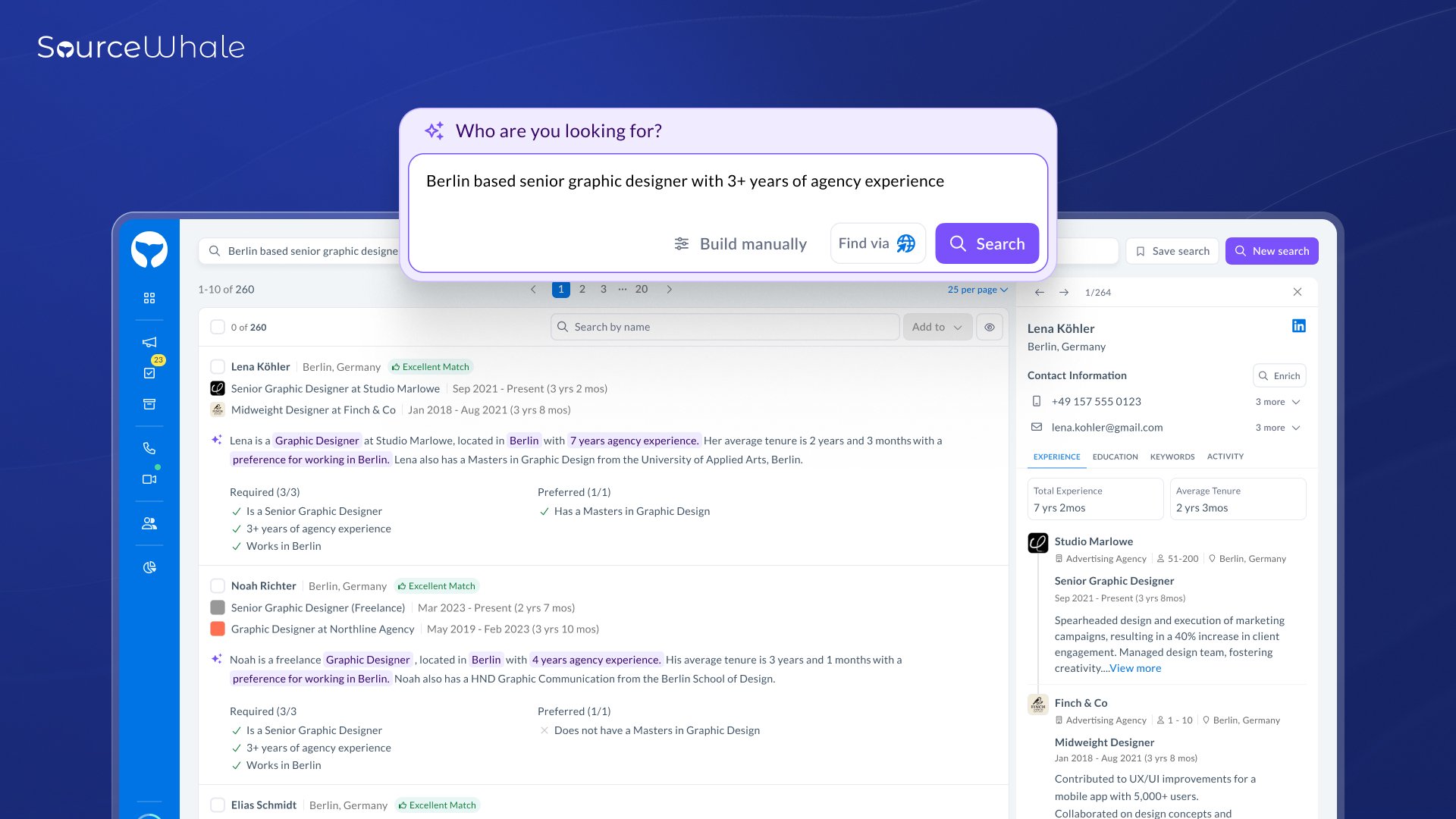
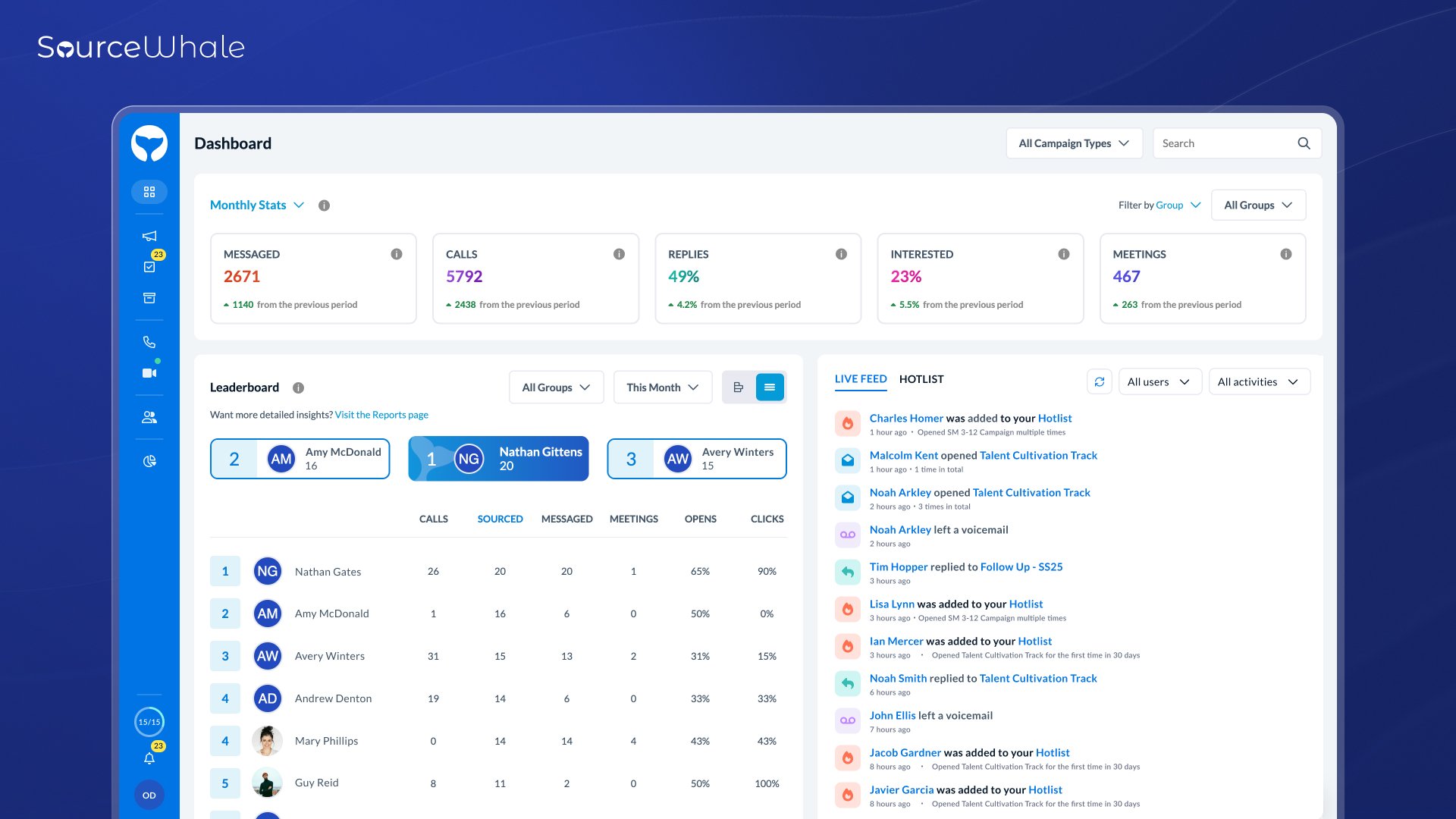
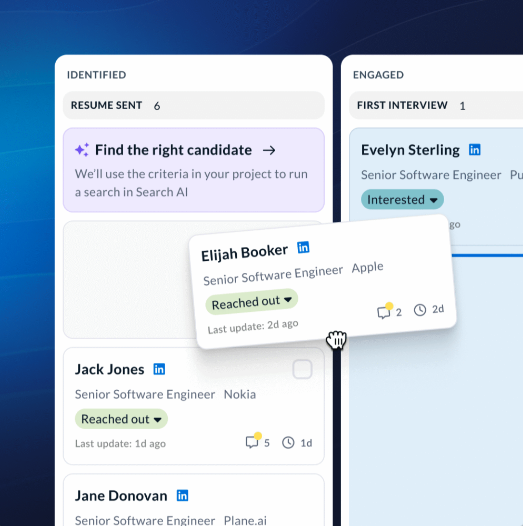
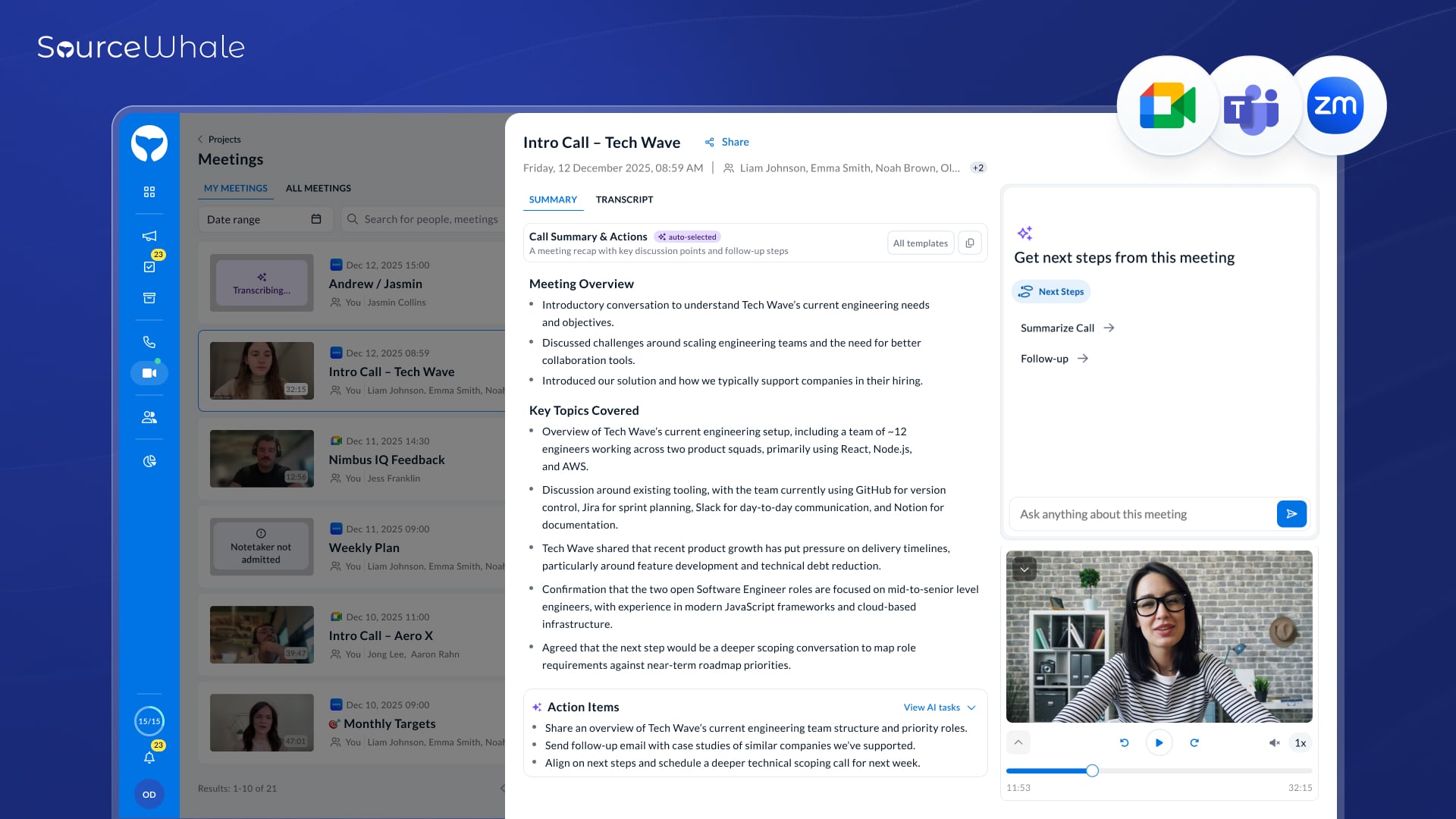

What I like best about SourceWhale is how much it speeds up my sourcing workflow through automation and the Chrome extension. Pulling candidate data straight from LinkedIn and dropping them into personalized sequences saves me a huge amount of time. The automated follow‑ups and sequence tracking keep everything organized so nothing gets missed. I’ve also found the analytics unexpectedly valuable—seeing open and reply rates helps me refine my messaging and improve results.
Support and onboarding were also strong. The team was responsive, the training was clear, and I felt comfortable using the platform quickly. The built‑in AI suggestions and workflow intelligence have been an unexpected bonus—they help refine messaging and optimize sequences based on what’s performing best.
Overall, SourceWhale has made my outreach more consistent, data‑driven, and efficient across the board. Review collected by and hosted on G2.com.
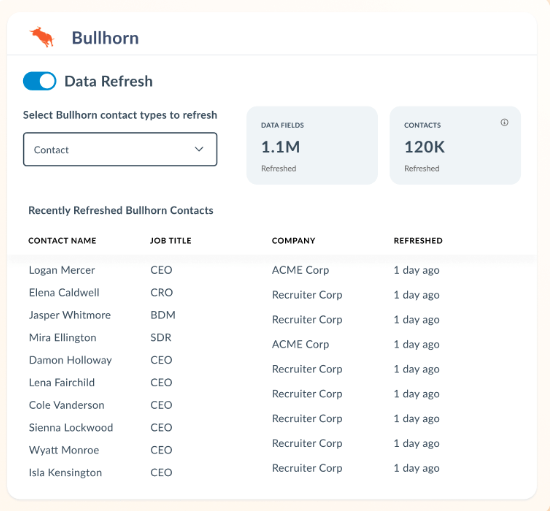
The main thing I find least helpful about SourceWhale is the extra step required to add candidates directly into our ATS (Bullhorn).
Right now, when sourcing from the Chrome extension or search results, we have to first add a candidate to “People” and then manually push them into Bullhorn. It works, but it adds unnecessary clicks and slows down the workflow—especially when handling high‑volume sourcing.
A direct “Add to Bullhorn” option from the search view or Chrome extension would save time, reduce repetitive steps, and make the process much more streamlined. Since the rest of the platform is so optimized, this feels like the one area where efficiency could be improved. Review collected by and hosted on G2.com.