Compare this with other toolsSave it to your board and evaluate your options side by side.
Save to board

Boardable Reviews & Product Details

Value at a Glance

Averages based on real user reviews.

Time to Implement

1 month

Boardable Media

Boardable Demo - Boardable Video Conferencing
Ignite engagement, simplify your workflows, and unlock unmatched functionality. Boardable Video offers purpose-built video conferencing for nonprofits, transforming board meetings into seamless, dynamic experiences, all within one powerful platform.
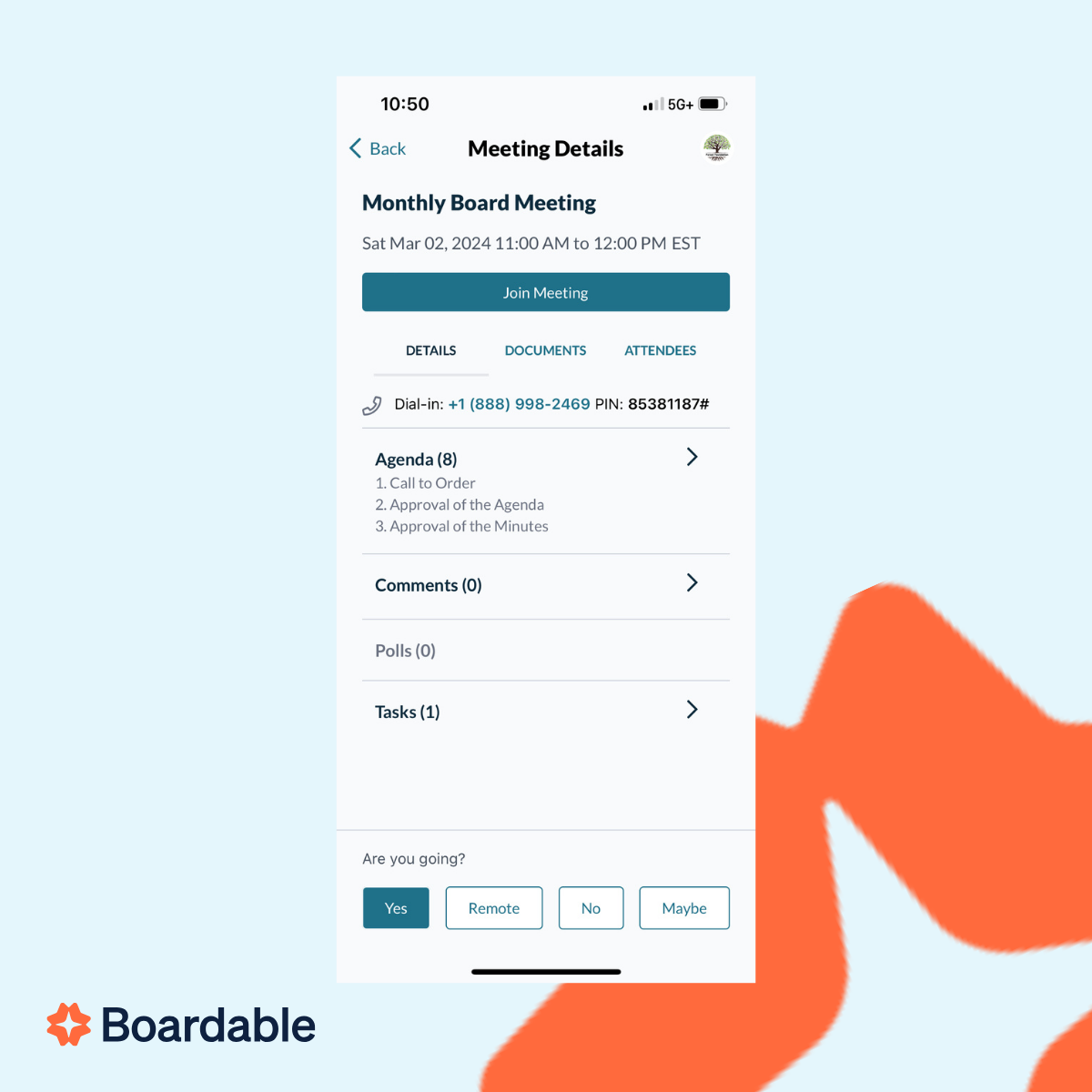
Boardable Demo - Boardable Mobile App
Boardable’s mobile app gives modern boards the freedom to stay connected, make decisions, and move work forward—from anywhere. Whether you’re commuting, traveling, or simply away from your desk, the app ensures your board stays productive and aligned.
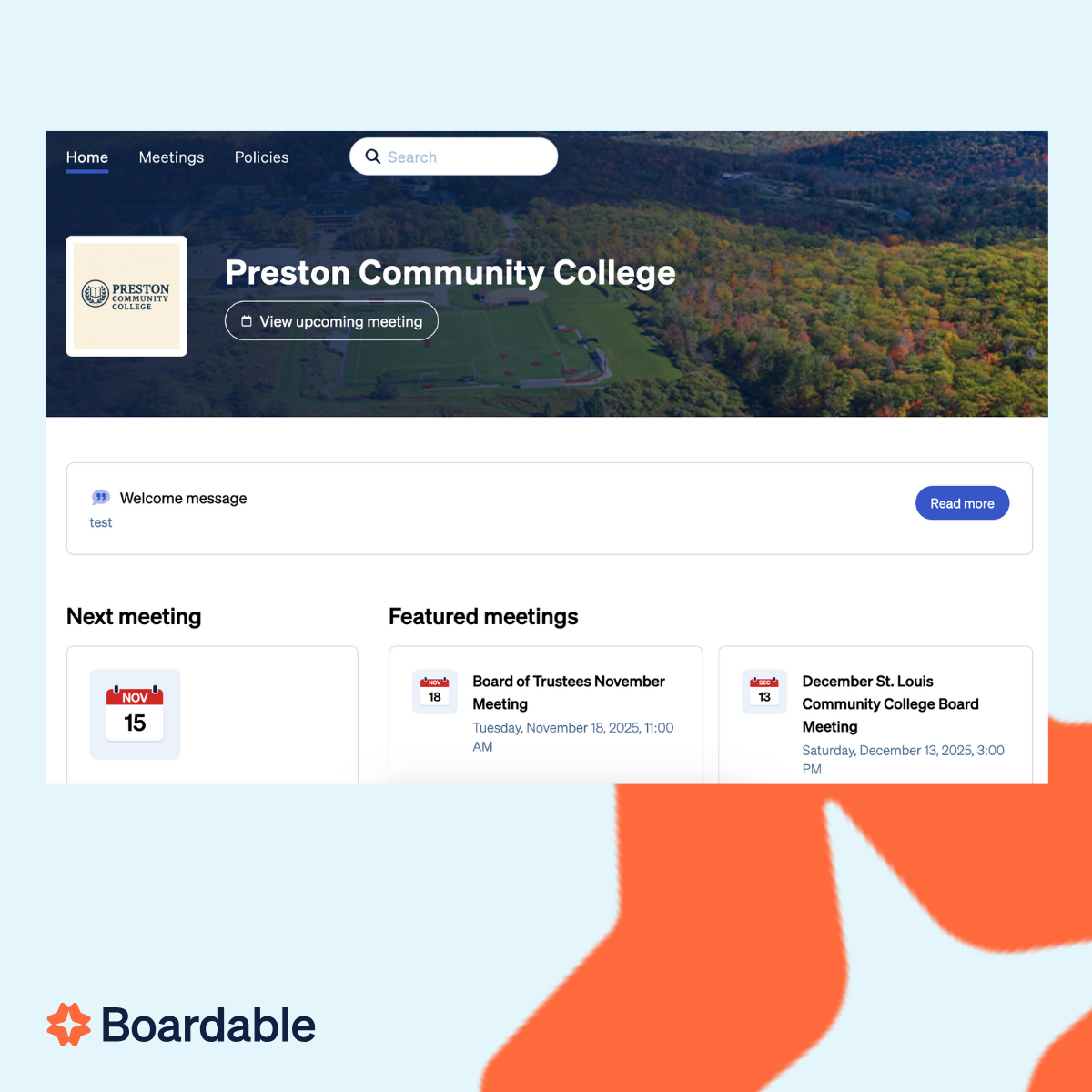
Boardable Demo - Public Sites
Streamline communication and keep it out of your inbox — away from security risks and phishing. Securely share polls, messaging, and files all in one thread. You’ll never skip a beat between board meetings.
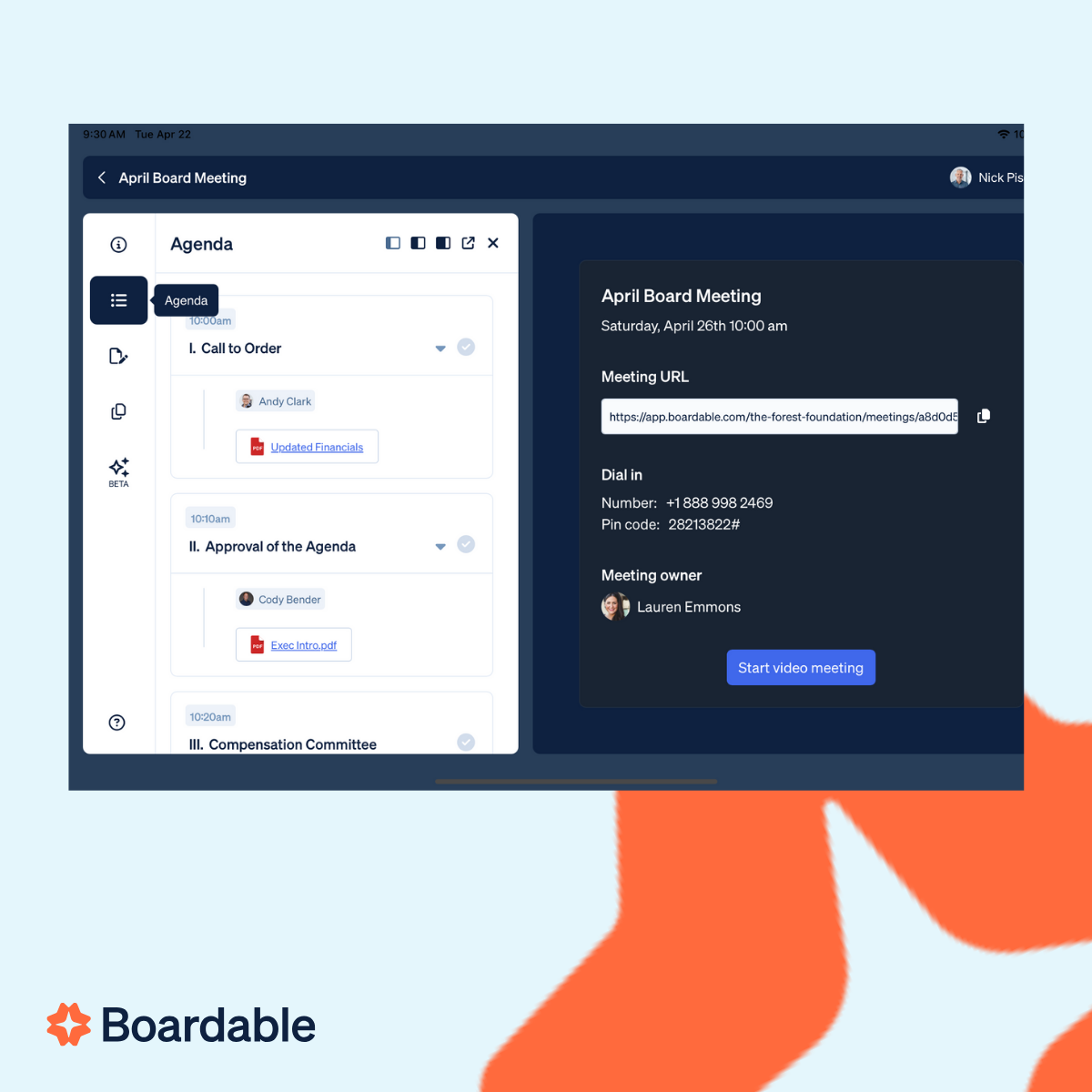
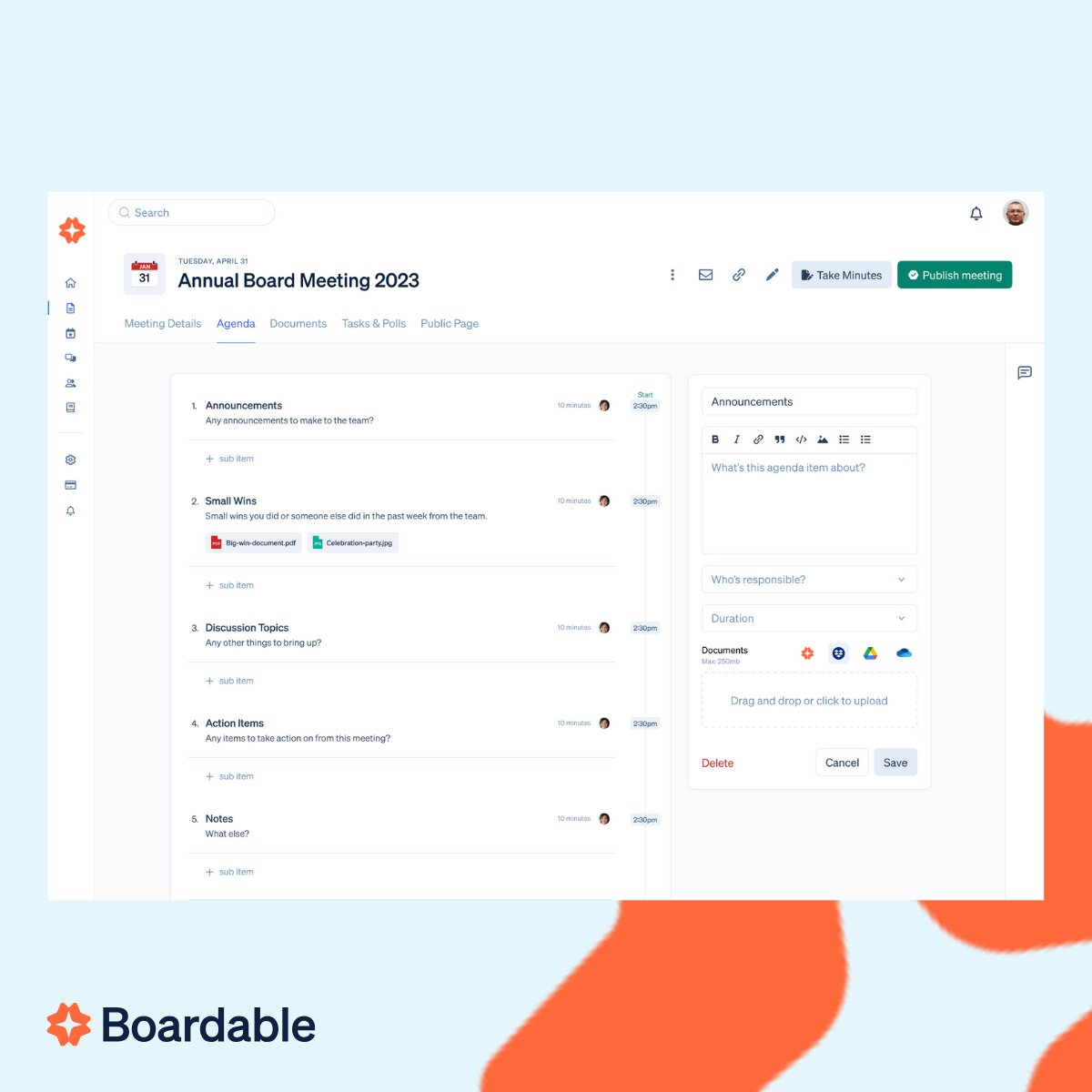
Boardable Demo - Agenda Builder
Quickly allow board decisions to turn into action by transforming follow-ups into clear, trackable action items—visible to all, accessible anywhere, and impossible to lose.
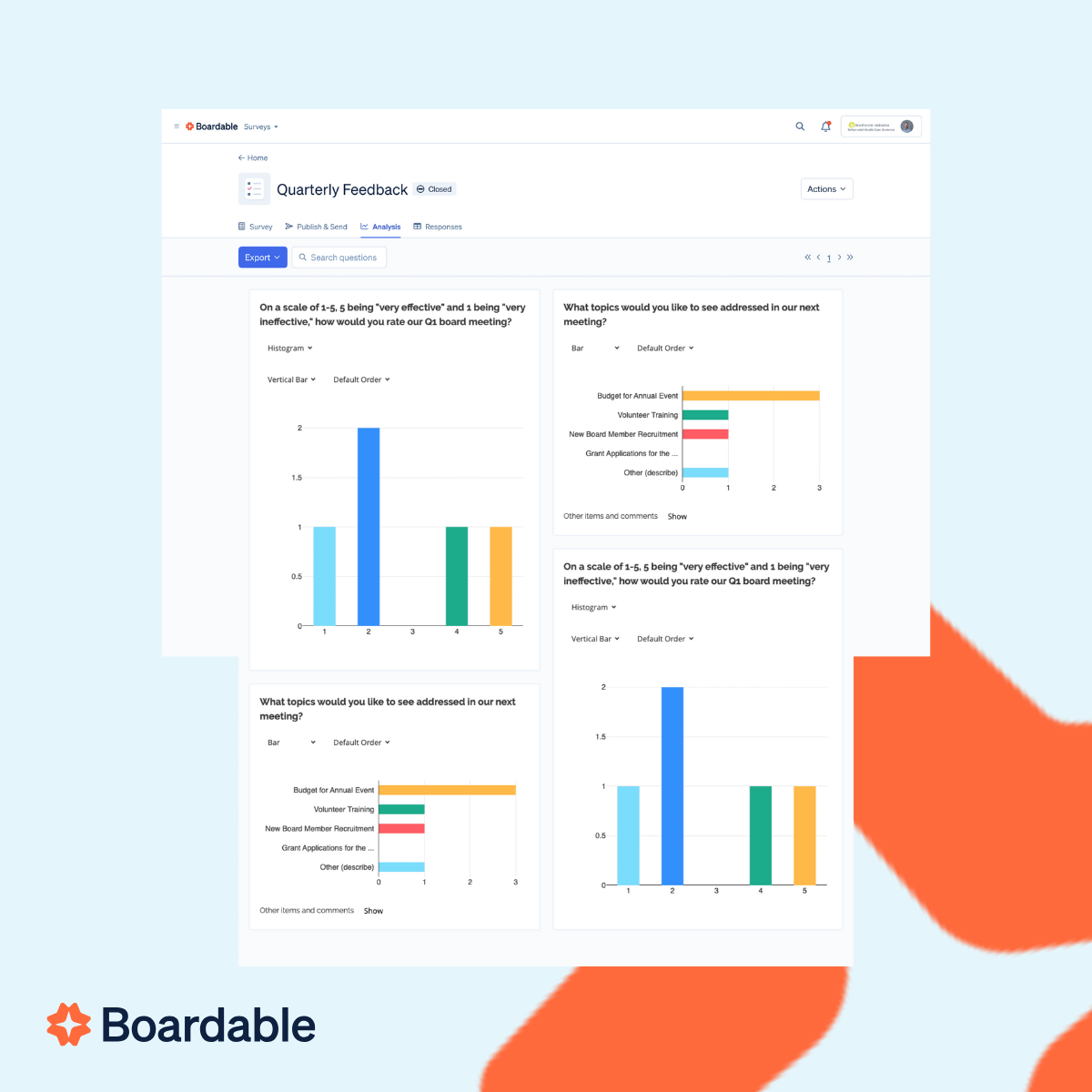
Boardable Demo - Meeting Engagement Dashboard
Boardable Reporting is board reporting software designed for nonprofits. Track engagement, attendance, polls, and document activity with audit-ready reports.Finally, reporting designed for nonprofit boards. Save time, satisfy audits, and keep every stakeholder informed with automated insights—no ...
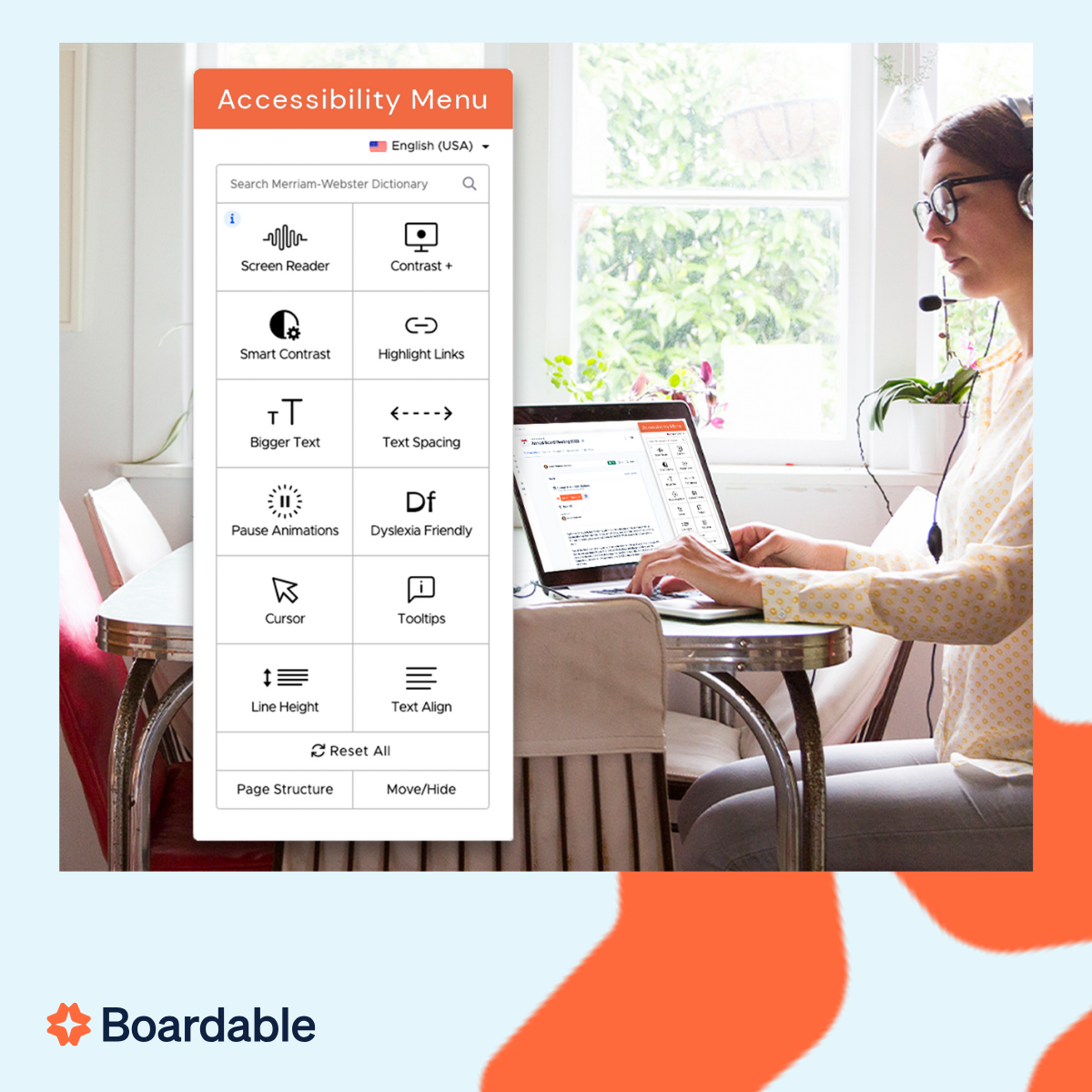
Boardable Demo - Accessibility
Boardable is the most accessible board management platform on the market. Our Accessibility and Language settings empower all users to participate fully in board meetings.
Discover how a nonprofit board portal can streamline collaboration, boost engagement, and simplify board meetings. In just 90 seconds, see how Boardable helps nonprofits run more effective meetings with powerful tools designed for seamless
Play Boardable Video
Discover how a nonprofit board portal can streamline collaboration, boost engagement, and simplify board meetings. In just 90 seconds, see how Boardable helps nonprofits run more effective meetings with powerful tools designed for seamless
Take a guided tour of Boardable’s powerful board portal built for nonprofits.
Play Boardable Video
Take a guided tour of Boardable’s powerful board portal built for nonprofits.
Product Avatar Image

Have you used Boardable before?

Answer a few questions to help the Boardable community

Boardable Reviews (269)

Reviews

Boardable Reviews (269)

4.5
269 reviews

Review Summary

Generated using AI from real user reviews
Users consistently praise Boardable for its ease of use and ability to centralize communication among board members, making meeting organization and document management significantly more efficient. The platform's features, such as agenda building and task tracking, enhance accountability and streamline workflows. However, some users note that the mobile app could be improved for better performance.

Pros & Cons

Generated from real user reviews
View All Pros and Cons
Search reviews
Filter Reviews
Clear Results
G2 reviews are authentic and verified.
CS
Education Advisor
Mid-Market (51-1000 emp.)
"Boardable Streamlines Board Meetings with Smart Scheduling and Agenda Tools"
What do you like best about Boardable?

What I like about Boardable is they constantly getting better and better for board management and board's virtual meeting platform. The meeting scheduling has completely change how we are organizing our meeting, it coordinates with everyone's calendar to find the best time for our monthly meetings. Once the date is set, the agenda builder builder allows me to create agenda details and topic so the meeting will follow the topics and not taking too much time. Integration with Google Calendar is available, all new meeting date and time is automatically synchronize and I can make better preparation before the entering the meetings. Implementation is quick with several assistant from the customer support, they are just a phone call away and always eager to help with any of our issue and question. Boardable has saved us hours of administrative work afterward, we use it 3-4 times a month for seamless meeting management and easy connection of video conference and meeting. Review collected by and hosted on G2.com.

What do you dislike about Boardable?

Some issue with the tools like branding customization is still have no changes from my initial usage of Boardable, the option is limited, I would like to have settings to change the interface color and font types. Additionally, the auto-capture minute notes is a great time saver, but a final proofread still needed to ensure every line is 100% accurate. Review collected by and hosted on G2.com.

HA
Administrator
Mid-Market (51-1000 emp.)
"Engagement Insights and Google Workspace Integration Make Meetings Run Smoothly"
What do you like best about Boardable?

Things that I like about Boardable is with the engagement insights that is useful for me as administrator, I can see every board members activity like if they have opened the meeting packet or opening password protected document before the meeting start. It is good because we can notify them to do it and reduce the time wasting during the session. Integration with Google Workspace is a huge plus, making it easy to connect with the sync calendar and to access files directly form the shared drives. The implementation is much easy than I expected, I am able to setup our first virtual meeting and inviting every board's members just in couple days, all is thanks to simple interface and assistant from customer support that responding to every question about the features thru the call support. We are not using it too heavily right now, 2-3 times a month for regular monthly meeting and some emergency session. Review collected by and hosted on G2.com.

What do you dislike about Boardable?

Customization for branding is quite limited for now, only some font changing and logo display is supported, need more option to change color to match-up with our company color theme. It wasn't a pressing matters, but would be nice if it is available. Review collected by and hosted on G2.com.

SI
Sales Assistant Manager
Mid-Market (51-1000 emp.)
"Boardable Makes Virtual Board Meetings Seamless with Zoom Rooms and Reliable Support"
What do you like best about Boardable?

Boardable help to make it easy for board members to hold a virtual meeting and managing board operation and needs, every board members have their own workspace that they can use to manage dedicated tasks, private discussion, access to meeting agenda and meetings packet containing meeting document and materials. Zoom Room integration simplify virtual conference setup and operations, implementation is quick and takes less than three days to complete all the setup and configuration. Using Boardable for monthly board's meeting is our new standard because all what we need for effective meeting is available on one platform with reliable customer support reps that always available to solve issue on the platform like disconnected network or unauthorized access. Review collected by and hosted on G2.com.

What do you dislike about Boardable?

Initial operation and members participation is quite slow at first because it is hard to convince our senior members to use the virtual conference video and meeting, they only trust a face-to-face meeting for session confidentiality. After all the training and few virtual meetings, they are more welcoming to the changes. Review collected by and hosted on G2.com.

IY
Local Sales Manager
Mid-Market (51-1000 emp.)
"Secure, Easy Virtual Board Meetings with Agendas, Minutes, and Fast Support"
What do you like best about Boardable?

Boardable helped to improves board connectivity by virtual board meeting that allow members to attend meeting easily from anywhere. Setup is done easy, only require some configuration to run it smoothly. Google Workspace is integrated, I can share files and meeting document confidently knowing all files is securely protected. Creating meeting agenda, recording minute meeting and task distribution is available in one interface. Quick respond for support ticket for any bugs or tools issue, take less than 3 days to solve any problem on the platform. We use it for monthly board meeting and emergency meeting that require quick decision by the board. Review collected by and hosted on G2.com.

What do you dislike about Boardable?

Require board members to spend time to learn and attending the live board training, time that our members don't have but still need to clear their schedule to attend. Thankfully, the session can be done virtually, not to physically visit their office. Review collected by and hosted on G2.com.

II
Office Admin
Small-Business (50 or fewer emp.)
"Streamlined Document Management, Room for Improvement"
What do you like best about Boardable?

I really like the build-in signature feature on Boardable, which lets me upload a document to the document center and tag exactly where I need a signature. It's great that I can check who's signed in real time. I appreciate the new dashboard menu because it's easier to glance over progress, view RSVPs, or check pending signatures without clicking through every tools on the dashboard. The setup is very intuitive, and we used the setup guide to integrate well with Google Calendar. Our team members were synced up in a minute. The most impressive part is the universal search tool, which indexes everything we uploaded immediately and allows our team to find records from two years ago just by typing a keyword. Review collected by and hosted on G2.com.

What do you dislike about Boardable?

I think what needs to improve is with the e-signature utility tools because when the signature tools convert a document to PDF, it sometimes messes up the spacing and the layout of the original document. I want the conversion to be 100% perfect every time so I don't have to edit the layout back. And one more thing is the filter position. When I search for the people directory and click into a profile, then go back, I want the app to remember my search so I don't have to type it again. Review collected by and hosted on G2.com.

JM
Senior security analyst
Information Technology and Services
Small-Business (50 or fewer emp.)
"Streamlined Board Meetings with Quorum Verification"
What do you like best about Boardable?

I like the meeting engagement dashboard in Boardable a lot. It's a smart screen that shows me who's ready for the meeting and who's participating the most. I also really like the Quorum feature because it saves us about ten minutes of work every time we start a meeting. The initial setup was quite good, thanks to the boarding specialist from Boardable who helped us move our records in just a few days. The manual guides were very simple to follow, making it easy even for our board members who aren't very tech-savvy to RSVP and handle documents. Boardable also handles the security of people that is joining the session by authenticating their credential to ensure only legit board members can access the session. Review collected by and hosted on G2.com.

What do you dislike about Boardable?

One thing that I am not satisfied with is the AI meeting minutes builder. They are very good at logging the meeting transcript, but they don't support language translation yet. I wish I could change the transcript to another language automatically. Review collected by and hosted on G2.com.

KP
Marketing coordinator
Marketing and Advertising
Small-Business (50 or fewer emp.)
"Streamlined Board Meetings, Needs Draft Approval Tweaks"
What do you like best about Boardable?

I like Boardable because when someone makes a choice, I can easily record a motion and track who is picking up the motion and the final votes, just with a few clicks. I also really like the public sites feature because it allows us to share our finished work with our supporters. Additionally, I feel very safe using Boardable as it lets me see the engagement board and who has engaged with the board packet, making the process secure. I don't have to worry about losing important information. Also, the initial setup of Boardable was fairly easy, using its workflow guide that showed us exactly how to setup our first meeting. We just uploaded our old minutes and invited the board members using their email. Review collected by and hosted on G2.com.

What do you dislike about Boardable?

I don't like the draft approval process. It's not ready for release, and we had to wait until the summer. On the mobile apps, it's a bit hard to see the full list of the past votes and need to use computer to see the record clearly. Review collected by and hosted on G2.com.

VI
Local Sales Agent
Small-Business (50 or fewer emp.)
"Seamless Meeting Management, Room for Mobile App Improvement"
What do you like best about Boardable?

I like using Boardable for its feature that allows me to handle meeting motions and minutes easily. During meetings, I can just click a button to record a formal motion and see who seconds it, followed by taking a vote instantly. This really solves the problem of managing multiple tabs during meetings by consolidating everything I need onto the same web portal, which helps me stay focused. All the info is saved for audit records and governance record, so we never have to argue about what we decide months later. Review collected by and hosted on G2.com.

What do you dislike about Boardable?

The thing that doesn't work well for me is the mobile apps. While the computer version is great, the mobile apps feel a bit limited for virtual meetings. It's hard to read a long PDF because of word breaking, and the phone screen is a bit too small. Review collected by and hosted on G2.com.

FS
Senior Legal Assistant
Management Consulting
Small-Business (50 or fewer emp.)
"Effortless attendance tracking"
What do you like best about Boardable?

The most outstanding fact about Boardable is that it makes the preparation and communication of board meetings more organized. I am able to view those who have read documents, send reminders and make sure everything is prepared prior to the meeting. The use of calendar and email applications ensures that the participants remain on track. Its characteristics enable coordination between committees to be so easier and it assists in avoiding a misunderstanding or missing things during the meetings. Review collected by and hosted on G2.com.

What do you dislike about Boardable?

One of its disadvantages that I have observed is that it does not provide quick changes whenever I need it. Some actions are more steps than necessary and even minor updates to them may seem slow. The features are good, but it may be difficult to navigate through them at some point. Such problems may disrupt preparation and cause some stress in making changes at the last minute. Review collected by and hosted on G2.com.

LL
Director of product creation
Information Technology and Services
Small-Business (50 or fewer emp.)
"Clear responsibilities and smoother team coordination"
What do you like best about Boardable?

One of the things that I like about Boardable is that it introduces some level of consistency to the board meetings and communication. The features included in arranging agendas and making decisions will be a good addition to my day to day duties. I also appreciate the automatic notifications which make participants active. This has made my work life different, as I do not have to bother about updates being missed and with all of them prepared better, the meetings became smoother and more organized. Review collected by and hosted on G2.com.

What do you dislike about Boardable?

I do not like that there are too many steps needed to perform certain actions during the time when they are most needed, and this delays. Although the quantity of features is satisfactory, some of its workflows are repetitious. Review collected by and hosted on G2.com.

Questions about Boardable? Ask real users or explore answers from the community

Get practical answers, real workflows, and honest pros and cons from the G2 community or share your insights.

Verified User
G2
Verified User
Last activity almost 4 years ago

Disallow document download and printing

Eddie O.
EO
Eddie Ozols
Last activity almost 6 years ago

As a not for profit we are aware of costs and would like to use parts of it for staff access to things such as policy but paying for all staff is prohibitive so a limited user licence would be helpful.

Pricing Insights

Averages based on real user reviews.

Time to Implement

1 month

Return on Investment

18 months

Average Discount

17%

Boardable Comparisons
Product Avatar Image
OnBoard Board Management...
Compare Now
Product Avatar Image
Diligent Boards
Compare Now
Product Avatar Image
BoardEffect
Compare Now
Boardable Features
Templates
Scheduling
Agenda
Notes
Digital Workspace
File Sharing
Scheduling
Agenda builder
Meeting Minutes
Permissioning
Video Conferencing Integration
Meeting Archives
Product Avatar Image
Boardable