


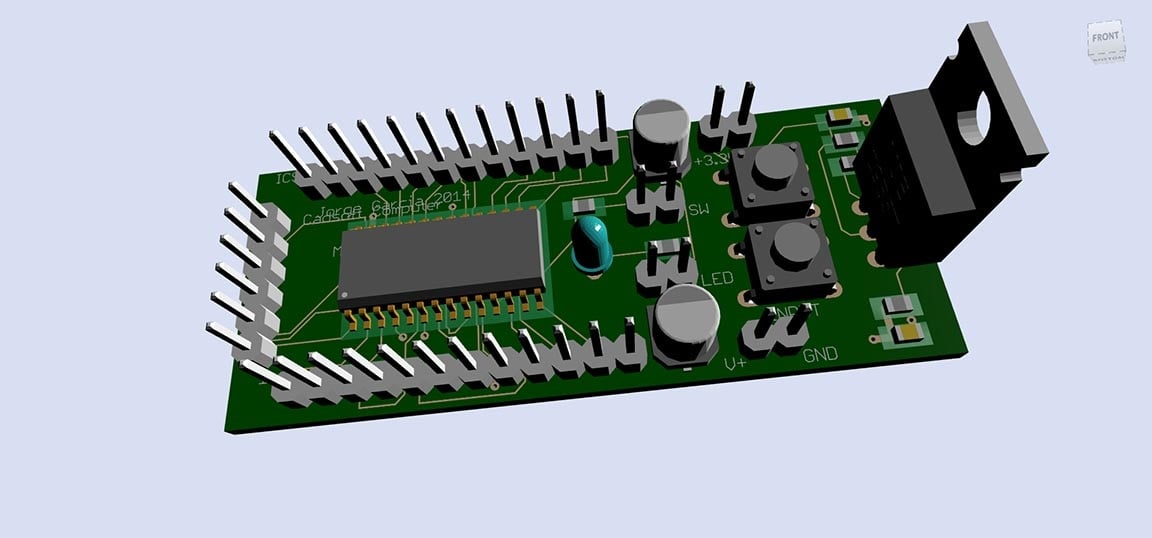


I use Autodesk EAGLE primarily for designing electronic circuits and creating PCB layouts. What I like most about EAGLE is how seamlessly it connects schematic design with PCB layout in a single workflow. It makes it very efficient to go from idea to a ready-to-manufacture board without switching tools. I also appreciate the large component library and the ability to create custom parts when needed. The large component libraries save a lot of time by providing ready-to-use parts for most common designs. When a specific part is not available, the custom component feature gives me full flexibility. This ensures accuracy in PCB design and reduces errors. The design rule checks (DRC/ERC) are very helpful in catching mistakes early. Overall, it feels like a practical and reliable tool for real engineering projects. The initial setup of EAGLE was fairly straightforward, especially with Autodesk account integration. Installation and activation were quick, and basic tools were ready to use immediately. Review collected by and hosted on G2.com.
One drawback of Autodesk EAGLE is that the interface can feel outdated and slightly difficult for beginners to navigate. It has a learning curve, especially when working with advanced features. Also the Manual routing can be very time consuming for complicated PCBS. Additionally, library management can sometimes feel confusing. Overall, a more modern UI and a smoother user experience would improve it significantly. Review collected by and hosted on G2.com.