What do you like best about iSpring LMS?
We transitioned from a previous LMS that was clunky, difficult to use, and not very user-friendly. After trialing several different products, we chose iSpring because it offered the most user-friendly interface for the price. Our learners are franchisees rather than employees, which presented some unique challenges during the switch to a new LMS. Fortunately, iSpring was able to accommodate all of these needs.
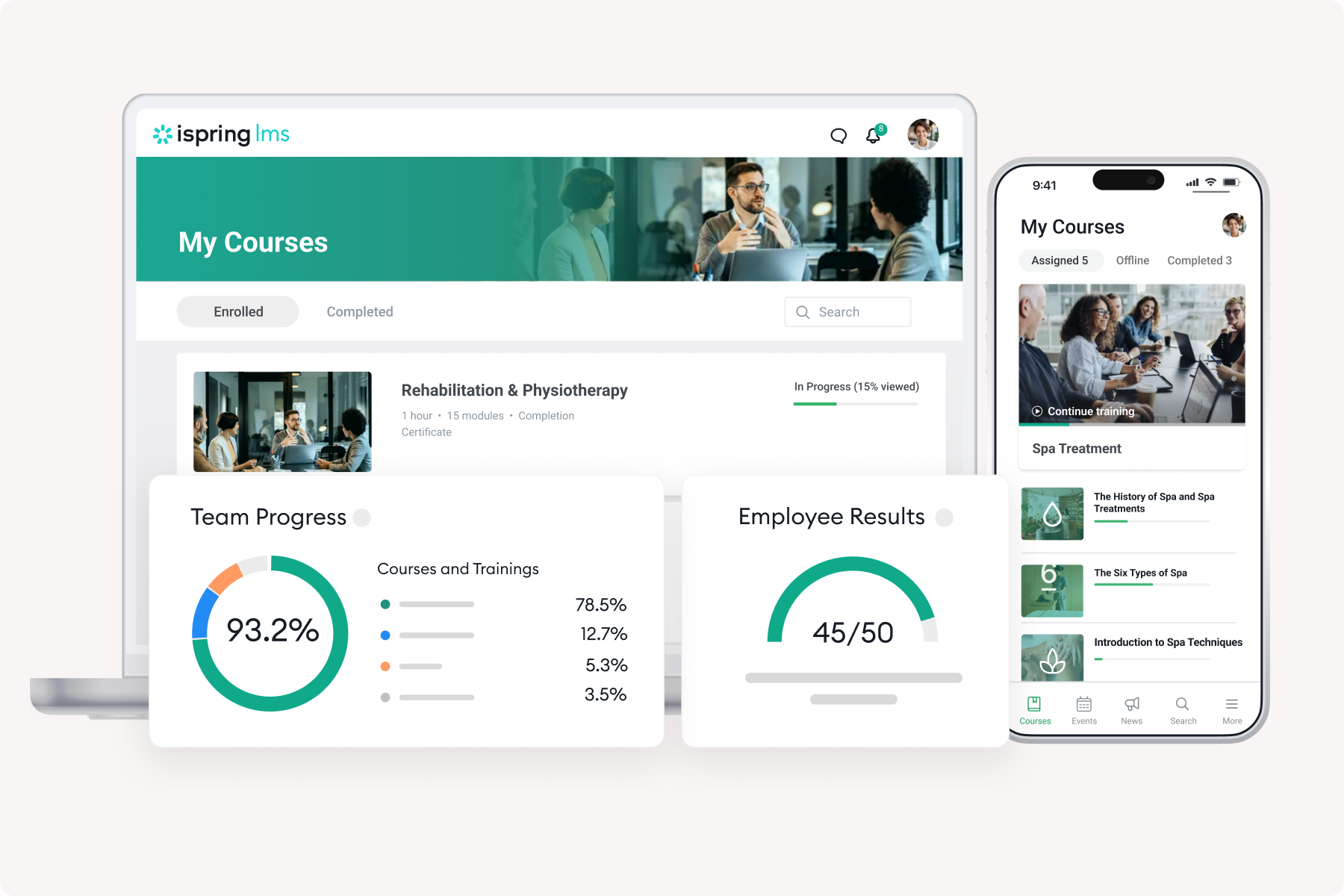
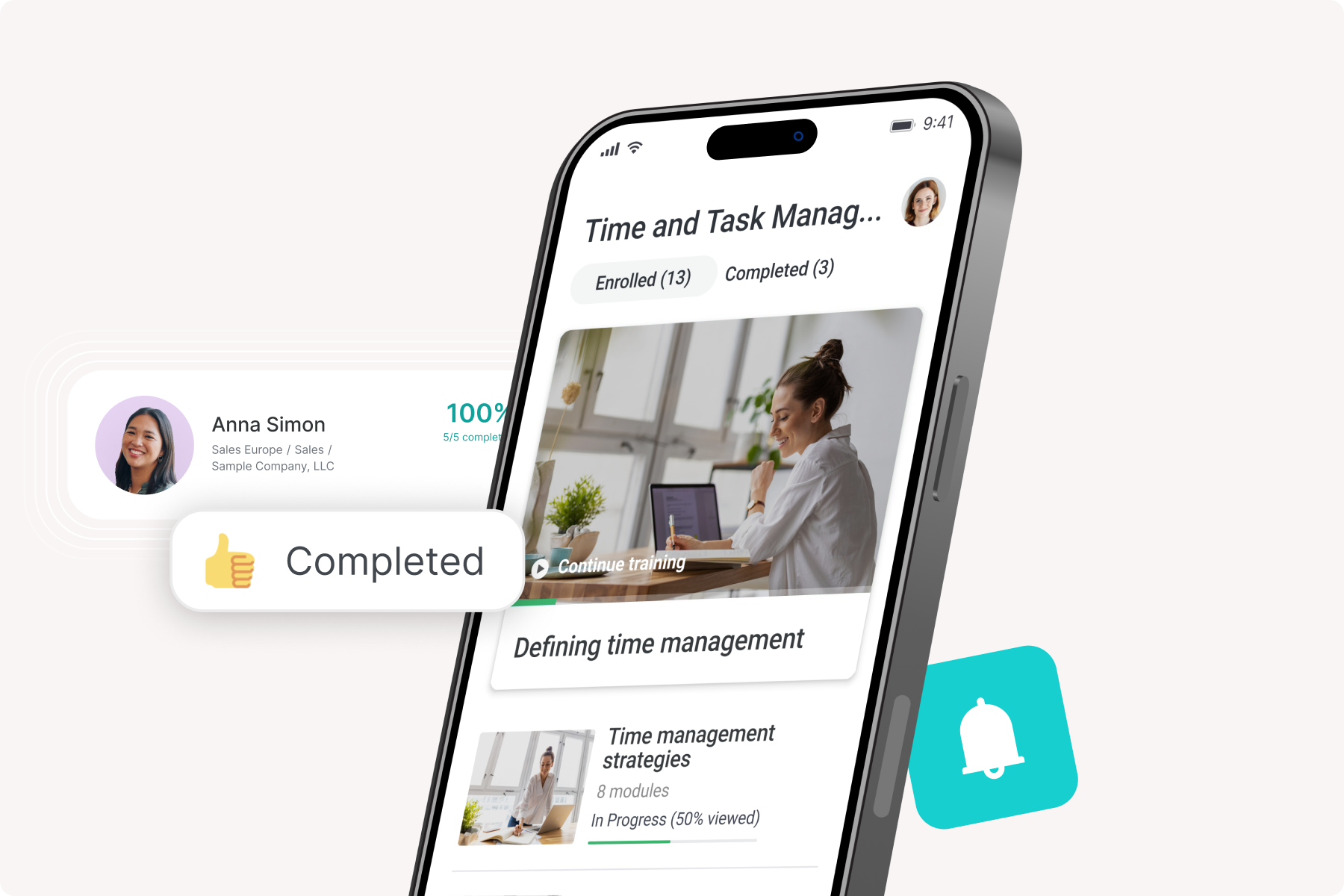
We appreciate how straightforward the platform is, both for learners and administrators. One of the features that impressed us most is the ability to make most changes and edits ourselves, without having to rely on a development team.
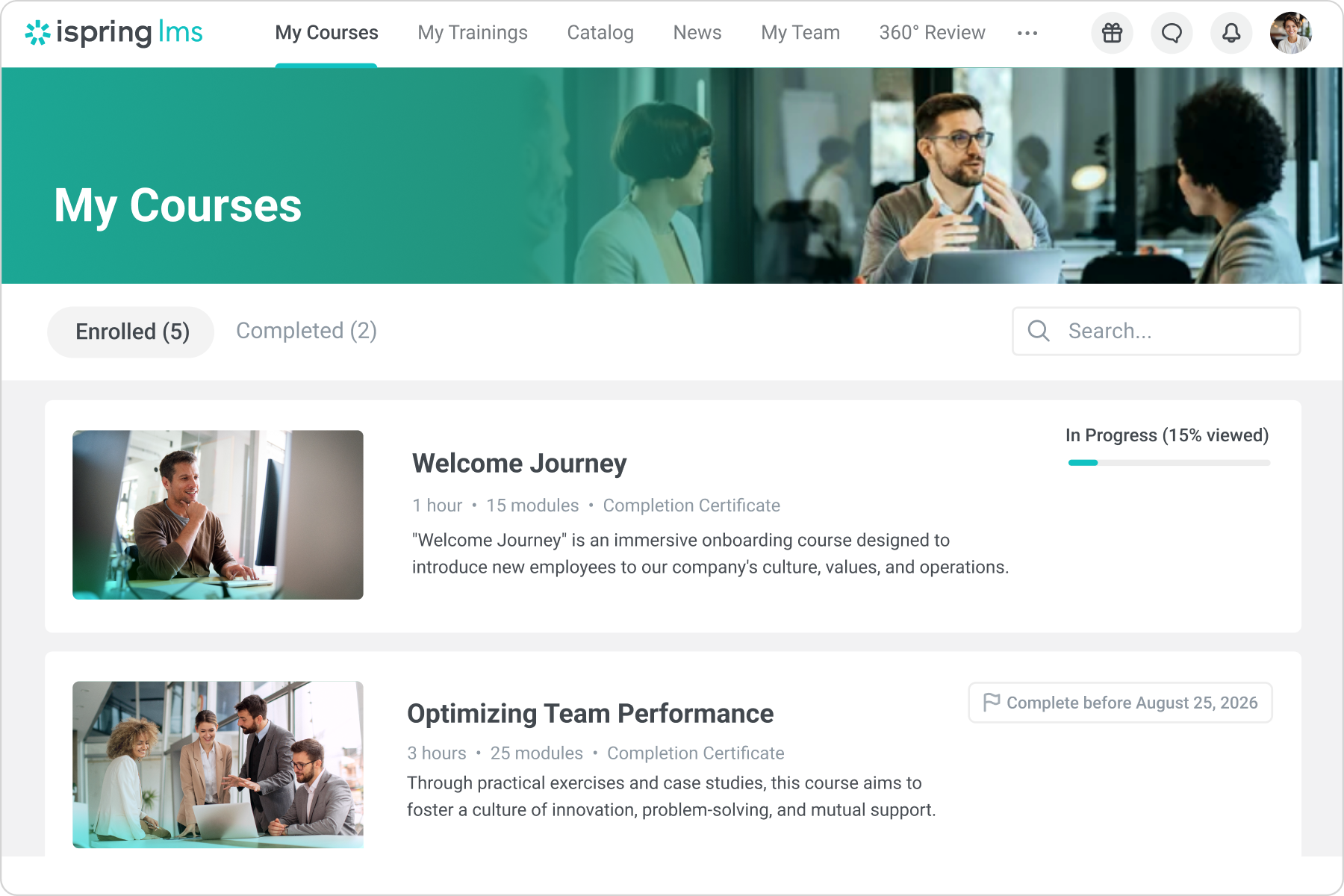
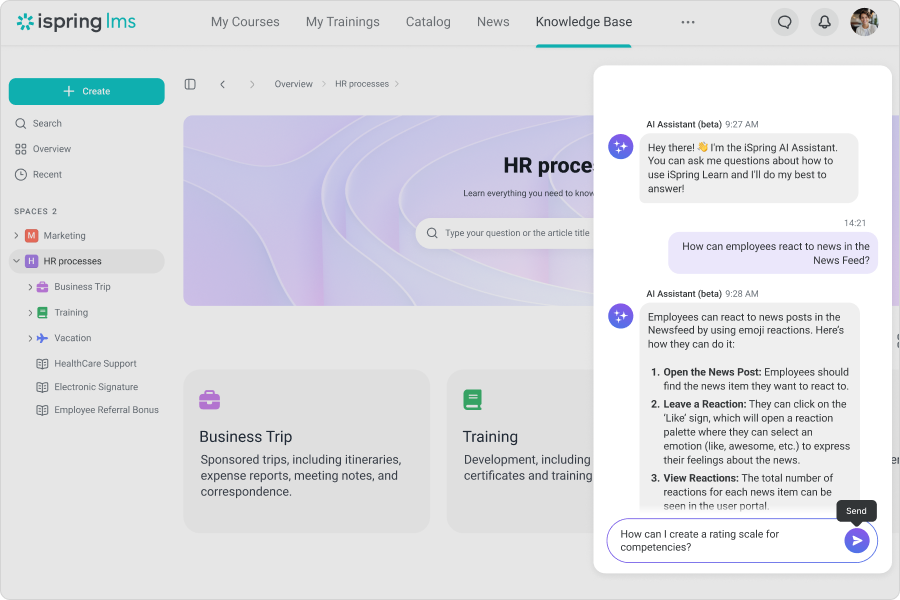
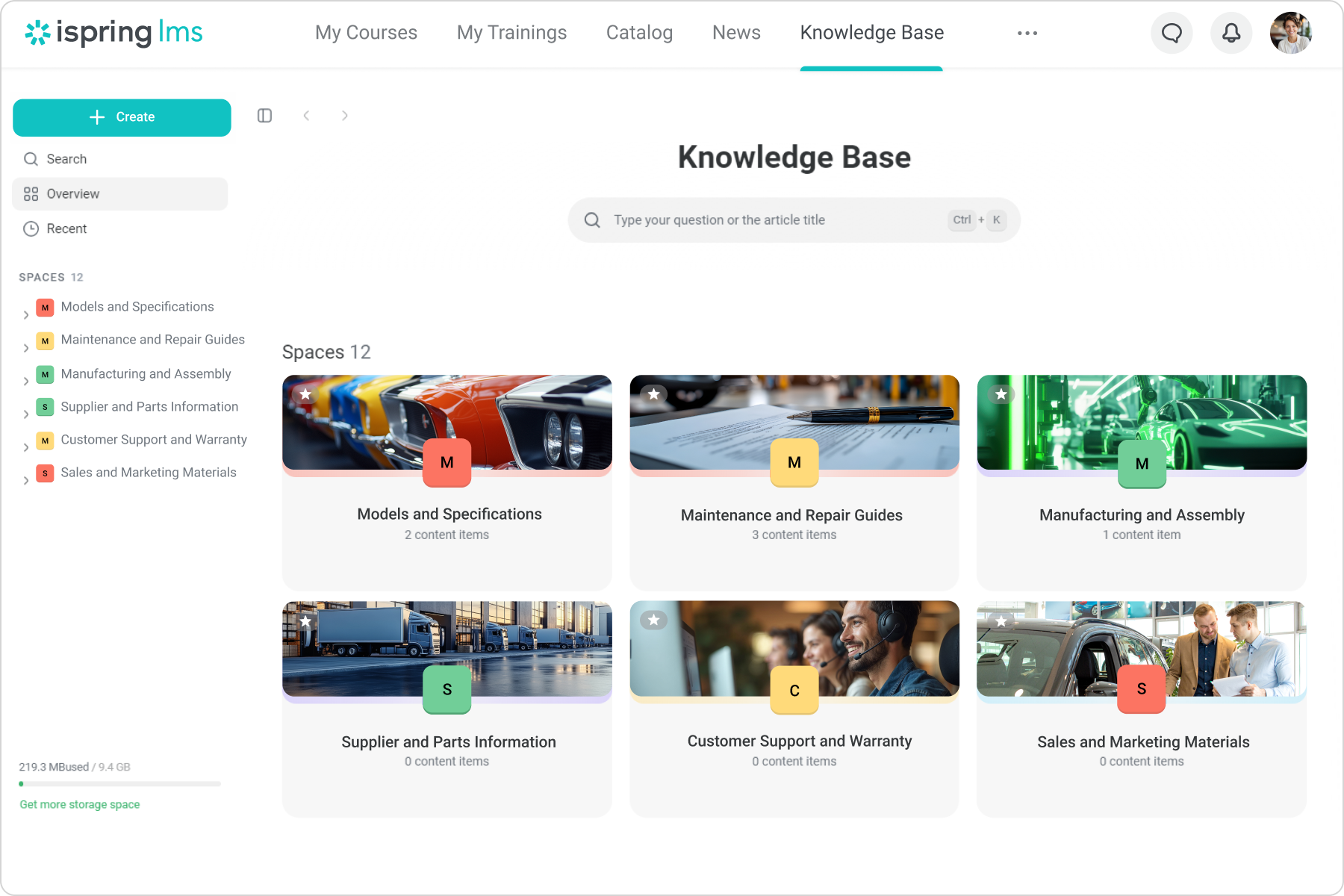
We also value the flexibility of options like learning tracks and courses, which can be tailored to meet a variety of needs. The knowledge base feature has been especially useful, allowing us to store and manage access for different regions, countries, and departments around the world.
Additionally, we use the LMS alongside iSpring Suite Max, which has significantly enhanced our eLearning content creation. Since it is based on PowerPoint, it requires minimal training to start developing effective courses.
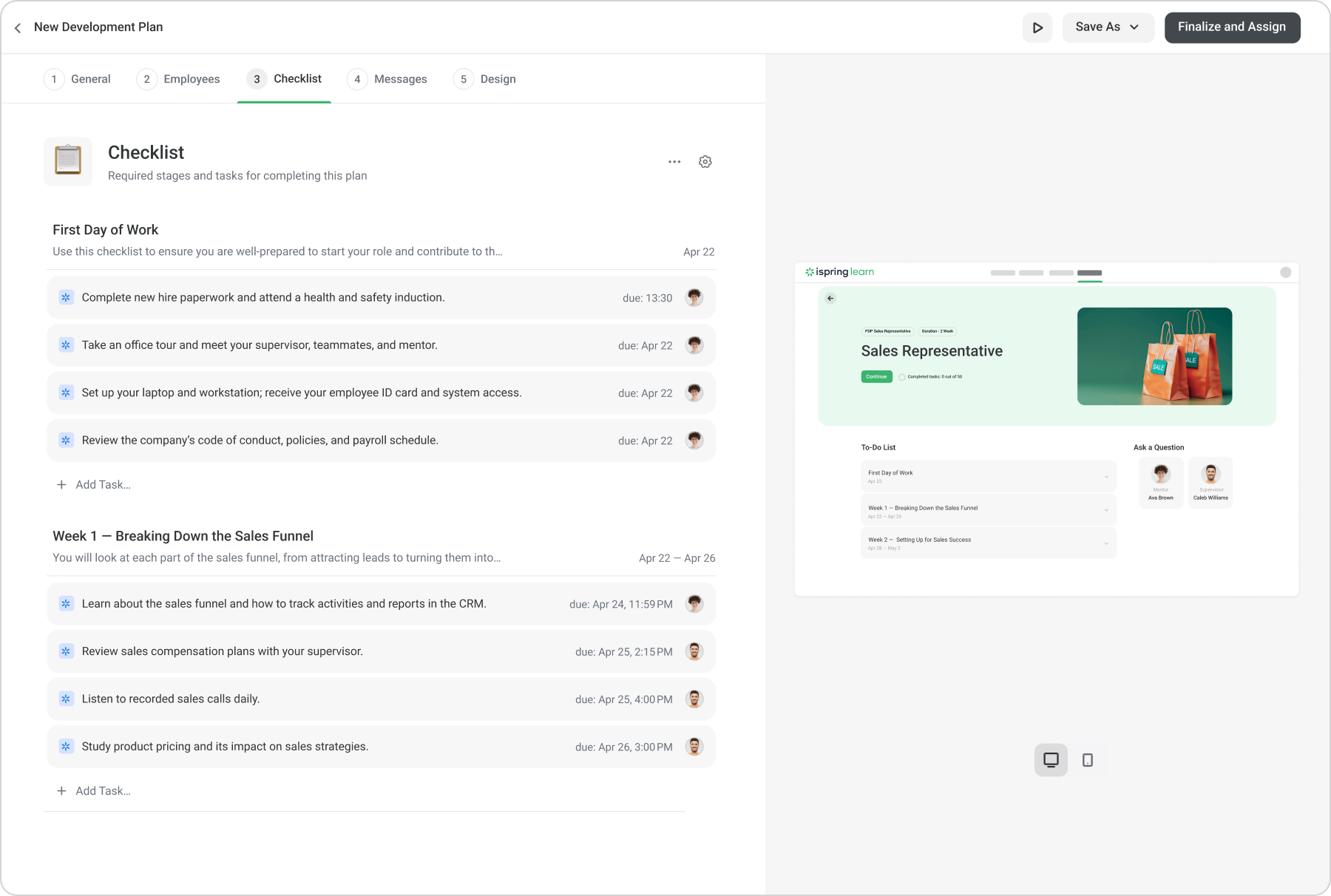
We use the "on the job training" feature heavily, this provides us with a really easy way to mark trainees assessments and practical skills while ensuring a consistent and fair approach to marking guidelines.
The implementation period was very well managed from iSpring team, their knowledge and help throughout the process was invaluable and we were able to get the platform up and running in a very short amount of time. We have constant assistance from our customer team whilst integrating things like Microsoft and the huge data import of users and stats from our old platform. Review collected by and hosted on G2.com.
What do you dislike about iSpring LMS?
The only drawback we've encountered is integrating our virtual trainings with the platform. This challenge may actually stem from Microsoft, but when we use the platform for virtual sessions, we can't achieve full integration with our Microsoft environment. The main problem arises when we create a virtual session in iSpring and invite our entire network of over 1,000 users. Each time a new learner is added to the session, the system automatically resends the invitation to everyone in the network, which causes chaos in people's inboxes. In Microsoft, you can typically choose to update only new or added invitees, but with this integration, that option doesn't seem to be available, it just sends updates to all invitees by default. The iSpring team has been very helpful in trying to resolve this, but it ultimately appears to be a Microsoft issue. Review collected by and hosted on G2.com.