


2026 Best Software Awards are here!See the list

Scribe Reviews & Product Details

Pricing

Pricing provided by Scribe.

Basic

Free

Scribe Media

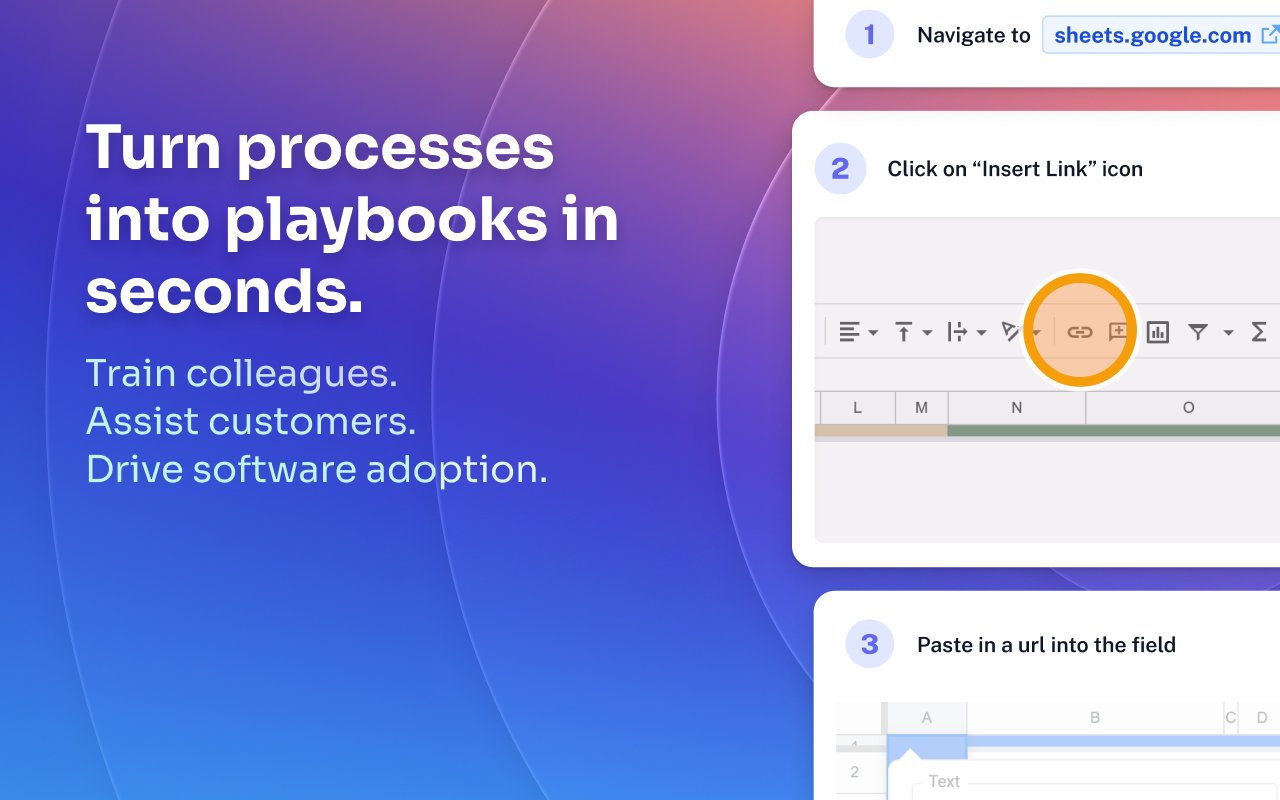
Scribe Demo - Turn processes into playbooks in seconds.
Train colleagues. Assist customers. Drive software adoption.
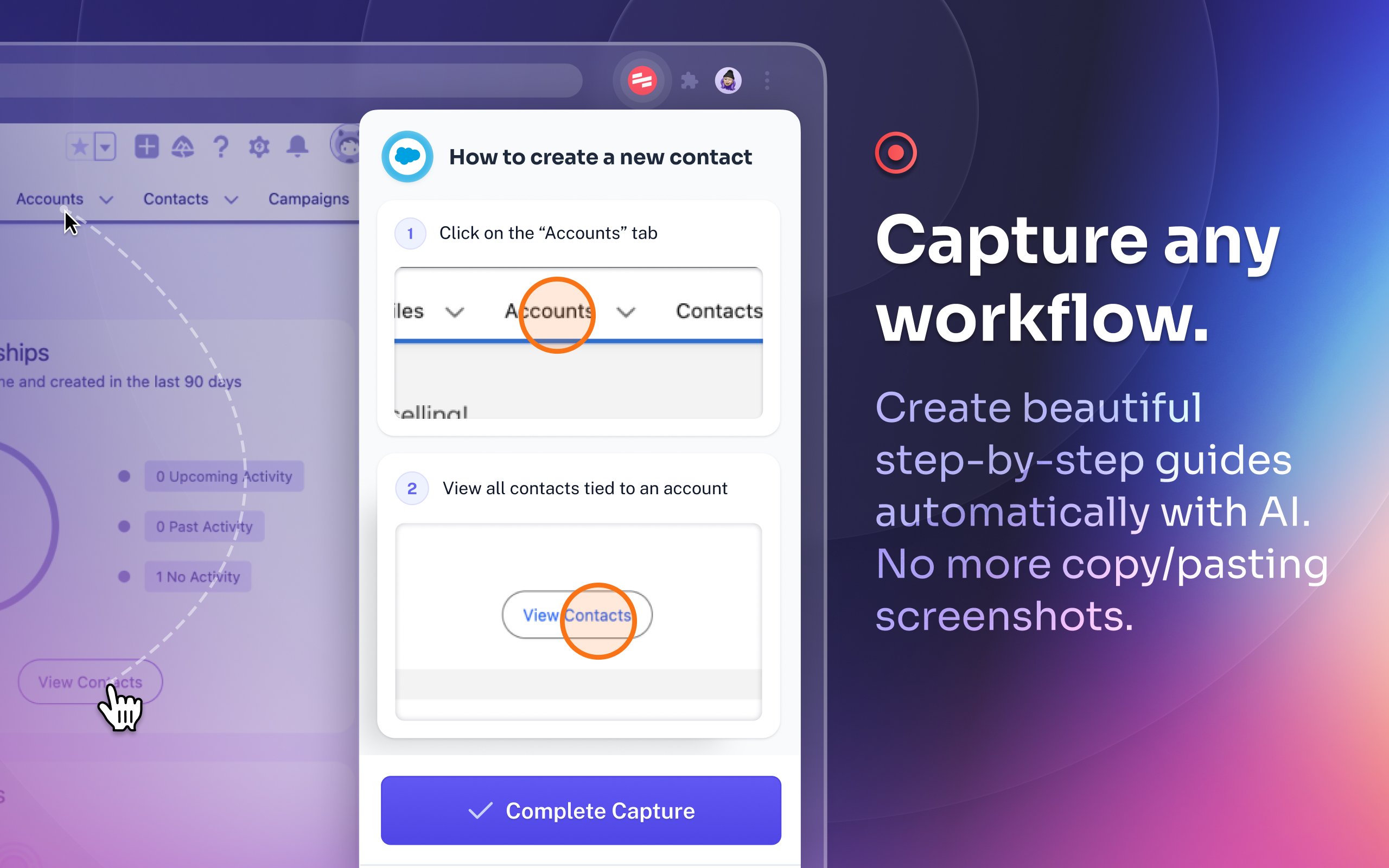
Scribe Demo - Capture any workflow.
Create beautiful step-by-step guides automatically with AI. No more copy/pasting screenshots.
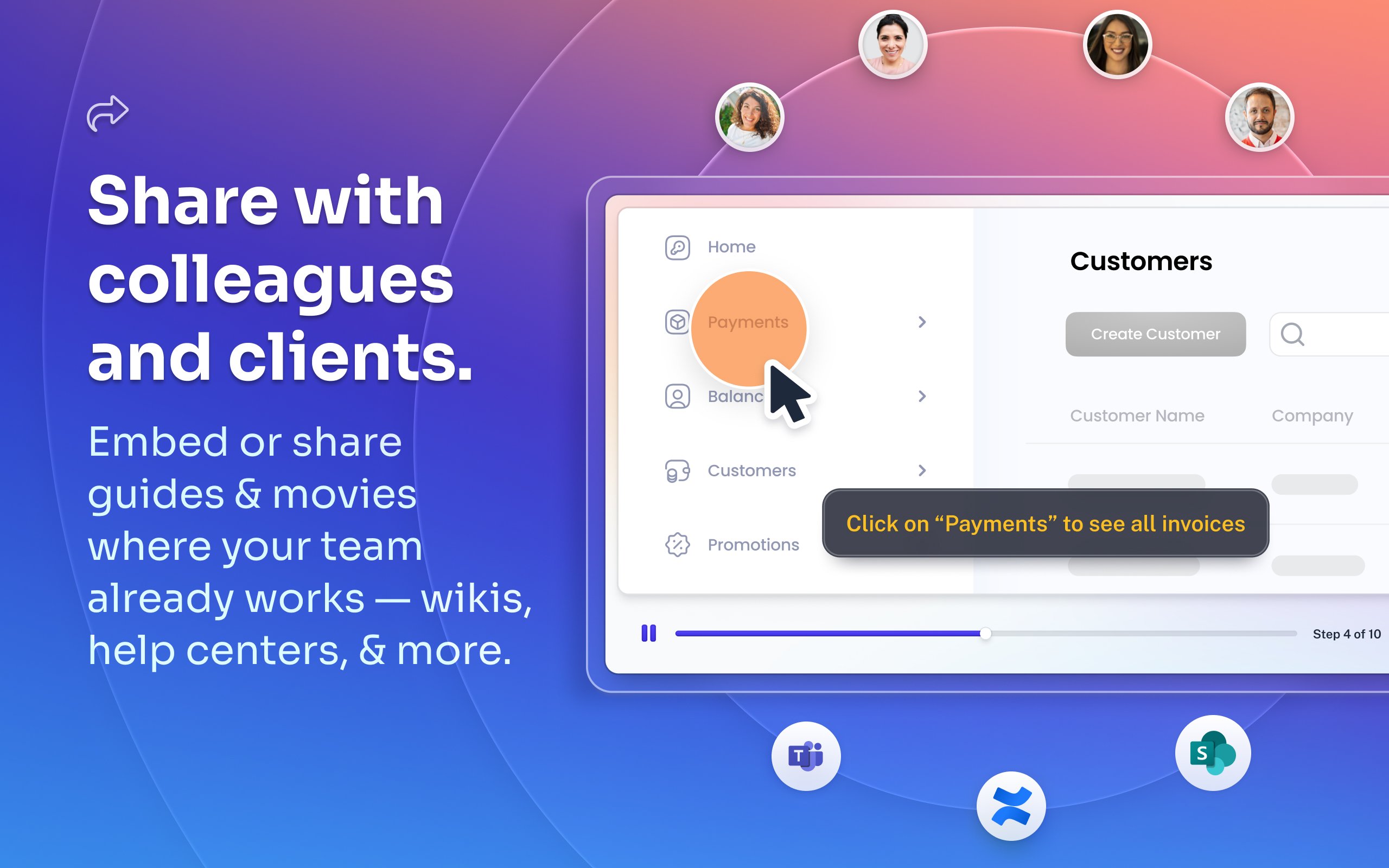
Scribe Demo - Share with colleagues and clients.
Embed or share guides & movies where your team already works — wikis, help centers, and more.
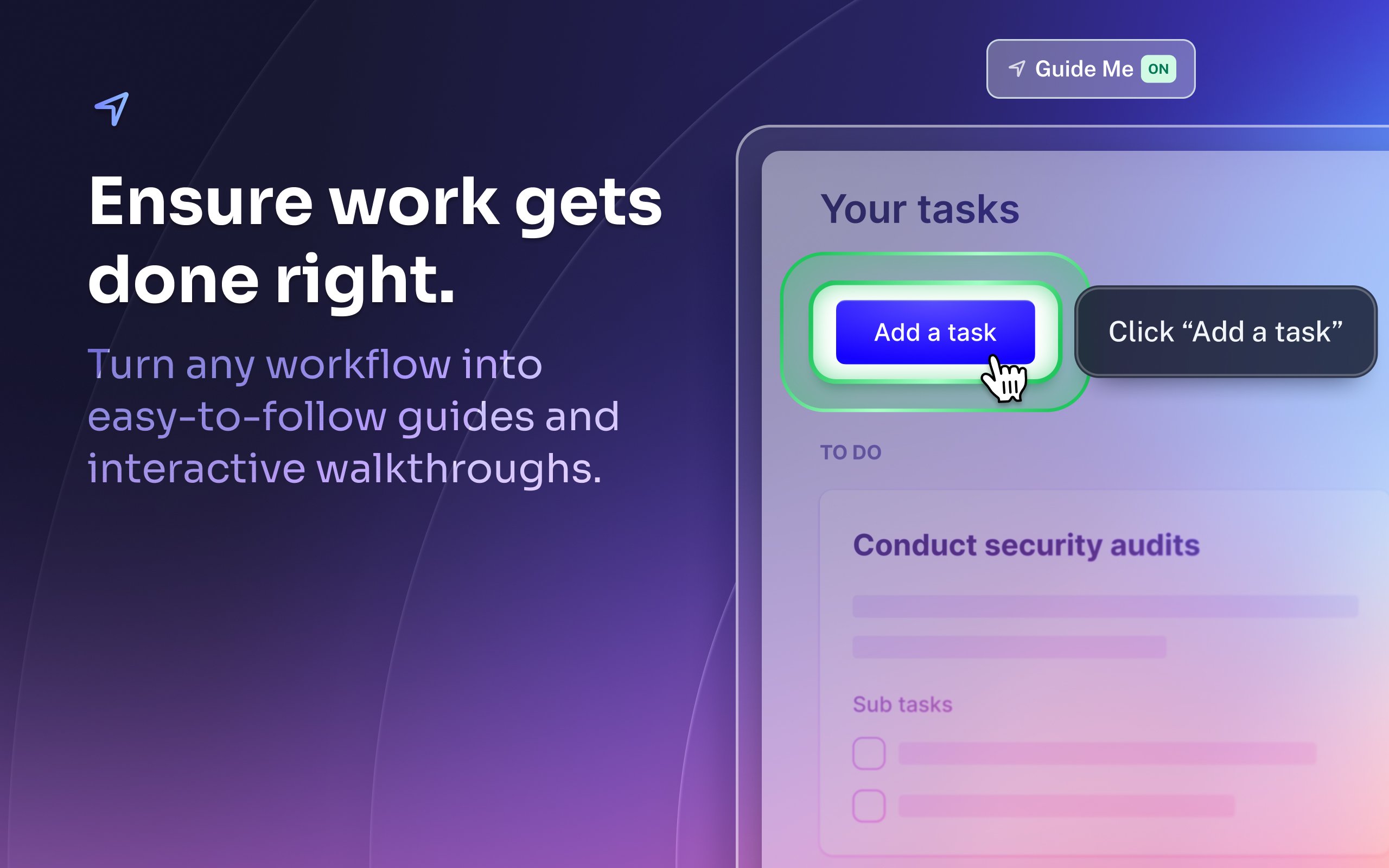
Scribe Demo - Ensure work gets done right.
Turn any workflow into easy-to-follow guides and interactive walkthroughs.
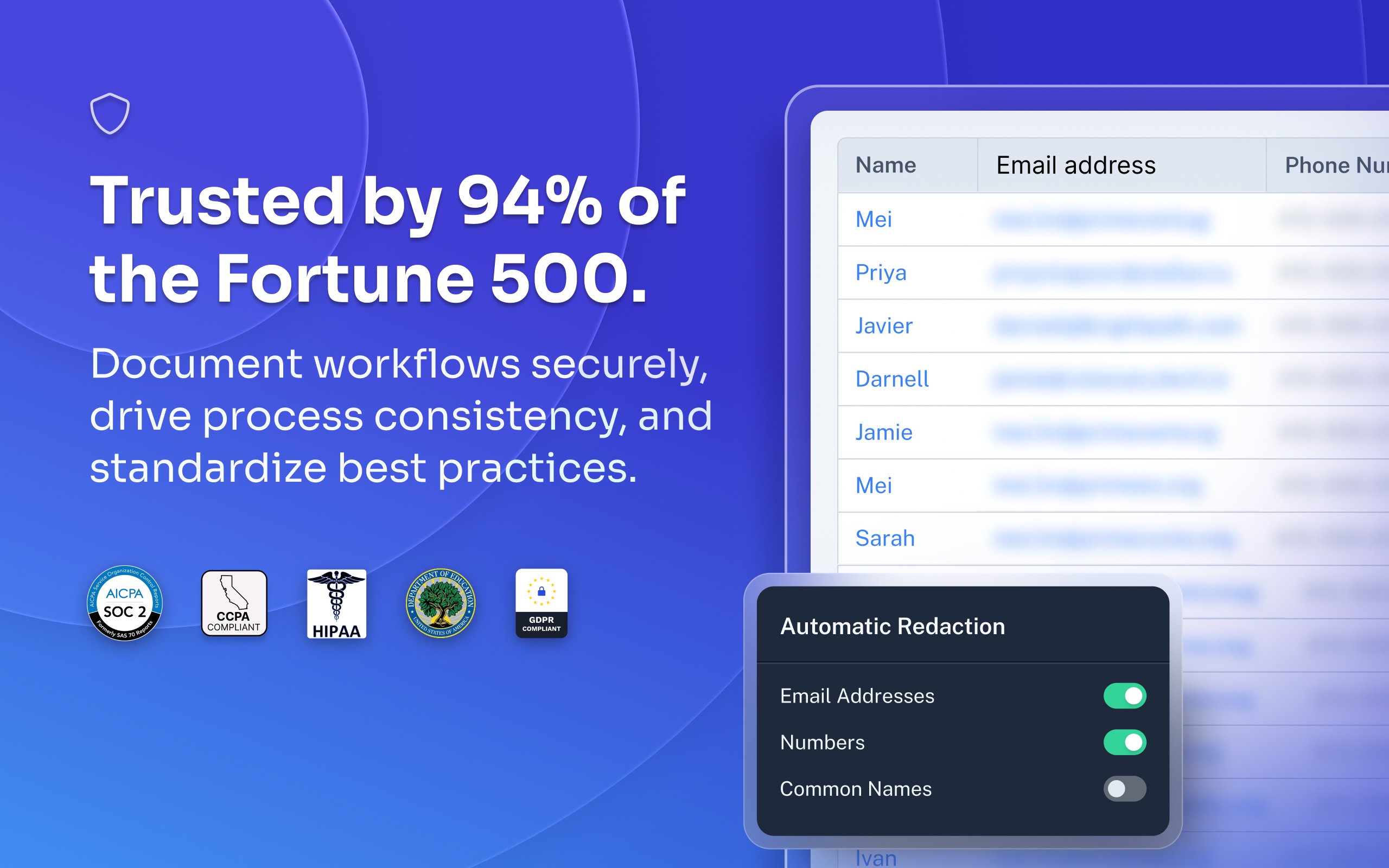
Scribe Demo - Trusted by 94% of the Fortune 500.
Document workflows securely, drive process consistency, and standardize best practices.
Most organizations rely on institutional knowledge, which leads to inconsistency, errors, and wasted time. Jennifer Smith, CEO & Cofounder of Scribe, introduces Scribe Capture and shows how it transforms the way teams work!
Play Scribe Video
Most organizations rely on institutional knowledge, which leads to inconsistency, errors, and wasted time. Jennifer Smith, CEO & Cofounder of Scribe, introduces Scribe Capture and shows how it transforms the way teams work!
See how Scribe Optimize helps companies understand and improve how work really happens. In this demo, Scribe CTO and cofounder Aaron Podolny shows how Optimize turns invisible workflows into data-backed insights.
Play Scribe Video
See how Scribe Optimize helps companies understand and improve how work really happens. In this demo, Scribe CTO and cofounder Aaron Podolny shows how Optimize turns invisible workflows into data-backed insights.
Product Avatar Image

Have you used Scribe before?

Answer a few questions to help the Scribe community

Scribe Reviews (744)

Reviews

Scribe Reviews (744)

4.8
744 reviews

Review Summary

Generated using AI from real user reviews
Users consistently praise Scribe for its ease of use and ability to automatically capture processes, which significantly reduces the time spent on documentation. The software allows for quick creation of clear, step-by-step guides, making it especially valuable for training and onboarding. However, some users note that it can capture unnecessary steps, requiring manual cleanup.

Pros & Cons

Generated from real user reviews
View All Pros and Cons
Search reviews
Filter Reviews
Clear Results
G2 reviews are authentic and verified.
Sharon L.
SL
Controller
Mid-Market (51-1000 emp.)
"Effortless Documentation with Scribe"
What do you like best about Scribe?

I really like how easy Scribe is to use and how it allows me to create step-by-step processes quickly. It's really great that even if the program isn't on the Internet or a Chrome tab, you can still capture steps and processes. I love the movie version of the outputs, which narrates by itself, making it not just a big long PDF or a scroll website. The feature where you can change the playback speed of the video is really cool, so I don't have to sit through a long video if I can absorb the material faster. I'm grateful for these features and find the software very intuitive, especially as someone who's more into spreadsheets than creating visual content. Review collected by and hosted on G2.com.

What do you dislike about Scribe?

It's probably user error on my part, but I sometimes have trouble figuring out how do I just go ahead and download a Scribe for myself as opposed to doing it through the share functionality? Like, when I hit the share button when I'm done editing, it's easy to do it as a slideshow or a scroll or a movie. But for some reason, I found it a little bit tricky to find out how to do that just for myself. Review collected by and hosted on G2.com.

Sam G.
SG
Executive Operations Specialist
Mid-Market (51-1000 emp.)
"Turns Real Workflows into Clear, Shareable Step-by-Step Guides Fast"
What do you like best about Scribe?

What I like best about Scribe is how quickly it turns real workflows into clear, step-by-step documentation without interrupting the work itself. It makes it much easier to capture processes as they happen, which has been especially helpful for my role documenting operational and administrative workflows The interface is straightforward and sharing guides with others is simple. Review collected by and hosted on G2.com.

What do you dislike about Scribe?

One limitation is that Scribes often require manual cleanup after recording, especially when sensitive information needs to be removed or when the captured steps include unnecessary clicks. The editing tools are functional but can feel somewhat limited when trying to make more precise adjustments. Review collected by and hosted on G2.com.

AREM T.
AT
Operations Manager
Small-Business (50 or fewer emp.)
"Scribe Makes Creating Reports and Training Guides Fast and Easy"
What do you like best about Scribe?

I really like how easy Scribe has made it for me to create reports and training guides. I really appreciate the time it saves me. Review collected by and hosted on G2.com.

What do you dislike about Scribe?

I think the only thing that would be a great revision would be if I had to revise less of the report when finalizing it. I do realize this isn't a simple task, because a lot of the revisions are things that are auto named, and there isn't a way that Scribe would be able to read my mind. I really don't have any issues. Review collected by and hosted on G2.com.

KK
Software developer tire 2
Mid-Market (51-1000 emp.)
"Easy-to-Use Platform for Workflow Documentation"
What do you like best about Scribe?

What I like best about Scribe is how quickly it helps create clear, step-by-step documentation. The automatic capture of workflows and screenshots saves a lot of time compared to manual documentation. It’s very easy to use, requires minimal setup, and produces clean, well-structured guides that are easy to share with team members or clients. This makes it especially useful for process documentation, training, and onboarding. Review collected by and hosted on G2.com.

What do you dislike about Scribe?

While Scribe is very helpful for creating documentation quickly, customization options for formatting and design are somewhat limited. In some cases, the automatic step capture may include unnecessary steps that require manual cleanup. Additionally, access to more advanced features is restricted to paid plans, which may be limiting for smaller teams or individual users. Review collected by and hosted on G2.com.

Tiffany C.
TC
VP of Operations
Small-Business (50 or fewer emp.)
"Effortless Workflow Documentation and Step-by-Step Video Tutorials"
What do you like best about Scribe?

I love the simplicity of being able to make workflow documentation and then edit how much or how little of each screen the viewer can see. I also enjoy the ability to create video tutorials that walk you through each step of a process. Our team finds it extremely easy to use the system with little to no guidance. I personally use Scribe at least 1-2 times per day for creating workflow guides for my team. We easily integrated into our environment with zero training required! Implementing Scribe required zero downtime. Review collected by and hosted on G2.com.

What do you dislike about Scribe?

I cannot export video files. This would be extremely helpful in my environment. Review collected by and hosted on G2.com.

Mark M.
MM
Mid-Market (51-1000 emp.)
"Efficient SOP Creation but Needs Export Improvements"
What do you like best about Scribe?

I like that Scribe is easily shareable and device-friendly. It's easy to use, and I appreciate that you can edit SOPs easily afterward. I also like that it grabs the logo or design from the company when I'm creating SOPs or a step-by-step guide. It's great that everything is in one place, making it easily accessible and intuitive to follow. The initial setup for Scribe was very easy, which I found really convenient. Review collected by and hosted on G2.com.

What do you dislike about Scribe?

{"The export feature is clunky and doesn't respect the quality of visuals when live.","Downloading PDFs is complex, and I don't want bloat in the files.","There are long load times and bugs when organizing files, sometimes causing them to not copy properly or copy twice.","Voice transcription is laggy and delayed, lacking flexibility in transcribing text.","Importing manual SOPs into Scribe is too time-consuming, making it difficult to turn them into Scribes."} Review collected by and hosted on G2.com.

Verified User in Higher Education
UH
Enterprise (> 1000 emp.)
"Efficient Process Capture with Scribe"
What do you like best about Scribe?

Scribe can easily capture an entire process as you perform it and automatically adds text. It presents processes in a much more professional manner than the traditional screenshots in Word documents that we were using and is far quicker.

The option whether to do voice capture or not is great as you can add deeper narrative by talking as you go. Review collected by and hosted on G2.com.

What do you dislike about Scribe?

Whilst you can crop the images, the space that the image takes up on a scribe remains the same and takes up a large proportion of the screen. It can make it quite onerous to scroll through long sequence of simple instructions where you really only need a snippet of a message box or menu drop down i.e. the image takes up the same space whether you are capturing a whole screen or a simple pop-up box. Review collected by and hosted on G2.com.

Henry S.
HS
Small-Business (50 or fewer emp.)
"Effortless Documentation with Scribe, Minor Export Limitations"
What do you like best about Scribe?

I use Scribe to create knowledge base articles, and it makes documenting my steps really easy by doing it automatically. I love that I don't have to manually type out information, take and mark up pictures, or organize everything myself. The screen recording and export functions are valuable since they save me time by doing all the tracking and organization for me. Review collected by and hosted on G2.com.

What do you dislike about Scribe?

I don't like that the export options don't allow me to export directly into my support tools. Also, the way the information is provided in the exported PDF doesn't allow me to copy and paste cleanly. Review collected by and hosted on G2.com.

Nick H.
NH
Small-Business (50 or fewer emp.)
"Scribe: Effortless Documentation and Training"
What do you like best about Scribe?

I like that Scribe is free to use on the browser, letting me create a few things before deciding if I want to upgrade to the premium version. The premium option allows me to do a lot more. The app is really useful because I can click one button, and it’s always ready to create another process whenever I think of one. Scribe records everything on the screen, making things faster and simpler and reducing the hassle of getting everything down on paper. Review collected by and hosted on G2.com.

What do you dislike about Scribe?

Nothing, it achieves everything that it sets out to. Perhaps in the future, an AI tool to create the notes a little better would be helpful. Review collected by and hosted on G2.com.

Cristian M.
CM
Technical Director of Technology
Mid-Market (51-1000 emp.)
"Essential Tool for Clear Process Documentation"
What do you like best about Scribe?

I like that I can use the desktop app and the Google Chrome extension, and I like the ability to choose what it can see. I also really like that I can redact any personal information to protect privacy, while still showing exactly what's needed. I appreciate how quickly and easily I can use the features, just by clicking a button. I also enjoy being able to transcribe using my voice, making it straightforward to explain what's needed for each step. Review collected by and hosted on G2.com.

What do you dislike about Scribe?

The only thing I would say is that when creating documents, it would be nice if I could add a Scribe step in there where it can automatically take screenshots, versus me having to link a scribe within the document. But I don't have any complaints. Review collected by and hosted on G2.com.

No Discussions for This Product Yet

Be the first to ask a question and get answers from real users and experts.

Start a discussion

Opções de Preço

Preços fornecidos por Scribe.

Basic

Grátis

Pro

Pague Conforme Usar

Enterprise

Entre em Contato
Scribe Comparisons
Product Avatar Image
Tango
Compare Now
Product Avatar Image
Trainual
Compare Now
Product Avatar Image
guidde
Compare Now
Scribe Features
Rich Text Editor
Drag and Drop Editor
Page Templates
Prerequisites
Workflows
Training Modules
Mobile Device Support
Single Sign-On (SSO)
Screen Capture
Image Editor
Product Avatar Image
Scribe