

1. UI / UX
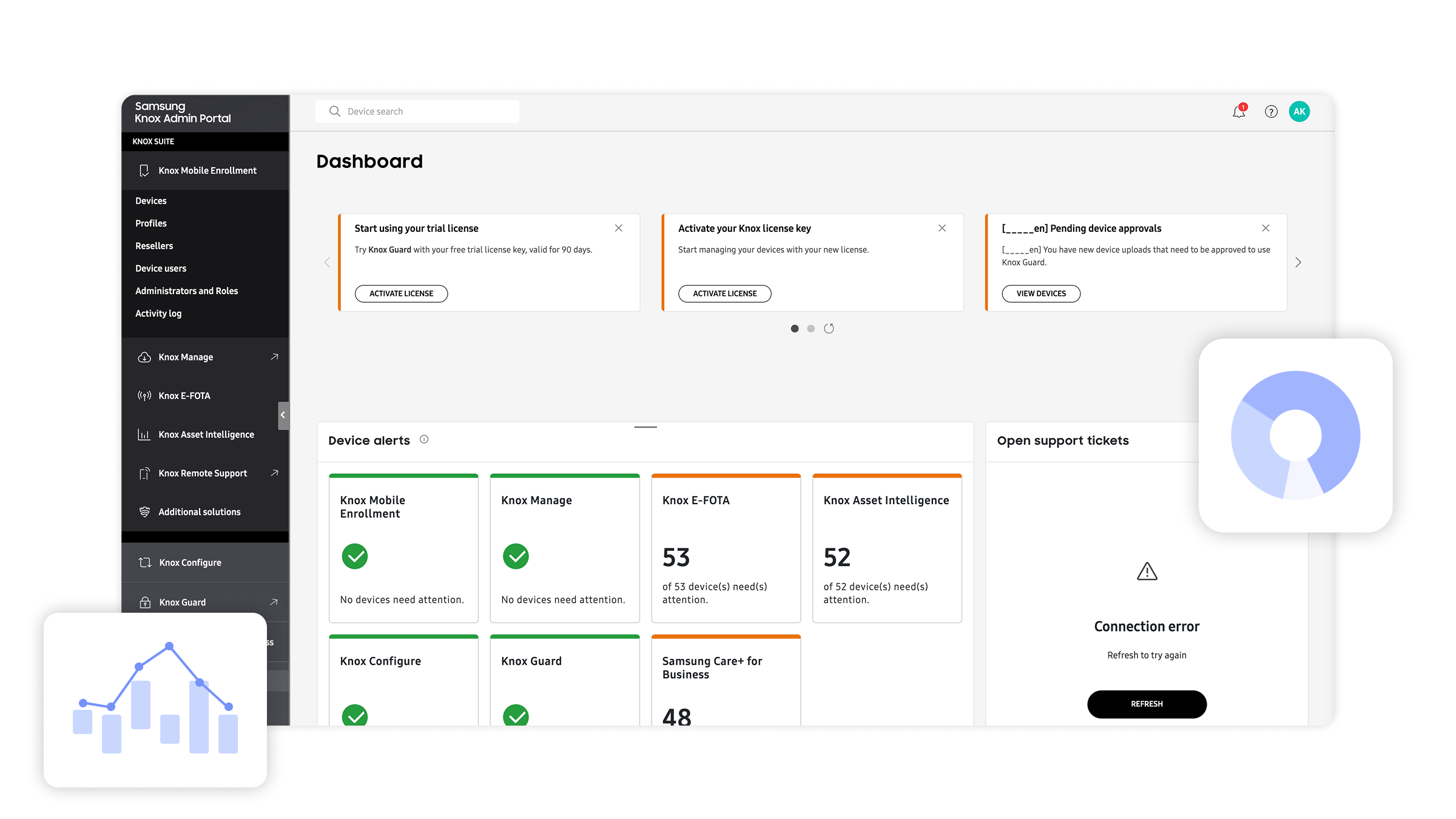
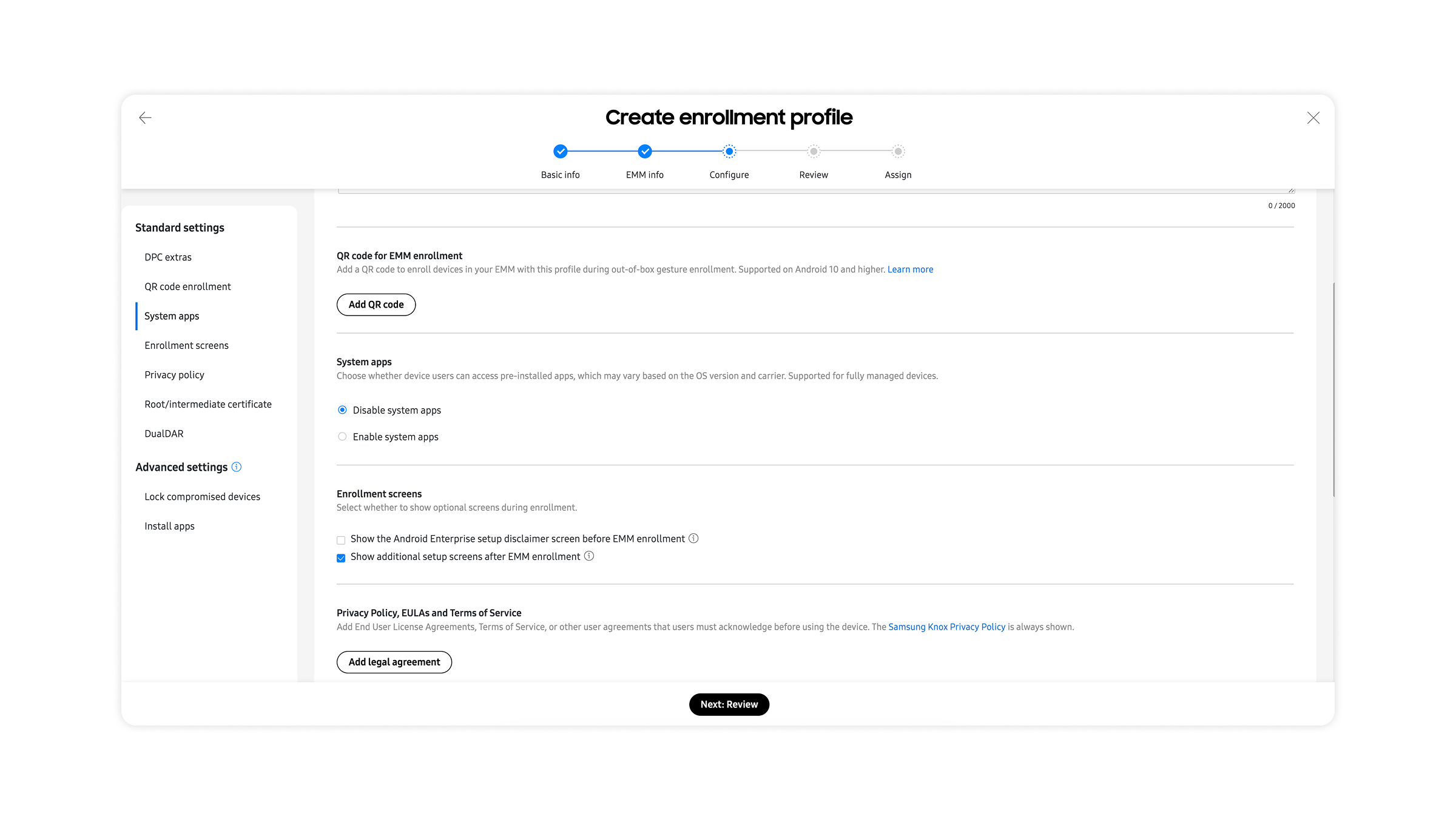
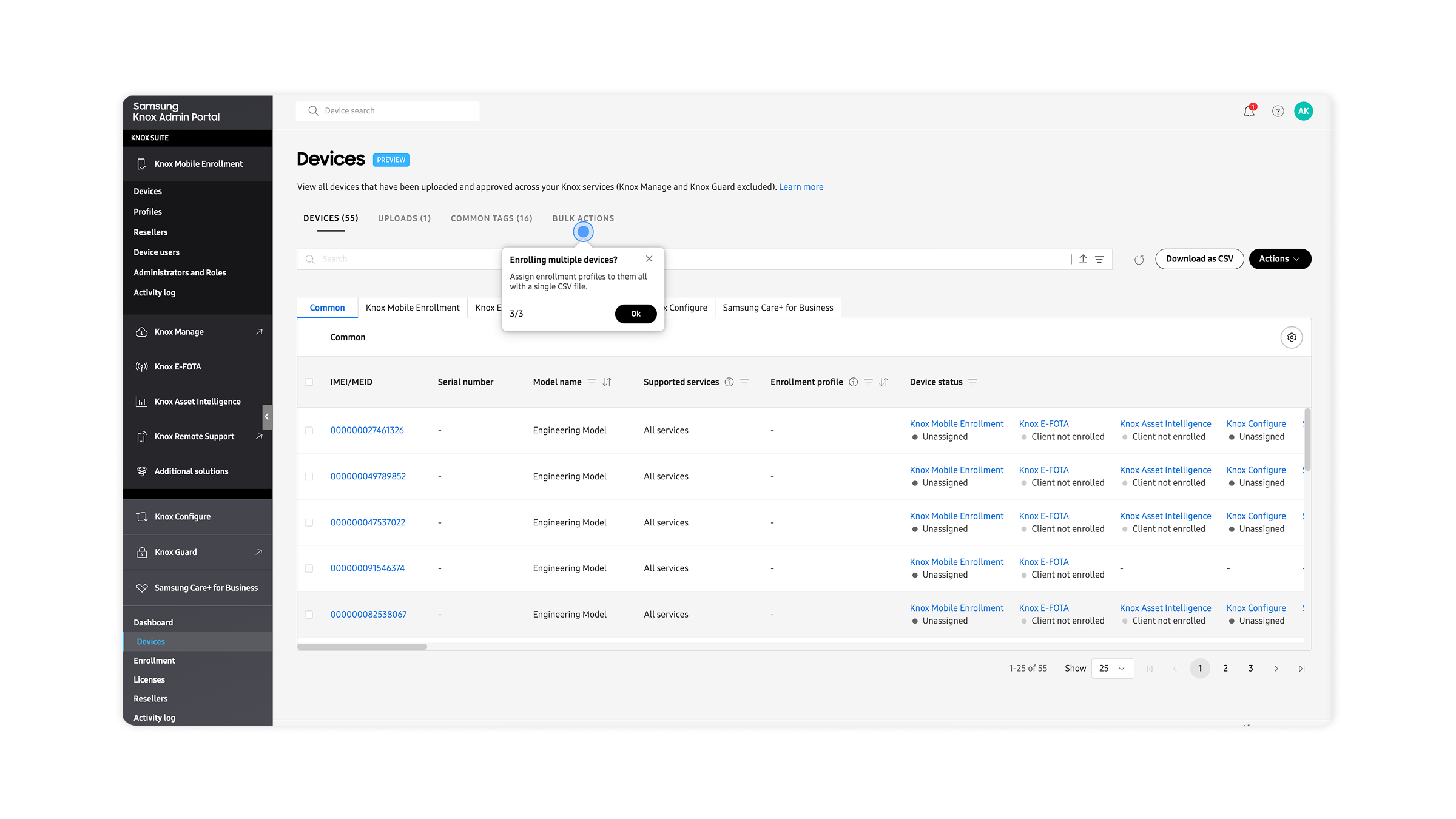
The admin dashboard makes it easy to manage devices, policies, and security in one place. The workflows feel intuitive for key tasks like device enrollment, app distribution, and policy enforcement. With zero-touch setup, users can start using devices immediately out of the box. I also like the flexibility of custom device configuration, such as setting apps, permissions, and roles.
2. Integrations
It offers API-based integration and works well with third-party systems. It supports cross-platform endpoint management, and bulk device onboarding is streamlined through reseller and portal integrations.
3. Performance
The multi-layer security approach (hardware → OS → app level) helps maintain stability while improving protection. Uptime is strong, and the remote monitoring and troubleshooting tools are useful. Remote diagnostics and updates help reduce downtime, and it scales to thousands of devices globally.
4. Pricing / ROI
There’s a free base plan included with Samsung devices, plus scalable pricing tiers (Base, Essentials, Enterprise). Overall, it can reduce IT costs through automation, extend the device lifecycle, and save operational costs with remote management.
5. Support / Onboarding
Onboarding is straightforward with zero-touch enrollment and automatic setup when the device powers on. The documentation, portals, and onboarding guides are solid, and the remote troubleshooting tools (Knox Remote Support) are helpful. Support is structured with a 24/7 knowledge base and clear support levels.
6. AI / Intelligence
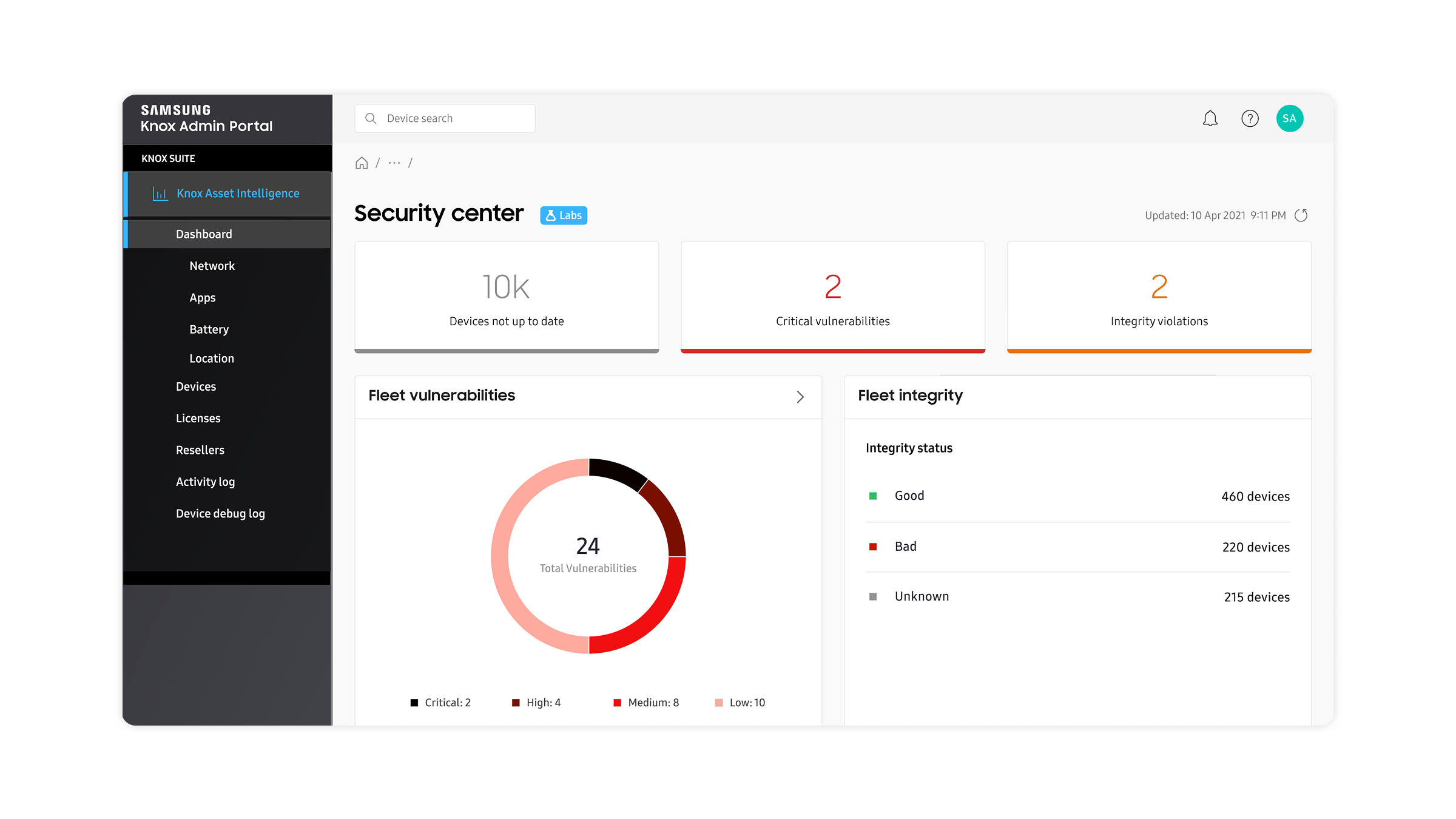
AI-driven insights (Knox Asset Intelligence) support performance and usage analysis, and predictive analytics can help identify issues before failure. Galaxy AI features like auto summaries, transcription, and translation are useful, along with smart search and productivity assistants. On-device AI processing also improves privacy control. Review collected by and hosted on G2.com.
1. UI / UX
The UI/UX feels more IT-admin focused than end-user focused. For smaller teams, the interface can come across as complex, with an enterprise-grade feel that may be more than what they need.
2. Integrations
Integrations seem best optimized for the Samsung Galaxy ecosystem. Compared with some larger SaaS ecosystems, there are fewer native integrations available.
3. Performance
Security is the big differentiator here. Features like a hardware root of trust and real-time protection stand out, and it can detect rooting, tampering, and other unauthorized changes.
4. Pricing / ROI
Some of the more advanced features require paid plans. Overall value is closely tied to how much your organization is adopting Samsung hardware.
5. Support / Onboarding
Support quality and availability can depend on the reseller and/or your plan level. For enterprise environments, setup may require IT expertise to get everything configured properly.
6. AI / Intelligence
The AI feels more productivity-focused than like deeply customizable ML. It also seems less advanced than pure AI platforms (e.g., OpenAI, AWS AI). Review collected by and hosted on G2.com.