Compare this with other toolsSave it to your board and evaluate your options side by side.
Save to board

Riverside Reviews & Product Details

Pricing

Pricing provided by Riverside.

Free

Free
1 Users Per Month

Riverside Media

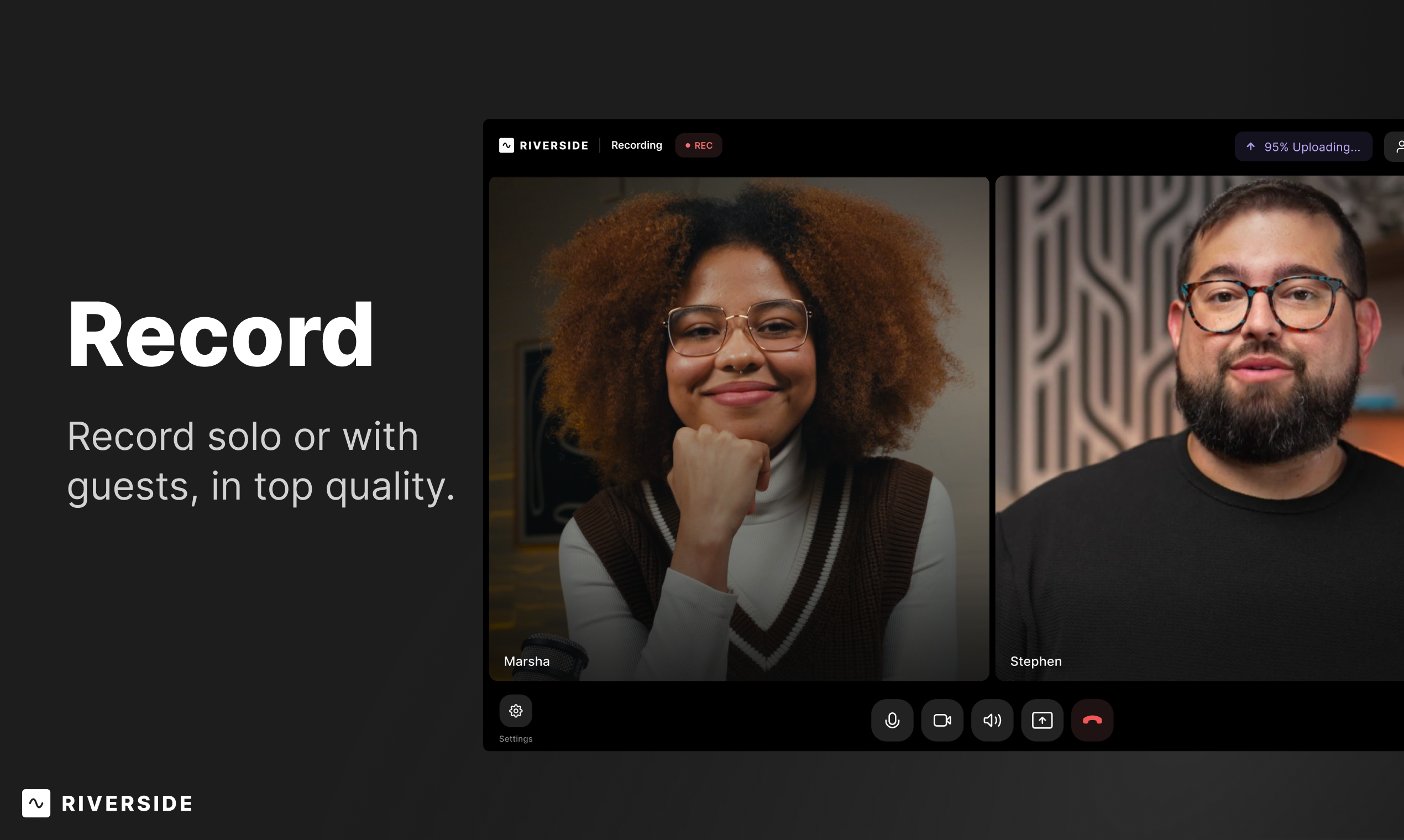
Riverside Demo - Record
Record solo or with guests, in top quality.
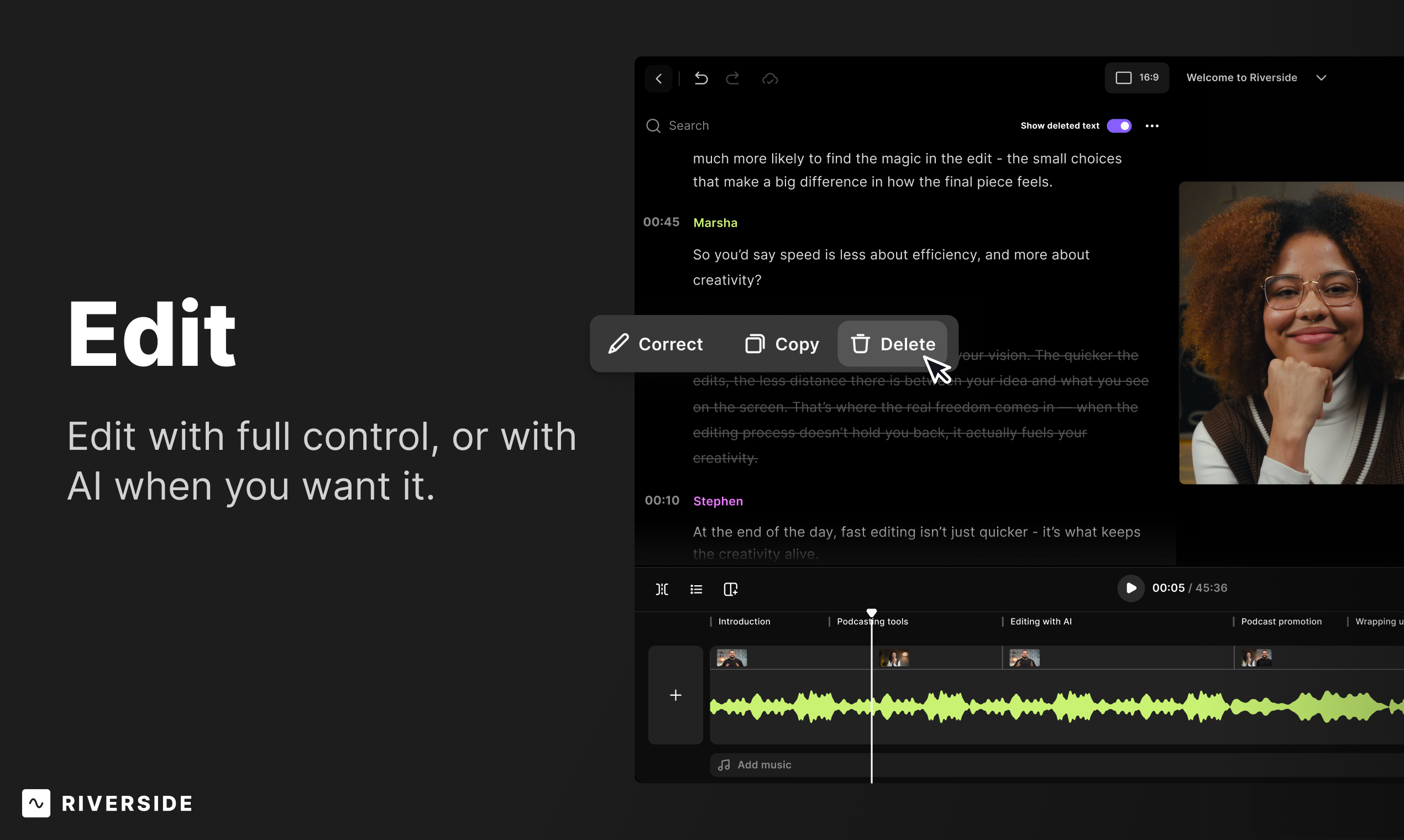
Riverside Demo - Edit
Edit with full control, or with AI when you want it.
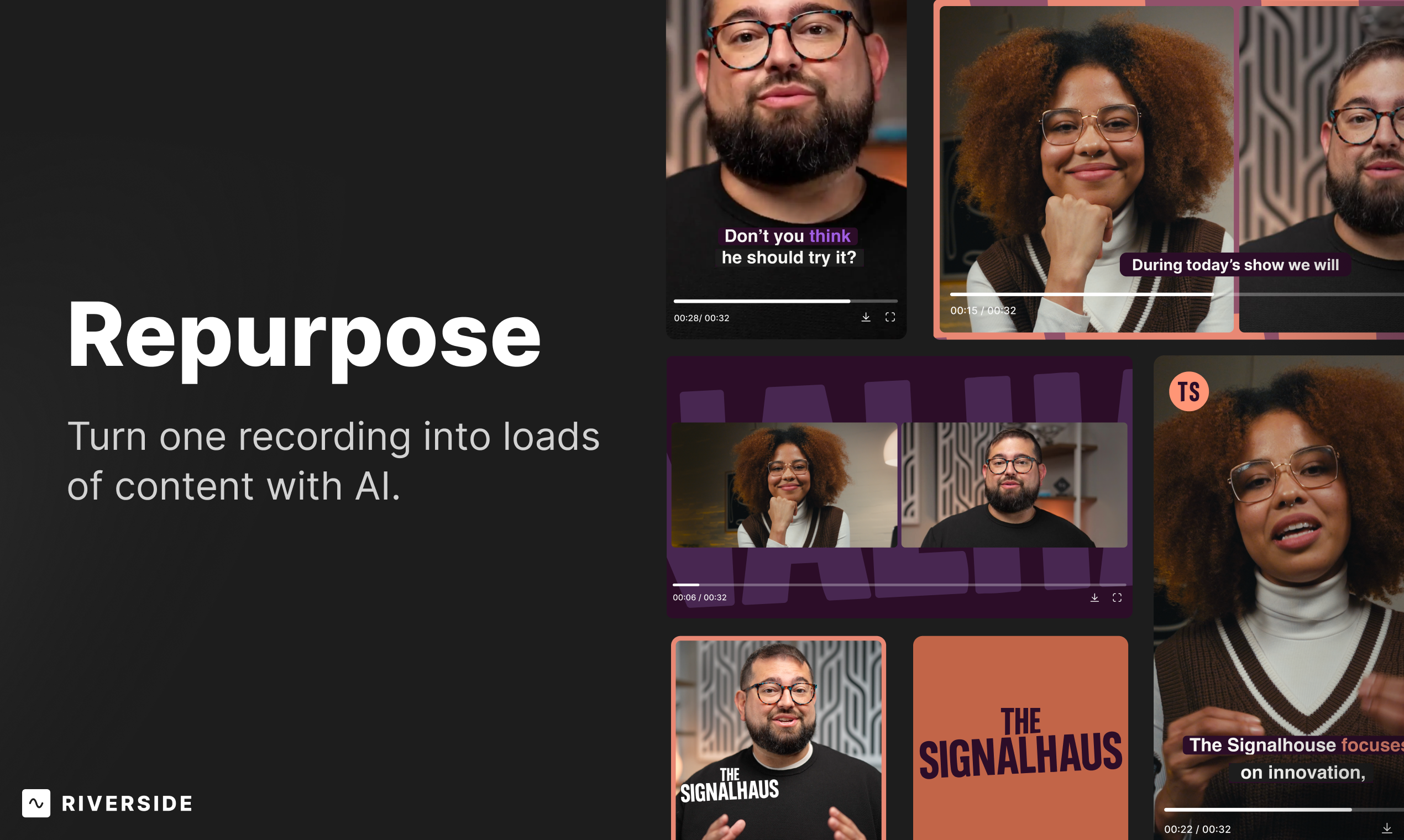
Riverside Demo - Repurpose
Turn one recording into loads of content with AI
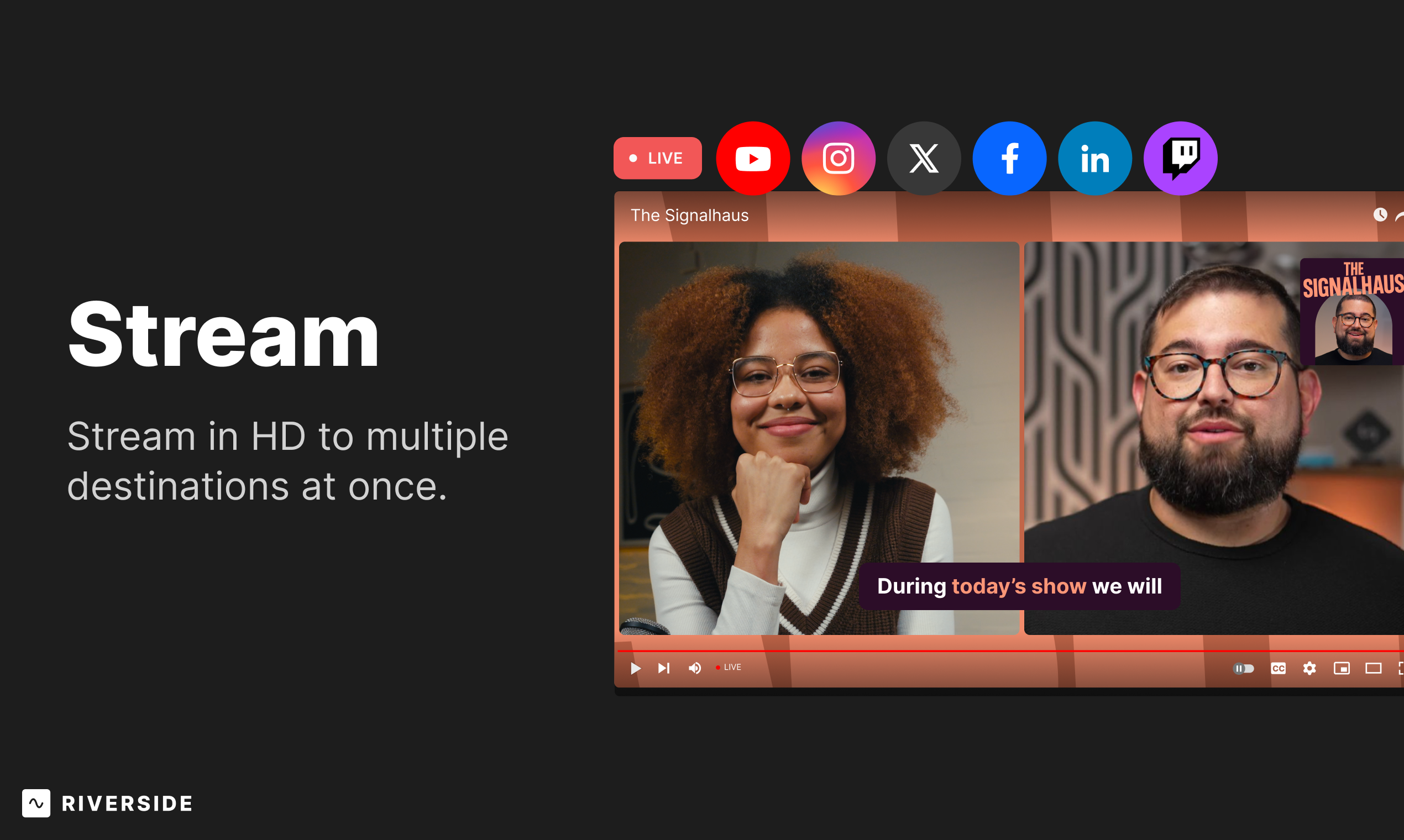
Riverside Demo - Stream
Stream in HD to multiple destinations at once.
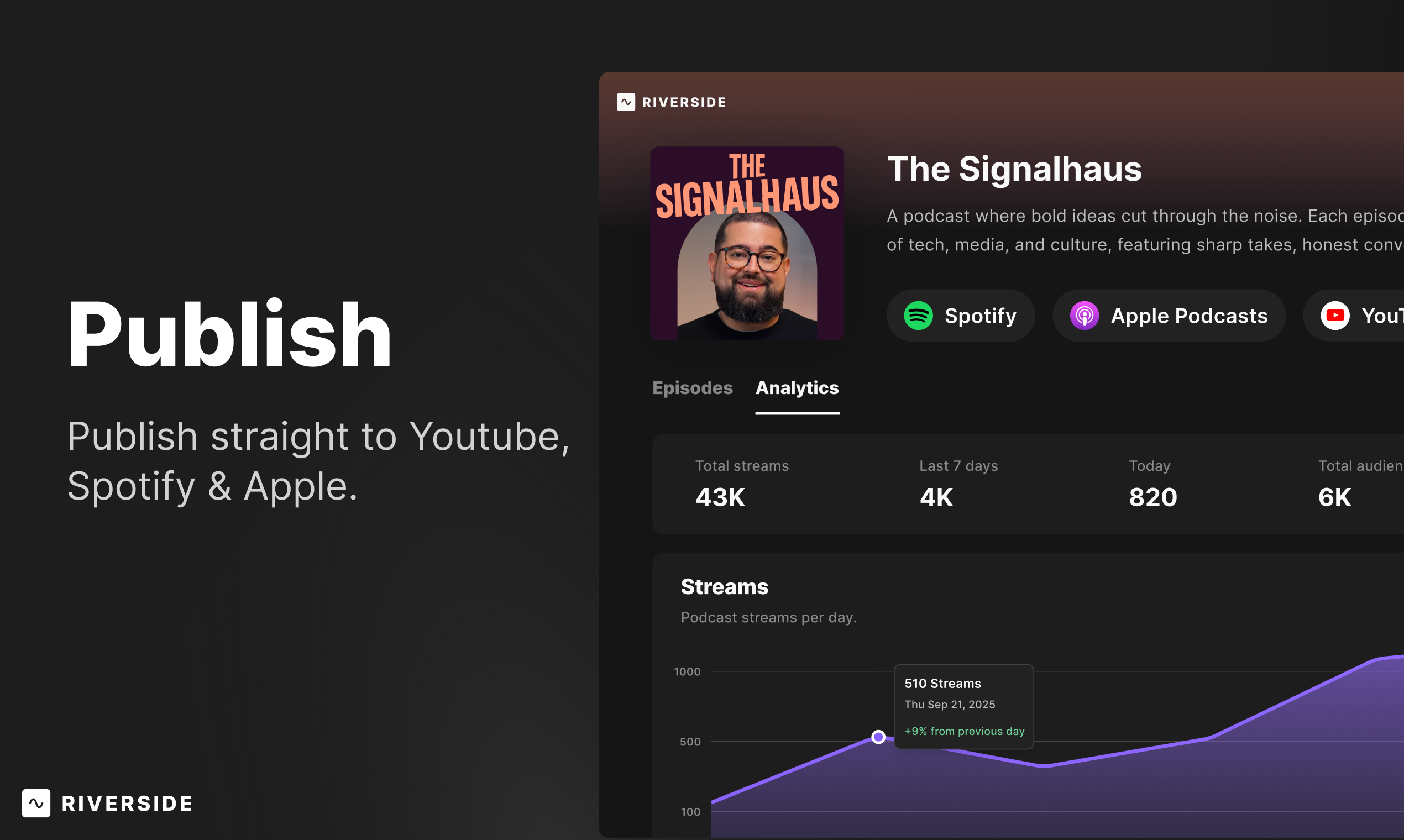
Riverside Demo - Publish
Publish, straight to YouTube, Spotify & Apple
Product Avatar Image

Have you used Riverside before?

Answer a few questions to help the Riverside community

Riverside Reviews (1,689)

View 3 Video Reviews
Reviews

Riverside Reviews (1,689)

View 3 Video Reviews
4.8
1,689 reviews

Review Summary

Generated using AI from real user reviews
Users consistently praise Riverside for its ease of use and high-quality recordings, making it a reliable choice for podcasting and remote interviews. The platform's intuitive interface and local recording feature ensure that audio and video remain clear, even with varying internet connections. However, some users note that the mobile app lacks certain functionalities compared to the desktop version.

Pros & Cons

Generated from real user reviews
View All Pros and Cons
Search reviews
Filter Reviews
Clear Results
G2 reviews are authentic and verified.
Marit W.
MW
Business Owner
Small-Business (50 or fewer emp.)
"My production department. Superior quality. All the Editing. Auto Reels. And Great Value"
What do you like best about Riverside?

I love that the 2 perspectives are recorded separately so there's always clean audio and video. I love that the editing is started and the magic clips are created for me for social media. It's so superior to any other recording system! It doesn't integrate directly to calendly, but Riverside showed me how to get it connected. Now it automates it for me so all of my podcast recordings and webinars are a breeze! Their pricing is comparable to Zoom for so much more value. It replaces an employee. I edit my own hour long podcast in about 90-120 minutes and really like the results. Then, I use clips of that which Riverside automatically sorts by subject and scores for their effectiveness. I can even use AI to adjust my video so eye contact is direct! The magic sound seems to take all the background noise out that my microphone and studio don't filter and makes it sound more dynamic. I 'am a walking billboard, telling everyone about how effective it is, how powerful it is, how cheap it is, and how simple it is to use! I just want them to make all my software now! Review collected by and hosted on G2.com.

What do you dislike about Riverside?

Nothing. truly. I have used Zoom, Teams, and Streamyard, among several others. None are as intuitive, or hold a candle to the ease of use or the results I get. Review collected by and hosted on G2.com.

Trent V.
TV
Transportation Specialist
Small-Business (50 or fewer emp.)
"High-quality podcasting made simple and professional"
What do you like best about Riverside?

I love how Riverside.fm makes it easy to produce professional-level podcasts and video content, even as a solo creator. The local recording feature ensures crystal-clear audio and video, and the interface is intuitive and streamlined. I also appreciate the ability to invite remote guests without sacrificing quality. It saves me time and helps me create polished episodes consistently. Review collected by and hosted on G2.com.

What do you dislike about Riverside?

The occasional syncing issues between video and audio can be a bit frustrating, and sometimes the post-production rendering takes longer than expected. I'd also love to see more customization options for video layouts. But overall, these are minor issues compared to the platform’s overall reliability and quality. Review collected by and hosted on G2.com.

Ishan S.
IS
Manager and Dietician at Chaitanya Homoeo Clinic, Medical Store Owner, Content Creator
Hospital & Health Care
Small-Business (50 or fewer emp.)
"Simple Setup and Clear Recording for Clinic and Teaching Work"
What do you like best about Riverside?

I work as a Dietician and Nutritionist and manage a homeopathy clinic. i also do online consultations and create health education and teaching videos, so recording is part of my regular work.

Riverside is simple to start and does not take much setup. I can quickly record videos for patient guidance or diet explanation, which saves time during clinic hours.

For online consultations, I sometimes record small videos to explain routine or diet. The audio and video quality is clear, so patients can understand properly without repeated explanation.

I also find some AI features useful in my work. The thumbnail option helps in creating a proper preview easily, and Magic clips is helpful when I need to take short parts from a longer video for quick explanations. Features like transcription and basic editing also help when needed.

It fits well in my workflow, I can record and directly use the content for patients or teaching. Overall it makes my work easier without making things complicated. Review collected by and hosted on G2.com.

What do you dislike about Riverside?

I don’t have any major issues. when I record multiple videos in a day, managing and naming them properly becomes important, otherwise it can take a bit of time to find the exact recording later. It’s not a big problem, just something I noticed during regular use. Review collected by and hosted on G2.com.

Response from Dor Druker of Riverside

Ishan, using Riverside in a clinical and teaching context is such a meaningful use case — really glad the setup felt simple and the recording quality is holding up in that environment. Thanks for sharing!

– Dor from Riverside

WA
President
Small-Business (50 or fewer emp.)
"My Go-To Platform for High-Quality Podcast Recording"
What do you like best about Riverside?

I love how easy Riverside is to use without sacrificing quality. The platform is incredibly intuitive, so I can focus on the conversation instead of worrying about the tech. The recording quality is consistently high, which is critical for a professional podcast, and the editing tools are powerful but still simple to navigate. It saves me a ton of time and makes the entire process, from recording to final cut, feel seamless. Review collected by and hosted on G2.com.

What do you dislike about Riverside?

There’s not much to dislike. Occasionally there’s a minor technical hiccup, but it’s rare and typically resolves quickly without impacting the overall experience. Review collected by and hosted on G2.com.

Response from Dor Druker of Riverside

Wes, being your go-to platform is something we never take for granted — thank you for the trust and for sharing!

– Dor from Riverside

terrence p.
TP
Podcaster
Small-Business (50 or fewer emp.)
"Easy Editing, Amazing Co-Creator Tools, and Truly Helpful Support"
What do you like best about Riverside?

I absolutely love working with Riverside FM, editing is much easier and if I have a problem I can always use chatbot or talk to a real person, although the chatbot is really good at finding the problem which is another plus for using Riverside. The ease of learning the editing tools and the co creator tools are absolutely amazing! Also having the help videos on YouTube are also really helpful. My overall experience has been great and whatever issues I have there is always a way to help and grow in producing my podcast Review collected by and hosted on G2.com.

What do you dislike about Riverside?

I don’t have a downside to using Riverside, even when I first started and was new to podcasting and didn’t know how to edit, it was a wealth of knowledge on the website and YouTube channel Review collected by and hosted on G2.com.

Response from Dor Druker of Riverside

Terrence, easy editing + Co-Creator tools + support that actually helps — love that all three landed well for you. That's exactly the experience we want every user to have!

– Dor from Riverside

KS
Marketing for Small Business
Small-Business (50 or fewer emp.)
"Feature-Rich but Unreliable and Buggy"
What do you like best about Riverside?

I like that Riverside makes it really easy to record, edit, and draft copy for final show publishing. I also love that I my Riverside Studio has a dedicated URL, so I'm able to send recording links to my studio guests without having to manually pull unique links. Review collected by and hosted on G2.com.

What do you dislike about Riverside?

While Riverside has a ton of fantastic and incredibly helpful features, I'm afraid it has been incredibly unreliable over my past year of use. The time I've saved with their amazing editing tools and copywriting has been overridden by time spent troubleshooting and fixing things. (Not sure if their R&D team just doesn't exist, or is too busy developing new features without smoothing out existing? This signals too-rapid business growth, so they need to slow down a beat to take inventory.) I have had issues where I go to edit or export tracks, and I'm simply unable to. Imagine spending time recording or editing your episodes then trying to get them to the next stage, and suddenly there's an error! More frustratingly, the software is unclear about the errors, so either A. nothing will happen when it's supposed to, or B. a random error message will appear without further context, so you have no idea how to fix it. It's also impossible to find where all of my uploads live, so I don't know where that media is, and there is no way to better organize it. It is difficult to get a hold of a human through their AI chatbot. And, when I am able to get a hold of a human, it's a 50/50 chance that they will actually fix the problem in a timely manner. When I've asked for partial refunds to at least compensate for a fraction of the time that I've spent having to fix their buggy issues, they just point back to their terms of service, which to me shows that they cannot guarantee their product. Customer support has been lackluster overall. Initial setup of Riverside could have been smoother. There are technical specs that needed to be set up, and there was very little guidance on how to do that. So, I made a lot of mistakes that could have been prevented with simple UI info markers. Because Riverside is so unreliable and buggy, I'm afraid to move my show hosting onto Riverside, even though Riverside has that capability. Review collected by and hosted on G2.com.

EP
Podcast Host
Small-Business (50 or fewer emp.)
"Riverside Makes Podcast Recording and Sharing Simple from Day One"
What do you like best about Riverside?

Riverside has made podcasting simple and seamless for someone like me who had no experience whatsoever with content creation. We are in our 4th year of making our podcast, and while we had to learn a lot about content, editing, and marketing, the technical side of recording and publishing has been easy from day one. Also, Riverside has added quite a few features in that time, like Magic Clips for example, that make sharing our work even easier. Review collected by and hosted on G2.com.

What do you dislike about Riverside?

A small number of times, downloads did not complete properly for one of our guests. When this happens, the Riverside team is very responsive, and they have always resolved the issue. But these instances can be a bit frustrating because I cannot edit an publish a show with one of the tracks missing. Review collected by and hosted on G2.com.

Ali B.
AB
CEO
Small-Business (50 or fewer emp.)
"Easy All-in-One Podcast Recording, Editing, and Posting That Streamlined My Workflow"
What do you like best about Riverside?

I really enjoyed the easy to use recording options to kick start my podcast and creator journey. Once I started and saw all of the features I could add on with the pro version, it was a no brainer! Record, edit, and posting all in one - not only saving me multiple login accounts and hundreds in other softwares, but it's streamlined my workflow tremendously. Can't wait to try out going Live with YT too! And my 10/10 to recommend usually comes down to the magic clips - game changing! Review collected by and hosted on G2.com.

What do you dislike about Riverside?

I wish the iPad version had the option to go live on YT. The editor and accessing video recordings are a little wonky and intimidating but once you get the hang of it, it gets better. I also think there are A LOT of features which again can seem overwhelming so sifting through it all takes time when I'd rather just get the work done the way I can in that moment. Review collected by and hosted on G2.com.

Laura B.
LB
CEO, founder
Small-Business (50 or fewer emp.)
"Great Platform for Recording High-Quality Podcasts and Interviews"
What do you like best about Riverside?

Riverside makes recording podcasts and interviews simple and high quality. I love that it records locally, which keeps the audio and video clear even if the internet connection isn’t perfect. The platform is easy to use, the separate tracks make editing much easier, and it helps streamline the process of recording professional content for podcasts, interviews, and online conversations. Review collected by and hosted on G2.com.

What do you dislike about Riverside?

Sometimes the upload or processing time can take a little longer than expected, especially with larger recordings. Occasionally guests who are not familiar with the platform need a little guidance to get set up, but once they are in the studio it works smoothly. Review collected by and hosted on G2.com.

Sarinah P.
SP
Creator
Small-Business (50 or fewer emp.)
"All-in-One Podcasting in Riverside: Record, Edit, Schedule, and Publish with Ease"
What do you like best about Riverside?

I love that I can do EVERYTHING for my podcast all within one platform. I even set up my Youtube/Spotify/Apple Pods right through Riverside. My sister and I host together, and I can connect two mics and a camera, then record, edit, schedule, and post everything all within Riverside. Literally TYSM. Podcasting used to overwhelm me, but that changed once I found it. Review collected by and hosted on G2.com.

What do you dislike about Riverside?

I feel like I keep making the same few edits to some of the Magic clips, and it doesn’t always apply my settings when it generates new clips. Review collected by and hosted on G2.com.

Questions about Riverside? Ask real users or explore answers from the community

Get practical answers, real workflows, and honest pros and cons from the G2 community or share your insights.

GU
Guest User
Last activity over 2 years ago

Can you screen share on Riverside FM?

GU
Guest User
Last activity 4 months ago

What is Riverside FM?

Pricing Options

Pricing provided by Riverside.

Free

Free
1 Users Per Month

Standard

Starting at $15.00
1 User Per Month

Pro (Our most popular)

Starting at $24.00
1 User Per Month
Riverside Comparisons
Product Avatar Image
StreamYard
Compare Now
Product Avatar Image
Descript
Compare Now
Product Avatar Image
Zencastr
Compare Now
Riverside Features
Screen Capture
Video Capture
Scrolling Capture
Screen Record
File Sharing
Audio Mixing
Transcription
Clip Editing
Product Avatar Image
Riverside