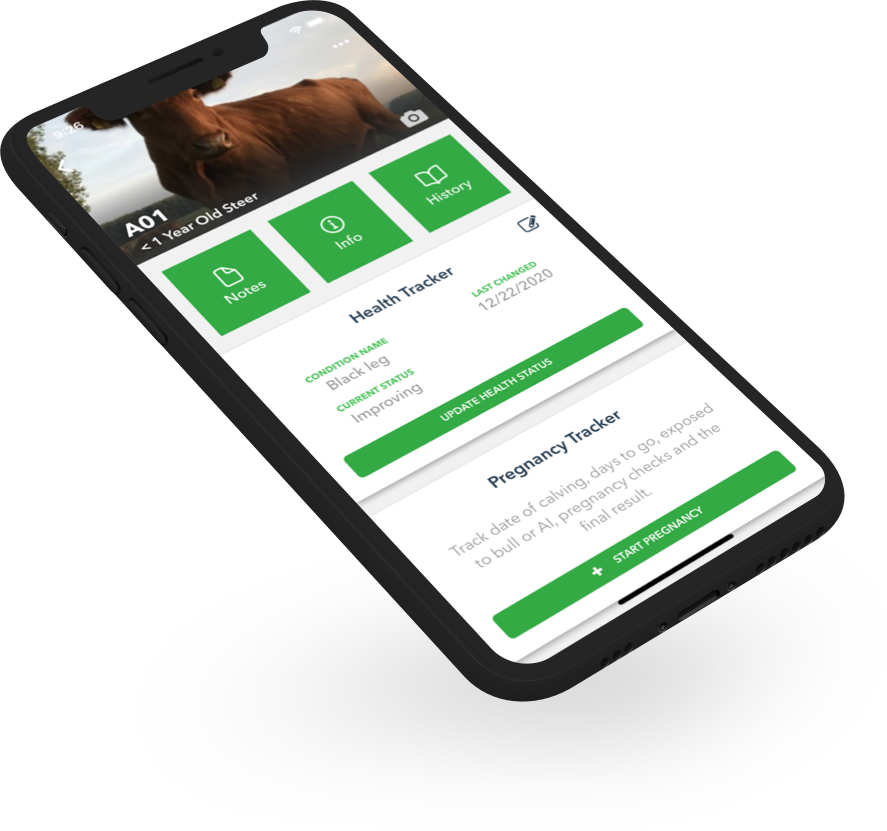
Ranchr is a cattle record-keeping app designed for ranchers who need a simple, reliable way to manage their herd without dealing with complicated software or stacks of paper notebooks. Built by cattle farmers, Ranchr gives you and your team one place to track everything about your animals from your phone, tablet, or computer.
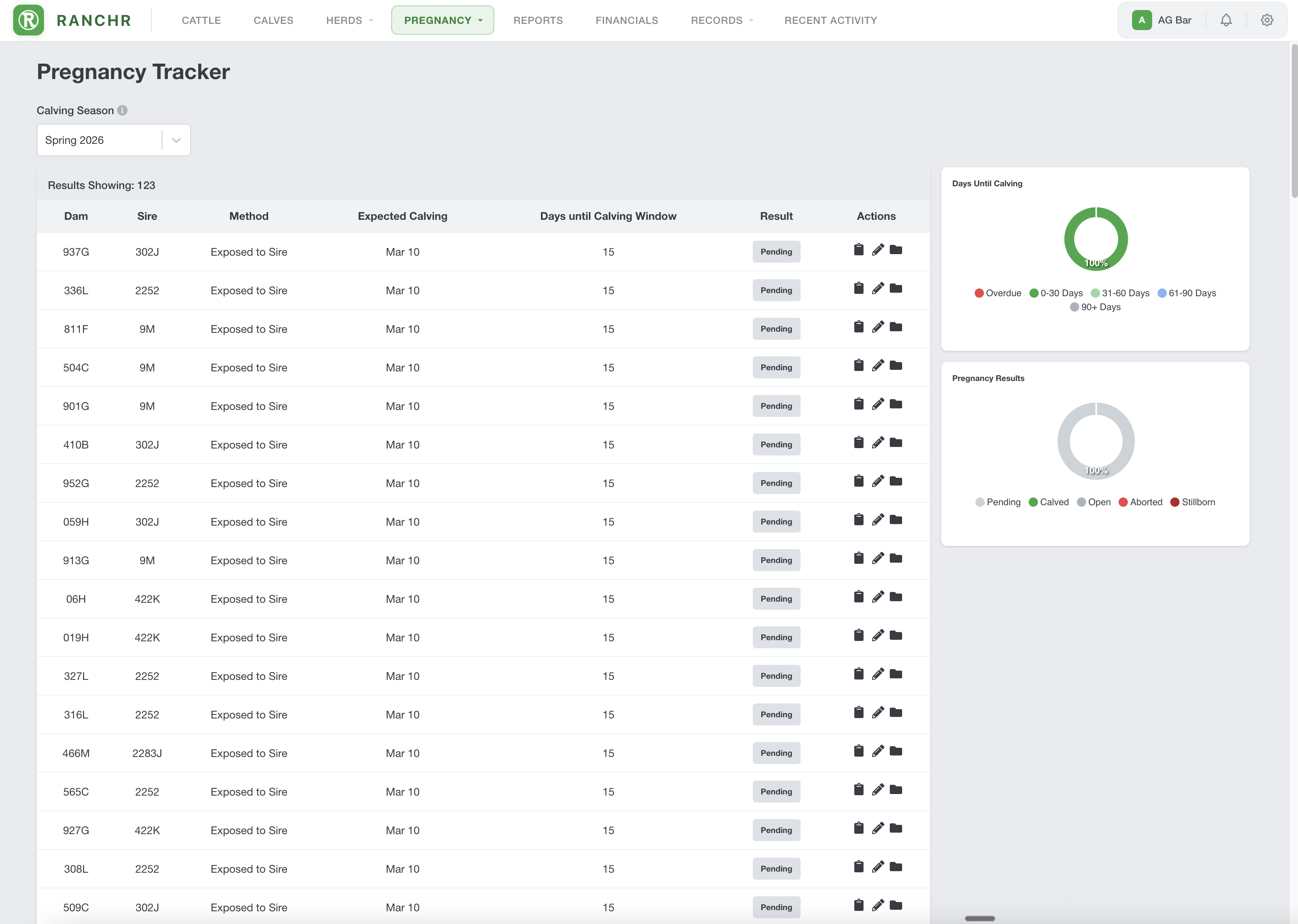
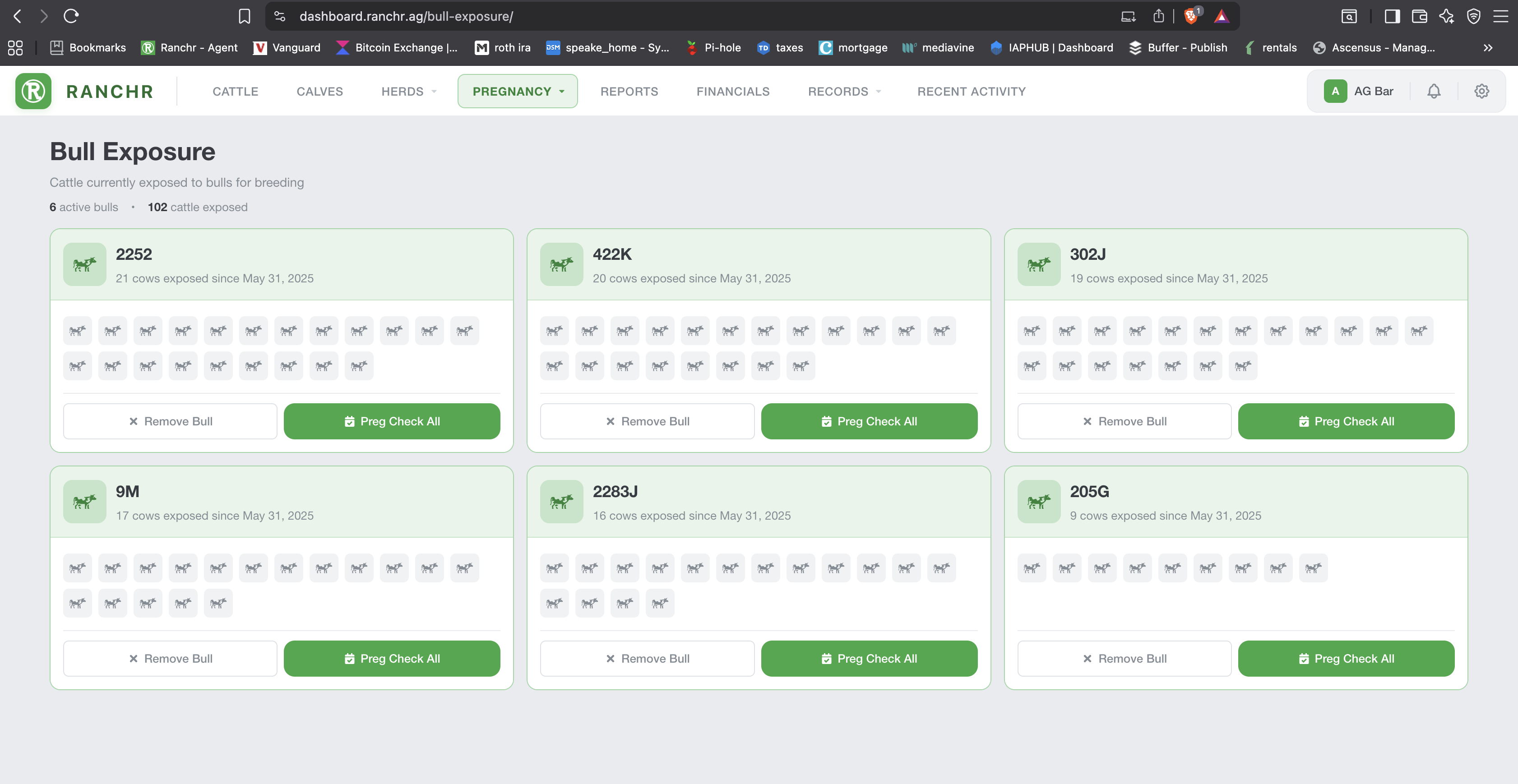
Track individual cattle by ear tag and other primary IDs. Log health records including vaccines, treatments, and vet visits. Store photos of each animal so you can pull up a picture and know exactly which cow you are looking at. Enter breeding dates and the app automatically calculates estimated calving dates so you know when to start watching. Record weights, sale info, and notes on each animal as you work them through the chute or out in the field.
Ranchr works completely offline. You can update records in the pasture, in the barn, or anywhere on the ranch with no cell signal. When you get back to a connection the app syncs everything to the cloud automatically. No data lost, no waiting around for a signal.
Multi-user access means your hired hands, family members, or ranch partners can all log records from their own devices. Everyone works off the same herd data in real time. No more trying to piece together what happened from three different notebooks at the end of the day.
The app supports RFID tag scanning so you can pull up an animal's full record with a quick scan instead of typing in numbers by hand. If you are coming from spreadsheets or another system, Ranchr lets you import your existing records so you do not have to start over from scratch.
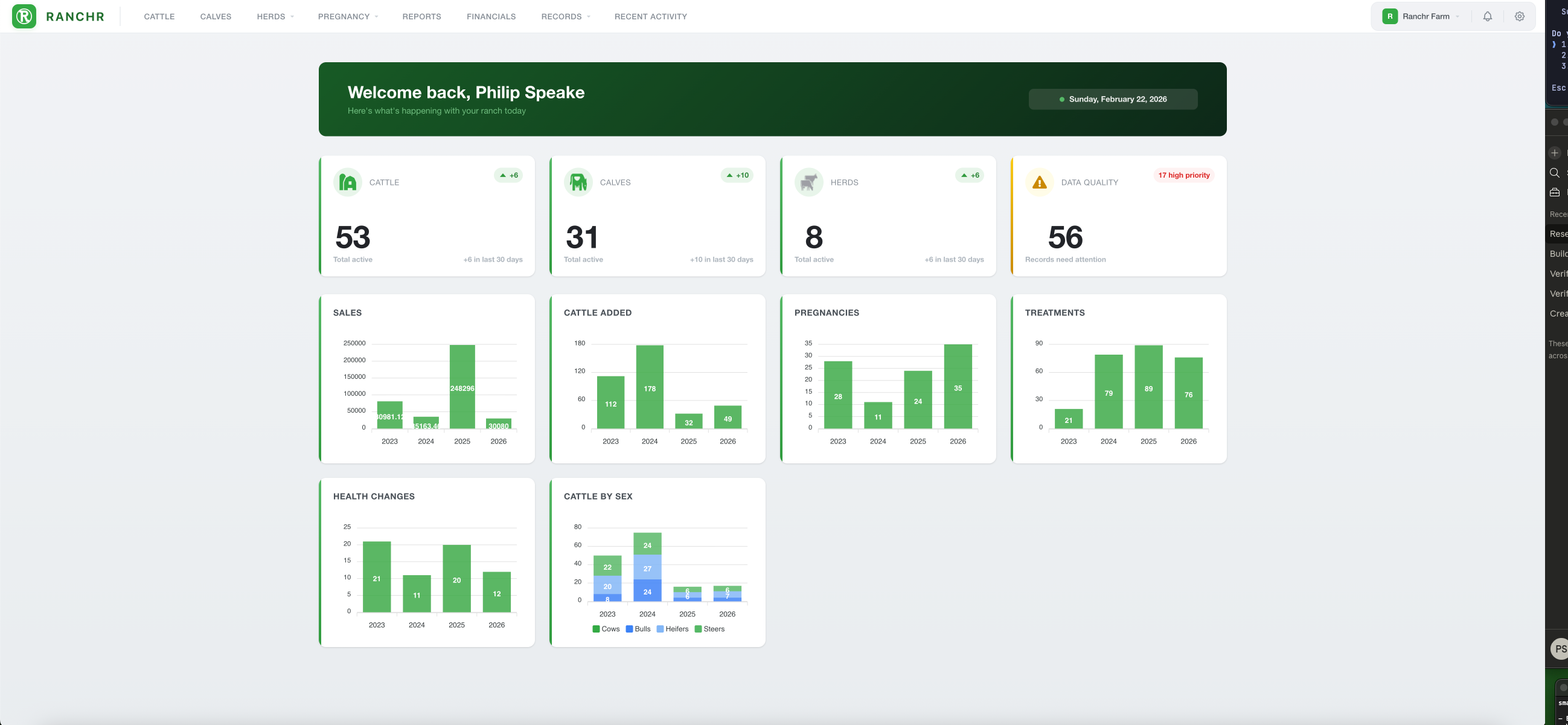
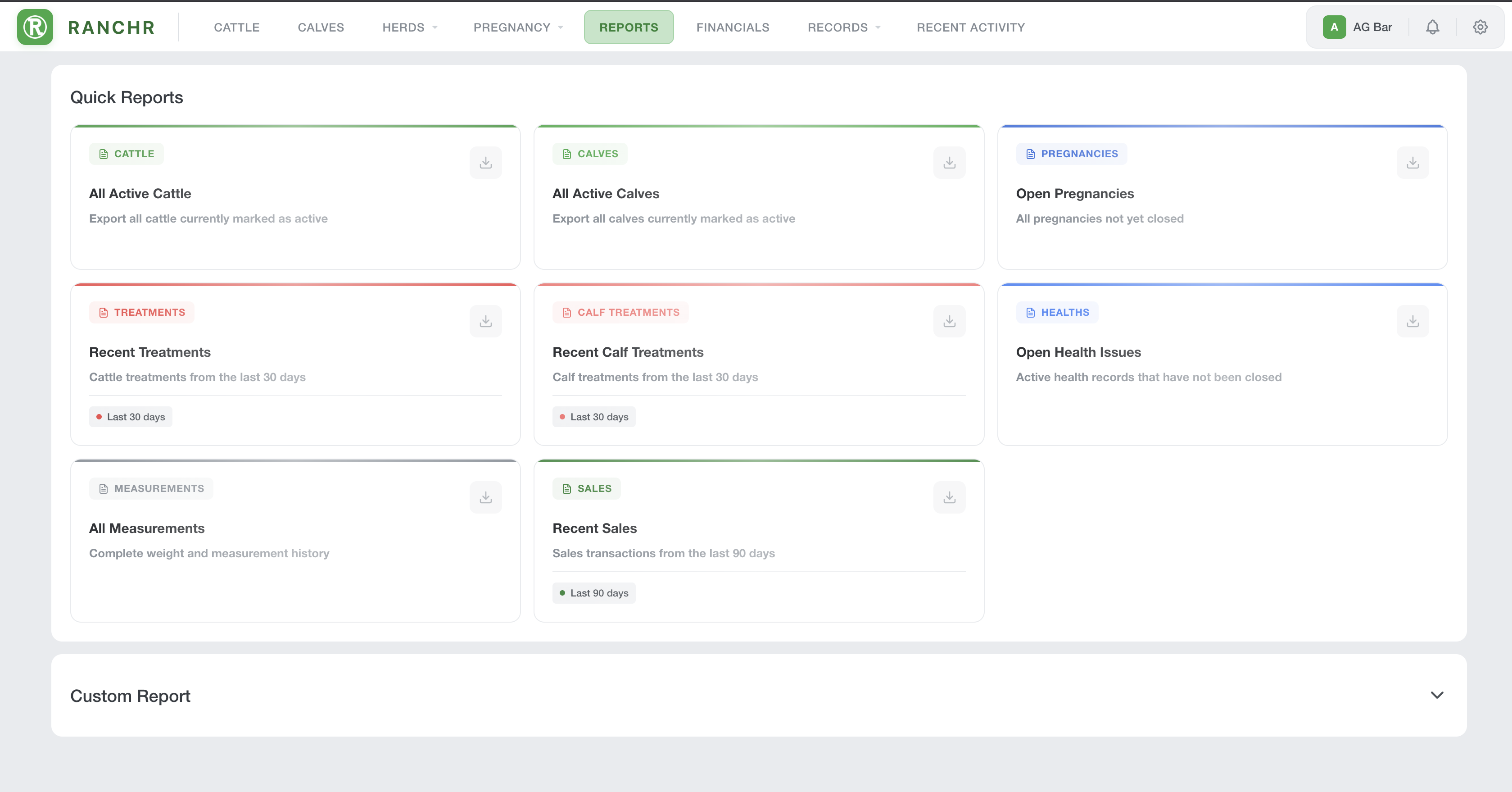
The web dashboard gives you access to your full herd records from any computer. Run reports, review animal histories, and manage your operation from your desk at home or in the office.
Ranchr is available on iOS, Android, and the web. Whether you run 20 head or 2,000, the app is built to keep things fast, clean, and easy to use so you can focus on your cattle instead of your paperwork.
Seller
RanchrDiscussions
Ranchr CommunityLanguages Supported
English
Overview by
Philip Speake