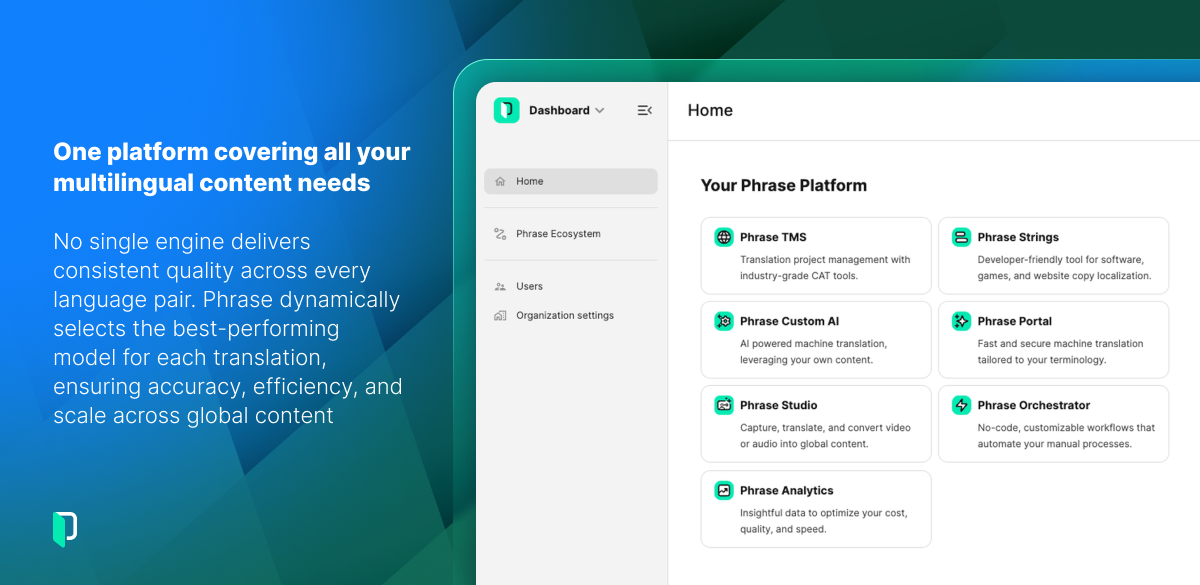
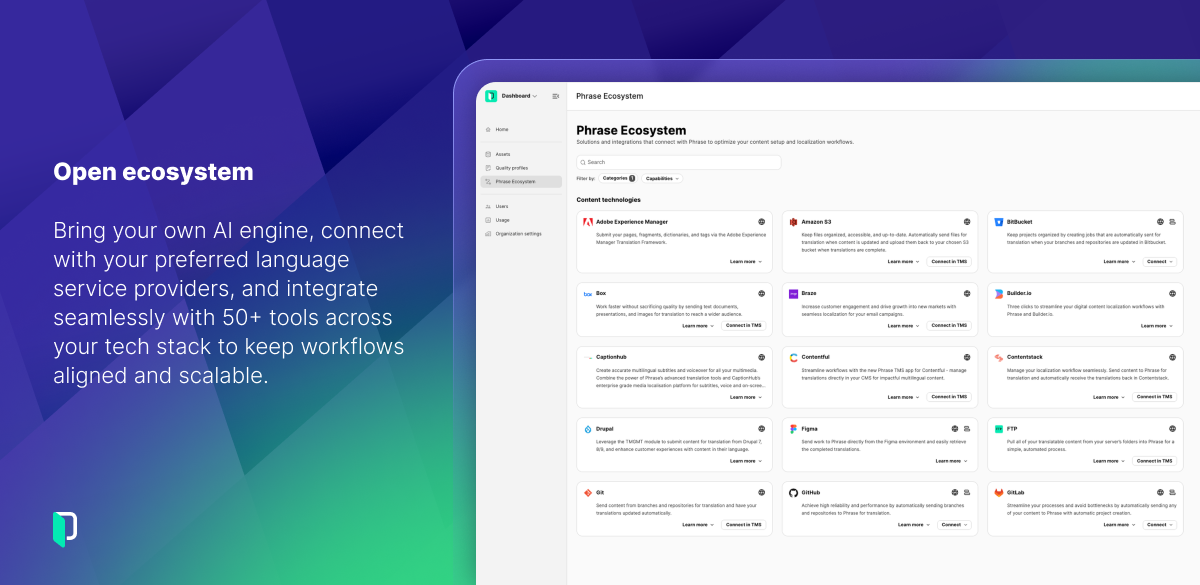
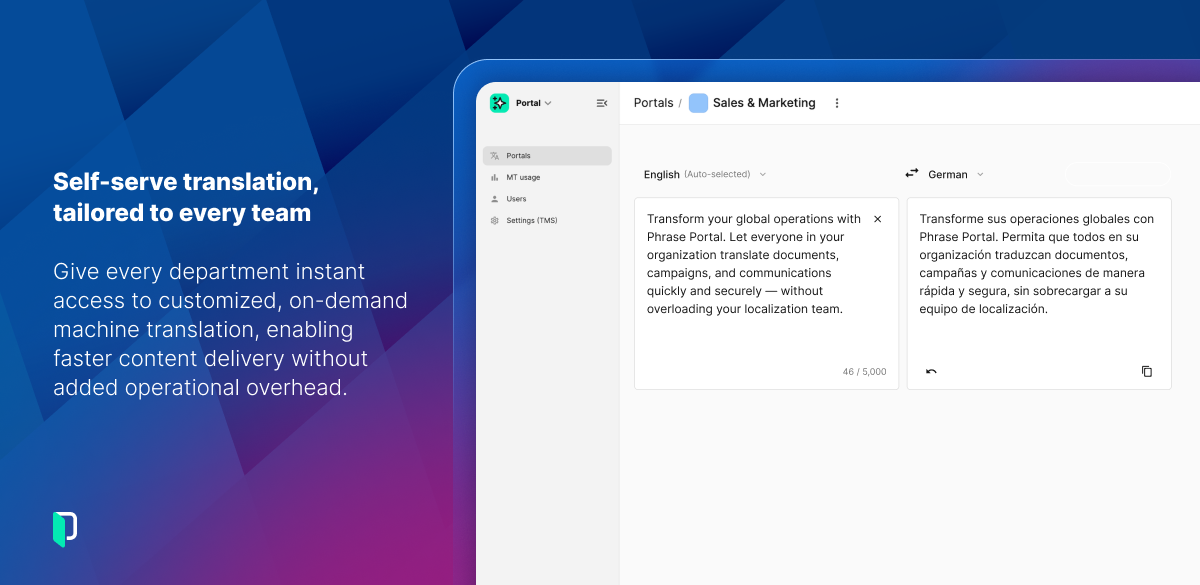


Phrase is one of the online CAD and translation management tools. It takes time to get used to the complex project interface. But once I was used to it, it became relatively easy to upload my document and start translating. They were quick to adapt various machine learning and artificial intelligence tools. But you still need to learn basics such as getting an API and finding the right place to put it. I think the translation memory and term base management features are very basic, without more cutting edge semantic alignment tools. Depends on what you are looking for really. Review collected by and hosted on G2.com.
For me the most annoying thing was their unexpectedly strict customer retention policy: If you are like me and you review your subscriptions at the last minute, I have some bad news for you. Phrase will charge you for the next years subscription, if you do not cancel it at least 30 days prior to the date of the renewal of your subscription. 30 days! I have been using numberless subscription services in the last decade, but this one was the most hideous. And when I wrote the Phrase team to request for a good will cancellation, they just repeated the Terms of Service and its relevant articles in their emails. I am very disappointed.
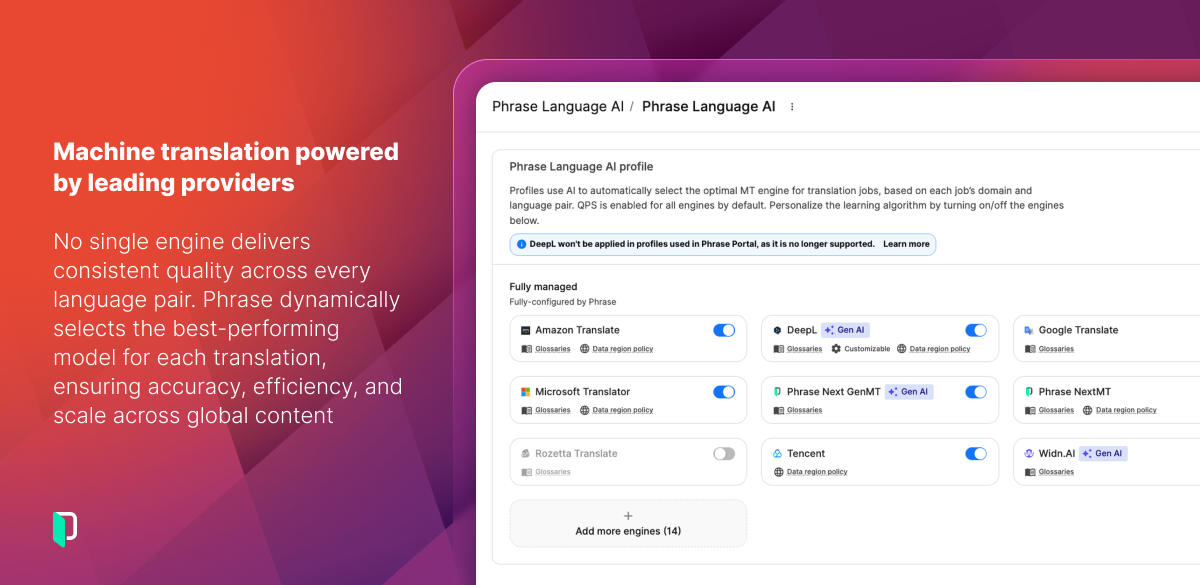
Another problem has been the very basic AI integration: In my experience current LLMs such as ChatGPT, Gemini and Claude usually work better than DeepL and Google Translate. At least on certain documents they are able to come up with better alternative translations or wordings. But Phrase won't allow me to use my tailored prompts for the translation. Which means I have to copy and paste between my windows which is very time consuming if you rely on AI tools rather than machine translation. And the solution they offer through Custom AI won't cut it.
Another problem is the translation memory tool which is very basic. I had some documents I translated years ago but with Phrase it is not easy to turn them into translation memories. Phrase's "align" tool is basically a sentence splitter and I found it very frustrating to use when working on long documents in particular.
Phrase is not practical for people like me who has to work on a lot of footnotes. I lost count of times when I had to go back to the translation interface to find the missing footnote. This is because the footnotes are indicated with a number in a small blue box and I tend to overlook them when I am in a translation flow. And once I complete the translation and export it, I am definitely sure that I will come across to some missing footnotes. It wasted a lot of time for me. Review collected by and hosted on G2.com.