


AF
Anderson F.
Digital Process Developer
Mid-Market (51-1000 emp.)
""
By Microsoft
How would you rate your experience with Microsoft Power BI?
Power BI has a lot of features. I don't know where to start, but if I had to pick the "best" thing, it would be how it converts raw, complex, messy data into something that is easy to read and understand. And it does it rather quickly. Power BI is also very user friendly and easy to maneuver. Other apps and programs can sync and connect with no issue and without having to do too much. I also love how it refreshes automatically. Review collected by and hosted on G2.com.
It's a great program, but it's not perfect by a long shot. It can be complex when you start working with formulas. It lags at time when the datasets are a bit larger. Lastly, power queries can be confusing and hard to interpret and understand. Review collected by and hosted on G2.com.
It helps in preparing reports, creating dashboards etc. One can connect to multiple data sources using in-built connectors to get real-time data in the report or dashboard. Also, it is possible to create a data model if data is coming from multiple sources. Once the report is created and published, an api gets generated which can be used to refresh the power-bi model from even outside power-bi. Review collected by and hosted on G2.com.
There is nothing major to dislike. But the only issue I have observed so far is, while the refresh fails, it does not trigger any automated notification. Review collected by and hosted on G2.com.
It is important to highlight that what makes Power BI unique is its capability to combine data engineering skills with business storytelling. Apart from its technical aspects, the main advantage of this program is its smooth connection with the existing Excel processes, which makes it extremely user-friendly and accessible, thus enabling people to produce advanced analysis without much hassle.
Thanks to its DAX functions and an opportunity to interact with visuals by simply clicking on the screen, this tool turns numeric data into a story. It helps people focus not only on cleaning raw data but on getting valuable insights from it and making the process collaborative through the creation of a single source of truth. Review collected by and hosted on G2.com.
One of the biggest problems, in particular, is the complexity of DAX, despite its capability; it is extremely difficult to understand, and even one mistake, such as the addition of an unintended comma, will create an entirely wrong number that could prove hard to find.
In terms of design, the formatting pane seems quite cumbersome because of how many clicks are required to make the simplest design changes. Finally, the program has a very complicated licensing scheme, which often ends up creating bottlenecks where users can produce great reports but cannot share them with colleagues due to a lack of proper licenses. Review collected by and hosted on G2.com.
The seamless integration with other Microsoft tools like Excel, Teams, and Azure makes Power BI incredibly convenient. The drag-and-drop interface allows non-technical users to build powerful dashboards quickly, while the DAX formula language gives analysts deep customization. Real-time data refresh and the ability to share reports across an organization without extra licensing costs are major advantages. Review collected by and hosted on G2.com.
The learning curve for DAX can be steep for new users, and the desktop app is Windows-only, which excludes Mac users from the full experience. Performance can slow down significantly with large datasets, and the UI can feel cluttered. Licensing costs also add up quickly when sharing reports with external stakeholders outside your organization.” Review collected by and hosted on G2.com.
I like the minimalistic interface of Microsoft Power BI. It's very straightforward, where it's just about adding the checkboxes and getting the data done. It also simplifies creating graphs and exporting the data for use in external tools. Review collected by and hosted on G2.com.
Sometimes when the data is vast, Microsoft Power BI tends to have so many options, and there's no feature for viewing operations within the dashboard, which makes it more complicated if the dataset size is huge. It's also very difficult to understand and navigate through the various options for each start. The initial setup isn't that easy because data needs to be stitched from multiple sources, making it difficult to centralize data into Power BI, as it's a very manual process. Review collected by and hosted on G2.com.
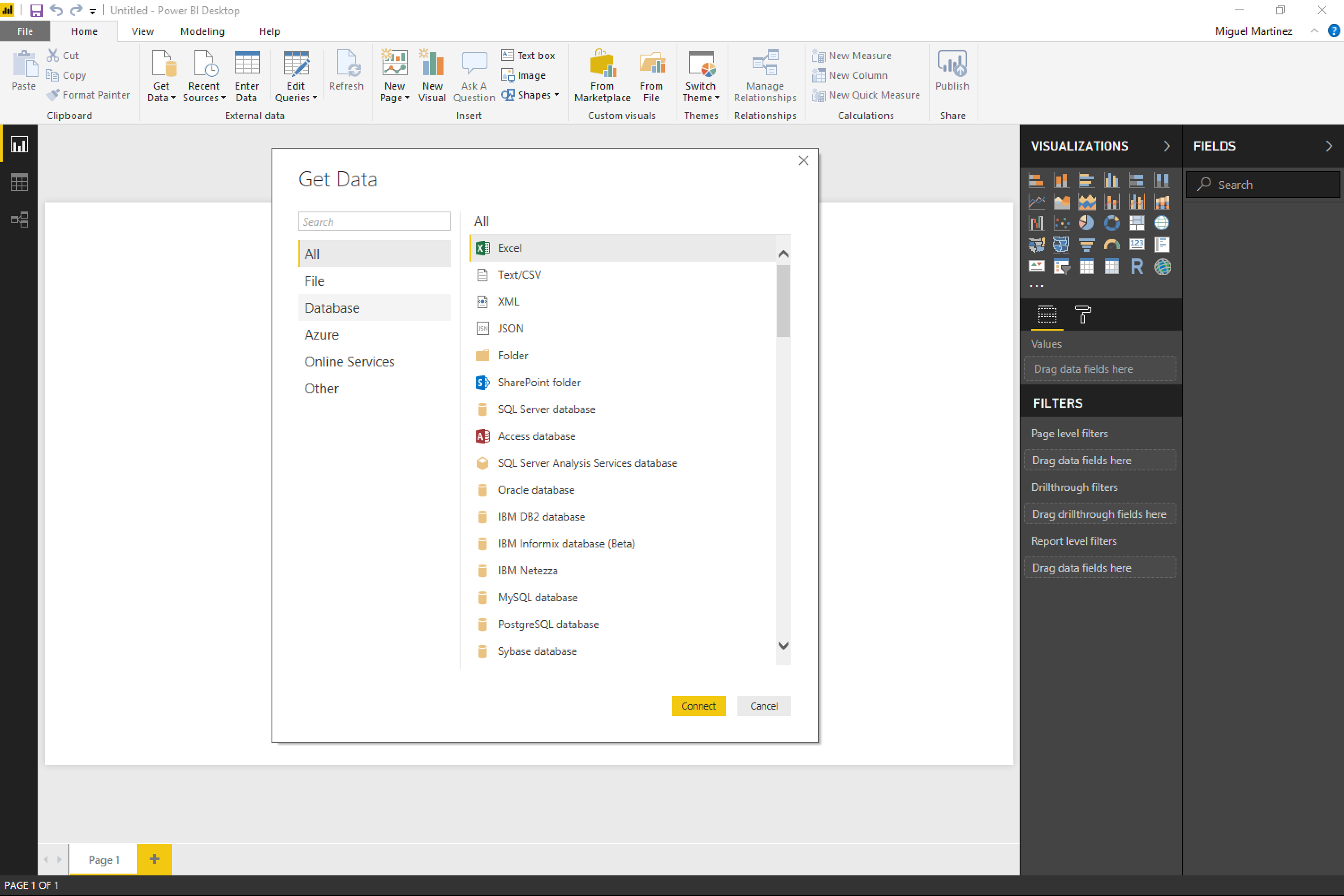
I’ve been using Microsoft Power BI mainly for reporting and dashboard creation. In one of our projects we connected Power BI directly to warehouse tables and views in Microsoft Fabric, and the experience was pretty smooth.
What I like most is how quickly you can turn structured data into a dashboard. Once the connection with the warehouse is set up, creating visuals like charts, KPIs, and filters is quite straightforward. Business users in our team prefer dashboards over raw tables, so Power BI helps a lot in presenting the data in a clear way.
Another thing I find helpful is Power Query for simple transformations. Even if the data is mostly prepared in the warehouse, sometimes small adjustments are needed and Power BI handles that well. Review collected by and hosted on G2.com.
When reports start getting bigger with many visuals, performance can sometimes slow down a bit. It usually works fine but you need to design the model carefully if the dataset grows.
Also, learning DAX properly takes some time. Basic reports are easy, but advanced calculations definitely require practice. Review collected by and hosted on G2.com.
The ability to connect data is really great. As a user, it’s fairly easy to navigate once you get the hang of it. It can feel daunting at first, but with minimal effort you start to understand the key features and feel comfortable pretty quickly. It helps us connect multiple data sets and sources using a primary key, similar to how you can in other tools, and it also lets you visualise the story behind the data. It really helps users paint a picture with the data. We use it very often to share key insights with both immediate and extended stakeholders. Review collected by and hosted on G2.com.
I’d love to see PowerBi offer data-prep and clean-up capabilities more in line with other tools. Ideally, when I load a file, it would proactively flag issues to fix, instead of being so strict about the source dataset needing to be structured a certain way with data types already clearly defined. As it stands, changing data types can be time-consuming, and the same goes for handling NULL values (or cases where zero values should really be treated as NULL, etc.).
I also find it can be fairly resource-intensive, especially for users who aren’t very familiar with data-flow optimisations. On top of that, there are some logical inconsistencies that raise the barrier to entry and make scaling the product harder. For example, matching on duplicates is case-sensitive in certain parts of the tool but not in others. That can let something pass initial checks, only to fail later when you start linking relationships.
Lastly, having the option to show grid-style visuals (even if that feels like something you’d normally do in Excel) would be genuinely helpful, and I think it would make the product more approachable for non-technical users and slower adopters as well. Review collected by and hosted on G2.com.
I like creating a federated data model as centralized, which helps to build shared reports on top of that, and RLS is helpful for working on finance and sales data using a centralized dataset and report. I also appreciate the Apps feature, which gives me freedom as a developer to satisfy client requirements. The paginated reports are useful for sending Excel outputs to specific user groups for their business needs. The federated data model minimizes the rework involved in data model development and reduces the number of standalone reports, allowing me to focus on report development instead of creating data models for each individual report. The initial setup of Microsoft Power BI was quite simple, not a big deal to set up the environment. Review collected by and hosted on G2.com.
I don't like that we can't edit the report measures in the service, even with admin level access. We're always dependent on the Power BI Desktop to update DAX. Also, if we use the Tabular Editor to edit, we can't download the file from the service. Review collected by and hosted on G2.com.
The ability to integrate data from multiple sources into one view or dashboard that is readily available for program analysis. TThe various reports and dashboards provide a multifaceted view of the program for more effective/accurate analysis and decisions. Review collected by and hosted on G2.com.
There's a big learning curve if you aren't formally trained and a significant technical gap in access and knowledge between business customer (e.g. a business unit or department) and developers. This sometimes makes it frustrating to resolve issues because they're on the configuration side which business users don't have direct access to. This isn't an issue if developers and data services teams are immediately and easily available (in-house) but can be very challenging if you have to go through some hoops for this kind of support. Review collected by and hosted on G2.com.
Get practical answers, real workflows, and honest pros and cons from the G2 community or share your insights.
What can Microsoft Power BI do?
Pricing provided by Microsoft Power BI.