

Compare this with other toolsSave it to your board and evaluate your options side by side.
Save to board

LeadCRM Reviews & Product Details

Profile Status

This profile is currently managed by LeadCRM but has limited features.

Are you part of the LeadCRM team? Upgrade your plan to enhance your branding and engage with visitors to your profile!

Pricing

Pricing provided by LeadCRM.

Professional

Starting at $16.40
1 seats Per Month

LeadCRM Media

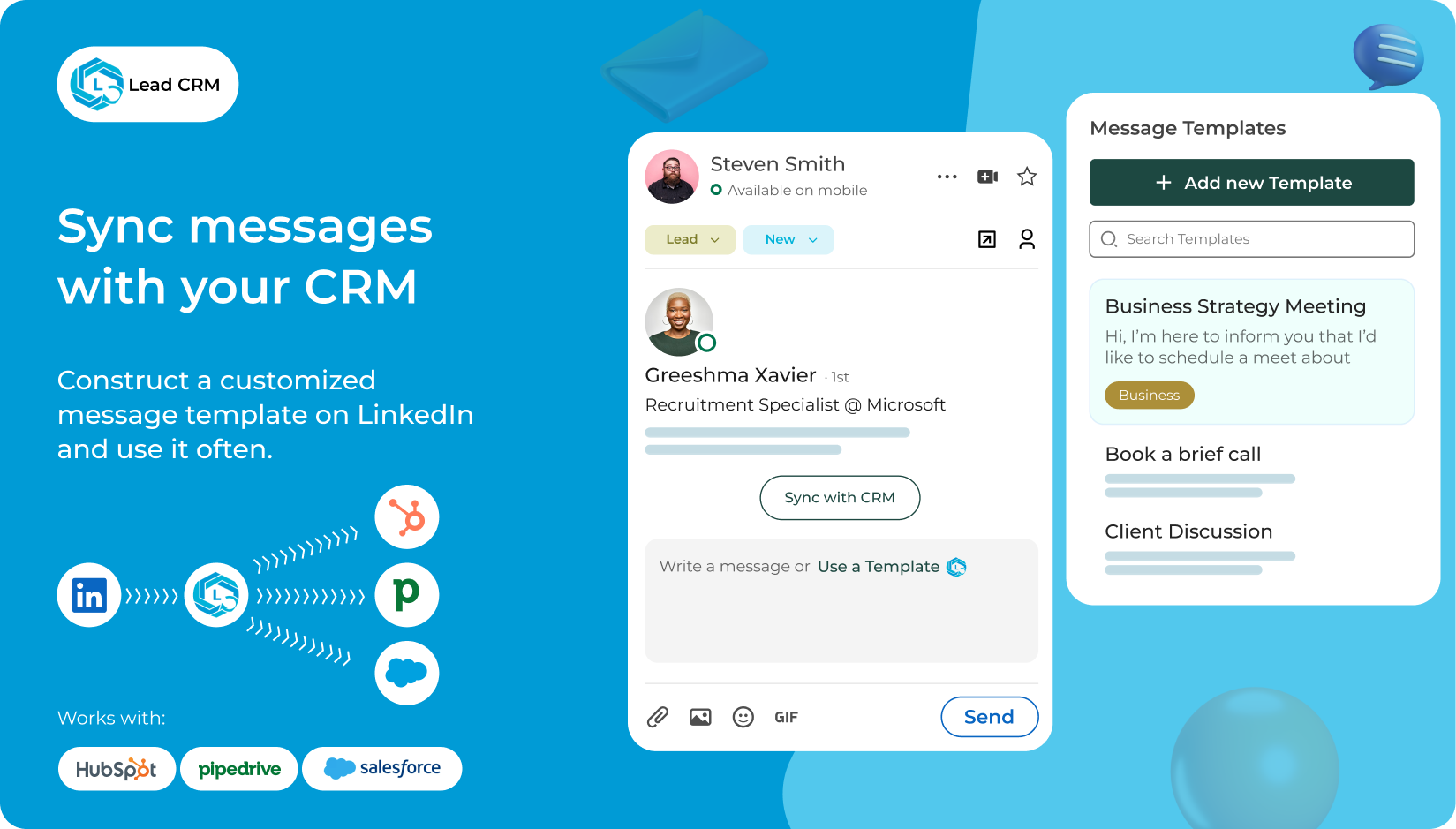
LeadCRM Demo - Syn Messages with Your CRM
Construct a Customized Message Template on LinkedIn and use it often.
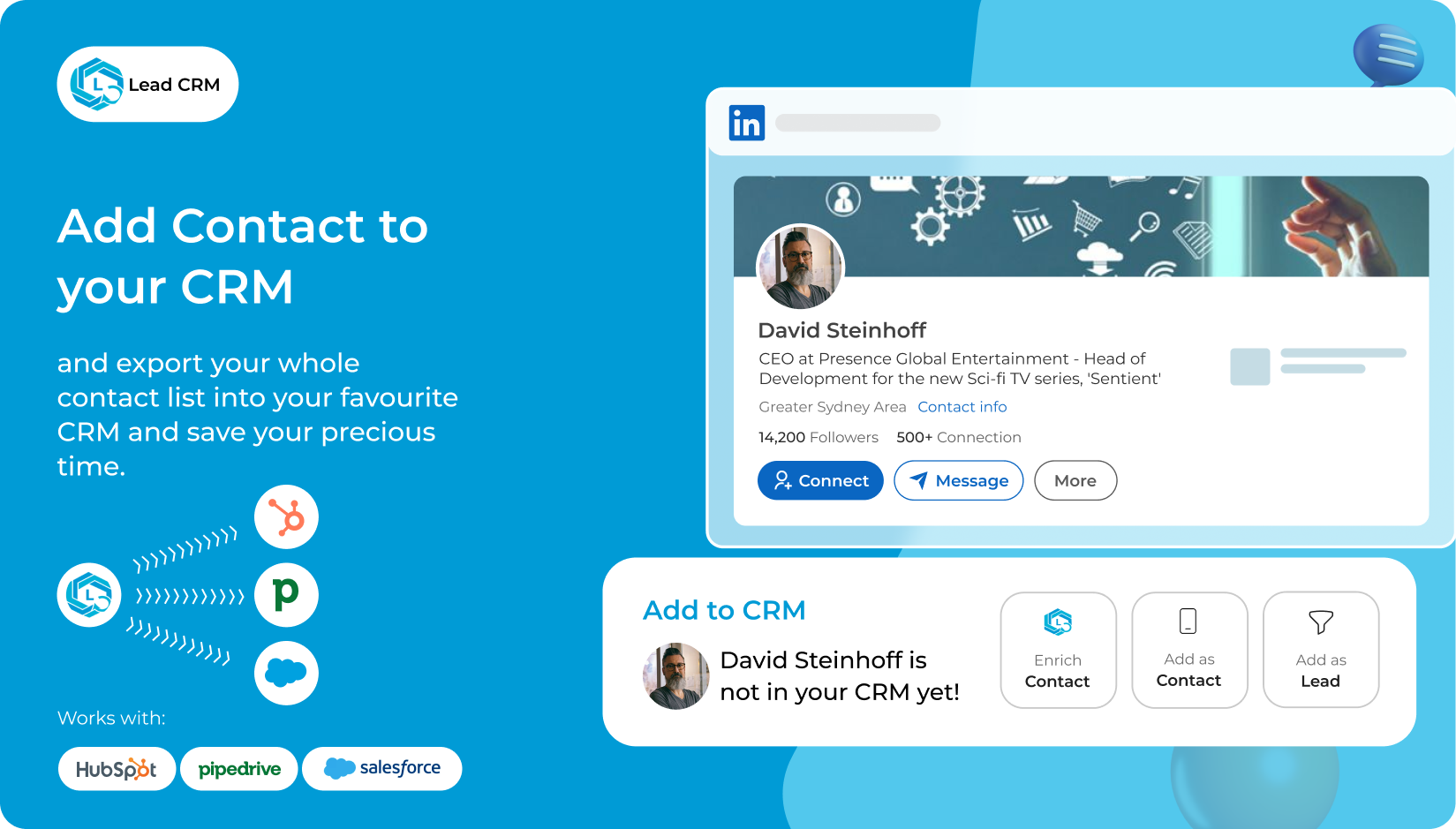
LeadCRM Demo - Add Contact for your CRM
Export your whole contact list into your favourite CRM and save your time
LeadCRM Demo - Save 40+ Hours a Month
Here’s How LeadCRM Does It
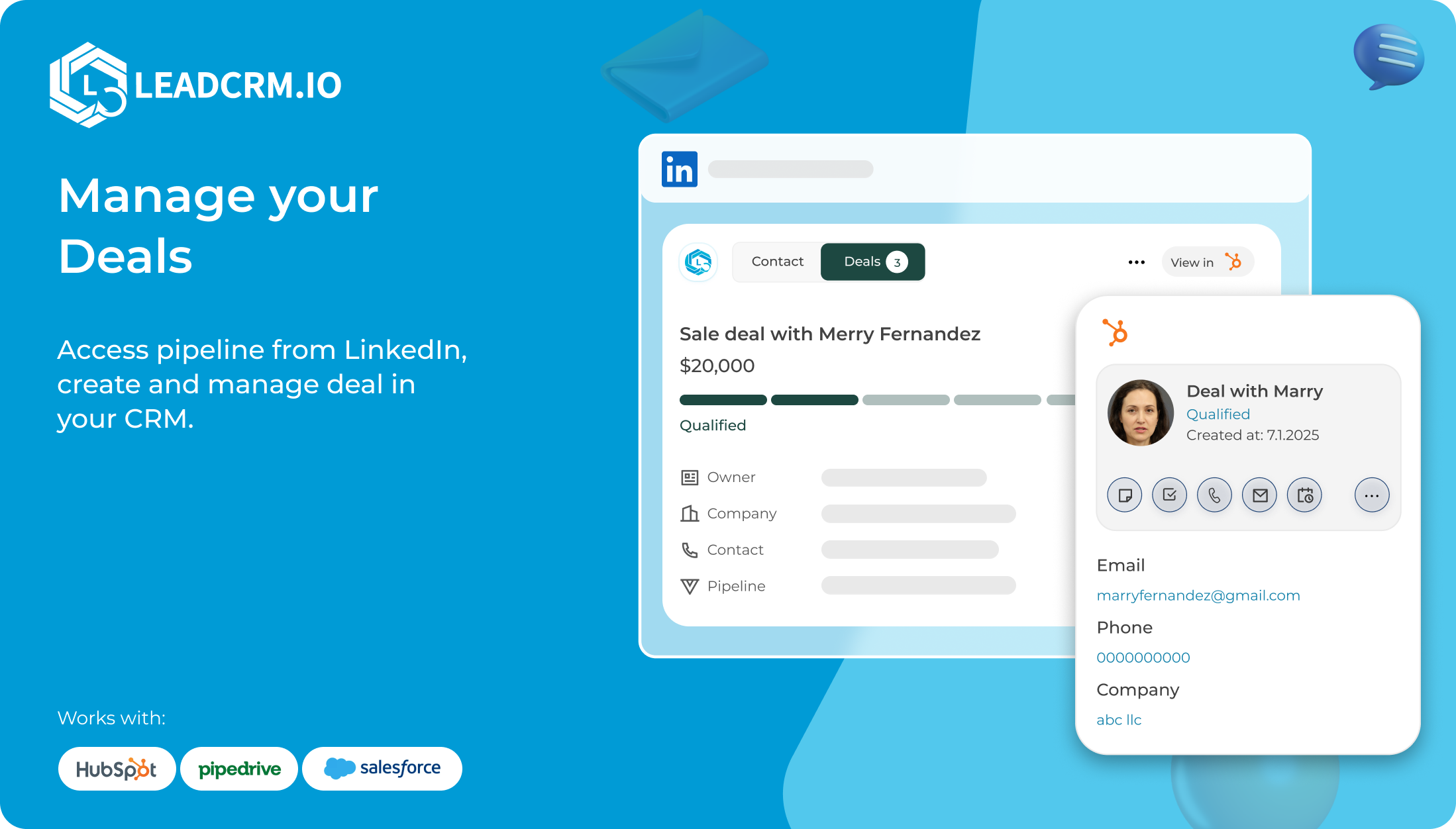
LeadCRM Demo - LeadCRM manage deals
Track and manage deals without leaving your CRM or LinkedIn.
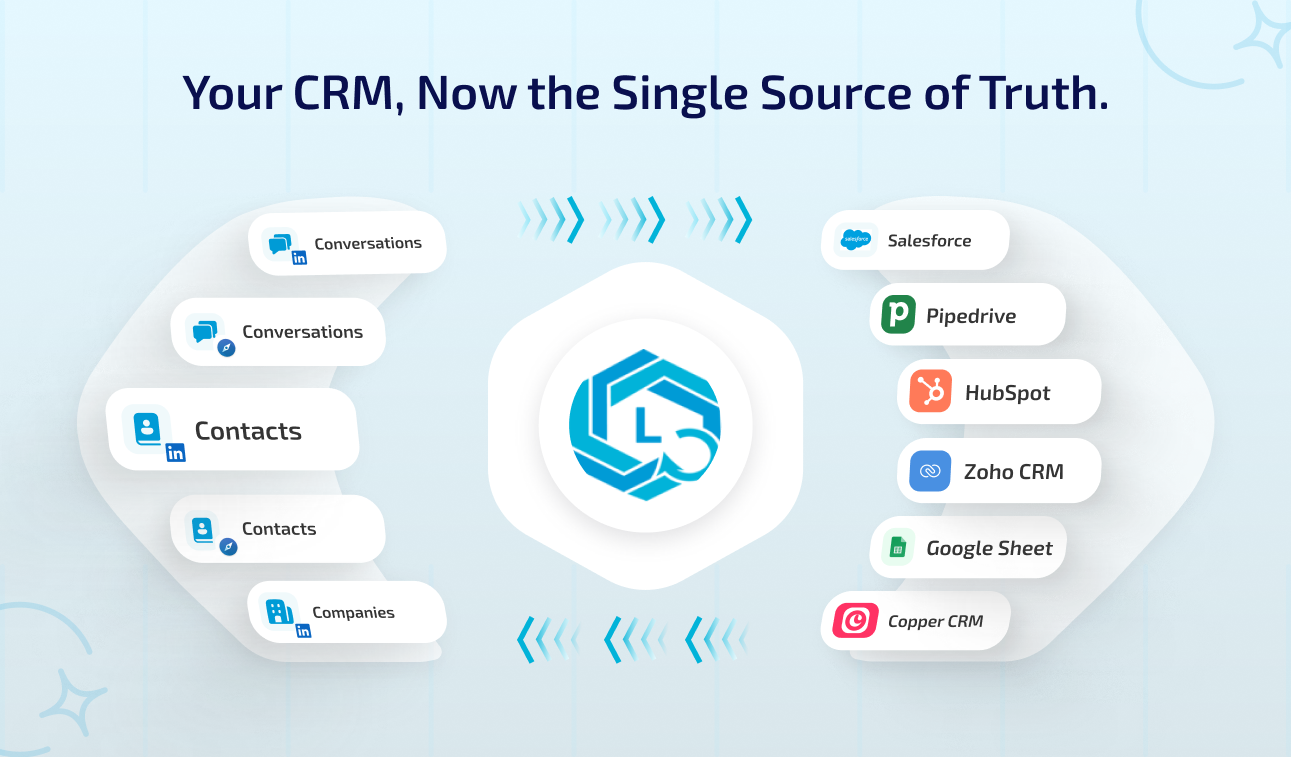
LeadCRM Demo - LeadCRM keeps your contacts updated
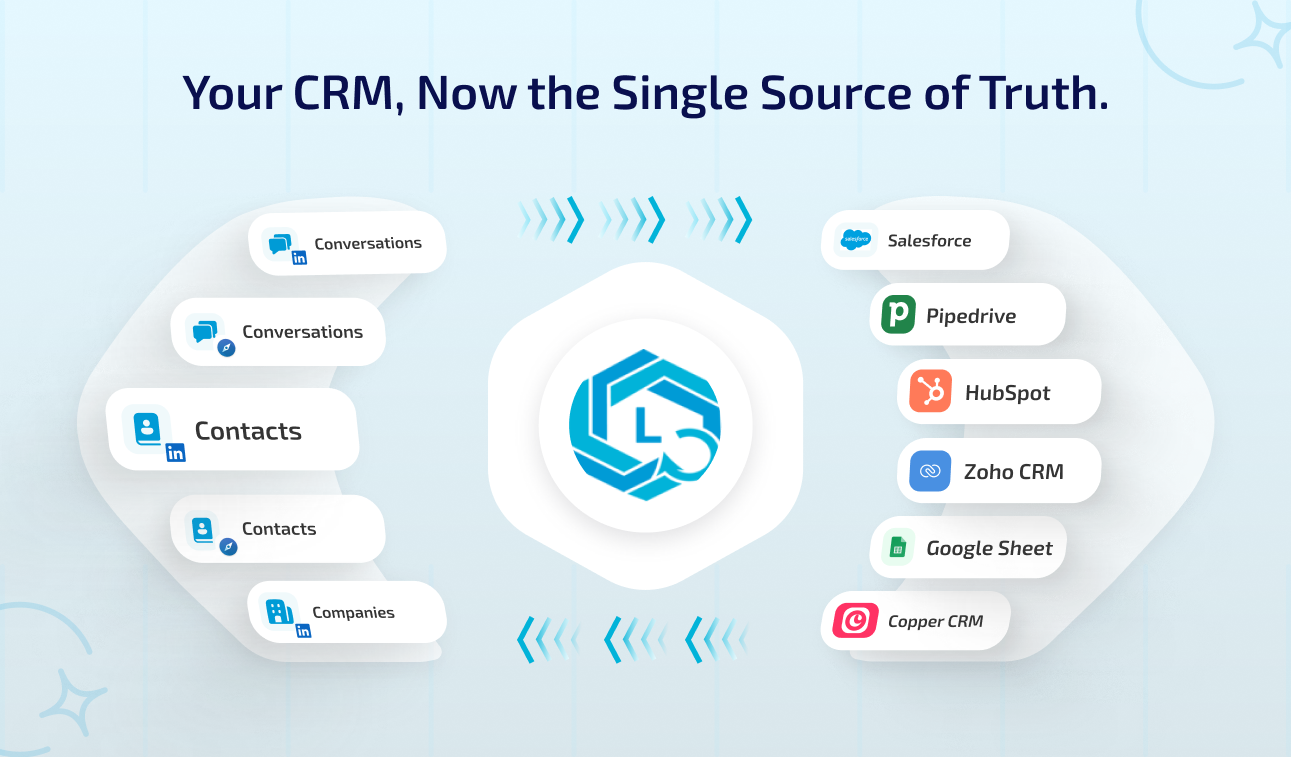
Let CRM be your single Source of Truth
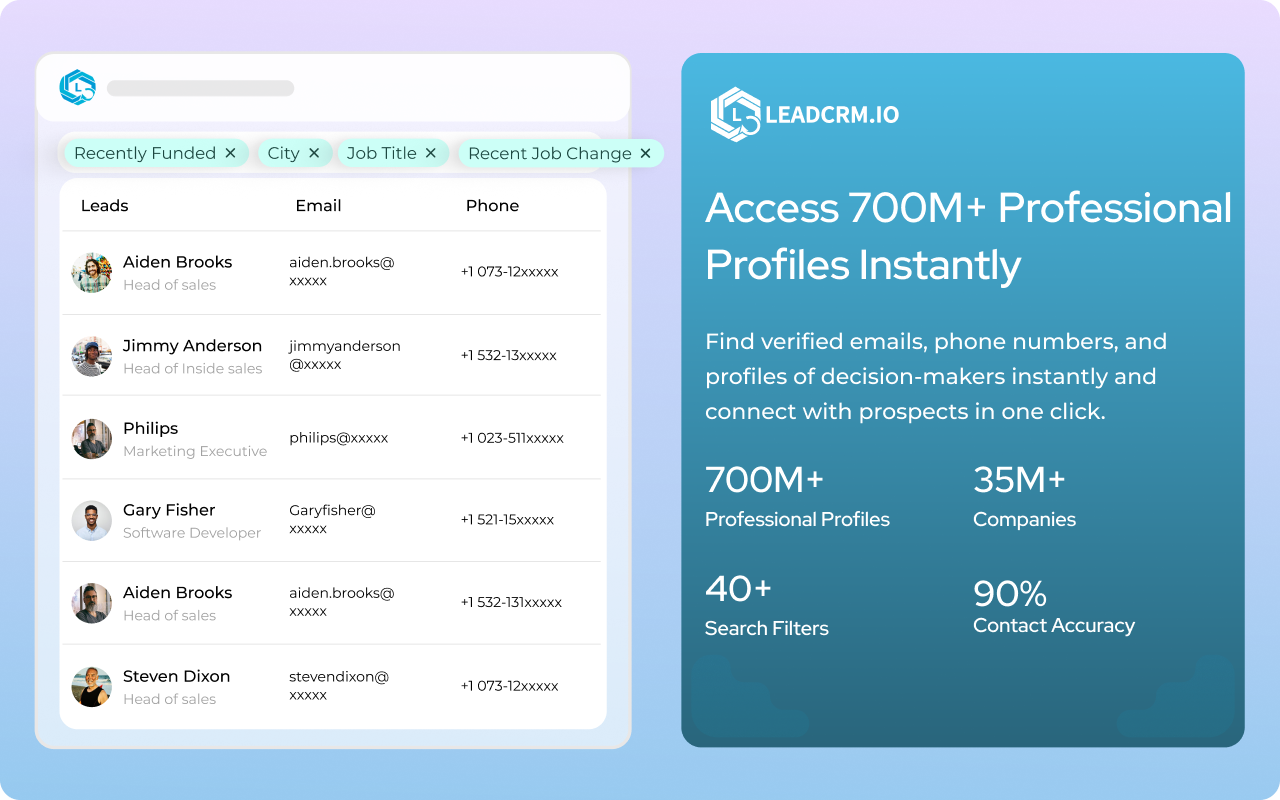
LeadCRM Demo - Access 700M+ profiles.
Easily find anyone's contact infromation while staying GDPR and CCPA Compliant.
Product Avatar Image

Have you used LeadCRM before?

Answer a few questions to help the LeadCRM community

LeadCRM Reviews (60)

Reviews

LeadCRM Reviews (60)

4.9
60 reviews

Review Summary

Generated using AI from real user reviews
Users consistently praise the seamless integration with LinkedIn and CRMs like HubSpot and Pipedrive, highlighting how it significantly saves time by automating lead capture and data enrichment. The intuitive interface and responsive support enhance the overall experience, although some mention a small learning curve for advanced features.

Pros & Cons

Generated from real user reviews
View All Pros and Cons
Search reviews
Filter Reviews
Clear Results
G2 reviews are authentic and verified.
D
CEO
Small-Business (50 or fewer emp.)
"Seamless LinkedIn-to-CRM Sync with Accurate Enrichment Data"
What do you like best about LeadCRM?

The strongest aspect of LeadCRM is its seamless sync between LinkedIn and CRM systems like HubSpot, Pipedrive, and Zoho. The Chrome extension lets our team capture prospects directly from LinkedIn profiles and push them into the CRM with a single click.

The quality of the enrichment data is also very solid. Rather than dealing with incomplete or inconsistent records, we get accurate contact and company details that make targeting and reporting more reliable. For a sales development organization, data accuracy is essential for scaling outreach without sacrificing personalization. Review collected by and hosted on G2.com.

What do you dislike about LeadCRM?

The initial setup and field mapping require some attention, particularly when working with customized CRM properties. However, once everything is configured, the workflow is smooth and requires very little ongoing management. Review collected by and hosted on G2.com.


Scott  F.
SF
Pre Sales Leader
Mid-Market (51-1000 emp.)
"Seamless LinkedIn-to-CRM Sync with Strong Lead Enrichment"
What do you like best about LeadCRM?

The biggest strength of LeadCRM is the seamless sync between LinkedIn and CRM platforms like HubSpot, Pipedrive, and Zoho. The Chrome extension makes capturing leads directly from LinkedIn profiles incredibly simple. Instead of manual copy-and-paste workflows, prospects are synced instantly into our CRM with the correct data structure.

The enrichment data quality is also strong. LeadCRM pulls in accurate contact and company details, which helps maintain CRM hygiene and ensures our outreach efforts are based on reliable information. For an account-based motion, clean and enriched data is essential. Review collected by and hosted on G2.com.

What do you dislike about LeadCRM?

Initial setup and field mapping require some attention, especially if you’re working with custom CRM properties. However, once it’s configured, the system runs smoothly and needs minimal ongoing administration. Review collected by and hosted on G2.com.

HL
CEO
Small-Business (50 or fewer emp.)
"Seamless LinkedIn-to-CRM Sync with High-Quality Data Enrichment"
What do you like best about LeadCRM?

The biggest advantage is the seamless sync between LinkedIn and CRM platforms like Zoho, Pipedrive, and HubSpot. The chrome extension allows our team to capture prospects directly from LinkedIn profiles and push them into our CRM in one click.

The enrichment data quality is another standout feature. Instead of incomplete or inconsistent records, we get enriched contact and company information that keeps our CRM clean and actionable. For organizations that rely on data driven processes, this makes a measurable difference. Review collected by and hosted on G2.com.

What do you dislike about LeadCRM?

Initial setup and field mapping require some attention, especially if your CRM had custom properties. However, once configured, the system runs smoothly with minimal maintenance. Review collected by and hosted on G2.com.

OP
ceo
Small-Business (50 or fewer emp.)
"A practical CRM that keeps lead follow ups organized without slowing the team down"
What do you like best about LeadCRM?

As the CEO of Any.do, I'm always looking for tools that help our teams stay consistent and move faster without adding process overhead. LeadCRM has been a strong addition to our workflow because it keeps lead tracking and follow ups structured, while sill being simple enough for daily use.

We use LeadCRM to manage inbound leads, track pipeline stages, and ensures follow ups don't get lost across email threads or scattered noted. The interface is straightforward, and its easy to see what's happening across the funnel at a glance.

What stands out most is the way LeadCRM helps enforce sales discipline without making the team feel like they're stuck in a heavy CRM. it keeps things moving and makes accountability much easier at a leadership level. Review collected by and hosted on G2.com.

What do you dislike about LeadCRM?

There's very little I'd call a real downside. if i had look to pick one area for improvements, it would be deeper reporting and dashboard customization, especially for leadership level forecasting.

The system covers the essentials well, but more advanced analytics out of box would make it even stronger. Review collected by and hosted on G2.com.

PD
CEO
Mid-Market (51-1000 emp.)
"The fastest way we've found to move LinkedIn leads into our CRM cleanly"
What do you like best about LeadCRM?

As the CEO of NinjaCat, I'm always trying to reduce the amount of time our team spends on manual work especially the kind that slows down outreach and creates messy CRM data.

LeadCRM has been a surprisingly strong tool for us because it makes LinkedIn prospecting feel frictionless. The chrome extension workflow is simple, and the biggest value is that we can capture LinkedIn leads and push them into our CRM without the usual copy/paste and field cleanup.

We work with agencies, media companies, and brands, so we're constantly connecting with new stakeholders. Having LeadCRM automatically pull in the right details (job tittle, company, profile info, etc) has helped us keep our pipeline organized and consistent. its one of those tools that doesn't try to do too much it just does a core workflow extremely well. Review collected by and hosted on G2.com.

What do you dislike about LeadCRM?

The setup is straightforward, but the initial field mapping can take a little time depending on how your CRM is structured. Once its configured, it runs smoothly but the first 30-60 minutes is where you want to be a bit careful so the data lands exactly where you want it. Review collected by and hosted on G2.com.

BO
CEO
Mid-Market (51-1000 emp.)
"The cleanest LinkedIn to CRM workflow we've found huge boost for outbound"
What do you like best about LeadCRM?

LeadCRM is one of those tools that feels small until you realize how much time it saves across the entire sales workflow.

At Oneleet, we se security and compliance software (SOC 2, ISO 27001, HIPAA, etc.) into fast growing companies, and LinkedIn is one of our most important channels for identifying decision makers. LeadCRM makes it incredibly easy to capture leads directly from LinkedIn and sync them into CRMs like HubSpot, Pipedrive, and Zoho without manual work.

What impressed me most is how clean the data stays. The enrichment quality is consistently strong, especially for job tittles, company details, and filling missing information. That directly improves outreach quality and reduces the amount of time our team spends cleaning CRM records. Review collected by and hosted on G2.com.

What do you dislike about LeadCRM?

The only minor downside is that you'll want to spend a bit of time upfront getting field mapping and workflows set correctly if you are about very structured CRM. once that's done, it runs smoothly. Review collected by and hosted on G2.com.

JH
Head of Enterprise Sales
Small-Business (50 or fewer emp.)
"Best LinkedIn to CRM workflow I've used for enterprise sales terms"
What do you like best about LeadCRM?

LeadCRM has become one of those tools that immediately pays off if your team does serios prospecting on LinkedIn.

At Cinode, we sell into consulting firms and enterprise teams, so outreach depends heavily on targeting the right stakeholders and keeping our pipeline clean. LeadCRM makes it incredibly easy to capture leads directly from LinkedIn and sync them into CRMs like HubSpot, Pipedrive, and Zoho without manual copy/paste.

The enrichment is also a big standout. The data quality is consistently strong especially around company details, role accuracy, and keeping contact records complete. That matters a lot in enterprise sales, where one missing detail can slow down outreach or create duplicate records. Review collected by and hosted on G2.com.

What do you dislike about LeadCRM?

The only small downside is that if you want to customize filed mapping or workflow across multiple CRMs , it can take a little time to set up properly. Once configured through, its smooth. Review collected by and hosted on G2.com.

RP
senior leader
Mid-Market (51-1000 emp.)
"Massive time saver for LinkedIn prospecting + clean CRM sync"
What do you like best about LeadCRM?

LeadCRM has become one of the most practical tools in our outbound workflow because it solves a very real pain: moving LinkedIn Leads into a CRM quickly and accurately.

As someone leading Sales & Business Development at Aisera, I spend a lot of time on LinkedIn identifying the right enterprise stakeholders across IT, HR, finance, and customer service. LeadCRM makes that process smooth. with a couple clicks, I can take a LinkedIn profile and sync it directly into our CRM without wasting time copying job tittles, company info, or contact details manually.

The biggest win is the sync experience across platform like HubSpot, Zoho, and Pipedrive. its fast, reliable, and makes it easy to keep the CRM clean while still moving quickly in outbound. Review collected by and hosted on G2.com.

What do you dislike about LeadCRM?

The only downside is that if you want to take full advantage of advanced workflows (field mapping, automation rules, etc), there's a small learning curve at first. But once its set up, it runs smoothly. Review collected by and hosted on G2.com.

Blair F.
BF
CMO
Mid-Market (51-1000 emp.)
"LeadCRM Unlocked LinkedIn Gold for our Amazon Agency Growth"
What do you like best about LeadCRM?

As CMO juggling 15 marketing campaigns, the HubSpot bi-directional sync is my secret weapon. I spot Amazon seller profile on LinkedIn sales navigator, hit the chrome extension, and boom verified emails, store URLs, revenue estimates, and monthly order volumes land in HubSpot instantly. Last week alone, I natured 42 high value FBA agency leads without leaving my browser. its like having personal sales assistant. Review collected by and hosted on G2.com.

What do you dislike about LeadCRM?

Bulk enrichment dashboard refreshes could be snappier over 150 records (minor hiccup). No native Amazon seller Central integration yet id pay premium for that. Chrome extension perfection otherwise. Review collected by and hosted on G2.com.

Jordan E.
JE
Business Development Representative
Mid-Market (51-1000 emp.)
"LeadCRM Turned LinkedIn into our top pipeline Driver"
What do you like best about LeadCRM?

Seamless Salesforce integration and the intelligent enrichment waterfall. One click on LinkedIn sales Navigator grabs emails, direct dials, and company tech stack then auto creates Salesforce Leads with full context. Chrome extension is flawless; I've enriched 1,200+ prospects this month without errors. Lightning fast and reliable. Review collected by and hosted on G2.com.

What do you dislike about LeadCRM?

Bulk history export limited to CSV {PDF option would help for reports}. Occasional API hiccups during 9 to 11 AM peak syncs , through retry works fine. Wish for native Slack notifications on failed enriches. Review collected by and hosted on G2.com.

People Icons

Start a Discussion about LeadCRM

Have a software question? Get answers from real users and experts.

Start a Discussion

Pricing Options

Pricing provided by LeadCRM.

Professional

Starting at $16.40
1 seats Per Month
LeadCRM Features
Lead Validation
Lead Enrichment
Lead Quality
Cross-system Integration
Product Avatar Image
LeadCRM