LALAL.AI

By LALAL.AI

4.4 out of 5 stars
3 star
0%
2 star
0%
1 star
0%

How would you rate your experience with LALAL.AI?

It's been two months since this profile received a new review
Leave a Review
Compare this with other toolsSave it to your board and evaluate your options side by side.
Save to board

LALAL.AI Reviews & Product Details

LALAL.AI Media

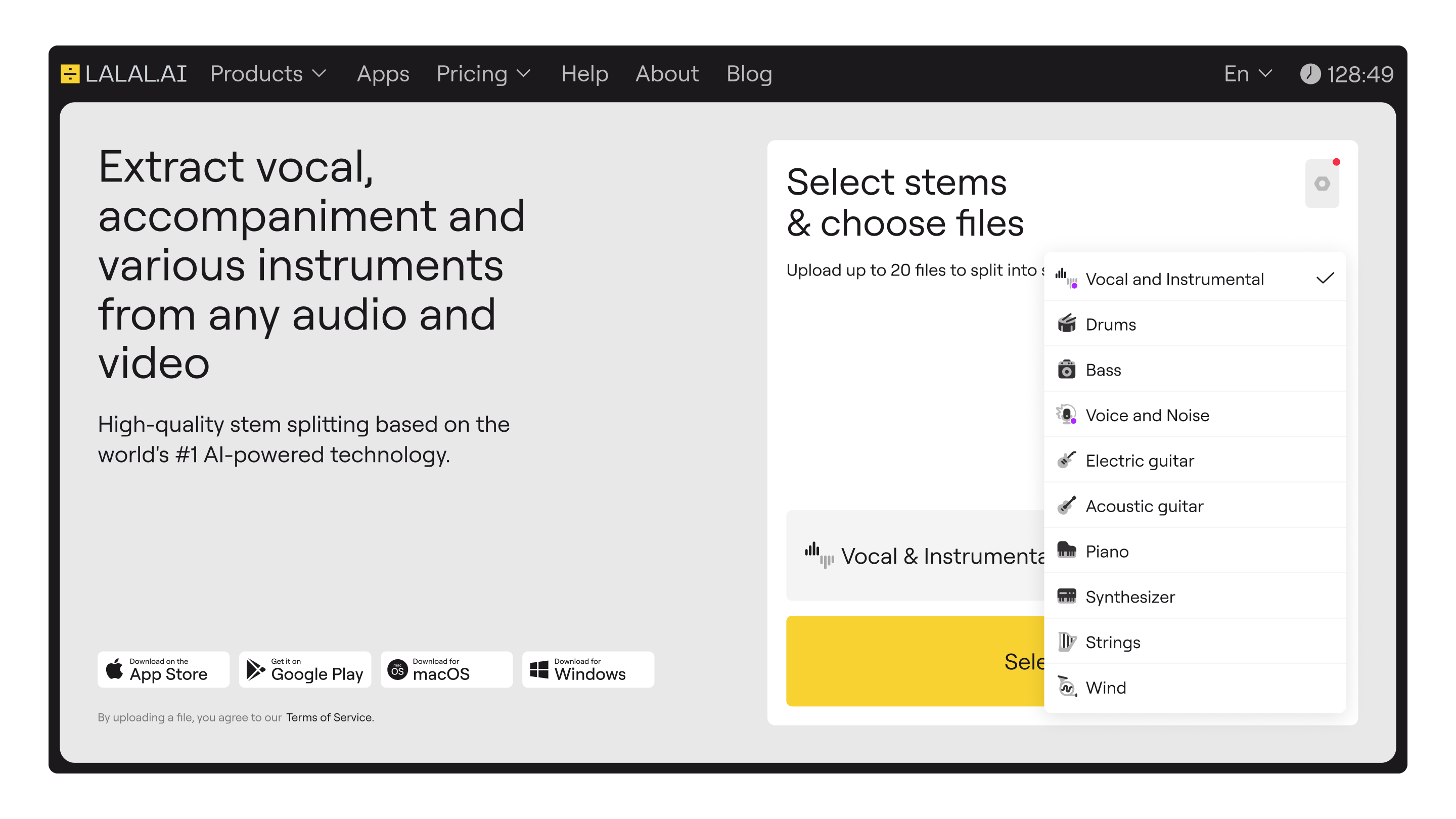
LALAL.AI Demo - LALAL.AI Stem Splitter
Extract vocal, accompaniment and various instruments from any audio and video
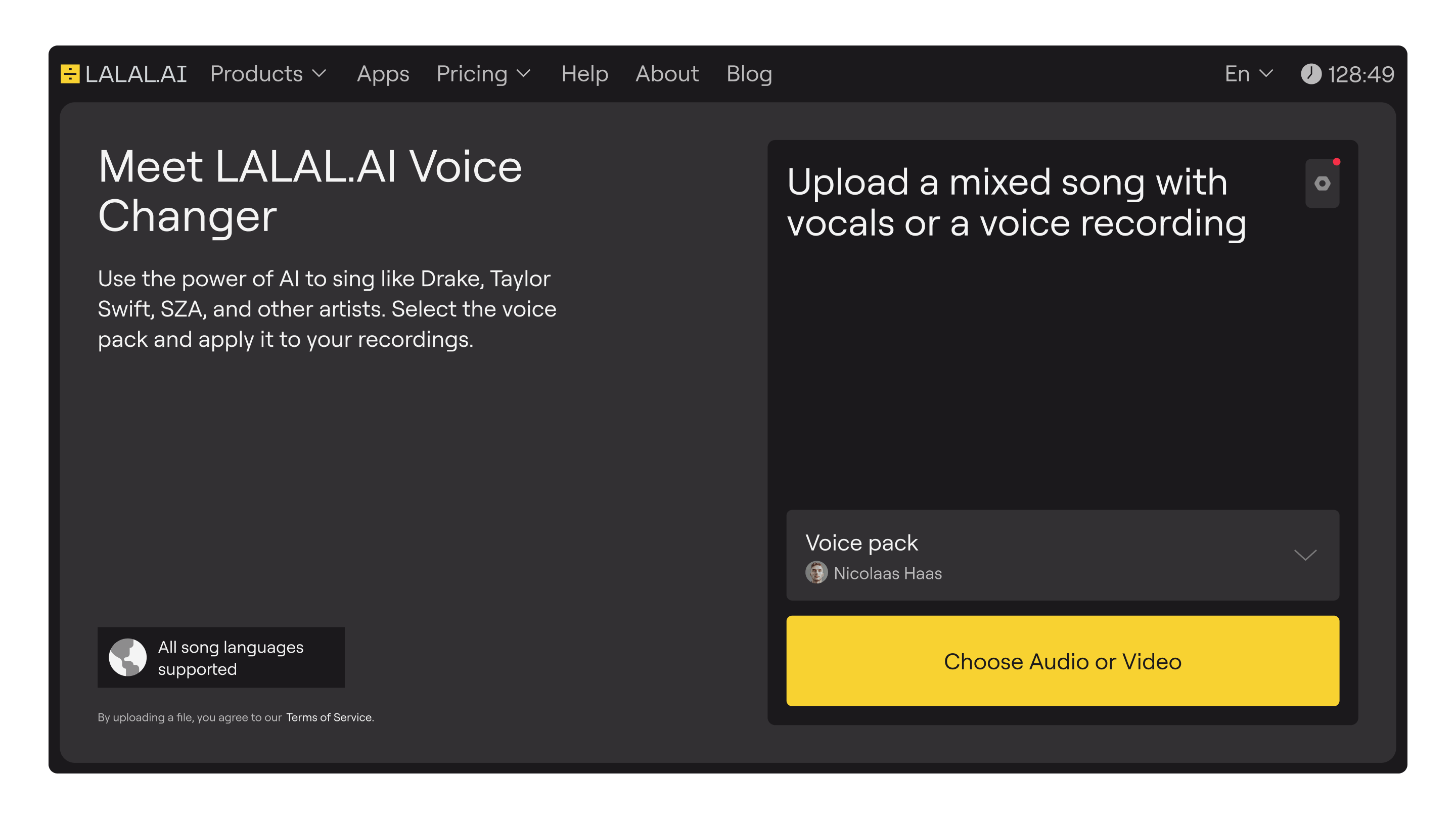
LALAL.AI Demo - LALAL.AI Voice Changer
Use the power of AI to sing like Drake, Taylor Swift, SZA, and other artists. Select the voice pack and apply it to your recordings.
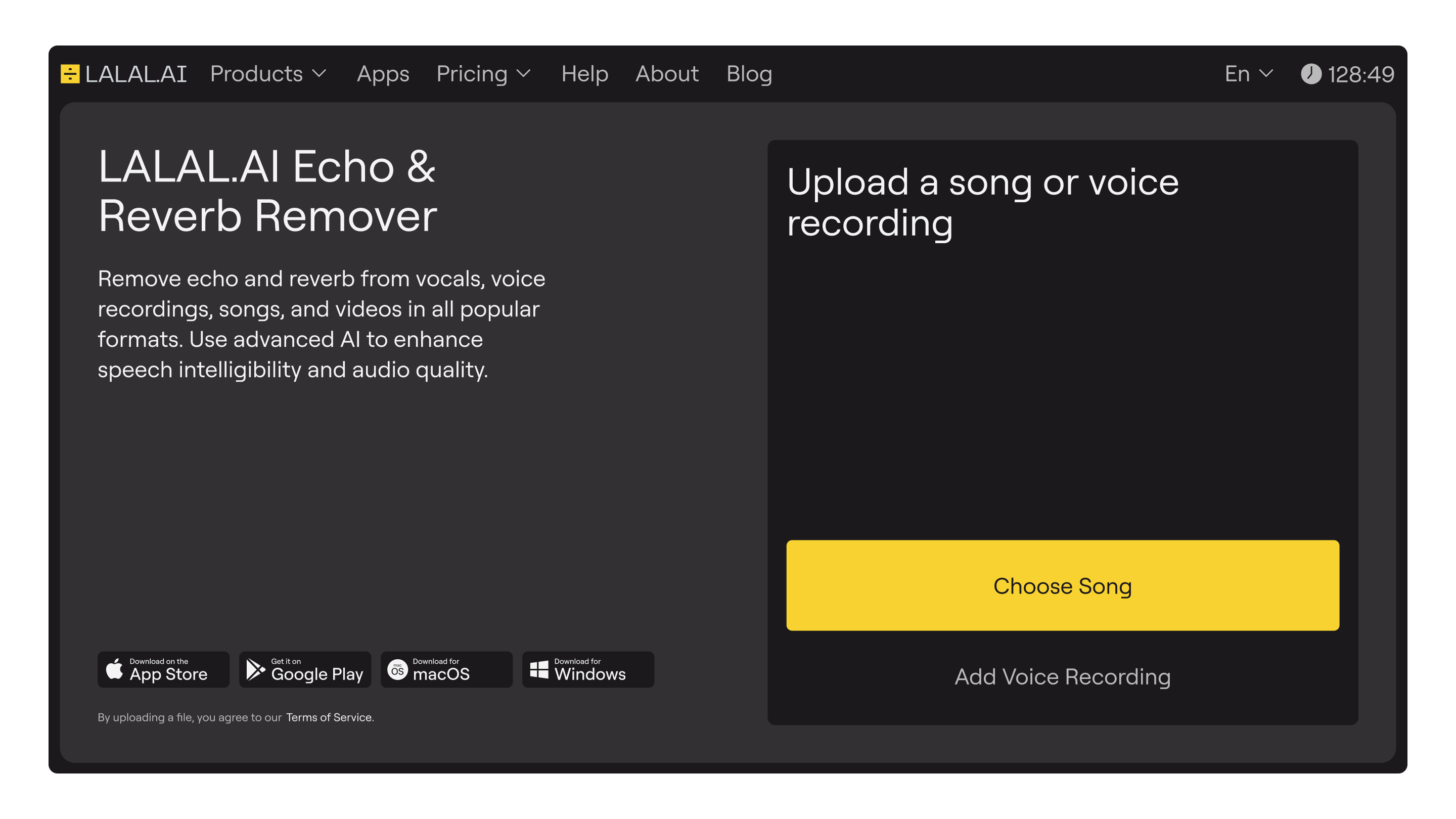
LALAL.AI Demo - LALAL.AI Echo & Reverb Remover
Remove echo and reverb from vocals, voice recordings, songs, and videos in all popular formats. Use advanced AI to enhance speech intelligibility and audio quality.
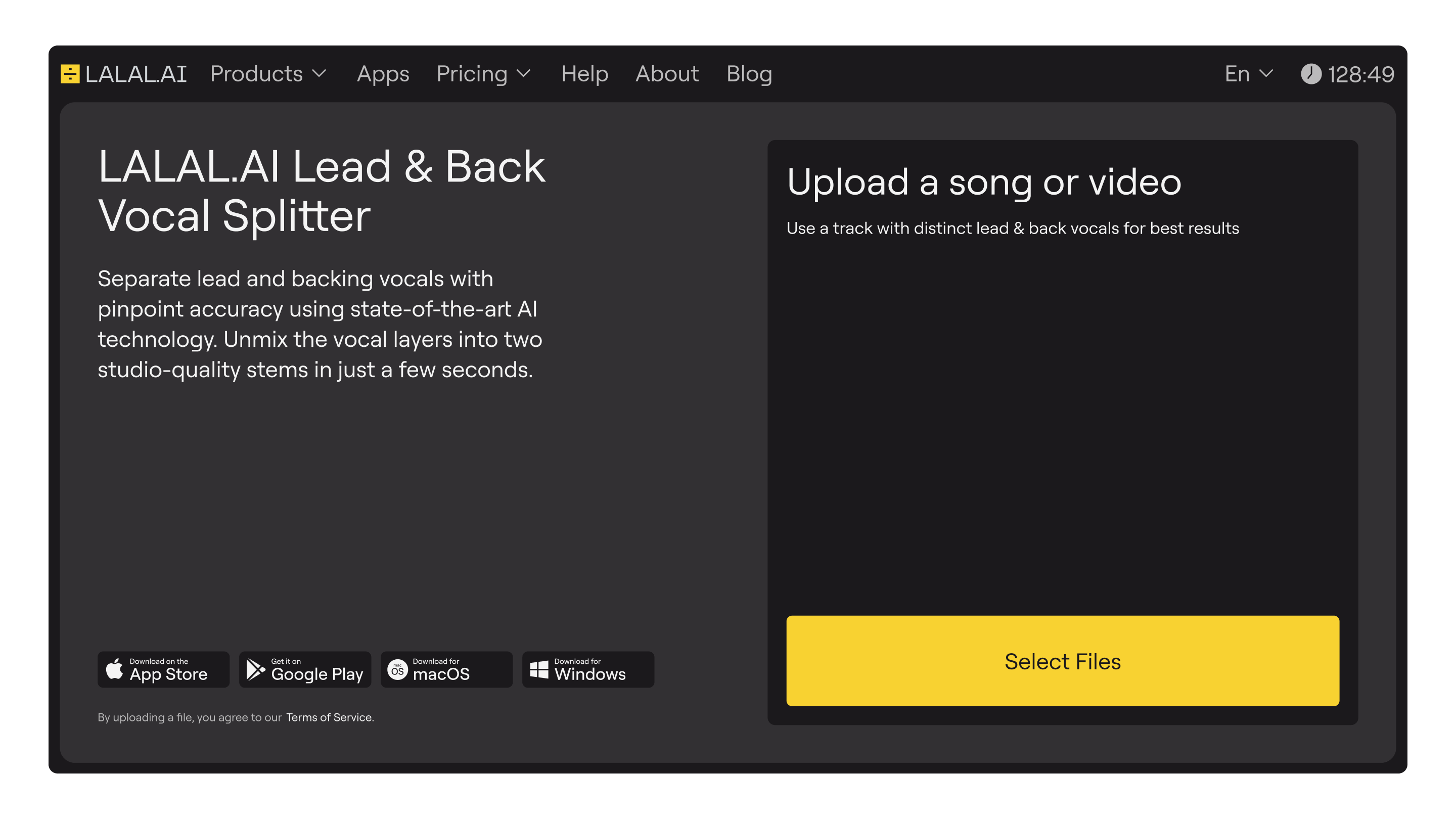
LALAL.AI Demo - LALAL.AI Lead & Back Vocal Splitter
Separate lead and backing vocals with pinpoint accuracy using state-of-the-art AI technology. Unmix the vocal layers into two studio-quality stems in just a few seconds.
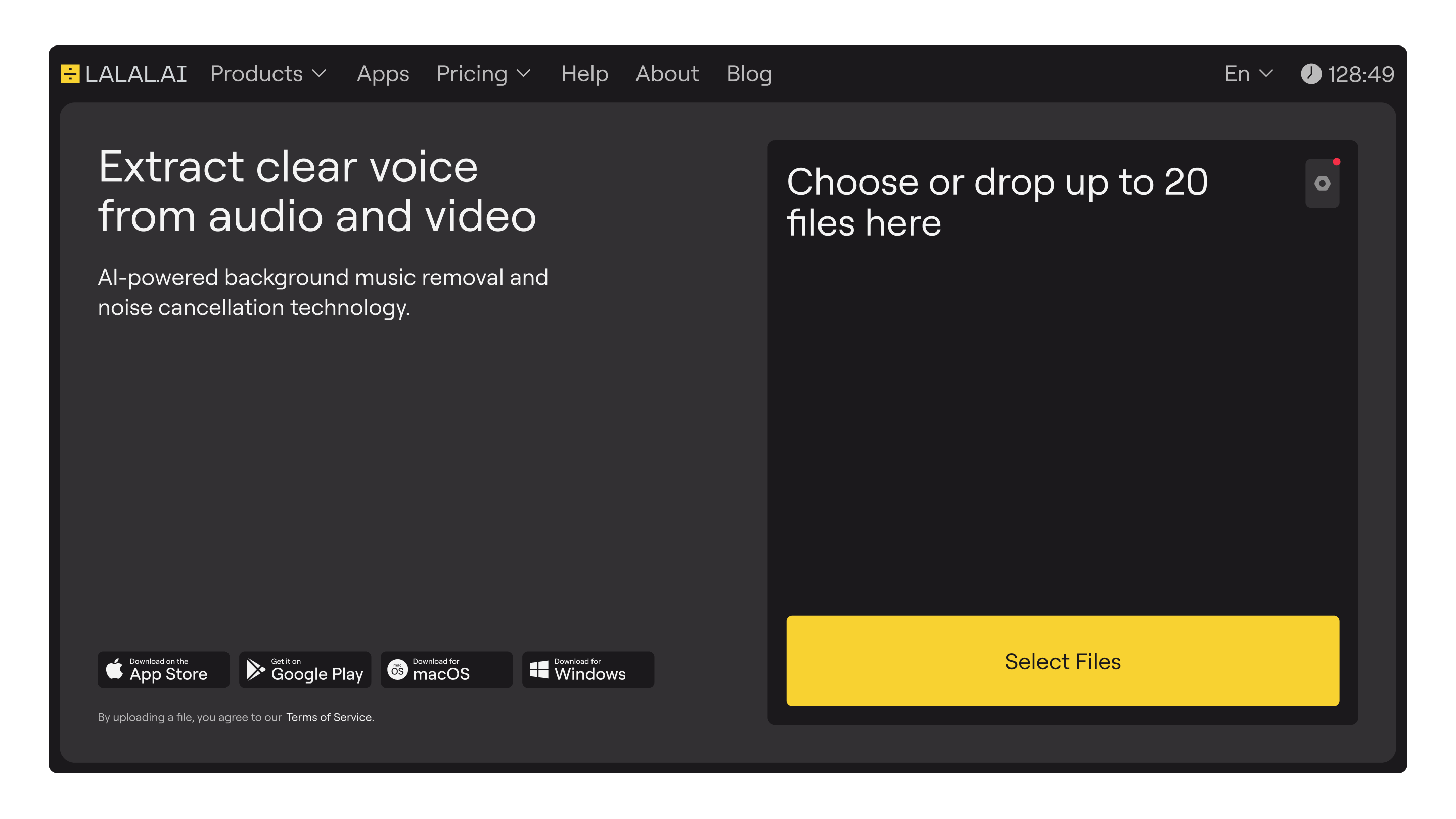
LALAL.AI Demo - LALAL.AI Voice Cleaner
AI-powered background music removal and noise cancellation technology.
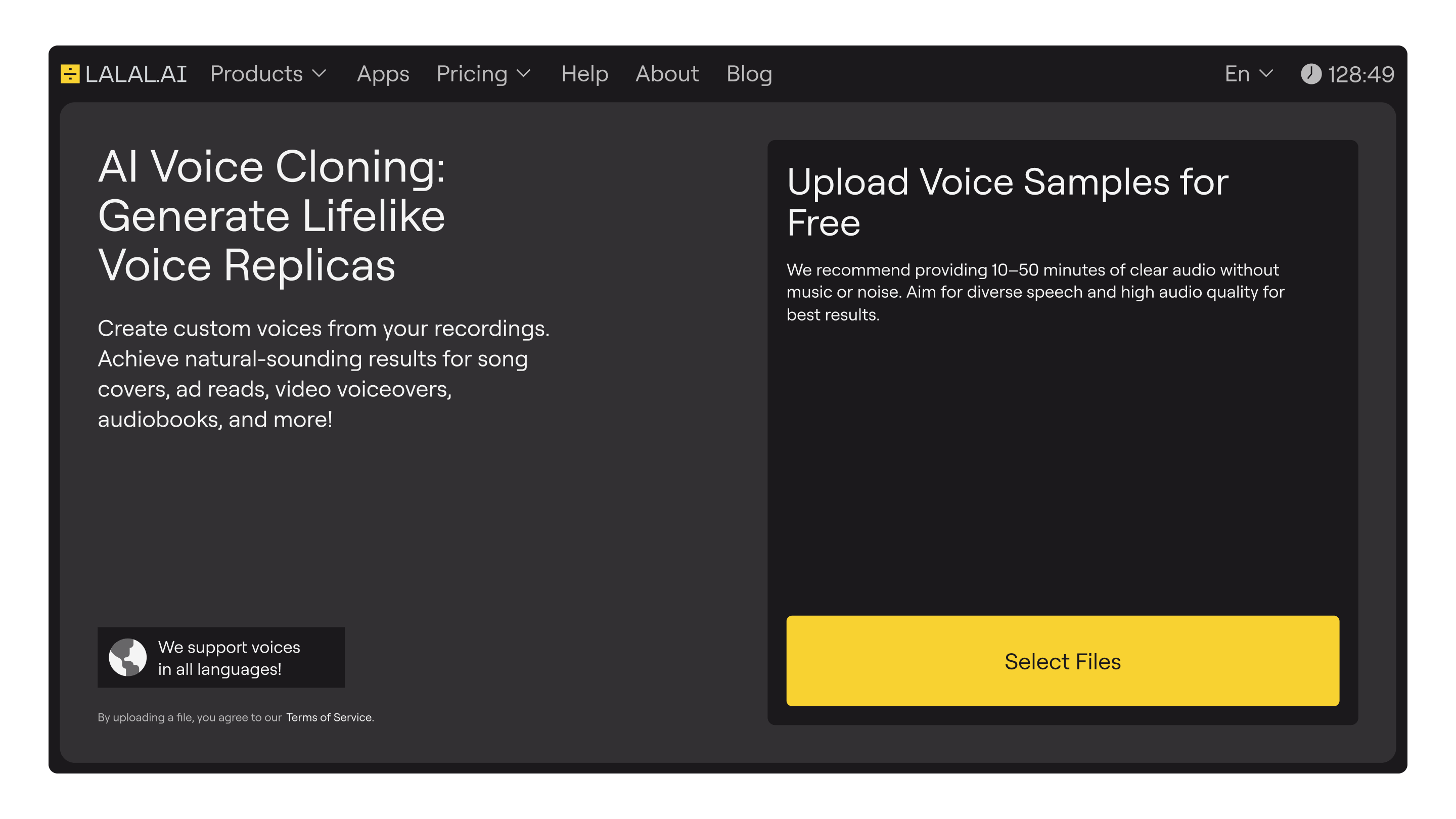
LALAL.AI Demo - LALAL.AI Voice Cloner
Create custom voices from your recordings. Achieve natural-sounding results for song covers, ad reads, video voiceovers, audiobooks, and more!
Product Avatar Image

Have you used LALAL.AI before?

Answer a few questions to help the LALAL.AI community

LALAL.AI Reviews (4)

Reviews

LALAL.AI Reviews (4)

4.4
4 reviews
Search reviews
Filter Reviews
Clear Results
G2 reviews are authentic and verified.
Verified User in Music
UM
Small-Business (50 or fewer emp.)
"Very solid vocal and instrument splitting algorithm that I would recommend."
What do you like best about LALAL.AI?

I am able to get fairly decent splits of stems using the platform. The app is also convenient as well. Review collected by and hosted on G2.com.

What do you dislike about LALAL.AI?

While it is one of the best algorithms in the market, it's not the best that I've used for splitting stems. Review collected by and hosted on G2.com.

Aditya J.
AJ
UI Developer
Mid-Market (51-1000 emp.)
"Lalal.ai Review"
What do you like best about LALAL.AI?

Lalai.ai is the best and one of the solid vocal cleaner and this concept of Lalai.ai is mind blowing. This is provides the high quality extracted tracks in just few seconds, so i just loved those AI tools. Review collected by and hosted on G2.com.

What do you dislike about LALAL.AI?

I used that and overall experience is good but they need to improve it's UX and they should change the price plan. And main problem is that we need to login again and again to authorised. Review collected by and hosted on G2.com.

Deepali G.
DG
Mid-Market (51-1000 emp.)
"Lalal.ai Review"
What do you like best about LALAL.AI?

Lalal.ai is the best audio editing tools in which we can easily and quickly edit the track with few limitations. Its gives high quality results. It is very helpful to edit audio according to our need. Review collected by and hosted on G2.com.

What do you dislike about LALAL.AI?

As per my experience it's need to changes some design and need to improve customer support. I don't like pricing in that tools, i think they need to decrease some charges or price. Review collected by and hosted on G2.com.

Verified User in Entertainment
UE
Small-Business (50 or fewer emp.)
"Lalai for musical entertainment"
What do you like best about LALAL.AI?

They extract vocals from audios and videos, which can help make karaoke songs. Review collected by and hosted on G2.com.

What do you dislike about LALAL.AI?

Better if they have their software like other apps Review collected by and hosted on G2.com.

There are not enough reviews of LALAL.AI for G2 to provide buying insight. Below are some alternatives with more reviews:

1
Audacity Logo
Audacity
4.5
(458)
Audacity is a free, open-source, multi-track audio editor and recorder available for Windows, macOS, GNU/Linux, and other operating systems. Since its initial release in 2000, it has become a popular tool among musicians, podcasters, and audio enthusiasts for its comprehensive suite of features and user-friendly interface. Key Features and Functionality: - Recording and Playback: Audacity allows users to record live audio through a microphone or mixer, digitize recordings from other media, and capture streaming audio. - Editing Tools: Users can cut, copy, splice, and mix sounds together. The software supports non-destructive editing, enabling adjustments without altering the original audio file. - Effects and Plugins: Audacity offers a range of built-in effects, including noise reduction, equalization, and reverb. It also supports various plugins like LADSPA, LV2, VST, and Nyquist, allowing for extended functionality. - Import and Export: The software supports a wide array of file formats, including WAV, AIFF, MP3, and Ogg Vorbis. With the addition of the FFmpeg library, users can import and export even more formats, such as M4A (AAC) and WMA. - Analysis Tools: Audacity provides features like spectrogram views and frequency analysis, aiding users in detailed audio examination. - AI-Powered Effects: Recent updates have introduced AI-driven capabilities, including music separation, noise suppression, music generation, transcription, and audio super-resolution, enhancing the editing experience. Primary Value and User Solutions: Audacity's primary value lies in its ability to provide a robust and accessible platform for audio recording and editing without the cost associated with proprietary software. Its cross-platform compatibility ensures that users across different operating systems can utilize its features. The extensive support for plugins and effects allows for a customizable experience tailored to individual project needs. Additionally, the integration of AI-powered tools streamlines complex tasks, such as noise reduction and audio transcription, making high-quality audio production more efficient and accessible to a broader audience.
2
Adobe Audition Logo
Adobe Audition
4.4
(414)
Adobe Audition is a professional digital audio workstation designed for creating, mixing, editing, and restoring audio content. It offers a comprehensive toolset that includes multitrack, waveform, and spectral display features, enabling users to produce high-quality audio for video production, podcasting, and sound design. With its intuitive interface and powerful capabilities, Audition streamlines audio workflows and delivers polished, pristine sound. Key Features and Functionality: - Multitrack Editing: Allows for recording and mixing multiple audio tracks simultaneously, facilitating complex audio projects. - Waveform and Spectral Display: Provides detailed visual representations of audio, enabling precise editing and restoration tasks. - Essential Sound Panel: Simplifies audio adjustments, making it accessible for users without extensive audio editing experience. - Remix Functionality: Automatically rearranges songs to fit a desired duration, ideal for adapting music to specific project lengths. - Noise Reduction and Restoration Tools: Offers advanced capabilities to clean up audio by removing unwanted sounds and repairing recordings. Primary Value and User Solutions: Adobe Audition addresses the needs of professionals and enthusiasts seeking a robust audio editing solution. It enhances video production workflows by providing seamless integration with other Adobe Creative Cloud applications, such as Adobe Premiere Pro. Users can achieve professional-quality audio without requiring extensive technical expertise, thanks to intuitive tools like the Essential Sound panel. Whether producing podcasts, designing sound effects, or restoring audio recordings, Audition delivers the necessary features to produce high-quality audio content efficiently.
3
Murf.ai Logo
Murf.ai
4.7
(1,412)
Murf.ai allows you to change your script or convert home-style voice recording into a studio-quality AI voice-over for your videos, presentations, or just text-to-speech requirements. It's a simple DIY online tool, that also allows you to match the timing of your voice with videos or presentations or even edit your voice using text. Use cases include eLearning (Authoring, LMS, etc), Youtubers, Podcasters, Software & App demos, Marketing & Advertising, IVR phone system, Audiobooks, Games, Product & Explainer videos, Corporate Learning
4
Riverside Logo
Riverside
4.8
(1,694)
Riverside is an audio-video recording platform for broadcast media and podcasts.
5
HeyGen Logo
HeyGen
4.8
(1,551)
HeyGen is AI-powered video creation at scale, letting you effortlessly produce studio-quality videos with AI-generated avatars and voices. Get started for free!
6
Descript Logo
Descript
4.6
(869)
Descript is the only video editor that gives you the power to create and edit professionally crafted video using AI, or on your own.
7
GarageBand Logo
GarageBand
4.3
(274)
GarageBand is a comprehensive music creation studio available on Mac, iPhone, and iPad, designed to make music production accessible to everyone. It offers a complete sound library with instruments, presets for guitar and voice, and a diverse selection of session drummers and percussionists. With its intuitive interface, users can easily learn, play, record, and share their music worldwide. Whether you're a novice or a seasoned musician, GarageBand provides the tools to create professional-quality music. Key Features and Functionality: - Extensive Sound Library: Access a vast collection of instruments and loops across various genres, including EDM, Hip Hop, and Indie. - Touch Instruments: Play realistic keyboards, guitars, and drums using the Multi-Touch interface. - Live Loops: Create electronic music by tapping cells and columns in a grid to trigger musical loops. - Drummer Feature: Utilize virtual session drummers and percussionists to add dynamic rhythms to your tracks. - Recording and Editing: Record multiple tracks, edit performances, and apply professional mixing effects like reverb and compression. - Sound Library Expansion: Download additional free instruments, loops, and sound packs to expand your creative possibilities. Primary Value and Solutions: GarageBand democratizes music production by providing a user-friendly platform that caters to both beginners and experienced musicians. It eliminates the need for expensive studio equipment, allowing users to produce high-quality music from the comfort of their devices. By offering a wide range of instruments, loops, and professional features, GarageBand empowers users to bring their musical ideas to life, fostering creativity and enabling the sharing of music with a global audience.
8
Async Creator Logo
Async Creator
4.7
(185)
Async is the easiest way to create your podcast. It's a web-based platform that enables podcasters and other creators to record, edit, enhance, transcribe, and export their content with unmatched simplicity. Record remote interviews in studio quality with local recordings of each track, up to 4K video and lossless WAV audio for every participant – no fancy equipment required. Our intuitive multi-track editor includes easy-to-use tools like auto leveling, trimming, fade in & out, and a library of 7,000+ professional music tracks and sounds to make editing your content a breeze. Enhance your content with AI-powered audio processing to give it that professional studio touch, along with echo & noise cancellation, and 1-click silence removal. Our customers constantly tell us about how easy, intuitive, and time-saving Podcastle is for them. We're here to help you figure out how to start a podcast and give you all the tools you need to do it successfully.
9
Logic Pro X Logo
Logic Pro X
4.6
(176)
Logic Pro is a comprehensive digital audio workstation (DAW) developed by Apple, designed to meet the needs of professional musicians, producers, and sound engineers. It offers a robust suite of tools for songwriting, beat-making, recording, editing, and mixing, all within an intuitive interface. With integrated Dolby Atmos capabilities, users can create immersive spatial audio mixes, enhancing the depth and dimension of their music. The software also boasts an extensive collection of plug-ins and sounds, providing a vast palette for creative exploration. Additionally, Logic Pro seamlessly integrates with iOS devices through Logic Remote, allowing for flexible control and collaboration during music production sessions. Key Features and Functionality: - Session Players: Virtual musicians that can generate realistic bass lines, keyboard accompaniments, and drum grooves, adapting to the user's direction and style. - Studio Assistants: Tools like Stem Splitter, ChromaGlow, Pitch Correction, and Mastering Assistant assist in refining tracks, enhancing sound quality, and achieving professional-grade mixes. - Spatial Audio Support: Integrated Dolby Atmos tools enable the creation and export of spatial audio mixes, providing listeners with an immersive sound experience. - Extensive Sound Library: A vast collection of instruments, loops, and effects fuels creativity and allows for diverse soundscapes. - Logic Remote Integration: Control music-making sessions from an iPad or iPhone, offering flexibility and convenience during the production process. Primary Value and Solutions: Logic Pro empowers users to produce high-quality music by providing a comprehensive set of tools that streamline the creative process. Its intuitive interface and advanced features cater to both seasoned professionals and aspiring musicians, facilitating efficient workflow from initial composition to final mastering. The integration of spatial audio capabilities addresses the growing demand for immersive listening experiences, ensuring that users can produce content that meets contemporary industry standards. By offering a vast sound library and seamless device integration, Logic Pro eliminates common production hurdles, allowing artists to focus on their creativity and deliver polished, professional-grade music.
10
Ableton Live Logo
Ableton Live
4.7
(157)
Ableton makes Live, Push & Link software and hardware for writing, recording and performing music.
Show More
People Icons

Start a Discussion about LALAL.AI

Have a software question? Get answers from real users and experts.

Start a Discussion
Pricing

Pricing details for this product isn’t currently available. Visit the vendor’s website to learn more.

Product Avatar Image
LALAL.AI