
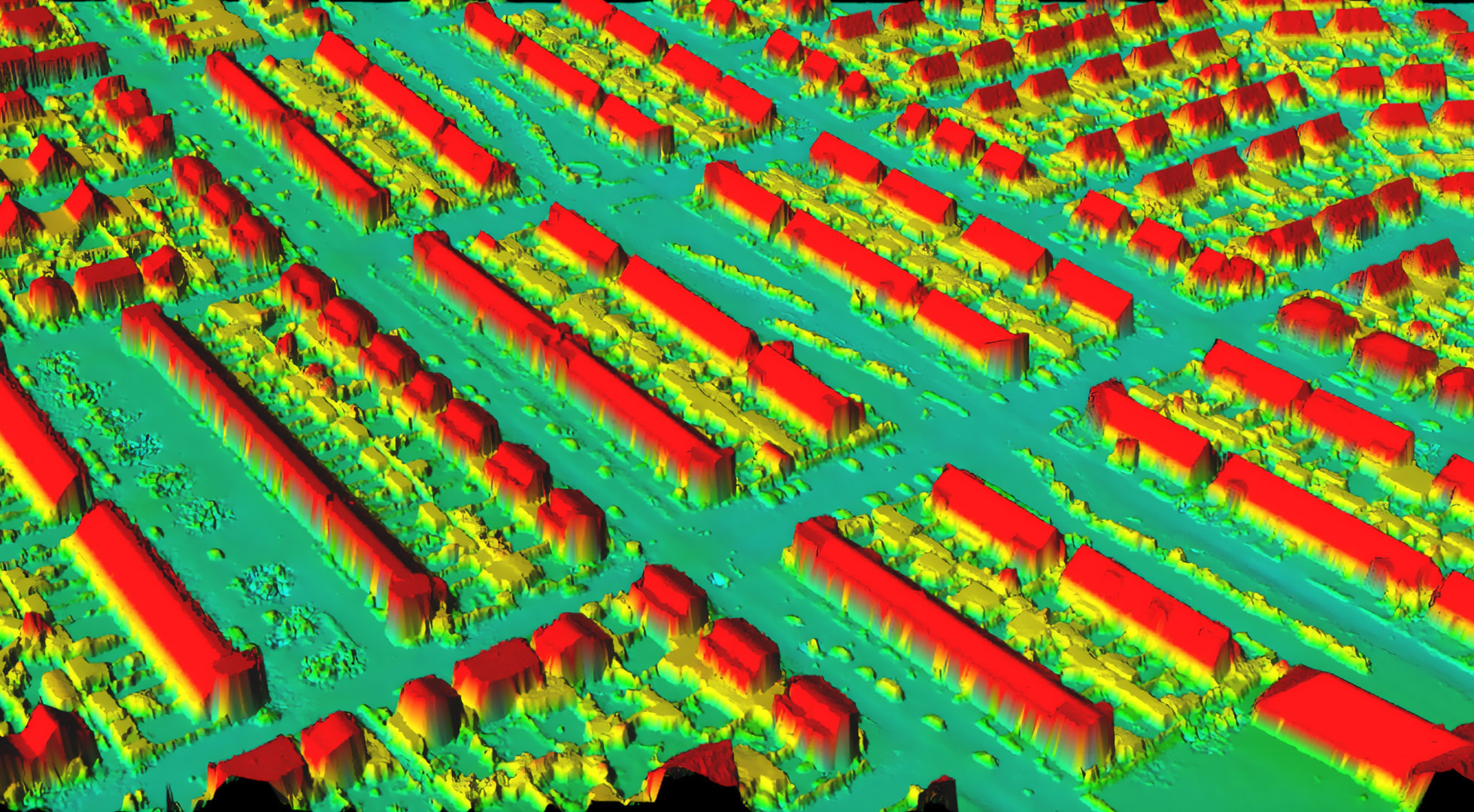
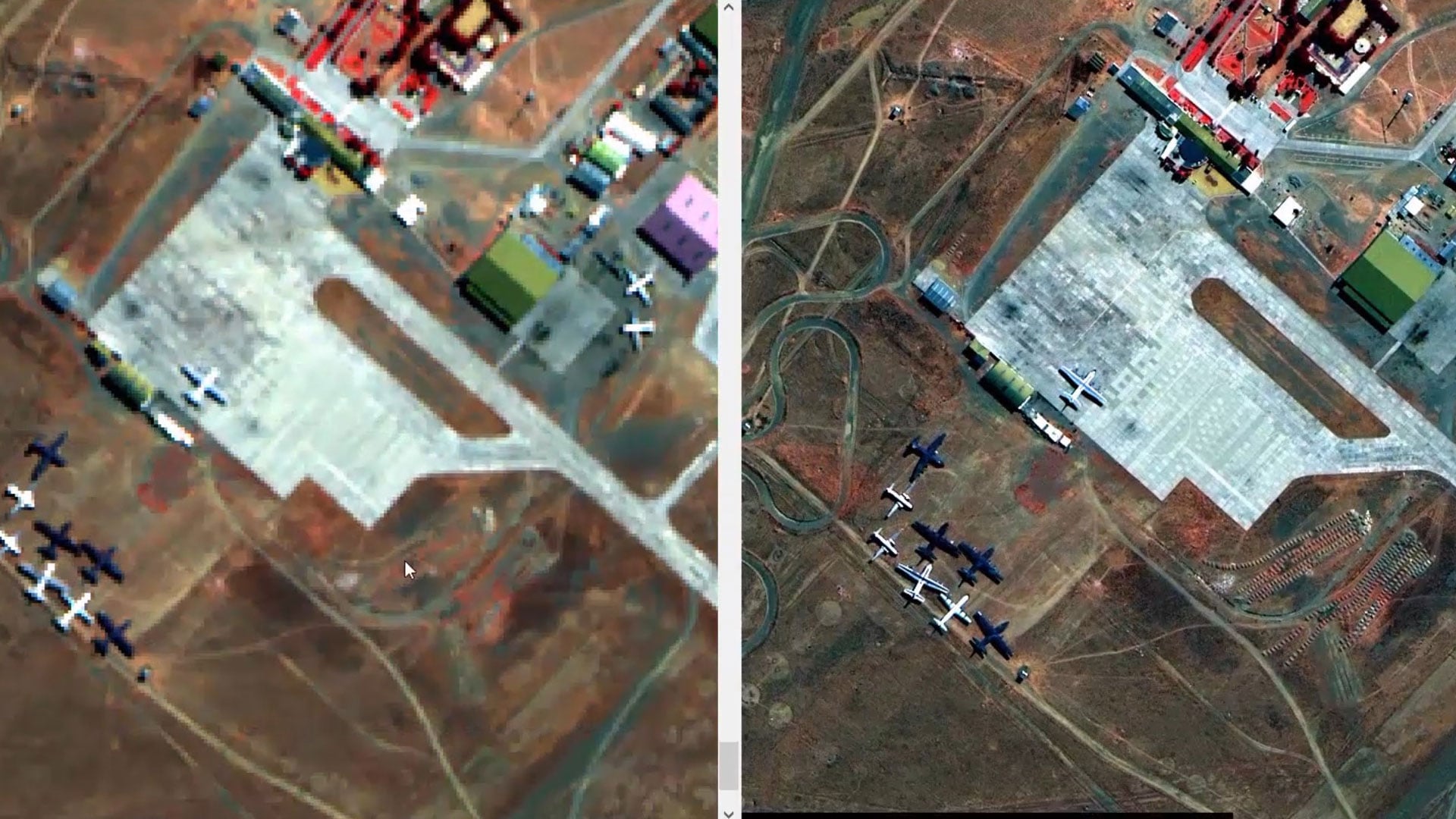
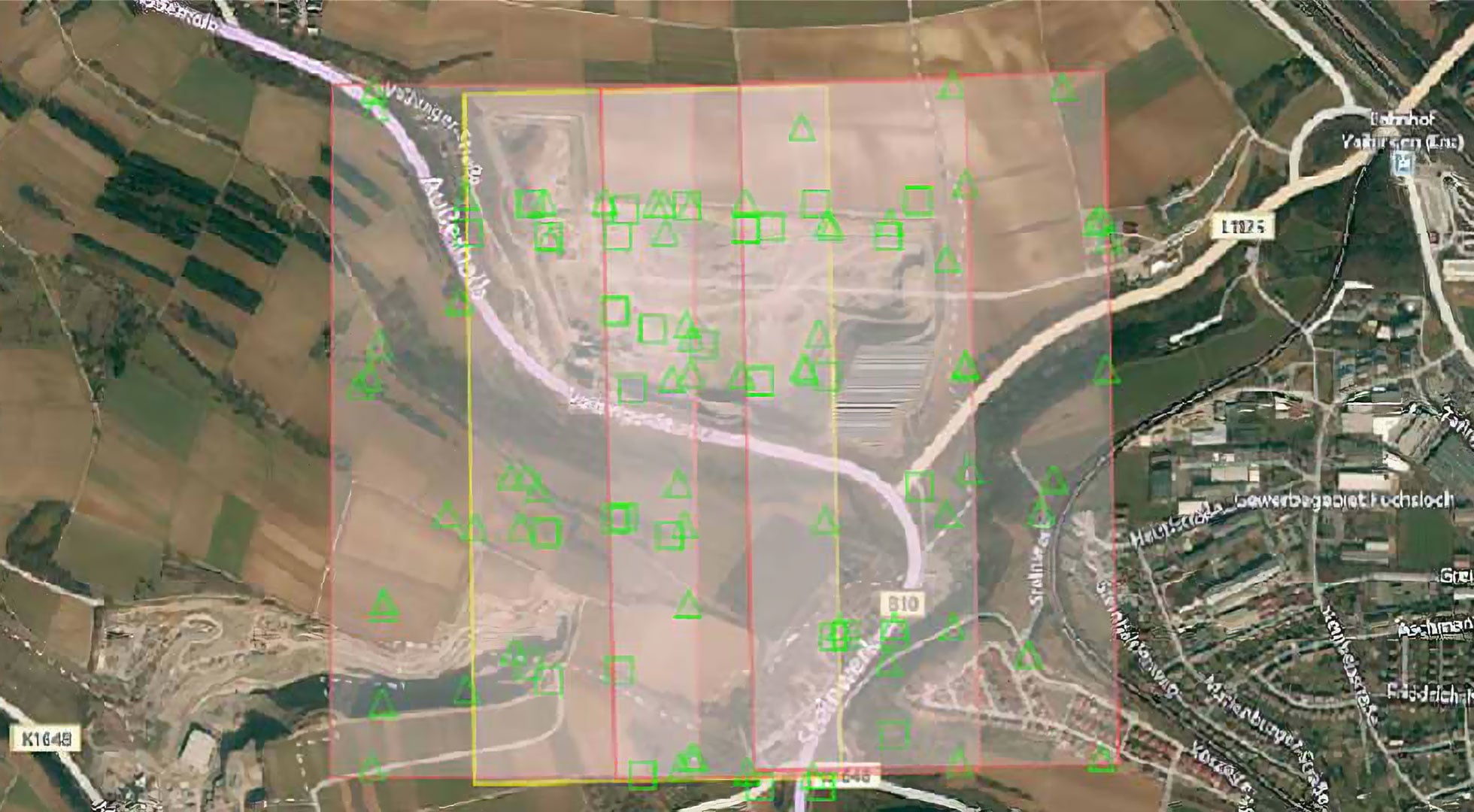
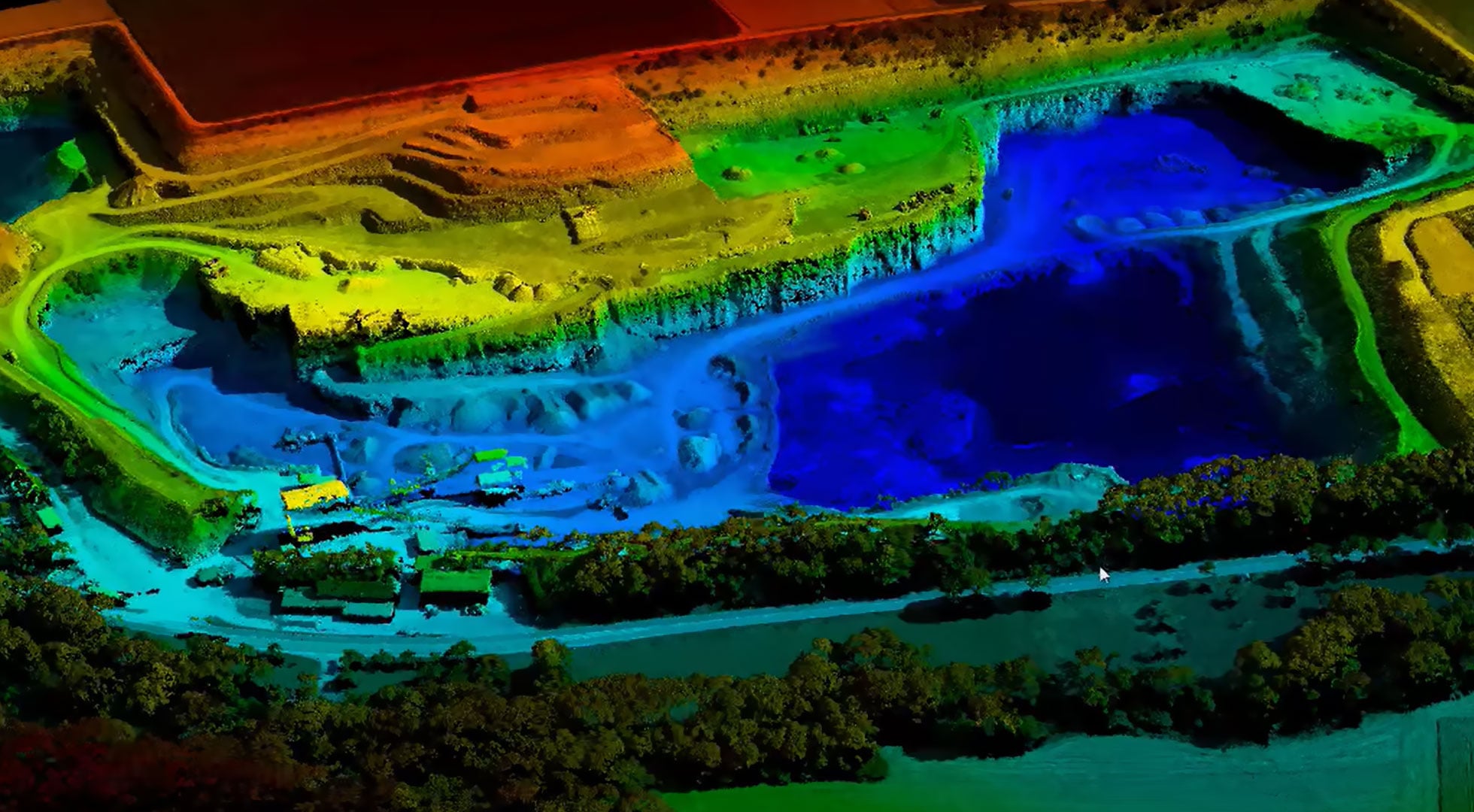


I really appreciate the depth in remote sensing functionality of ERDAS IMAGINE. It’s designed for serious raster processing and satellite imagery analysis, unlike lightweight GIS tools. The advanced classification algorithms and powerful raster calculation tools really stand out. Its robust georeferencing and orthorectification tools, comprehensive spectral analysis capabilities, and strong support for large datasets are vital for my work. I enjoy the model builder functionality that allows automating repetitive workflows, significantly improving productivity when processing multiple datasets. The software impresses with its performance in handling high-resolution imagery, dealing with large raster files without frequent crashes. Moreover, the detailed and flexible visualization tools are great. I can manipulate bands, adjust histograms, and customize rendering, which helps in improving interpretation quality. Review collected by and hosted on G2.com.
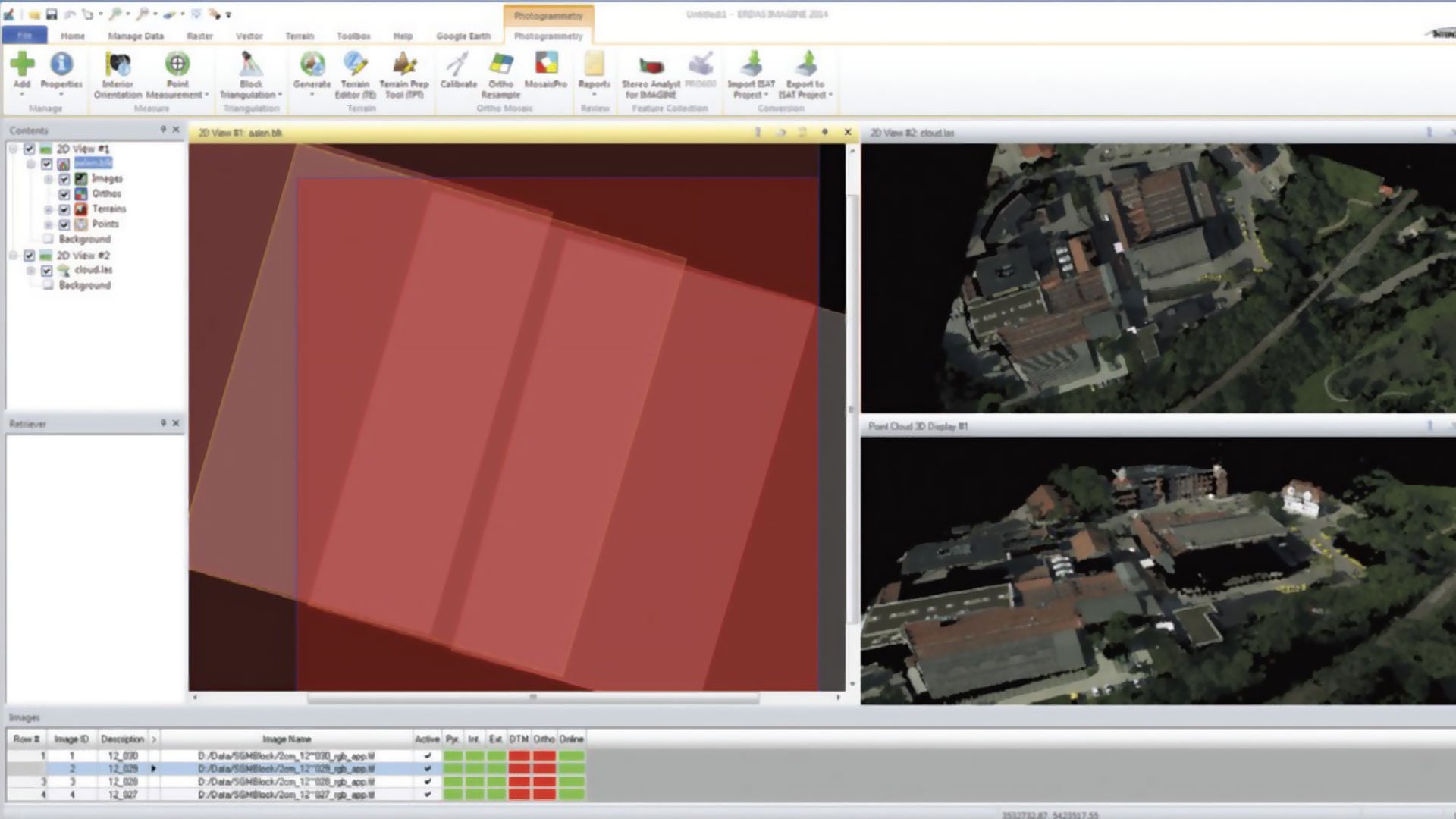
While ERDAS IMAGINE is a powerful remote sensing platform, there are areas where improvements would significantly enhance the overall user experience and efficiency. 1. Steep Learning Curve One of the main challenges is the complexity of the interface. ERDAS IMAGINE is feature-rich, which is a strength, but it can also be overwhelming for new users. The number of tools, menus, and configuration options requires time and training to fully understand. For professionals with a remote sensing background, this is manageable. However, for beginners or GIS users transitioning into advanced raster analytics, onboarding can feel intimidating. More guided workflows, built-in tutorials, or contextual help panels could make adoption smoother.2. User Interface Feels Slightly Dated The functionality is strong, but the interface design could benefit from modernization. Compared to some newer geospatial platforms, the UI feels less intuitive and slightly rigid. Certain tasks require navigating multiple dialog boxes, and the workflow is not always as streamlined as it could be. A more simplified ribbon layout, better tool grouping, and clearer visual hierarchy would improve usability. 3. Licensing Cost ERDAS IMAGINE is positioned as an enterprise-grade solution, and the pricing reflects that. For smaller organizations, academic users without institutional licenses, or independent consultants, the cost may be a barrier. While the capabilities justify the price in large-scale projects, more flexible licensing options or scaled versions for smaller teams could increase accessibility. 4. Performance with Extremely Large Datasets Although the software handles large raster files well, performance can still slow down when working with extremely high-resolution imagery combined with complex spectral or classification models. Review collected by and hosted on G2.com.