What do you like best about Animaker?
Positive Feedback – What I Like About Animaker
1. Ease of Use: Animaker simplifies creating professional videos, even for users without advanced design skills.
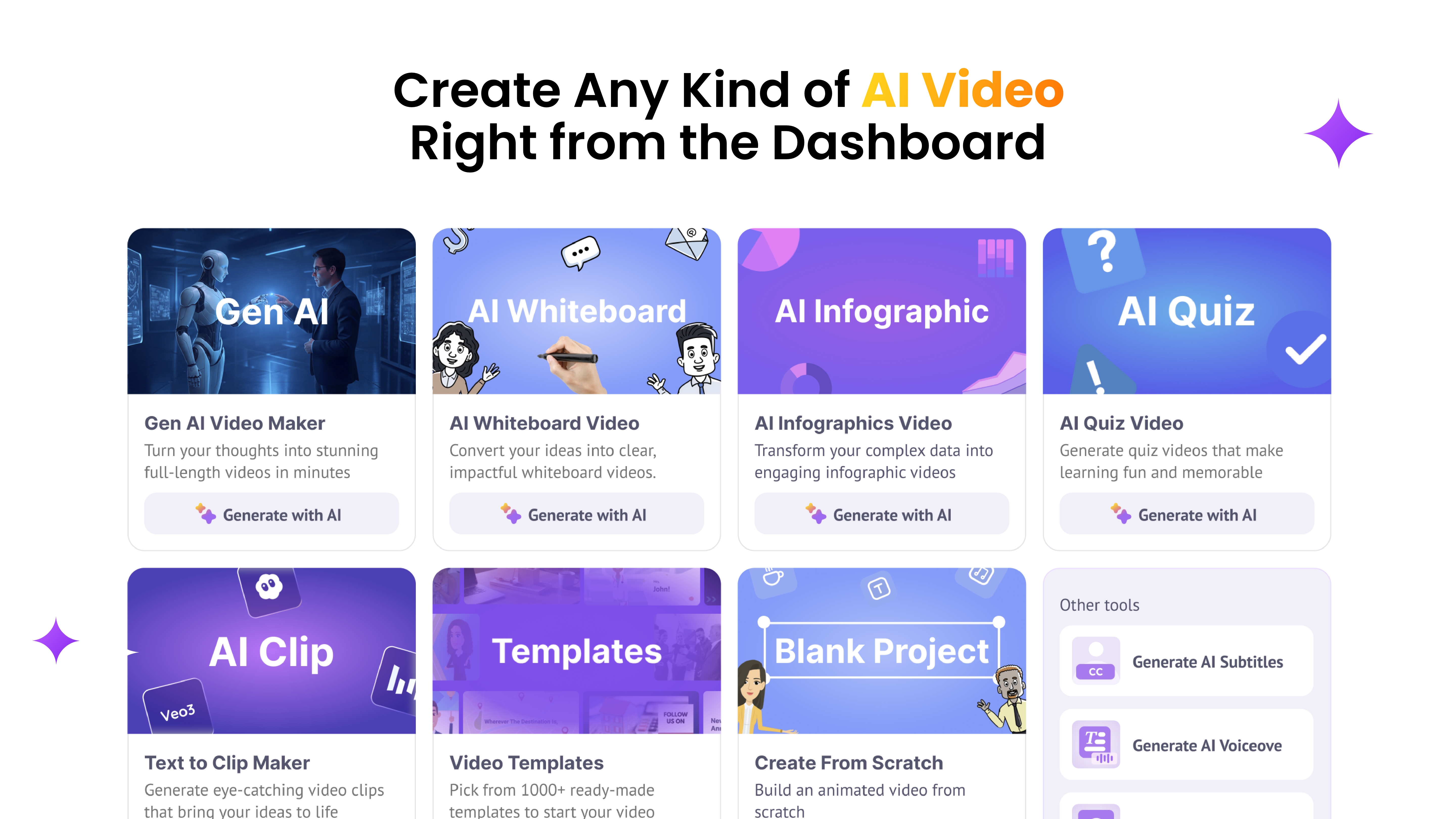
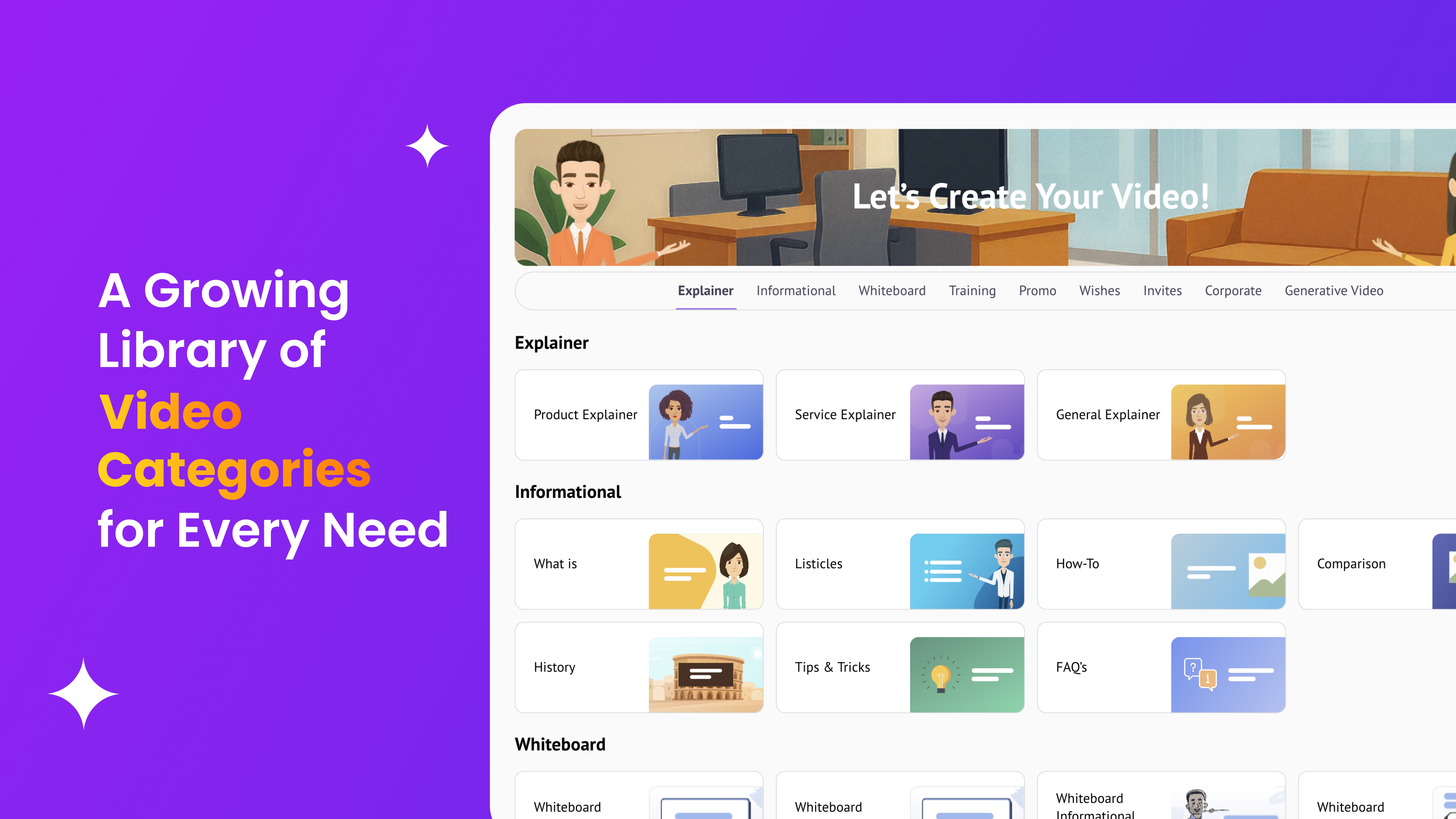
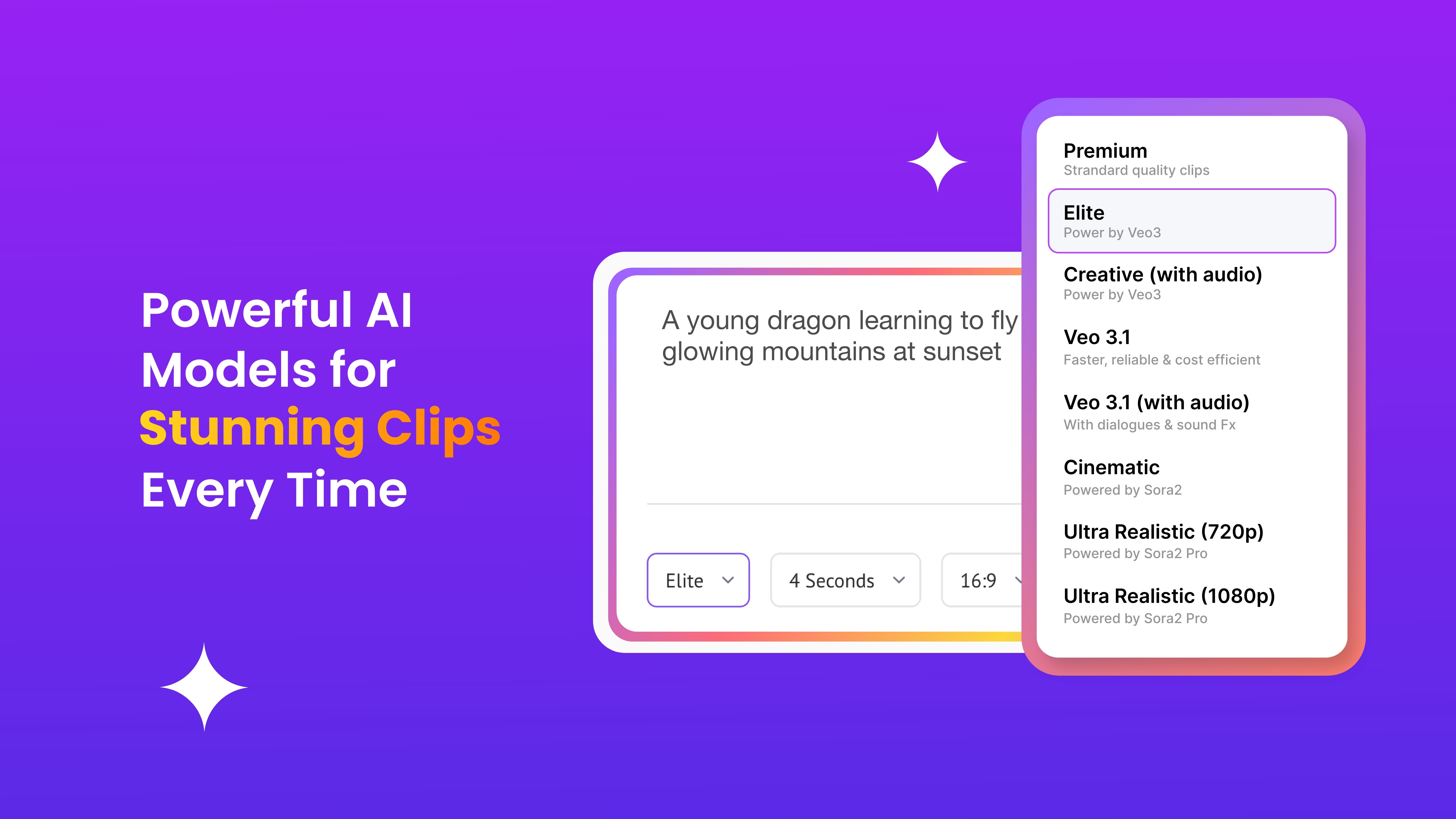
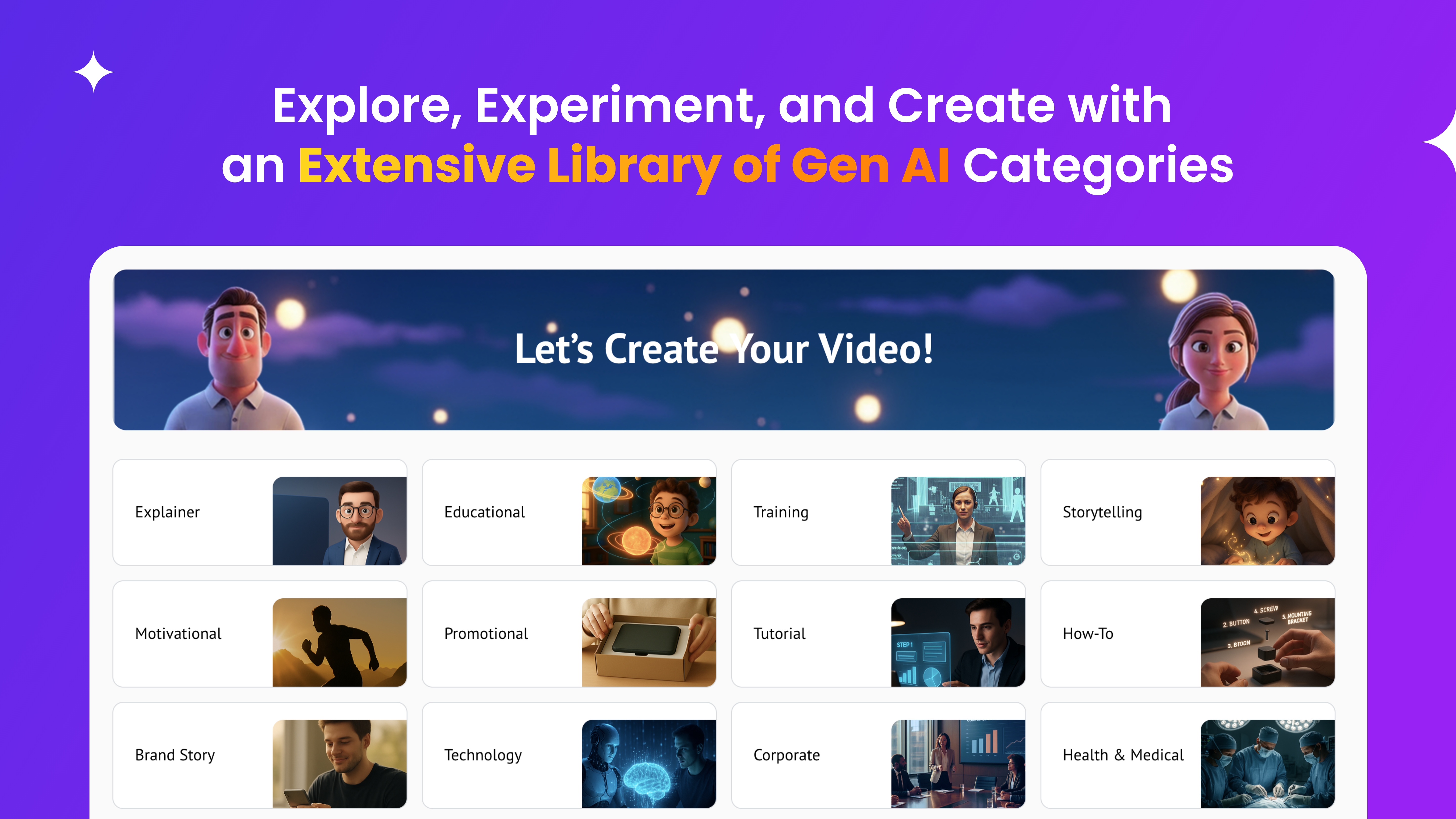
2. Efficiency & Implementation: The drag-and-drop interface, templates, and expressive characters make projects quick to complete, easy to implement, and creatively satisfying.
3. Engaging Features: Tools like voiceovers, translations, smart moves, and gestures make videos more dynamic and appealing.
4. Customer Support: The support team is responsive and helpful, usually replying within minutes or a few hours.
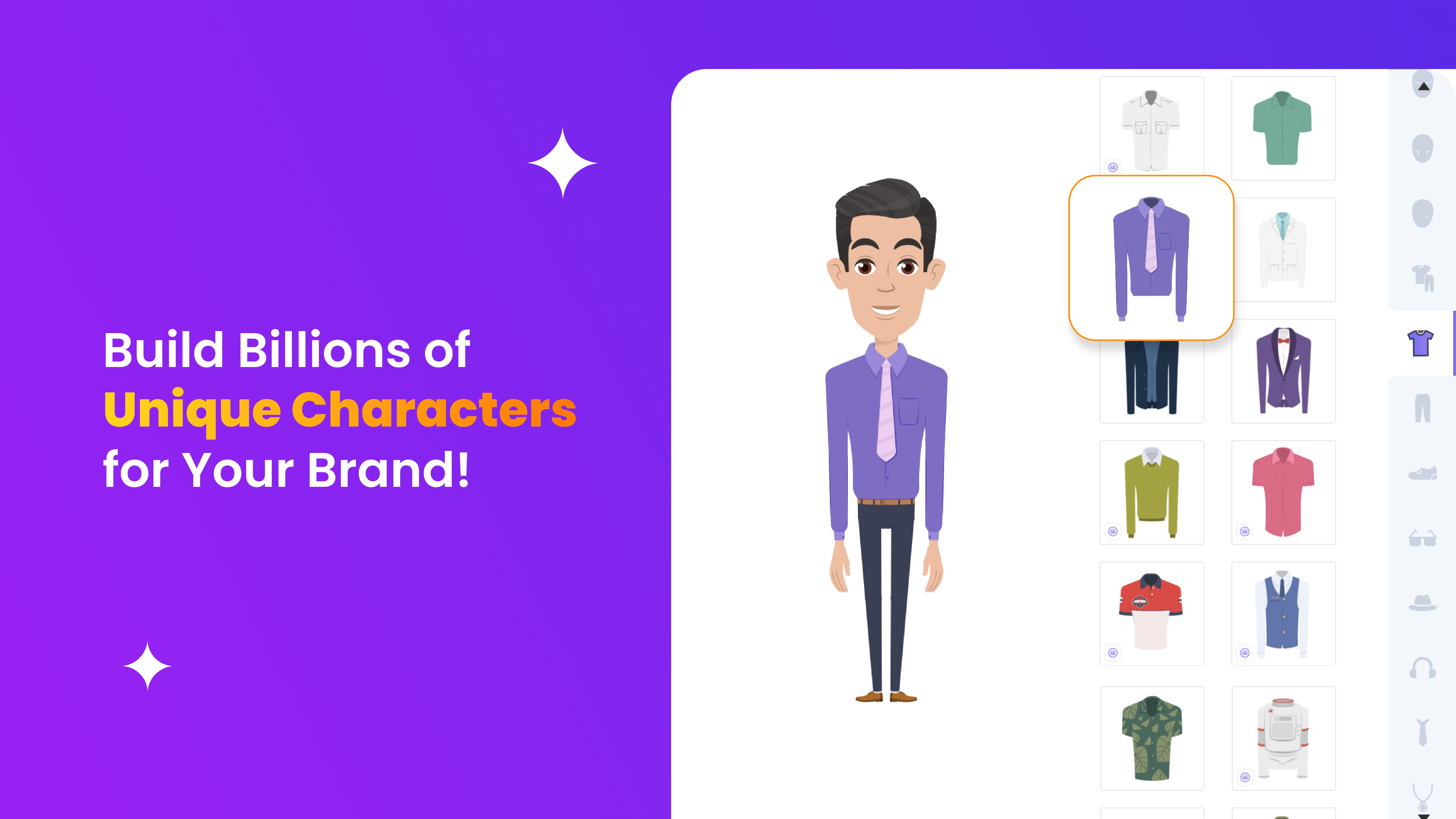
5. Character Design: The characters are expressive and lively, with particularly beautiful eyes.
Overall: Animaker enables creativity while delivering polished, professional results efficiently. I highly recommend this for creating an e-learning videos. Review collected by and hosted on G2.com.
What do you dislike about Animaker?
Negative Feedback – What I Dislike About Animaker
1. Performance: Loading and refreshing projects can be slow, which affects workflow and the frequency of use.
2. Bugs & Export Issues: Editing/export bugs occur, and some effects (e.g., Edit Image – Blur) may not appear correctly in shared links.
3. Sharing & Integration: Sharing prompts can be inconsistent (e.g., erasing the wrong sender email makes the prompt disappear). I can't send “Edit video” links, or maybe I don't know how yet.
4. No Archive Feature: Mistakenly deleted folders or videos require contacting support to retrieve, which can take a day or more.
5. Editing & Customization: Limited ability to edit text without first removing Smart Move, which is inconvenient when translating since I have to reset the Smart Move animation, and there’s no option to choose a specific folder for translated videos.
Overall: Improving speed, reliability, ease of integration, sharing, and editing options would make Animaker more user-friendly and increase its frequency of use. Review collected by and hosted on G2.com.