
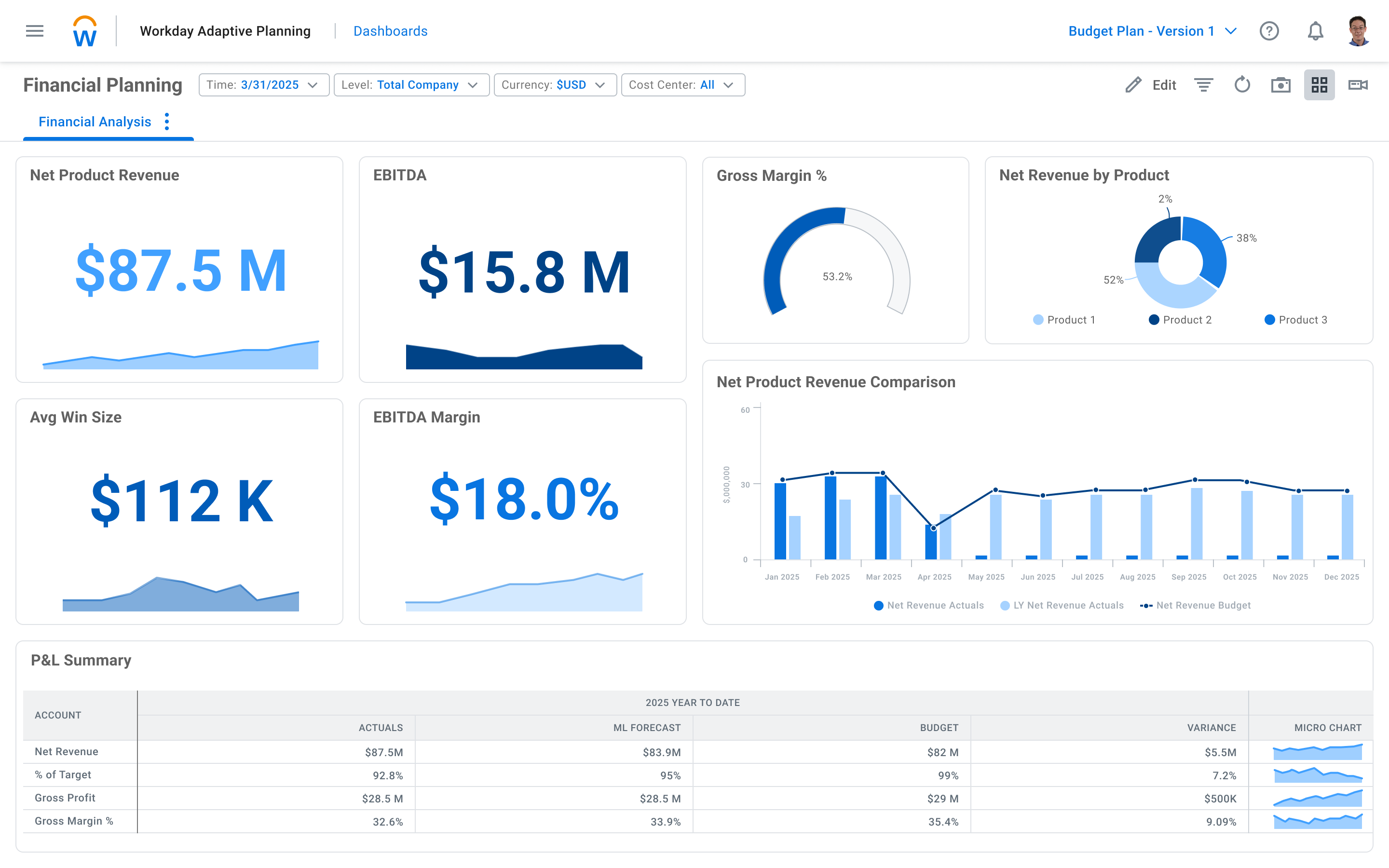
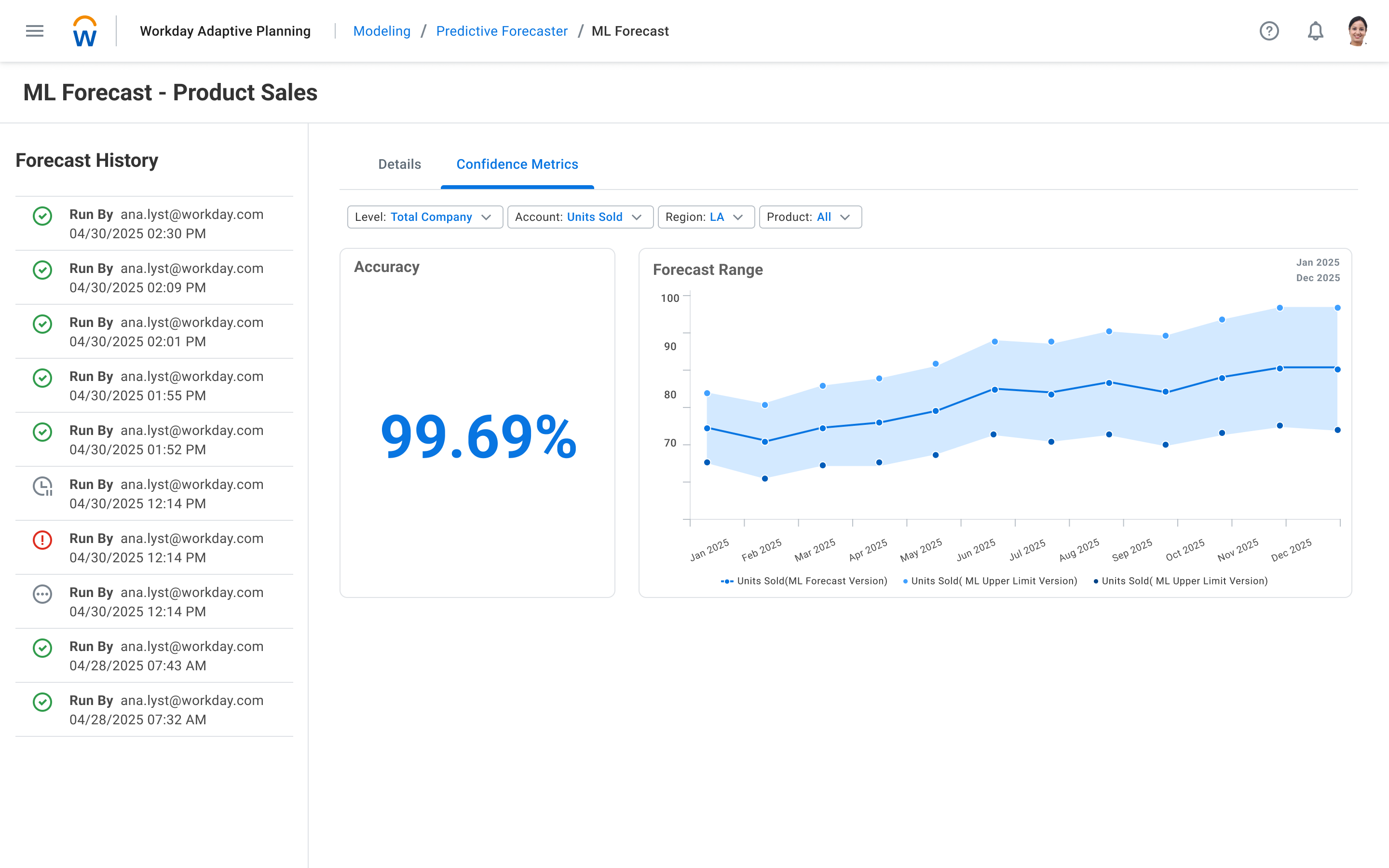
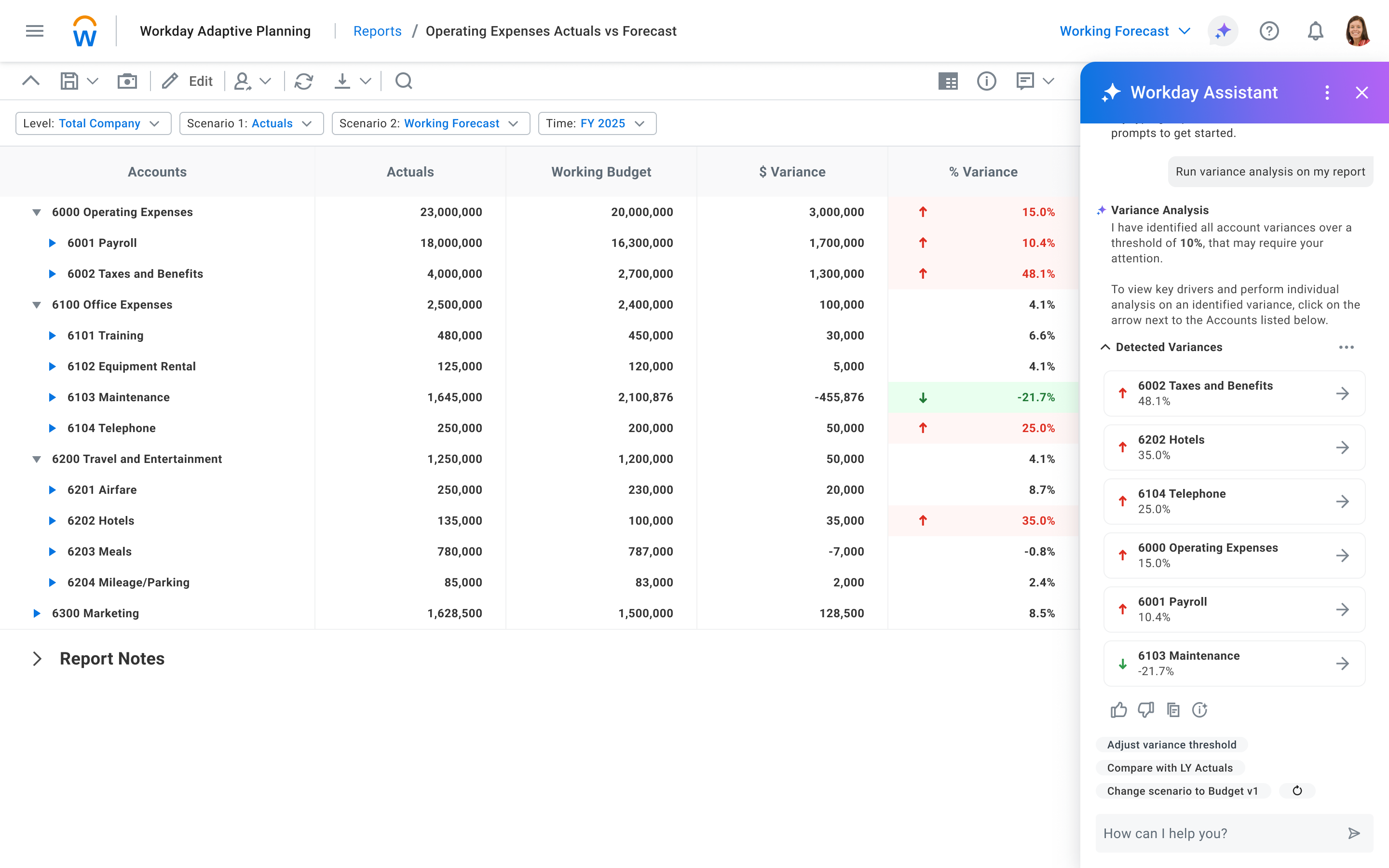
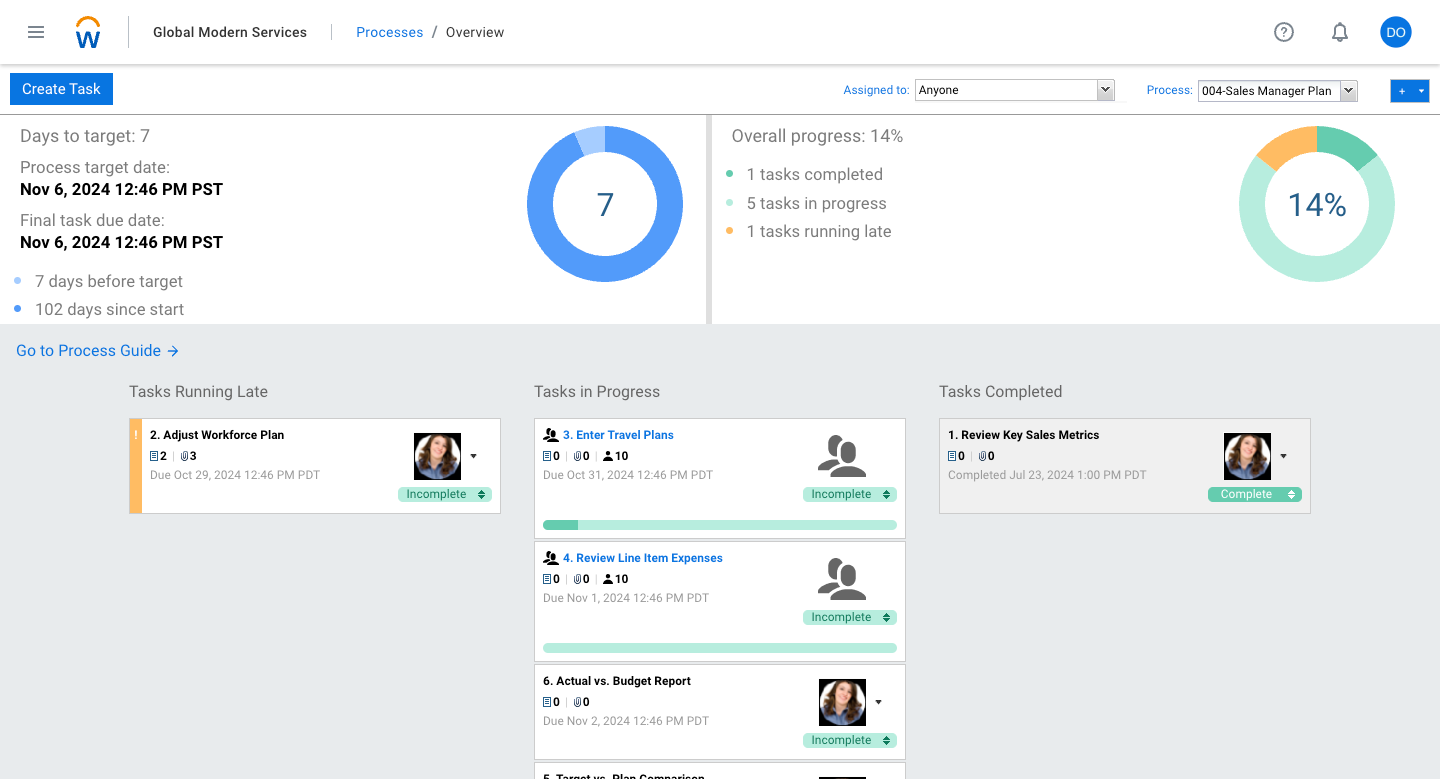
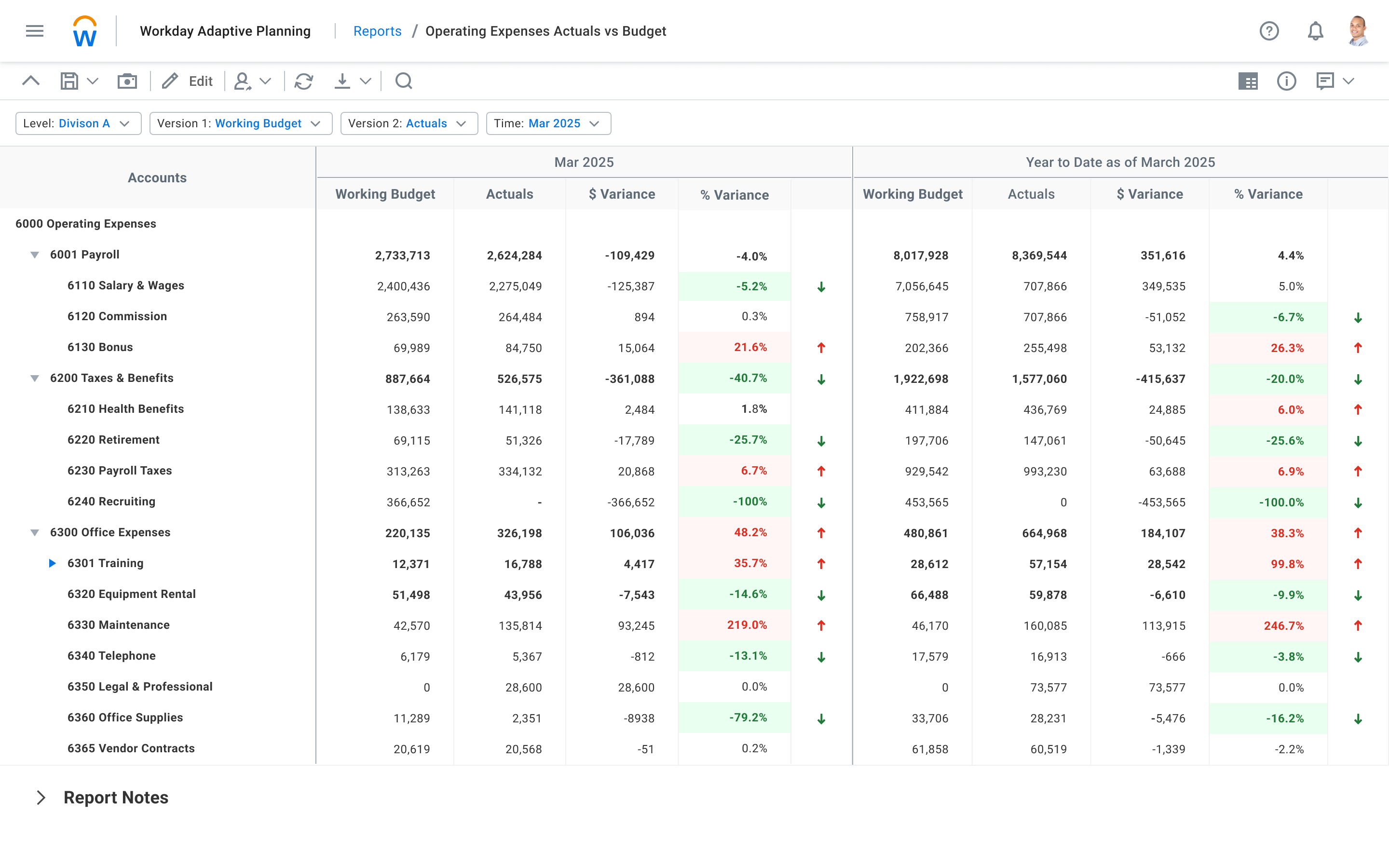

What I like best about Workday Adaptive Planning is its ability to bring structure, flexibility, and transparency to financial planning and forecasting. The platform makes it easier to build and update budgets, forecasts, and scenario models without relying heavily on manual spreadsheets, which reduces risk and improves consistency.
I also value the real-time collaboration and version control. Stakeholders across finance and the business can work from a single source of truth, with clear visibility into assumptions, changes, and impacts. This significantly improves alignment and speeds up planning cycles.
Finally, the reporting and scenario-planning capabilities are a major strength. The ability to quickly model different business outcomes and clearly communicate the financial implications helps support more proactive, data-driven decision-making across the organization. Review collected by and hosted on G2.com.
One area of frustration with Workday Adaptive Planning is the learning curve for new users. While the platform is powerful, its modeling concepts, navigation, and terminology can be complex, requiring meaningful training before users can work efficiently or confidently.
Additionally, some reporting and dashboard customization can feel rigid or time-consuming to adjust, particularly when compared to more modern, self-service analytics tools. Making small changes to views or reports often requires deeper system knowledge than expected.
Finally, performance can be an issue with large models or complex calculations. As data volumes and scenario complexity increase, load times and recalculations can slow down workflows, which can be disruptive during critical planning cycles. Review collected by and hosted on G2.com.