

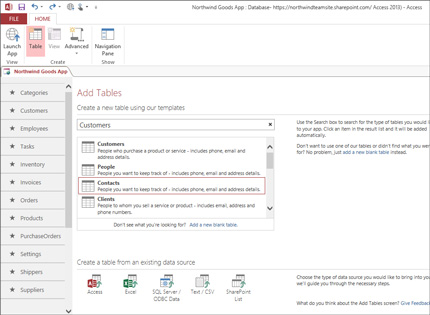

What I like most about Microsoft Access is its Ease of Use. Even without deep technical knowledge, I was able to create tables and simple databases quickly. The interface feels familiar, especially if you have used other Microsoft Office tools before. Another strong point is the Ease of Implementation, because setting up a working database does not take much time. I was able to start small and then expand my project step by step.
The Frequency of Use is also high for me since I use it regularly for organizing data and simple reporting tasks. It is very practical for daily operations. I also appreciate the Number of Features it offers, such as forms, queries, and reports, which help automate tasks. These features are useful without being too complicated.
The Ease of Integration with other Microsoft products like Excel is a big advantage. I can easily import and export data without problems. This saves time and reduces manual work. Additionally, the Customer Support from Microsoft and the availability of online resources make it easier to solve issues when they come up. Overall, it is a reliable tool for small to medium-sized database needs. Reseña recopilada por y alojada en G2.com.
One downside is that it can become slow when working with large datasets. It is not always the best option for big or complex systems. The interface, while simple, can feel a bit outdated compared to newer tools. Sometimes, the Ease of Integration is limited when working with non-Microsoft platforms.
I also noticed that collaboration can be difficult when multiple users try to work on the same database. Even though it has a good Number of Features, some advanced features are not as powerful as other database systems. Lastly, while Customer Support exists, finding very specific solutions can take time. Reseña recopilada por y alojada en G2.com.


