¿Qué es lo que más te gusta de Jira?
What I like best about Jira is its ability to bring structure and visibility to complex project management workflows.
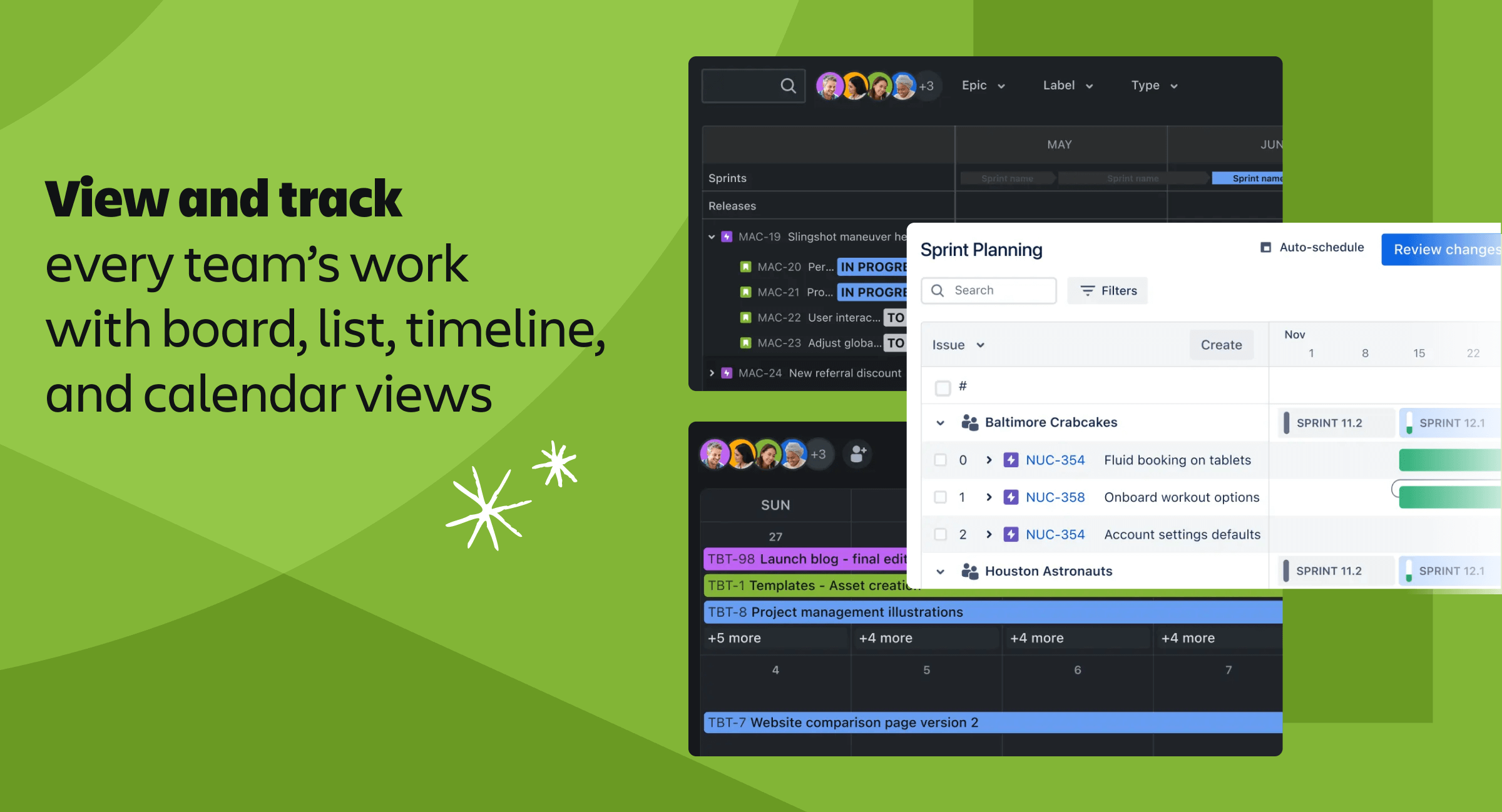
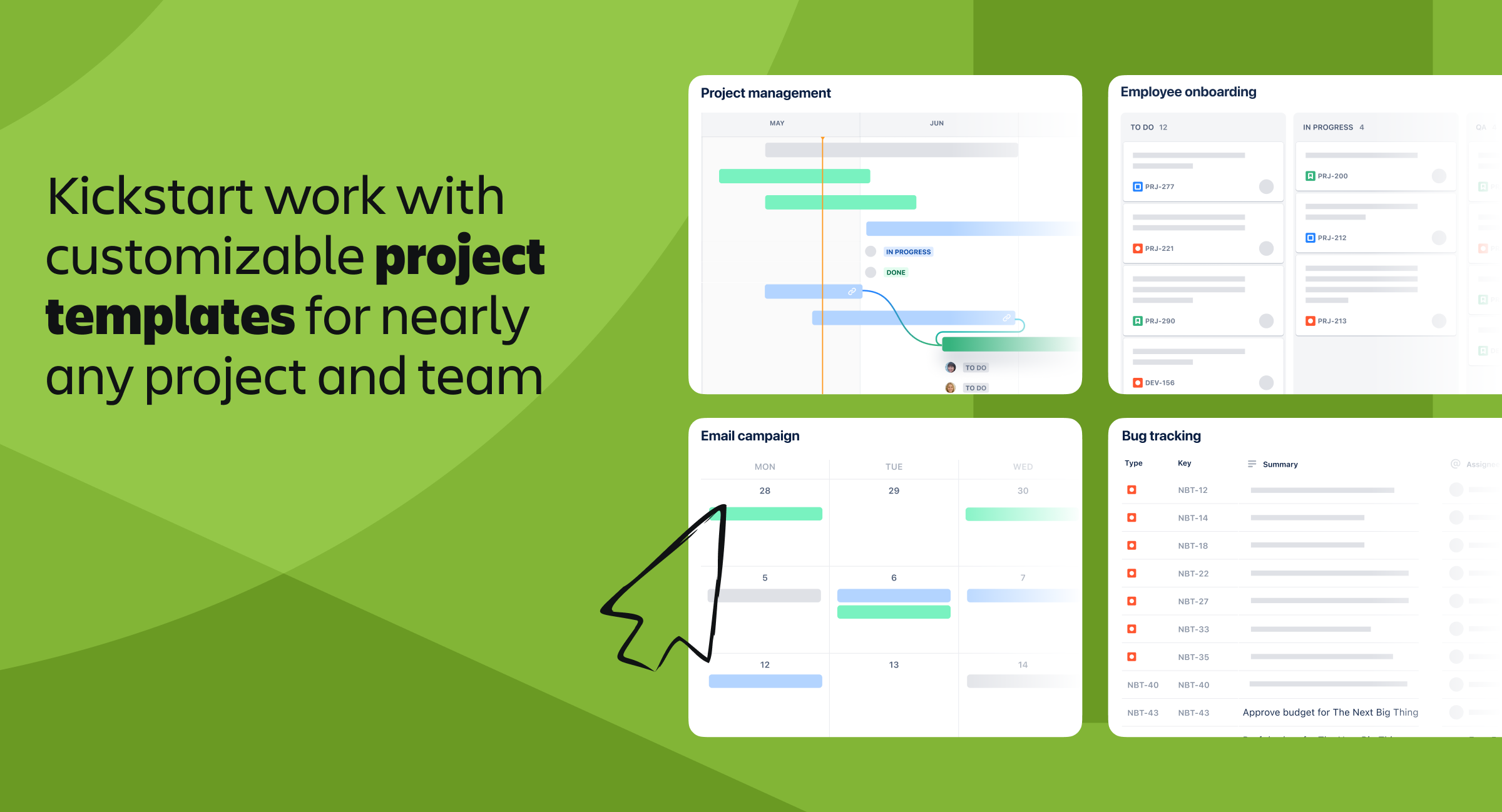
From a UI/UX perspective, while it can feel dense at times, the interface is highly customizable. Boards (Scrum/Kanban), backlogs, and dashboards make it easy to track progress, manage tasks, and visualize work clearly once set up properly.
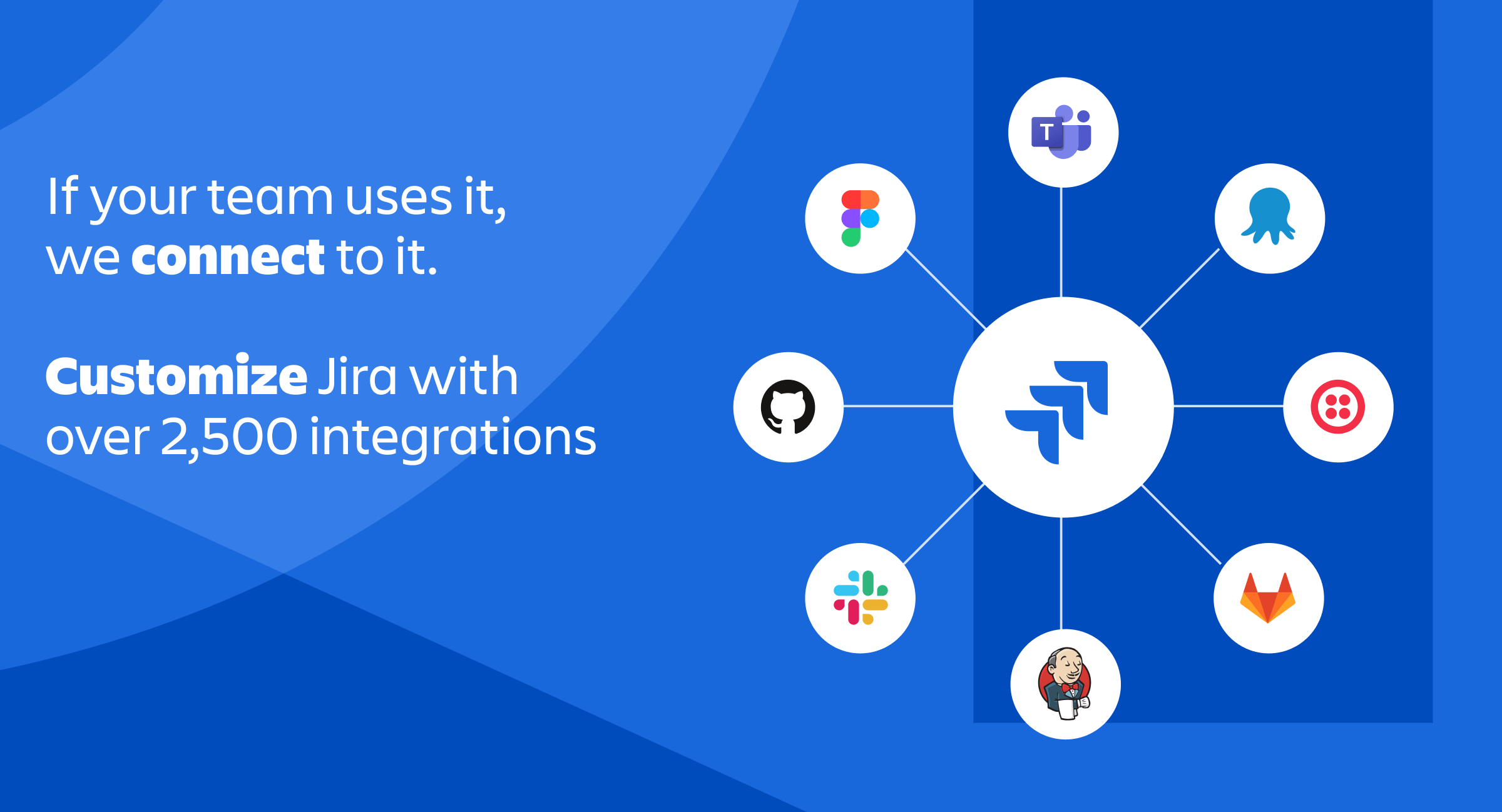
In terms of integrations, Jira is extremely powerful. It integrates seamlessly with tools like Confluence, Slack, GitHub, Bitbucket, and CI/CD pipelines, allowing me to connect development, documentation, and communication in one ecosystem.
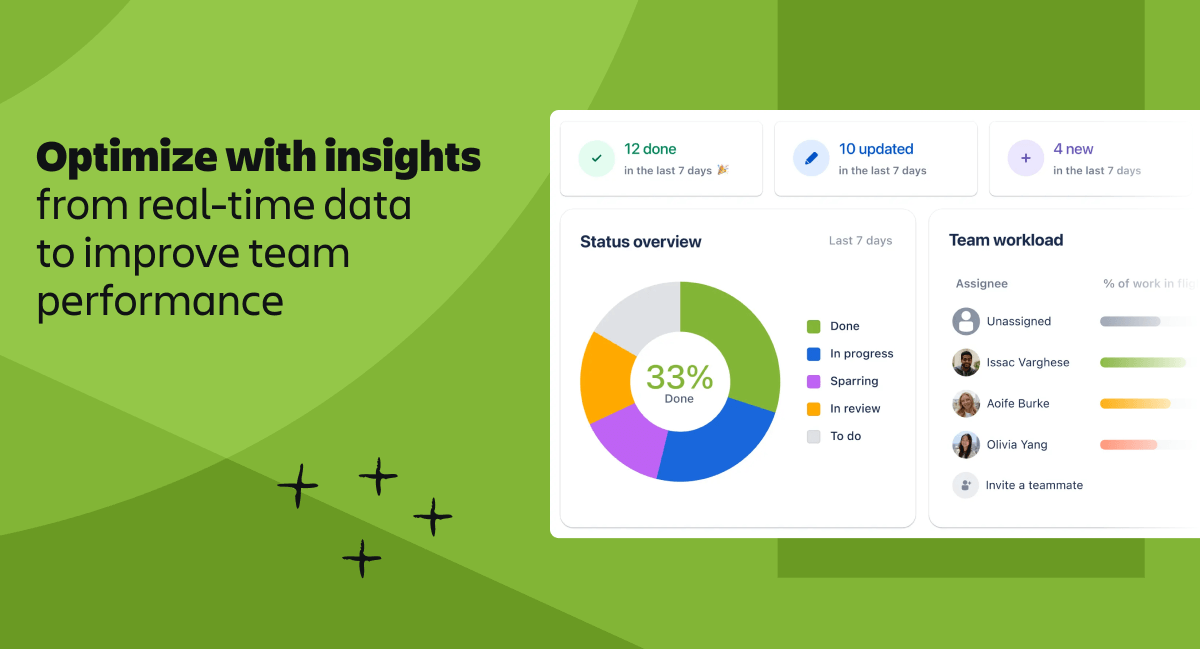
On performance, Jira handles large projects and teams reliably. It supports detailed workflows, issue tracking, and reporting without breaking, which is crucial for scaling teams and managing complex projects.
From a pricing/ROI standpoint, although it can be expensive for smaller teams, the depth of features, like automation, reporting, and workflow customization, delivers strong value by improving team efficiency and accountability.
Regarding support and onboarding, there is a bit of a learning curve, especially for new users, but extensive documentation, templates, and community resources make it easier to get started and scale usage over time.
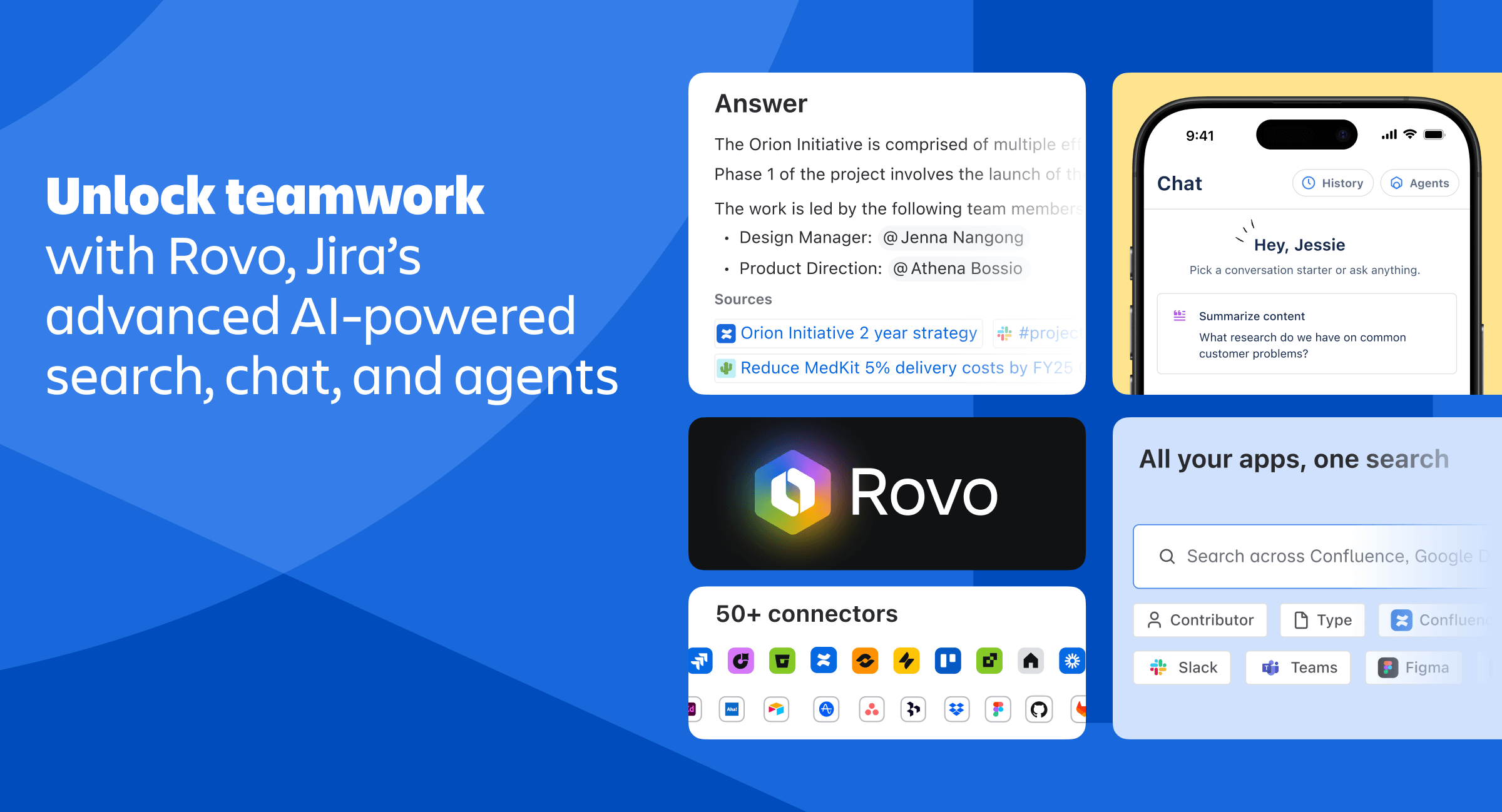
For AI/Intelligence, Jira is evolving with features like smart automation, predictive insights, and integrations with Atlassian Intelligence. These help in automating repetitive tasks, generating summaries, and improving decision-making, although the AI capabilities are still growing.
Frequency of Use: I use Jira daily, as it is central to tracking tasks, managing sprints, and coordinating with the team. Reseña recopilada por y alojada en G2.com.
¿Qué es lo que no te gusta de Jira?
What I dislike about Jira is that, while powerful, it can often feel overly complex and heavy for everyday use.
From a UI/UX perspective, the interface can be cluttered and unintuitive, especially for new users. Navigating between boards, backlogs, and issue details sometimes requires multiple clicks, and too many configuration options can make simple tasks feel complicated.
In terms of integrations, although Jira supports many tools, managing and maintaining those integrations can become complex, particularly in large setups with custom workflows.
On the performance side, Jira can occasionally feel slow, especially with large projects, heavy boards, or extensive issue histories. This can impact productivity when quick updates are needed.
From a pricing/ROI standpoint, costs can add up as teams scale, and some advanced features are only available in higher-tier plans, which may not be ideal for smaller teams.
Regarding support and onboarding, there is a noticeable learning curve. New users often need time and training to fully understand workflows, permissions, and configurations, which can slow initial adoption.
For AI/Intelligence, while Atlassian is introducing AI features, they are still evolving and not always deeply integrated into daily workflows yet, limiting their immediate impact compared to more AI-focused tools.
Frequency of Use: I use Jira daily, so these limitations are noticeable in regular workflows. Reseña recopilada por y alojada en G2.com.