Virtual Desktop Infrastructure (VDI) Software Resources
Articles, Glossary Terms, Discussions, and Reports to expand your knowledge on Virtual Desktop Infrastructure (VDI) Software
Resource pages are designed to give you a cross-section of information we have on specific categories. You'll find articles from our experts, feature definitions, discussions from users like you, and reports from industry data.
Virtual Desktop Infrastructure (VDI) Software Articles

How to Turn VDI Into a Remote Worker's Dream

What Is Software-defined Storage? Benefits and Best Solutions

How to Stay Organized When Closing Books Remotely
How VDI Security Can Offer Your Business Peace of Mind
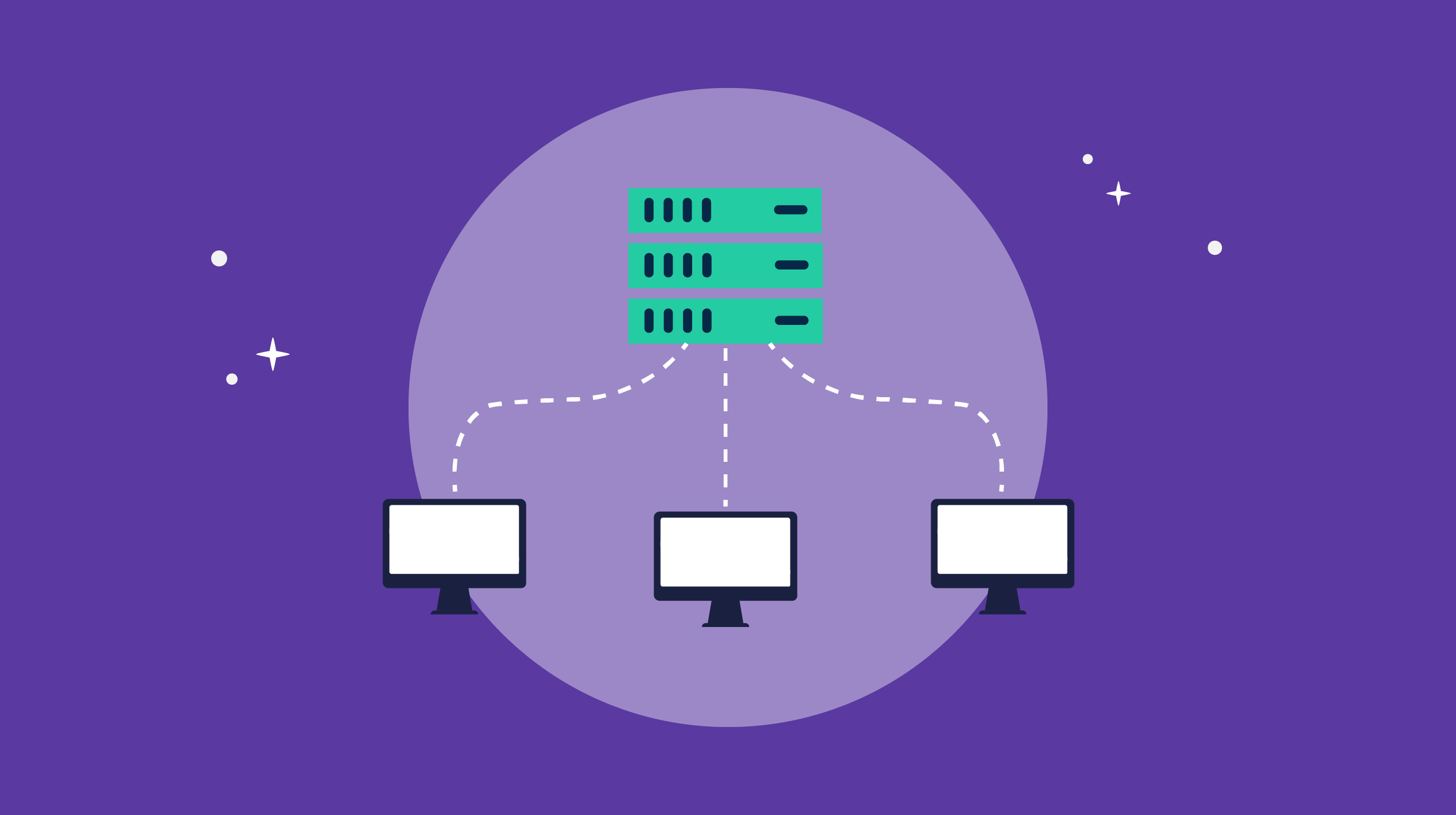
VDI Implementation: It Doesn't Have to Be a Headache

How COVID-19 Is Impacting Data Professionals

The G2 on the Cloud: The History of Cloud Adoption
Virtual Desktop Infrastructure (VDI) Software Glossary Terms
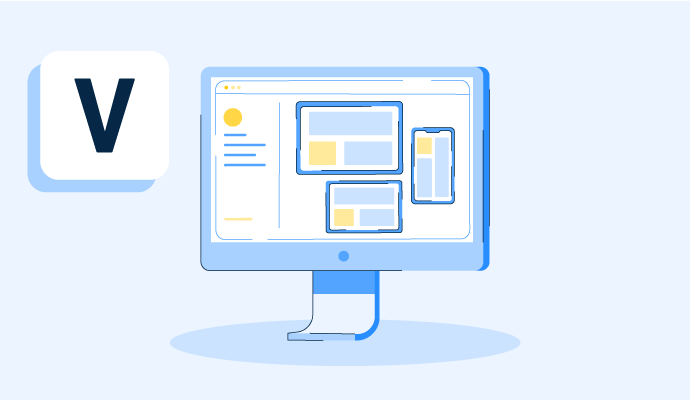
A virtual desktop is an operating system hosted on a central server and streamed to any device. Learn how virtual desktops work, plus their pros and cons.

Hyperconverged storage is an element of hyperconverged infrastructure. Discover how hyperconvergence works and helps organizations scale.
Virtual Desktop Infrastructure (VDI) Software Discussions
The 50–500 employee range is where VDI decisions get genuinely interesting. You're past the point where a handful of physical machines covers everything, but you're probably not ready for the full complexity of an enterprise deployment either. What matters at this size is something that doesn't require a dedicated team to run, scales without a procurement nightmare, and won't create a licensing headache six months in.
Based on Small Business and Mid-Market Grid scores in the virtual desktop infrastructure (VDI) category:
- Nerdio Manager (4.7 stars, 231 reviews): Best for companies already in the Microsoft ecosystem, particularly Azure. Reviewers at this size describe Azure cost reductions of 15–80% through autoscaling, and the fact that provisioning a new employee desktop is now a template application rather than a manual build. The Momentum Grid score of 92 is the highest in the category.
- V2 Cloud (4.7 stars, 248 reviews): Best for teams that want a fully managed cloud desktop with minimal IT overhead. Reviewers describe having a new VDI environment up and running in about 20 minutes, with support available by phone, chat, and email. The setup stories are consistently about non-IT people getting things running without needing outside help.
- VirtualBox (4.5 stars, 294 reviews): Best for teams that need flexible local virtualization at no licensing cost for the base product. Mid-market reviewers describe it as the tool they reach for when they need to run multiple OS environments on a single machine without spinning up cloud infrastructure. Important note: the Extension Pack requires a paid Oracle license for commercial use.
- Kasm Workspaces (4.7 stars, 49 reviews): Best for companies with security-first requirements, particularly those where browser-based isolated workspaces matter. Reviewers in financial and IT services describe it as replacing RDP server infrastructure with a solution that is easier to manage and less exposed.
For companies in this range, what drove the VDI decision? Was it a remote work expansion, a compliance requirement, or just the cost of refreshing hardware?
The Nerdio and V2 Cloud picks align with what shows up most at this size. Workspot is also a good pick, with reviewers describing small IT teams handing off the entire VDI stack without adding headcount. For a remote-work push, its regional cloud-PC placement is what they cite; for compliance, the managed model shifts more of the security load to the vendor.
The 50–500 employee range is where VDI decisions get genuinely interesting. You're past the point where a handful of physical machines covers everything, but you're probably not ready for the full complexity of an enterprise deployment either. What matters at this size is something that doesn't require a dedicated team to run, scales without a procurement nightmare, and won't create a licensing headache six months in.
Based on Small Business and Mid-Market Grid scores in the virtual desktop infrastructure (VDI) category:
- Nerdio Manager (4.7 stars, 231 reviews): Best for companies already in the Microsoft ecosystem, particularly Azure. Reviewers at this size describe Azure cost reductions of 15–80% through autoscaling, and the fact that provisioning a new employee desktop is now a template application rather than a manual build. The Momentum Grid score of 92 is the highest in the category.
- V2 Cloud (4.7 stars, 248 reviews): Best for teams that want a fully managed cloud desktop with minimal IT overhead. Reviewers describe having a new VDI environment up and running in about 20 minutes, with support available by phone, chat, and email. The setup stories are consistently about non-IT people getting things running without needing outside help.
- VirtualBox (4.5 stars, 294 reviews): Best for teams that need flexible local virtualization at no licensing cost for the base product. Mid-market reviewers describe it as the tool they reach for when they need to run multiple OS environments on a single machine without spinning up cloud infrastructure. Important note: the Extension Pack requires a paid Oracle license for commercial use.
- Kasm Workspaces (4.7 stars, 49 reviews): Best for companies with security-first requirements, particularly those where browser-based isolated workspaces matter. Reviewers in financial and IT services describe it as replacing RDP server infrastructure with a solution that is easier to manage and less exposed.
For companies in this range, what drove the VDI decision? Was it a remote work expansion, a compliance requirement, or just the cost of refreshing hardware?
The Nerdio and V2 Cloud picks align with what shows up most at this size. Workspot is also a good pick, with reviewers describing small IT teams handing off the entire VDI stack without adding headcount. For a remote-work push, its regional cloud-PC placement is what they cite; for compliance, the managed model shifts more of the security load to the vendor.
What is a compute instance?