Photo Editing Software Resources
Articles, Glossary Terms, Discussions, and Reports to expand your knowledge on Photo Editing Software
Resource pages are designed to give you a cross-section of information we have on specific categories. You'll find articles from our experts, feature definitions, discussions from users like you, and reports from industry data.
Photo Editing Software Articles
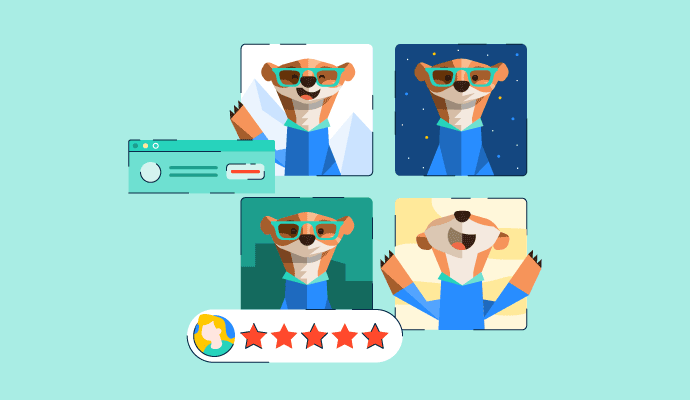
10 Best AI Image Generator Software for 2024

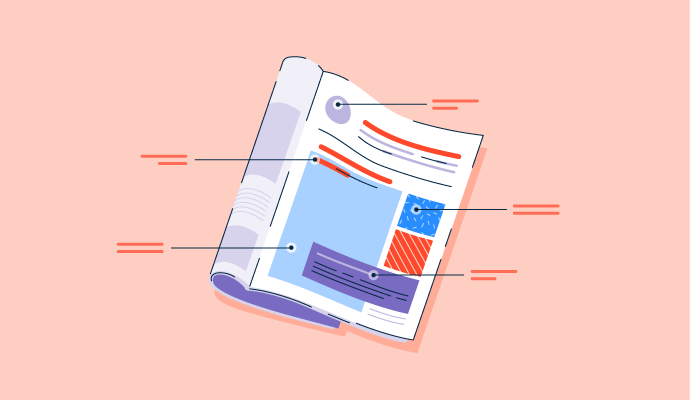
Magazine Layout: 6 Tips to Fine-Tune Your Spread
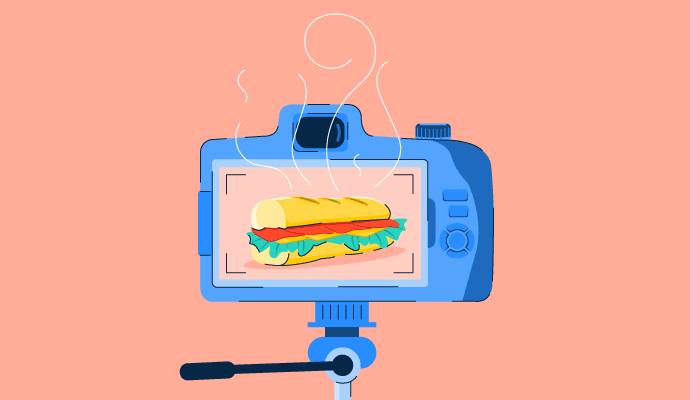
The Dish on Food Photography: 10 Tips for Success

The 6 Color Schemes to Keep Everything Picture Perfect
Photo Editing Software Glossary Terms
Image compression reduces the size of a digital image. Compare lossy and lossless compression techniques, their benefits, and when to use them.
Explore our Technology Glossary
Browse through dozens of terms to better understand the products you purchase and use everyday.
Photo Editing Software Discussions
At G2, we did some heavy lifting to sift through 4,400+ reviews, backed by personal experience, to answer this question. You can find the full article at the end of this summary. Canva Pro is a widely used graphic design tool, but is the upgrade worth it? While many users appreciate its premium features, some question whether the free version is sufficient. 💰 Pricing Overview: Canva Free: Basic design tools with limited templates. Canva Pro: $120/year for individuals, offering advanced features like background remover, brand kits, and premium templates. Canva for Teams: Starts at $150/year, designed for collaboration. Pros: ✅ Easy-to-use interface, even for beginners ✅ Vast library of templates and design assets ✅ Time-saving features like background remover and brand kits Cons: ❌ Some advanced features still limited ❌ Free version may be sufficient for casual users ❌ Pricing can add up for larger teams With over 80% of G2 reviewers giving Canva Pro a 5-star rating, most users find it valuable. However, some argue that free alternatives or Adobe tools might be better for professional designers. Have you tried Canva Pro? Is it worth the investment for your needs? Read the full article here: https://learn.g2.com/canva-pro-worth-it
Indeed, I can't think of any other web based software that can match it's outstanding performance in terms of photo editing, text editing and tweaking, Ai tools in extracting any object out of photos and AI for making shorts, videos and much more, you can imagine of an idea, Canva pro is going to handle it in a way that makes you outperform any task, any time and with high quality results.
Yes Canva Pro is a Game Changer and A big support in my Graphic Design Freelance Journey. The Best Design APP. you could Do any thing on it
In today’s date, Canva Pro is not really worth it for many freelancers. Small businesses often hire junior designers because they cannot afford high charges. Even if someone watches YouTube tutorials and learns basic design guidance, they can work as a designer for a small brand. Canva Pro helps here because its templates make creating good designs easier. Many small creators use Canva Pro to make digital products and sell them on platforms like Etsy, generating decent revenue.
How are digital artists using Adobe Photoshop's latest features to push the boundaries of digital art?
Digital artists today are using Photoshop’s latest AI tools like Generative Fill, smart masking, and neural filters to create concepts that were almost impossible earlier.From my own experience, these features save hours of manual work and let me focus more on creativity rather than technical steps. It honestly feels like Photoshop has become a creative partner helping artists push boundaries, experiment faster, and turn imagination into visuals within minutes.

